Usually yes. A separate browser profile is a smart way to handle apartment inquiries because it reduces autofill leaks, account mix-ups, and tracking spillover across listing sites, landlord forms, and tour schedulers.
If you are contacting multiple listings or using a separate inbox for first contact, a dedicated browser profile gives you cleaner separation without making the rental search harder to manage.
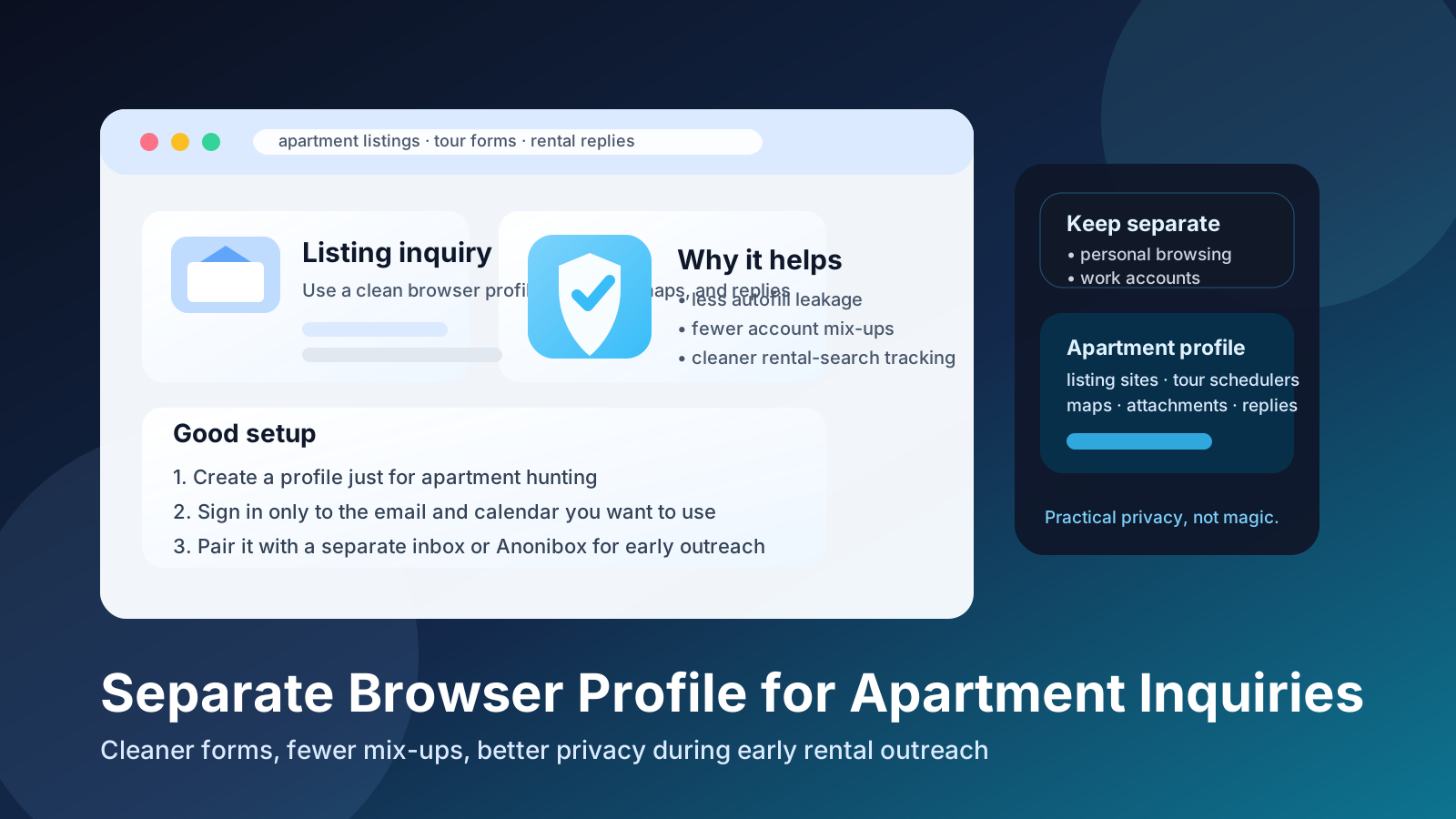
Apartment hunting looks simple from the outside: browse listings, send a few messages, schedule a tour, and move on. In practice, it gets messy fast. You may open listing aggregators, broker pages, Facebook Marketplace posts, management portals, map links, calendar schedulers, rental application forms, roommate tools, and endless follow-up emails. When all of that happens inside your everyday browser profile, it becomes very easy to leak the wrong contact details, save the wrong passwords, or blend your normal online life into a search that should stay more contained.
That is why many privacy-conscious renters ask whether a separate browser profile is worth the trouble. In most cases, it is. You do not need a complicated security setup. A plain dedicated browser profile for apartment inquiries can make the whole process cleaner, more organized, and less error-prone.
Short answer: usually yes
If you are actively apartment hunting, a separate browser profile is usually one of the easiest useful upgrades you can make. It creates a dedicated space for listing-site logins, autofill data, tour links, saved searches, cookies, and rental-related bookmarks. That reduces ordinary mistakes and gives you better control over what information gets reused across forms.
It is especially helpful early in the process, when you are contacting multiple landlords or property managers and do not yet know which listings are legitimate, which ones are stale, and which ones will turn into weeks of follow-up. A separate profile helps you keep that noise out of the browser environment you use for work, banking, shopping, travel, and personal communication.
Why apartment inquiries create browser risk so quickly
Apartment inquiries are not just emails. They are a chain of browser actions. You click “contact landlord” buttons, open gallery pages, view floor plans, compare neighborhoods, use map links, schedule tours, download PDFs, create portal accounts, and sometimes move from first contact into full application systems. Every step creates chances for overlap.
That overlap shows up in a few common ways:
- Autofill leaks: your browser may offer your full home address, work email, current employer, or personal phone number in forms where you would rather start with less.
- Account mix-ups: you may open the wrong Gmail account, save a tour to the wrong calendar, or reply from an address you did not mean to use.
- Tracking sprawl: listing sites, ad networks, and lead-routing tools can all live in the same browser space as your everyday browsing.
- Password clutter: temporary housing portals and application systems get mixed into the same saved-login pool as more important accounts.
- Shared-device confusion: if you search with a partner, roommate, or family member, rental tabs and logins can quickly become hard to untangle.
None of this means apartment websites are automatically malicious. It means apartment hunting produces more account switching and more form-filling than people expect. A separate profile helps contain that ordinary mess before it becomes a privacy problem.
Main benefits of a separate browser profile for apartment inquiries
1. Fewer autofill mistakes
This is the most practical benefit. Browsers remember a lot: names, addresses, emails, phone numbers, card details, employers, and old form entries. That convenience is great until you are rushing through rental forms and your browser suggests information you did not plan to share yet.
A clean apartment-search profile makes it much less likely that you accidentally drop your main work email into a listing form, expose an old address you do not want reused, or hand over extra personal details just because the browser offered them.
2. Cleaner separation between serious life admin and rental search noise
Rental searches often create clutter: saved searches, marketing popups, repeated follow-up prompts, and tabs you only need for a few days. By keeping that activity in its own profile, your normal browser stays calmer. That may sound minor, but it makes a big difference when you are balancing work, moving logistics, and real-life decisions at the same time.
3. Fewer account mix-ups
If you use a separate email address for apartment hunting, a dedicated browser profile makes that strategy much easier to maintain. You can stay logged in only to the accounts you want tied to listing inquiries. That lowers the chance of sending a message from the wrong inbox, saving attachments to the wrong cloud drive, or opening scheduling links under the wrong identity.
This is also where a temporary inbox can fit naturally. For early-stage outreach on unfamiliar or spam-heavy platforms, some people pair a dedicated browser profile with a separate search email or a temporary inbox from a service like Anonibox. That gives you an extra layer of separation before a listing proves itself worth more personal contact information.
4. Better organization during a fast-moving search
Apartment hunting can become a swarm of tabs. A separate profile gives you one place for bookmarked buildings, saved tour links, map tabs, notes pages, and application portals. When you come back later, you do not have to dig past unrelated shopping tabs, work dashboards, or random personal browsing history.
5. Easier scam screening
A dedicated profile will not magically stop scams, but it can make suspicious behavior easier to spot. If an inquiry flow tries to push you into sketchy redirects, pop-ups, or sloppy third-party forms, that activity is at least isolated from the browser session you use for everything else. It is a containment tool, not a guarantee.
When a separate browser profile helps the most
You will get the biggest benefit in situations like these:
- You are messaging many listings across several websites in a short time.
- You are using listing aggregators or lead forms and are not sure where your inquiry will be routed.
- You are browsing Craigslist, Facebook Marketplace, roommate sites, or other mixed-trust sources.
- You are relocating to a new city and expect weeks of ongoing search activity.
- You are trying to keep apartment hunting separate from a current employer, shared family device, or ordinary personal browsing.
- You already plan to use a separate email, separate phone number, or dedicated calendar for rental activity.
In all of those cases, the profile becomes part of a larger workflow: one browser space for apartment hunting, one inbox for replies, and one set of bookmarks and saved logins that exist only for that project.
When it may be less necessary
A separate browser profile is useful, but it is not mandatory in every situation. If you are only contacting one verified property management company through its official website and you do not expect a broad search, the benefit is smaller. The same is true if you are already very disciplined about account separation and never let your browser save autofill or passwords.
Even then, many people still like the organizational advantage. It is often less about extreme privacy and more about keeping the process tidy.
How to set up an apartment-inquiries browser profile well
1. Create one clearly named profile
Name it something obvious like Apartment Search, Housing, or Rentals. The goal is to make switching intentional. If the name is clear, you are less likely to open a listing in the wrong environment out of habit.
2. Sign in only to the accounts you actually want to use
If you have a dedicated email account for housing replies, sign into that one and leave your everyday accounts out. If you use a separate calendar for tours, keep that inside the apartment profile too. The fewer unrelated accounts you bring in, the cleaner the setup stays.
3. Review autofill, saved addresses, and payment settings
Do not assume a new profile is perfectly clean by default. Check whether it imported addresses, card details, contact info, or synced passwords. For apartment inquiries, you usually want as little extra personal data sitting in autofill as possible.
4. Keep the bookmarks relevant
Save only the things you will actually revisit: listing pages, property manager sites, maps, neighborhood notes, tour schedulers, and application portals. That makes it much easier to compare options later without losing track of which listings were real contenders.
5. Decide when to move from first contact to formal application mode
The profile can stay useful throughout the search, but your communication strategy may change. Early outreach may justify more separation. Once you are working with a verified landlord or property manager on a serious application, you may choose to keep using the same profile while switching to a more stable inbox and document workflow.
Separate browser profile vs. incognito mode
Incognito mode helps for one-off checks, but it is usually not the best long-term tool for apartment hunting. It forgets cookies and most session state after you close it, which means you may keep redoing logins, saved preferences, and portal steps. That gets annoying quickly if you are comparing many listings or returning to the same management portal over several days.
A separate browser profile is usually better because it gives you both separation and continuity. You can isolate rental activity without constantly starting over.
What a separate browser profile does not solve
It is useful, but it has limits:
- It does not make you anonymous to a landlord, broker, or website if you choose to submit your real details.
- It does not fix privacy problems caused by using a work laptop or employer-managed browser.
- It does not verify whether a listing itself is legitimate.
- It does not replace good judgment about deposits, ID documents, background checks, or lease paperwork.
Think of it as a practical hygiene step. It reduces accidental overlap. It does not replace verification or common sense.
A simple workflow that works well for most renters
- Use the apartment-search browser profile for listing discovery, early contact forms, maps, and tour pages.
- Pair it with a separate inbox for rental replies.
- Use a temporary inbox only for the earliest low-trust outreach if you truly just need first replies or verification.
- Verify the listing and the contact before sending more personal information.
- Move serious application steps into a stable, monitored communication setup once the listing proves real.
This staged approach gives you privacy at the noisy beginning without making you unreliable later when actual tour times, application links, and lease conversations matter.
Red flags to watch during apartment inquiries
A cleaner browser setup helps, but it should make you more observant, not less. Slow down if you see:
- pressure to send money before a viewing,
- requests for excessive personal information too early,
- messages pushing you off-platform immediately to random apps,
- listing details that do not match the photos, address, or market price,
- portals or forms that look sloppy, broken, or unrelated to the actual property.
If something feels off, a separate profile has already done one useful thing: it kept that suspicious flow from living inside the same browser context as your everyday online life.
Final answer
Yes, usually. A separate browser profile is one of the easiest low-effort ways to make apartment inquiries cleaner, more private, and better organized.
It helps most when you are contacting multiple listings, using unfamiliar platforms, or trying to keep your rental search separate from your normal accounts and autofill data. It will not solve every privacy problem, but it meaningfully reduces small mistakes that add up fast during apartment hunting. If you want a practical middle ground between doing nothing and overcomplicating the process, this is a very good place to start.