Usually yes — Hide My Email can be a sensible choice for data broker removal services when you want to shield your main inbox while still receiving verification links, scan updates, support replies, and renewal notices.
It works best as a durable relay alias inside an Apple-centered setup, but a full separate mailbox may still be better if this becomes a long-term privacy workflow you depend on heavily.
That is the practical answer behind searches for hide my email for data broker removal services. The email decision matters more here than it first appears. Data broker removal services often begin as a simple signup, but the account can quickly turn into the place where you receive verification links, dashboard alerts, identity-check requests, support replies, billing notices, and reminders to review or renew your plan later. If you use the wrong address, you either expose an inbox you wanted to keep private or you make the relationship harder to manage over time.
Hide My Email sits in a useful middle ground. It is more durable than a disposable inbox, but it still lets you avoid handing your everyday address directly to another vendor by default. For people already using Apple devices and iCloud-driven workflows, that can be a clean, low-friction privacy upgrade.
Why the email choice matters for data broker removal services
People usually sign up for data broker removal services because they want less exposure, not more. That makes the signup address part of the privacy decision, not just an administrative detail. If you use the same long-lived personal inbox tied to years of shopping accounts, newsletters, old logins, family sharing, and account recovery, you are adding one more place where that address can circulate.
At the same time, this is rarely a one-and-done workflow. You may need to confirm a request, review scan results, follow up on unresolved records, or keep renewal reminders visible so the service does not quietly lapse. A fully temporary inbox can be useful during early evaluation, but once the account matters, disposability becomes a weakness. For this use case, most people need separation without losing continuity.
What Hide My Email does well here
1. It masks your everyday address from the provider
The main advantage is simple: the service sees a relay address instead of the personal email you use everywhere else. That does not make you anonymous and it does not guarantee perfect privacy, but it does reduce unnecessary exposure of a valuable identifier. For a category built around shrinking your data footprint, that is a meaningful improvement over casually reusing your oldest inbox.
2. It is more stable than a throwaway inbox
Data broker removal services often send emails long after the first signup. You may get opt-out confirmations, support threads, billing notices, and reminders to revisit settings later. A disposable inbox is fine for quick testing, but it is fragile for anything you may need again next month or next year. A relay alias is usually better when you still want the messages later.
This is where Anonibox can fit naturally in the larger process. A temporary inbox is useful while you compare signup friction or test whether a provider immediately floods you with marketing email. Once you decide a service is worth keeping, a stable relay alias or separate mailbox is usually the cleaner long-term move.
3. It supports one-address-per-provider discipline
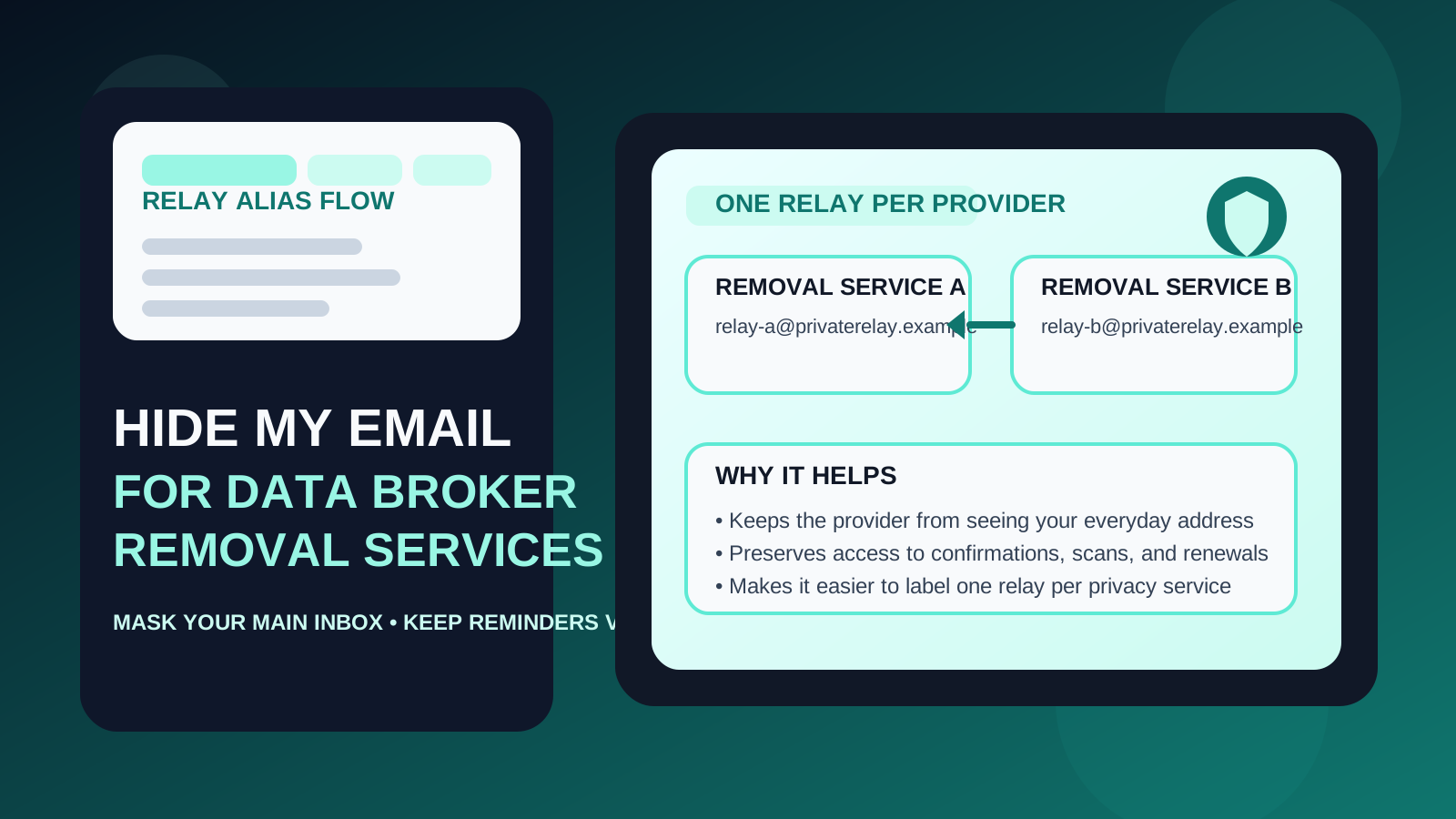
One underrated benefit of alias-style tools is visibility. If you use a distinct relay for each provider, you can tell which relationship is generating which messages. That makes inbox rules easier to manage and can also help you notice when a specific service starts sending more outreach than you expected.
In practice, that means fewer mysteries later. You know which vendor sent the renewal notice, which dashboard sent the status update, and which relationship is tied to a support reply or verification thread.
4. It keeps setup friction low for Apple users
Some people never build a better privacy system because the “ideal” one feels like too much work. Hide My Email can be appealing because it adds separation without forcing you to create and monitor an entirely new mailbox on day one. If you already live in Apple mail and iCloud, that lower friction makes it more likely you will actually maintain the system.
Where Hide My Email can fall short
It is still a relay layer, not a fully separate mailbox
That distinction matters. The provider may not see your everyday address directly, but the messages still end up routed into an inbox you already use. If you want a truly separate privacy-management environment, a dedicated mailbox is still cleaner.
Long-term portability may matter more than it seems
Some people treat data broker removal as a one-time cleanup project. Others turn it into an ongoing privacy routine with annual subscriptions, recurring scans, and years of email history. If the relationship becomes more important over time, you may care more about having a dedicated mailbox you can organize, archive, and keep separate regardless of device ecosystem changes.
You still need to manage the destination inbox well
Alias tools reduce exposure, but they do not replace inbox discipline. If the destination inbox is cluttered or rarely checked, you can still miss the messages that matter. A hidden address is not much help if the support reply or renewal reminder lands in a mailbox you ignore.
It may be less ideal for shared or multi-person workflows
If you are managing privacy subscriptions for more than one person, or you want a clean paper trail separate from your personal inbox, a dedicated mailbox is often easier to understand. Relay aliases are convenient, but they are not always the clearest long-term system for more complex setups.
When Hide My Email is a smart choice
- you want to avoid sharing your main inbox with another privacy vendor
- you still need reliable access to confirmation and follow-up messages
- you prefer a separate relay address for each provider
- you already use an Apple-centered workflow and want something simple to maintain
- you want a practical upgrade from using your primary inbox everywhere, without building a whole new mailbox immediately
In those situations, Hide My Email is often a reasonable middle-ground choice.
When a separate mailbox may be better
- you want a fully independent inbox for privacy-related accounts
- you expect years of billing records, support threads, and renewal reminders
- you want the privacy-account category to live outside your everyday personal inbox entirely
- you manage multiple services or multiple people and want a cleaner archive
- you prefer maximum clarity over maximum convenience
There is nothing wrong with starting with a relay alias and later moving to a dedicated privacy mailbox if the account becomes more central than you expected.
Hide My Email vs temporary email for this job
This is the choice many people get wrong. A temporary inbox is great for early-stage research. You can use one to see whether a service gates access behind email verification, compare sign-up friction, or test how noisy the follow-up becomes immediately. But once the account might matter later, disposability becomes the problem.
Data broker removal services can involve support threads, scan summaries, identity checks, receipts, subscription notices, and reminders months after signup. A temporary inbox can break that continuity. Hide My Email is better when the goal is stable separation rather than pure throwaway access.
How to use Hide My Email for data broker removal services without creating headaches
1. Use a different relay for each provider
Do not reuse one relay across several unrelated services if you can avoid it. Provider-specific aliases make it easier to filter messages, trace later noise, and understand which account is responsible for what.
2. Set up labels or rules right away
The first welcome email is the right moment to create a label, folder, or filter. That keeps dashboard alerts, receipts, and support messages visible instead of buried under everything else in your main inbox.
3. Save the important emails
Verification messages, renewal notices, receipts, and major support replies are worth keeping somewhere easy to find. Privacy workflows are much less annoying when you do not have to dig through old clutter for proof of what happened.
4. Re-check the setup after the first month
If the service turns into a long-term subscription, step back and ask whether the relay setup still feels right. The best setup for signup week is not always the best setup for year two.
5. Treat convenience and separation as a trade-off
If you mostly want to hide your main address while keeping communication simple, a relay alias can be excellent. If you want the whole relationship in its own private lane, create a separate mailbox and move it there before the paper trail grows.
Common mistakes to avoid
- Using your oldest personal inbox by default just because it is easy
- Using a disposable inbox for an account you may need again later
- Reusing one alias for every provider and losing the tracking benefit
- Ignoring the destination inbox and then missing renewal or support emails
- Building a privacy system that looks clever on paper but is too annoying to maintain
A quick decision checklist
- Do I want to hide my main inbox from this provider?
- Will I still need access to updates, billing, or support messages later?
- Would a provider-specific relay address make tracking easier for me?
- Am I still testing, or am I creating an account I may keep for a long time?
- Would a full separate mailbox fit this workflow better than forwarding into my everyday inbox?
If you mainly want stable separation with low friction, Hide My Email is often a good fit. If you want deeper long-term separation, a dedicated mailbox is usually the better answer.
Final answer
Yes — Hide My Email can be a smart choice for data broker removal services. It gives you a cleaner privacy boundary than using your everyday address directly, while still preserving the follow-up access that makes these services usable over time.
Just keep the limits in mind. It is not a magic anonymity tool, and it does not replace good inbox management. But if you want a simple, durable relay layer that reduces exposure without cutting off important account email, it is often a practical middle ground.