Yes — Tutanota can be a smart choice for data broker removal services if you want a separate privacy-focused inbox that stays available for confirmation links, removal updates, and future follow-up messages. It is usually a better fit than a throwaway address when you expect the process to last weeks or months instead of one afternoon.
If you only need a one-time signup or a quick demo, a temporary inbox can be enough. But for ongoing opt-out work, a stable mailbox often matters more than maximum disposability.
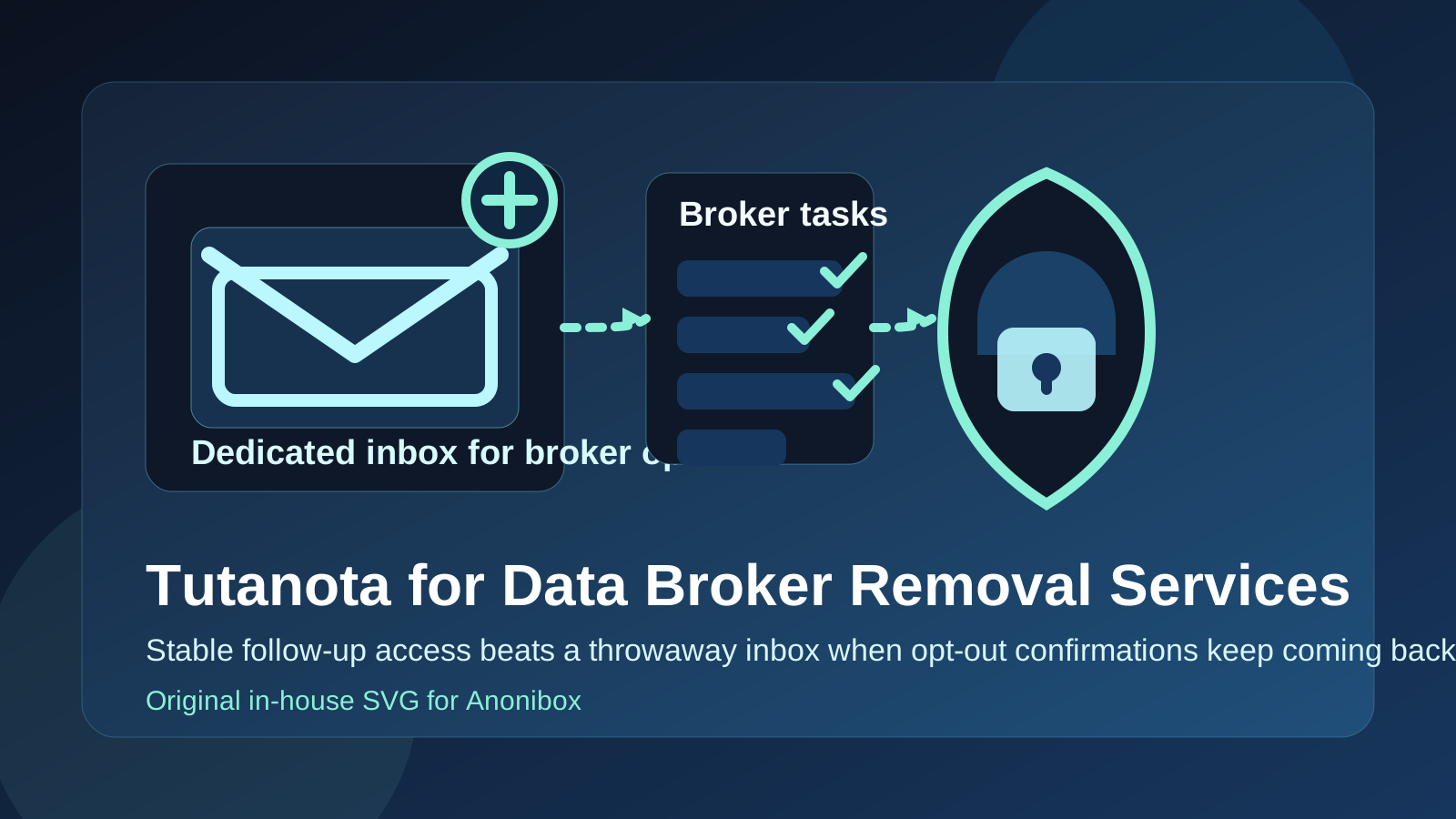
Why your email choice matters for data broker removal
Data broker removal services often do more than send one welcome email. They may ask you to verify ownership of the address, confirm a removal request, review status updates, respond to follow-up questions, or come back later when a broker republishes your information. Some services also send periodic progress summaries or reminders to renew monitoring.
That means the email address you use affects more than your inbox cleanliness. It affects whether you can actually complete the workflow without losing access halfway through.
If you use your main personal email, you keep long-term access, but you also expose a real address that may already be tied to shopping accounts, logins, newsletters, and your broader identity. If you use a short-lived disposable inbox, you reduce exposure, but you may lose important confirmation messages later. A separate account like Tutanota sits in the middle: more durable than a temp inbox, more isolated than your everyday address.
What Tutanota does well for this use case
1. It gives you separation from your primary inbox
The biggest benefit is simple: you are not using the same address that handles your daily life. That reduces clutter and makes it easier to keep broker-removal traffic in one place. If a service sends follow-up notices for months, those messages do not get mixed into receipts, personal correspondence, or account-recovery mail.
2. It supports long-term access better than a burner
Broker removals are rarely a perfect one-and-done process. A service may revisit the same broker later, ask you to re-confirm something, or notify you that an opt-out needs attention again. A stable mailbox helps because you can still open old threads, search for previous instructions, and click links that arrive well after signup day.
3. It can be a cleaner identity boundary
Using a dedicated mailbox for privacy work creates a neat paper trail. You can tell at a glance which services have that address, which confirmations arrived, and which vendors are still contacting you. That makes audits easier if you ever want to reduce exposure, rotate addresses, or compare several removal services before committing.
4. It is a better match for serious privacy work than a purely promotional signup
Data broker removal is not the same as claiming a one-time coupon or unlocking a free ebook. The relationship can be ongoing. A mailbox that you intentionally maintain is often more practical than an address designed to disappear.
Where Tutanota can still fall short
You still have to monitor it
A separate account only helps if you actually check it. If confirmations pile up in an inbox you never open, you can miss deadlines, challenge emails, or service updates that affect whether removals finish correctly.
You may outgrow a single mailbox if you test many services
If you sign up for several privacy tools, data broker services, and monitoring dashboards at once, one shared mailbox can still get noisy. In that case, a structured alias workflow or a custom-domain setup may give you better labeling and control than any single-provider inbox.
It is not magic anonymity
Using Tutanota does not erase the rest of your data trail. A removal service may still learn your name, location, or broker list from the details you provide. A separate email helps contain one part of your exposure, but it does not eliminate every privacy trade-off involved in the service itself.
Tutanota vs a temporary email for broker-removal work
This is the comparison that matters most.
- Use a temporary inbox when you only want to test a signup flow, download a checklist, or evaluate whether a service looks legitimate before you invest more time.
- Use Tutanota when you expect to need the mailbox again later for status messages, re-confirmations, or recurring updates.
That is where Anonibox fits naturally. If you are screening a service and want to avoid handing over your long-term address on day one, a temporary inbox from Anonibox can be perfect for the first pass. Once you decide the service is real and worth using, moving to a dedicated long-term mailbox is usually safer than staying on a disposable address that may not be around when follow-up mail arrives.
Tutanota vs your personal email
Your personal inbox is usually the easiest option, but not always the smartest one.
- Personal email wins on convenience: you already monitor it and you are unlikely to lose access.
- Tutanota wins on separation: broker-removal traffic does not blend into your broader digital life.
If you are using a removal service for the first time, testing several tools, or simply trying to reduce how often your real everyday address gets shared, the separate mailbox approach is usually cleaner.
Tutanota vs your work email
Your work address is usually the wrong choice for data broker removal services unless there is a very specific business reason and you understand the consequences. Work mailboxes can be deactivated when you change jobs, can be visible to an employer, and are not a great home for long-running personal privacy tasks. A personal-but-separate inbox is typically much better.
Tutanota vs an alias or custom-domain setup
If you are privacy-heavy and organized, aliases or a custom domain may give you even finer control. They can make it easier to route different services through distinct addresses and identify who contacted you later. But they also add setup overhead. Tutanota is often a good middle ground for people who want cleaner separation without turning the project into a mailbox-admin hobby.
When Tutanota is a good fit
- You want a dedicated inbox just for privacy and broker-removal tasks.
- You expect the service to contact you more than once.
- You want to avoid mixing broker-removal traffic with your main personal inbox.
- You are comparing several services and want cleaner records.
- You want something more durable than a burner but simpler than a custom-domain workflow.
When it is probably not the best fit
- You only want to preview a service and do not plan to keep the relationship.
- You know you will never monitor a separate mailbox.
- You need team access, shared ownership, or enterprise-level organization around the inbox.
- You already use a strong alias system that gives you better tracking than one dedicated address.
A practical setup workflow
- Create the mailbox before signup. Do not improvise halfway through the process.
- Use it only for privacy services. That keeps the signal clean and the inbox easier to review later.
- Store key confirmation emails. Keep the messages that prove signup, verification, and completion steps.
- Document which service used which address. A simple note helps when follow-ups arrive months later.
- Review the inbox on a schedule. Weekly or biweekly is often enough unless a service is actively processing removals.
- Reassess later. If the service is no longer useful, you can retire the address or stop using it for new signups.
Red flags to watch for no matter which inbox you use
The mailbox choice does not replace basic caution. Be skeptical if a service:
- asks for more personal information than seems necessary before explaining the process clearly,
- makes unrealistic promises about total or permanent removal,
- pushes urgent payment without showing what work is actually included,
- sends confusing links that do not match the company you think you signed up for, or
- buries cancellation, renewal, or data-handling details.
A separate inbox helps reduce exposure, but it does not make a weak service trustworthy.
Final verdict
Tutanota is usually a good option for data broker removal services when you want a privacy-focused inbox that stays available long enough to handle real follow-up. It is more practical than a disposable address for ongoing removal work, and it is cleaner than using your everyday personal inbox for every privacy-service signup.
The best rule is simple: use a temporary inbox when you are only testing, use a dedicated long-term mailbox when the service needs ongoing access, and avoid using your work or primary personal address by default if you do not need to. For many people, that makes Tutanota a sensible middle-ground choice.