Yes, a separate calendar can be a smart idea for data broker removal services if you want renewal reminders, follow-up deadlines, and privacy tasks separated from your main personal or work schedule.
It is not strictly required, but it helps many people avoid missed opt-out renewals, accidental oversharing in shared calendars, and the slow chaos of privacy tasks getting buried under ordinary life admin.
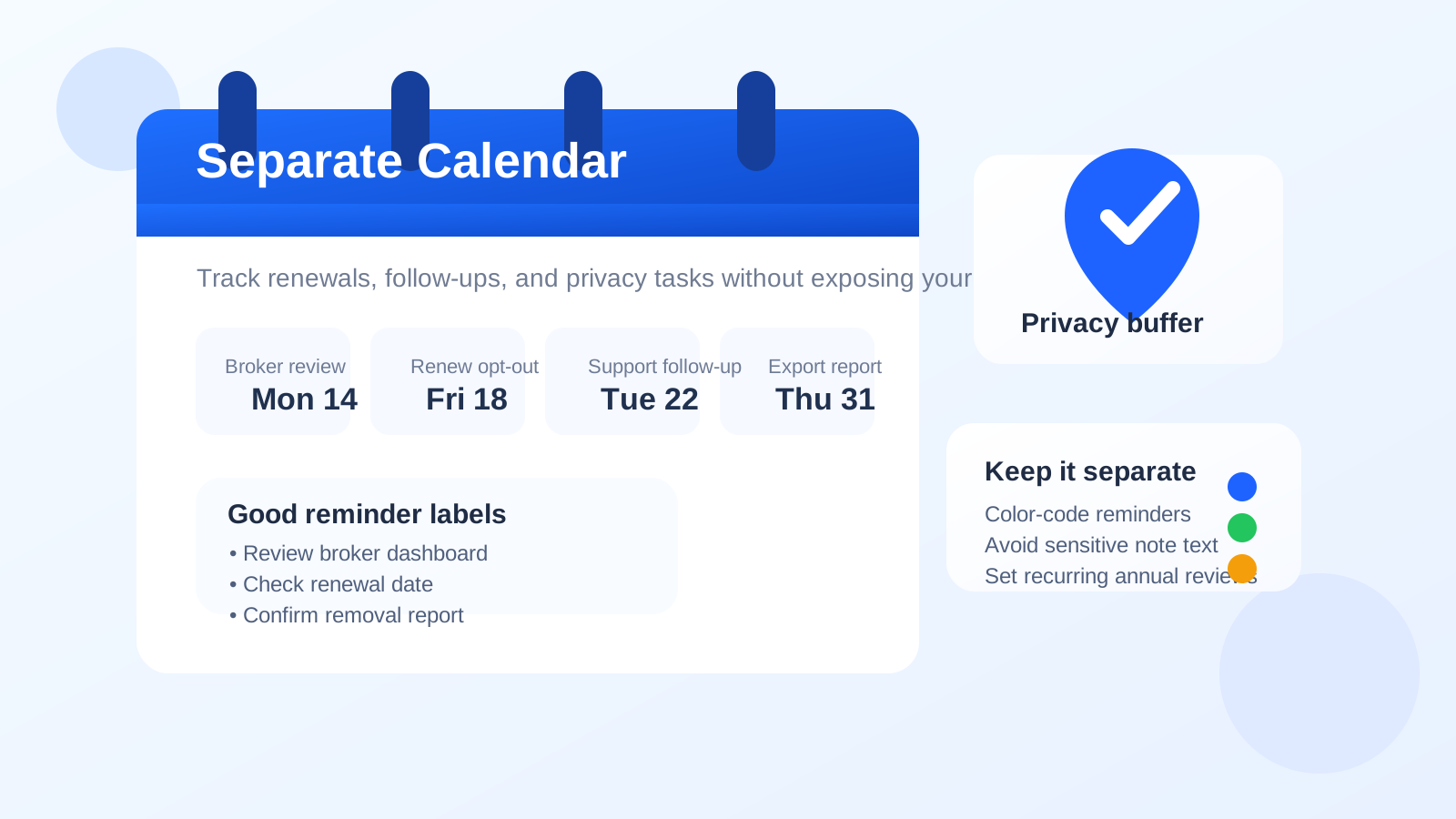
That is the practical case for using a separate calendar for data broker removal services. Unlike a one-time signup, data broker removal often turns into an ongoing process. Some services send periodic reports. Some brokers republish data later. Some opt-outs need to be renewed. Some support requests need follow-up if the first pass misses a listing. If all of that lands in the same calendar you use for family birthdays, work meetings, medical appointments, and travel plans, it is easy to miss the privacy work you meant to stay on top of.
A separate calendar will not make your data disappear on its own. What it does well is reduce clutter, create cleaner boundaries, and make recurring privacy maintenance easier to manage over time.
Why calendar choice matters for data broker removal
Most people think about email first when they set up a privacy workflow. That makes sense. Email is usually where confirmations, reports, and support threads show up. But the calendar side matters too, especially if you are using a paid removal service, running your own opt-outs, or tracking multiple sites over time.
Data broker removal has a timing problem. The work is rarely finished in a single afternoon. You may need to:
- review the initial scan or exposure report
- check whether specific records actually disappeared
- follow up when support asks for more detail
- repeat opt-outs months later
- revisit high-risk listings after a move, name change, or new breach
Those are calendar problems as much as email problems. If there is no reminder system, even motivated people forget. And if the reminders live in a crowded household or work calendar, the entries can either get lost or expose more context than you intended.
What a separate calendar helps with
1. Renewal deadlines
Some privacy tasks are not permanent. A broker listing that disappears today may reappear later, and some services run on periodic review cycles. A dedicated calendar makes it easier to set recurring reminders for 30-day checks, 90-day reviews, or annual cleanup passes without mixing those tasks into unrelated life planning.
2. Follow-up windows
If a service says, “Check back in two weeks,” that is easy to forget unless it becomes a dated task. The same applies when a broker asks for verification, a support agent promises an update, or you want to confirm whether a record was actually removed.
3. Separation from shared calendars
Many people share calendars with a spouse, family member, assistant, or work team. That is convenient for normal planning, but it may not be where you want entries like “review people-search listing” or “follow up with removal service about address match.” A separate calendar creates a cleaner privacy boundary.
4. Reduced mental clutter
Privacy maintenance is easier when it has its own lane. If every reminder is mixed into the same feed as dentist visits, grocery pickups, and project deadlines, the privacy items start to feel optional. A separate calendar makes them visible without making them loud.
When a separate calendar is probably worth it
A dedicated calendar is especially useful if any of these apply:
- you are using more than one data broker removal service or tool
- you are doing manual opt-outs across several broker sites
- you want recurring reminders for rechecks and renewals
- you already use separate email or phone layers for privacy tasks
- your main calendar is shared with family, coworkers, or clients
- you tend to forget slow-moving admin work unless it is scheduled
In other words, the more ongoing the workflow becomes, the more value a separate calendar usually has.
When you may not need one
A separate calendar is not mandatory for everyone. If you are testing one service once, you are only tracking a few reminders, and your main calendar is private and well organized, a dedicated calendar may be overkill. Some people do perfectly fine with a few labeled reminders in an existing private calendar.
The question is not whether a separate calendar is universally necessary. The question is whether it helps you stay organized without exposing more context than you want.
What should go on the calendar?
The best entries are action-oriented and low-detail. Good examples include:
- review broker scan results
- check removal confirmation
- renew annual opt-out review
- follow up on unresolved listing
- export final report
- recheck high-risk people-search sites
These reminders tell you what to do without dumping sensitive context into the event title itself.
What you should avoid putting in calendar entries
A separate calendar only helps if you use it carefully. Do not treat event titles or notes like a secure archive.
Avoid storing:
- full dates of birth
- government ID numbers
- full home addresses in reminder titles
- support ticket dumps full of personal details
- passwords, one-time codes, or recovery keys
- detailed notes that would be awkward if seen in a shared notification preview
If you need deeper notes, keep them in a secure document or password manager note instead. The calendar should be a trigger, not the vault.
How to set up a separate calendar well
Use neutral event names
Instead of writing “Broker X still shows my old apartment address,” write something like “review unresolved broker listing.” You will know what it means without broadcasting every detail in a lock-screen notification or shared sidebar.
Color-code the calendar
A separate color makes privacy tasks easier to spot. You can glance at the month and immediately see whether you have follow-up work coming up.
Use recurring reminders where it makes sense
If you know you want to review a service every quarter or recheck high-risk listings annually, set the recurrence now instead of trusting your future self to remember later.
Pair it with a separate inbox when appropriate
A separate calendar works especially well when the rest of the workflow is already compartmentalized. If you are using a privacy-focused signup flow with a separate inbox, an alias, or a temporary email approach for early research, the calendar layer can mirror that same structure. Anonibox fits naturally into that broader workflow when you want to avoid putting your everyday inbox into every low-trust or comparison-stage interaction.
Keep reminders actionable
The best calendar entries start with verbs: review, confirm, renew, export, check, follow up. That keeps the system practical instead of turning it into vague clutter.
A simple example workflow
- Sign up for or evaluate a data broker removal service using the email setup you prefer.
- Create one dedicated calendar for privacy tasks.
- Add the initial report review date.
- Add one follow-up reminder for unresolved listings.
- Add a recurring quarterly or annual recheck reminder.
- Use short neutral labels instead of detailed personal notes.
- Close the loop by marking items done or moving them forward with a new date.
This is not glamorous, but it is the difference between “I meant to stay on top of that” and actually staying on top of it.
Common mistakes to avoid
- Putting too much detail in event titles: privacy reminders should stay readable without becoming a data leak.
- Using a shared work calendar: that creates unnecessary visibility and can blur personal-professional boundaries.
- Setting reminders with no next step: “privacy stuff” is too vague to be useful.
- Forgetting recurring reviews: many privacy tasks drift because the first cleanup feels final even when it is not.
- Building a system you will not maintain: the setup should be simple enough that you actually keep using it.
So, should you use a separate calendar for data broker removal services?
Usually yes, if you expect the work to continue beyond a single signup or report. A separate calendar gives you cleaner reminders, better renewal tracking, and a more private place to manage slow-moving follow-up tasks.
If your workflow is tiny and your main calendar is already private and disciplined, you may not need the extra layer. But for many people, especially anyone using separate email, phone, or browser habits already, a dedicated calendar is a low-effort upgrade that makes privacy maintenance much easier to sustain.
The best setup is the one you will actually keep checking. If a separate calendar helps you notice deadlines, avoid oversharing, and stay consistent with rechecks, then it is doing exactly the job it should.