Yes, you can use Google Voice on LinkedIn if you want a separate number for recruiter contact or account recovery, and for many job seekers it is smarter than exposing a long-term personal line.
The catch is that Google Voice only helps if you treat it like a real, maintained contact channel: keep the number under your control, monitor it regularly, and review your LinkedIn visibility settings so you do not share more than you mean to.
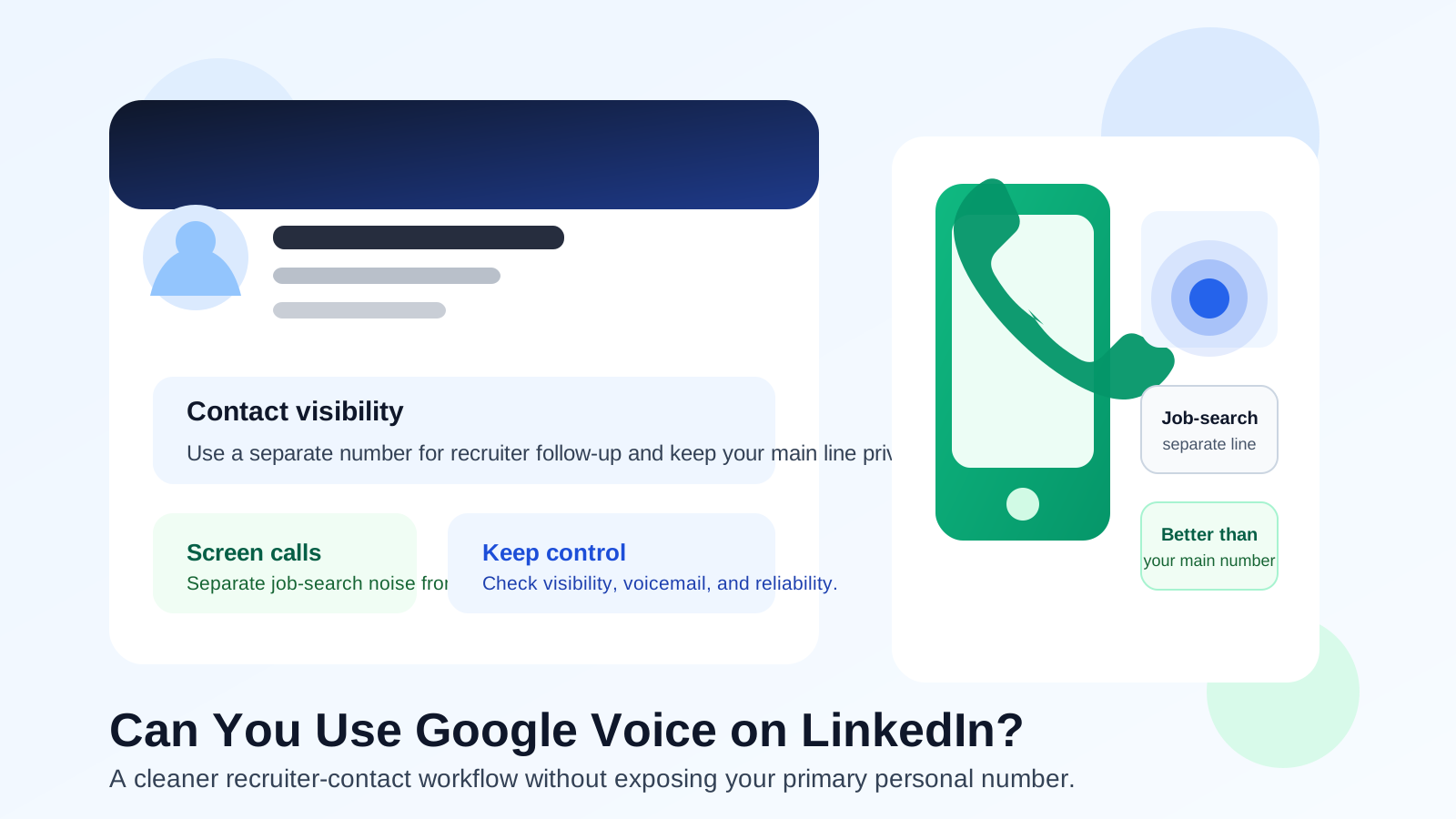
LinkedIn sits in a weird middle zone between a public profile, a networking platform, and a job-search tool. That is why the phone-number question matters. A recruiter may find you there first, but that does not mean your primary personal number needs to become part of your public professional footprint.
If you already prefer separation in other parts of your search, Google Voice can fit that mindset well. A dedicated line makes screening easier, keeps random calls away from family and friends, and gives you a cleaner way to handle legitimate follow-up without turning your oldest personal number into the default inbox for recruiter noise.
Short answer: yes, but only if you want a stable separate line
Google Voice can be a good LinkedIn number when your goal is controlled recruiter contact, voicemail separation, or account-level convenience without exposing your everyday line. It is usually a better fit than your main personal number if you expect recruiter outreach, networking calls, or first-round screening conversations.
What it is not great for is acting like a disposable throwaway. LinkedIn is not a one-time signup site. If a recruiter calls two weeks later, if you need a code later, or if someone follows up after a hiring pause, you need that number to still work and still be yours.
Why people consider Google Voice for LinkedIn
Most people who ask this are trying to solve one of a few practical problems:
- They do not want their real personal line everywhere. A long-term number tends to be tied to family, banking alerts, messaging apps, and years of personal history.
- They want a recruiter-only channel. Calls, texts, and voicemail from job-search activity are easier to manage when they are separated from daily life.
- They want better screening. A second number creates a small privacy buffer before they decide which recruiters or hiring teams deserve a faster response.
- They want cleaner boundaries. A job-search line is easier to mute, label, archive, or retire later if it starts attracting junk.
Those are all reasonable goals. On a platform like LinkedIn, where people may discover you before you have vetted them, a separate number is often more useful than a more polished headline or another minor profile tweak.
When Google Voice makes sense on LinkedIn
1. You are actively job searching
If you expect recruiter messages, scheduling calls, and occasional text follow-up, a separate line can save a lot of annoyance. It lets you stay reachable without giving every new contact direct access to your most personal number.
2. You network with a lot of new people
LinkedIn outreach often starts with weak context. Someone may say they saw your profile, want a quick call, or have an opportunity that could fit. A Google Voice number gives you a lower-friction way to continue the conversation while keeping stronger personal boundaries.
3. You want a number you can organize around
A dedicated line lets you set a professional voicemail, see which calls belong to your search, and keep recruiter communication from spilling into every part of your phone life. That is especially useful if you are applying broadly or talking to staffing firms.
4. You already use a separated job-search setup
If you already use a dedicated browser profile, a separate inbox, or an email workflow that keeps lower-trust signups away from your main address, a separate number is the natural next step. For example, if you use Anonibox for low-trust signups or early-stage list access, a controlled phone line can give you the same kind of separation for calls and texts.
What makes Google Voice better than your primary personal number?
The biggest advantage is not novelty. It is compartmentalization.
- It reduces long-term exposure. Your main number does not need to travel through every recruiter database, spreadsheet, or copied contact thread.
- It improves call screening. You can decide how quickly to respond based on the context instead of answering unknown calls on instinct.
- It keeps your job search easier to shut down later. If the line becomes noisy, you have more options than if every contact came through your main number.
- It supports a more professional workflow. A dedicated voicemail and clearer separation often make follow-up easier, not harder.
That last point matters. Privacy is not only about hiding. Done well, separation also makes you more organized and easier to reach when the opportunity is real.
Important limits before you rely on it
Google Voice is useful, but it is not magic.
It still needs to be monitored
If you add the number to LinkedIn or share it with recruiters, you need to check it consistently. A separate number that you forget to monitor is worse than a personal number you actually answer.
It may not fit every region or travel pattern
Availability and calling behavior depend on your setup and location. If you move often, travel internationally, or rely on region-specific workflows, make sure the number behaves the way you expect before you make it part of your job-search identity.
It should not be your only trust signal
A Google Voice number does not make a sketchy recruiter more legitimate, and it does not replace written verification. LinkedIn Messages and email are still better for first-context communication because they preserve names, profiles, and the role details in one place.
It is not the same as a disposable number
This is where people get sloppy. LinkedIn accounts and recruiting conversations can stay relevant for months. If you are using a number there, it should be stable enough for delayed follow-up, voicemail, and recovery scenarios you actually care about.
How to use Google Voice on LinkedIn the smart way
Keep early outreach on LinkedIn Messages first
Most credible recruiters can send a message before they need a number. That gives you time to check the person, company, and role before you hand over another contact channel.
Use the number for controlled follow-up, not broad exposure
If you share a number, do it because you want easier scheduling or recruiter follow-up, not because you think every visitor to your profile needs instant phone access. The fewer places your number appears, the more useful that separation remains.
Set a professional voicemail
A simple greeting with your name is enough. If you miss a call from a real recruiter, that tiny detail helps you sound organized and reachable.
Pair it with a sane email strategy
Your phone should not be your only privacy buffer. Use a stable professional inbox for serious conversations, and keep lower-trust newsletters, one-off signups, and noisy trials from taking over that inbox. Separation works best when your channels support each other.
Review your visibility settings instead of guessing
Never assume a number is hidden just because you did not paste it into a big public section. Check how your LinkedIn account handles contact details and discoverability. Interfaces change, and “probably private” is not the same as verified private.
When Google Voice is probably the wrong choice on LinkedIn
- You do not want to maintain another number.
- You rarely answer job-related calls and prefer email-first communication.
- You only want a short-term throwaway line and do not plan to keep it stable.
- You are in a workflow where availability or forwarding behavior is too inconsistent for important follow-up.
- You would be better served by keeping your number off LinkedIn entirely and sharing it only after a recruiter proves legitimate.
In a lot of cases, the last option is the best one. You do not have to put any number on LinkedIn just because you can. LinkedIn Messages are usually enough for first contact.
Red flags to watch for after you share any number
Whether the number is Google Voice or your personal line, be cautious if someone:
- pushes you off LinkedIn immediately without clearly explaining the role,
- asks you to move to WhatsApp or Telegram before giving basic company details,
- uses urgency-heavy language about immediate hiring, training fees, or equipment purchases,
- asks for verification codes, identity documents, or financial details too early, or
- refuses to follow up from a real company domain when the situation calls for it.
A separate number reduces some privacy risk, but it does not remove the need for judgment. Scammers often sound more believable when they know you are job hunting.
Quick checklist before you use Google Voice on LinkedIn
- Is this a stable number you actually control?
- Will you monitor calls, texts, and voicemail consistently?
- Do you want recruiter follow-up without exposing your main personal line?
- Have you checked your visibility settings instead of assuming?
- Would LinkedIn Messages handle first contact just as well?
If the first four answers are yes and the last answer is “not always,” Google Voice is probably a reasonable fit. If not, keep your number private and share it later only with people you trust.
Final answer
Yes, you can use Google Voice on LinkedIn, and it is often a better privacy move than using your primary personal number. The best use case is a stable, monitored job-search line for controlled recruiter contact rather than a disposable throwaway.
If you do use it, keep your visibility tight, let LinkedIn Messages handle early outreach, and treat the number like a real professional contact channel. That gives you the upside of being reachable without giving your most personal phone line away too early.