Yes, usually — an email alias is one of the smartest ways to stay reachable on LinkedIn without exposing your primary inbox, as long as the alias forwards to an address you control and monitor long term.
What you should avoid is using an alias that looks disposable, expires quickly, or breaks account recovery. LinkedIn is a long-lived professional profile, so privacy matters, but continuity matters too.
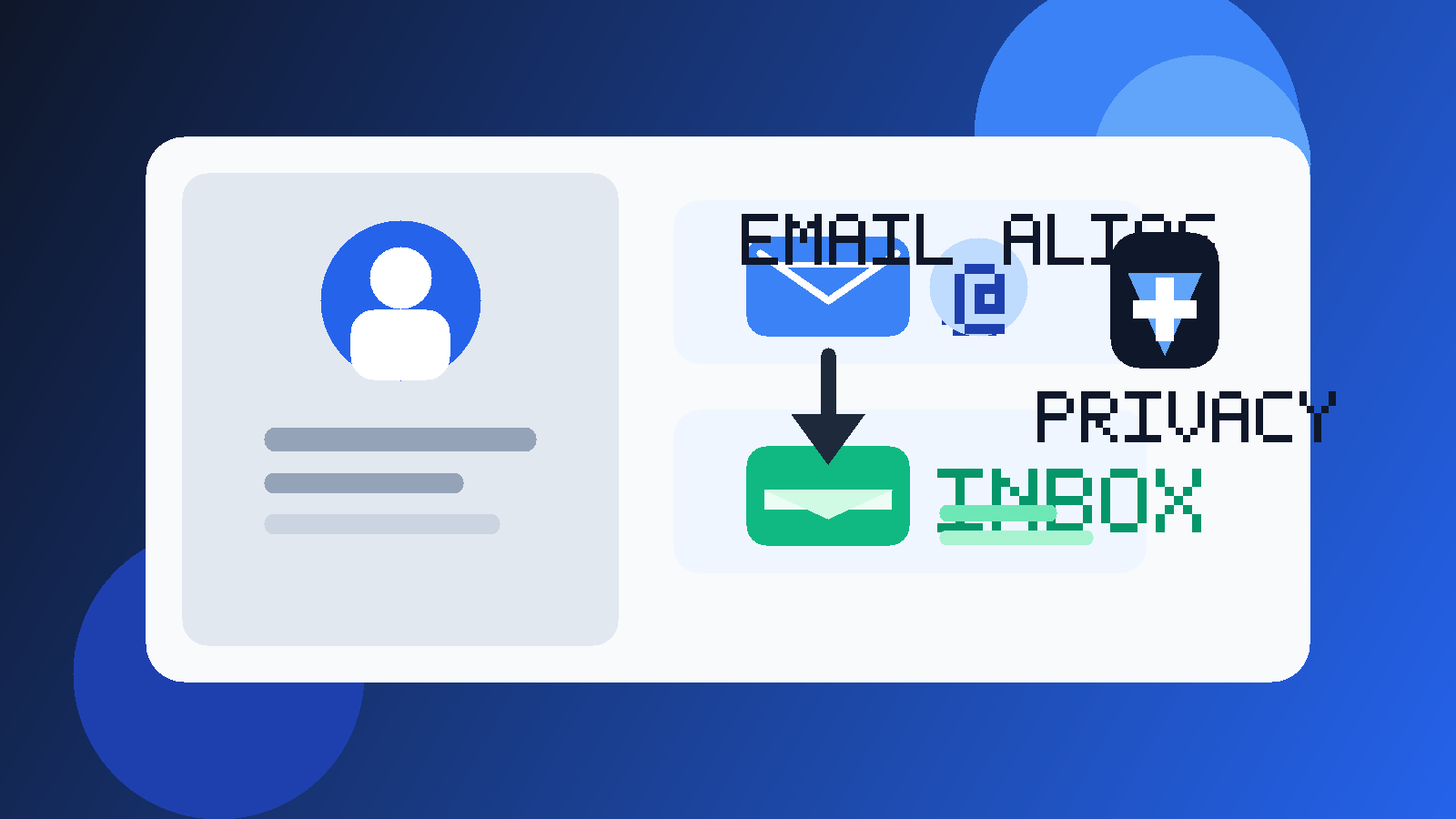
If you want a short answer, here it is: for most people, a good email alias on LinkedIn is better than using a work inbox, better than exposing your oldest personal inbox, and much better than using a throwaway temporary address. It gives you a layer of separation, helps with filtering, and keeps more control in your hands when recruiters, networking contacts, and random sales messages all start landing in the same place.
The catch is that not every alias is a good LinkedIn alias. A clean forwarding alias that you own is useful. A weird-looking alias you barely check is not. A disposable inbox you may lose next month is even worse. LinkedIn is not a one-time coupon form. Someone might find your profile today and email you six months later with a real opportunity.
What an email alias actually means on LinkedIn
An email alias is usually a secondary address that forwards mail to your real inbox. To the outside world, people see or use the alias. Behind the scenes, you still receive the message in the mailbox you already manage.
That matters on LinkedIn because it lets you separate your public-facing professional contact path from your core personal inbox. You stay reachable without handing your main address to every recruiter, scraper, or low-quality pitch that finds your profile.
For example, you might use a dedicated alias for LinkedIn-related outreach while keeping your main mailbox private. If the alias gets too noisy, you can filter it, change it, or retire it without rebuilding your whole email life.
Why an alias is often a strong fit for LinkedIn
LinkedIn lives in an awkward middle ground. It is not as disposable as a free-trial signup, but it is not fully private either. It is public enough to attract useful professional contact and public enough to attract spam, scraping, and irrelevant outreach.
That is exactly the kind of situation where aliases help.
- You protect your primary inbox: your most important personal address does not have to absorb every recruiter blast or “partnership opportunity.”
- You keep a stable professional identity: unlike a throwaway inbox, a good alias can stay active for years.
- You can filter messages more easily: if you know mail sent to the alias came from LinkedIn visibility or profile sharing, organizing it becomes simpler.
- You reduce long-term cleanup pain: if the alias gets overexposed, you can rotate the alias instead of abandoning your real inbox.
- You get a cleaner privacy boundary: networking and recruiter traffic do not need to land in the same place as banking, family, and account-recovery mail.
For many professionals, that balance is better than either extreme. You are not making yourself unreachable, and you are not handing out your main address more broadly than necessary.
When using an email alias on LinkedIn makes the most sense
An alias is especially useful if you actively want outreach but do not want your main inbox to become your public contact database.
- You are job searching and expect recruiter messages.
- You work in consulting, freelancing, business development, or recruiting and need a clean public contact route.
- You publish content, speak publicly, or network often and expect legitimate strangers to reach out.
- You already know your industry attracts a lot of low-quality cold outreach.
- You want to track LinkedIn-driven contact separately from everything else.
In those cases, an alias is not just a privacy tool. It is an organizational tool too. It can make it easier to tell which inbox traffic is worth your attention and which patterns are just noise.
When an alias is the wrong choice
Not every alias strategy is a good one. The problem is usually not the idea of an alias itself. The problem is using the wrong kind of alias for a long-term professional surface.
1. The alias looks disposable or unprofessional
If the address looks obviously throwaway, cluttered, or random, it can create trust problems. LinkedIn is not the place for an alias that feels like a spam-dodging trick. Professional-looking aliases work best.
2. You do not really control it
If the alias depends on a work account, school account, or a setup you may lose, then it is not solving the real continuity problem. LinkedIn should outlast your current employer and your current school status.
3. You do not monitor it consistently
A privacy setup is only useful if it stays practical. Missing a genuine recruiter reply because your alias forwarded badly, filtered too aggressively, or went unchecked defeats the point.
4. You are treating LinkedIn like a one-time signup
This is where people confuse aliases and temporary email. A temporary inbox can be useful for low-trust, short-lived workflows. LinkedIn is usually not one of them. If someone may contact you months from now, durability matters more than pure disposability.
Email alias vs temporary email on LinkedIn
This distinction matters a lot. A temporary inbox and an email alias are not the same tool.
A temporary email is best when you want one-off verification, low-trust signups, or a fast way to avoid long-term mailing-list clutter. That is useful in plenty of situations. Anonibox fits that kind of workflow well.
A LinkedIn profile, though, usually needs something more stable. Recruiter outreach, password resets, security alerts, and networking follow-up may arrive later than you expect. That makes a recoverable alias a better fit than a disposable inbox for most real LinkedIn use.
So if your question is “Should I use an email alias on LinkedIn instead of a temporary inbox?” the answer is usually yes. The alias gives you privacy without sacrificing long-term access.
Should the alias be your login email, your visible contact email, or both?
This is where a lot of people make the topic more complicated than it needs to be. You do not have to think in all-or-nothing terms.
For some users, the best setup is:
- a stable email you control for account access and recovery
- an alias for professional visibility and inbound contact
For others, the same stable alias can handle both jobs if it is reliable and well-managed.
The right choice depends on how much separation you want. If your LinkedIn account matters a lot professionally, many people prefer extra caution around login and recovery. If your alias setup is strong and long-term, using it more broadly can still work well.
What kind of alias works best on LinkedIn?
The best LinkedIn alias usually has three traits: it looks professional, it stays stable, and it reaches a mailbox you truly control.
Good signs include:
- a simple name-based format
- an address you can keep for years
- forwarding you have tested
- filters or labels that help you manage incoming mail
- a setup that does not depend on your employer keeping you access
Bad signs include:
- an alias that expires soon
- a forwarding rule you barely trust
- an address that looks suspicious to humans
- a setup you will forget to maintain
- a provider arrangement that makes account recovery harder rather than easier
Privacy risks an alias can reduce — and the ones it cannot
An alias can do a lot, but it is not magic.
It can help reduce:
- direct exposure of your primary inbox
- spillover spam from recruiters, prospectors, and scraping tools
- messy overlap between personal life and professional outreach
- the pain of replacing a contact route later if it gets noisy
It cannot fully prevent:
- people sending unwanted email to the alias itself
- your profile attracting spam if your visibility is too broad
- bad outreach from people who found you some other way
- poor judgment about who you reply to
That means an alias works best alongside basic LinkedIn hygiene: sensible profile visibility, caution with unknown outreach, and a willingness to move conversations forward only after the other person seems real.
Best practices if you decide to use an email alias on LinkedIn
Use an alias you would not be embarrassed to say out loud
If you met a recruiter on a call and they repeated the address back to you, would it sound normal and credible? That is a good test.
Keep it monitored
An elegant privacy strategy is worthless if messages disappear into a folder you never open. If the alias is public-facing, treat it like a live professional channel.
Test the forwarding before relying on it
Send yourself a few messages from different providers and make sure replies, forwarding, and spam filtering behave the way you expect.
Do not rely on a short-term burner setup
If the address might vanish or stop being useful soon, it is the wrong tool for LinkedIn.
Review your LinkedIn visibility settings
Sometimes the smarter move is not “show email everywhere.” Sometimes it is “stay reachable in a controlled way.” Let the alias support that decision rather than replace it.
A simple decision checklist
Before you put an alias on LinkedIn, ask yourself:
- Does this alias forward to an inbox I control long term?
- Will I still be comfortable using it a year from now?
- Does it look professional enough for recruiter or client contact?
- Am I using it to create healthy boundaries, not just to disappear?
- Have I tested it well enough that I trust important mail to arrive?
If the answer to most of those is yes, an alias is probably a strong LinkedIn choice.
Final answer
Yes — for most people, using an email alias on LinkedIn is a smart move. It gives you a cleaner professional contact path, protects your primary inbox, and usually offers a better privacy-to-reachability balance than using your oldest personal address or an employer-owned inbox.
Just make sure the alias is stable, monitored, and recoverable. LinkedIn is not a disposable environment, so your email setup should not be disposable either. If you want privacy without becoming hard to reach, a well-managed alias is often exactly the middle ground you want.