DuckDuckGo Email Protection can work on your resume if you want a privacy layer between employers and your real inbox, but it only makes sense when the address looks professional and forwards reliably for the full length of your search.
Usually yes for privacy-conscious job seekers who will keep one stable alias active and monitored every day; usually no if you plan to rotate it, ignore forwarded mail, or use an address that feels random or disposable.
Why this question matters
A resume is not a casual signup form. It is a document you send into systems you do not fully control, and it can keep circulating long after you hit send. Recruiters may save it, forward it internally, revisit it after a hiring freeze, or contact you weeks later from a different mailbox than the one that first acknowledged your application.
That is why email choice matters more on a resume than it does on a one-off form. You want enough privacy to avoid dumping your main inbox into every applicant tracking system and recruiter database, but you also need something steady enough that an employer can reach you without friction.
DuckDuckGo Email Protection is appealing because it creates that extra layer. Instead of putting your underlying inbox on the page, you can use an alias that forwards mail onward. Done well, that gives you separation and control. Done casually, it creates one more thing that can break at exactly the wrong moment.
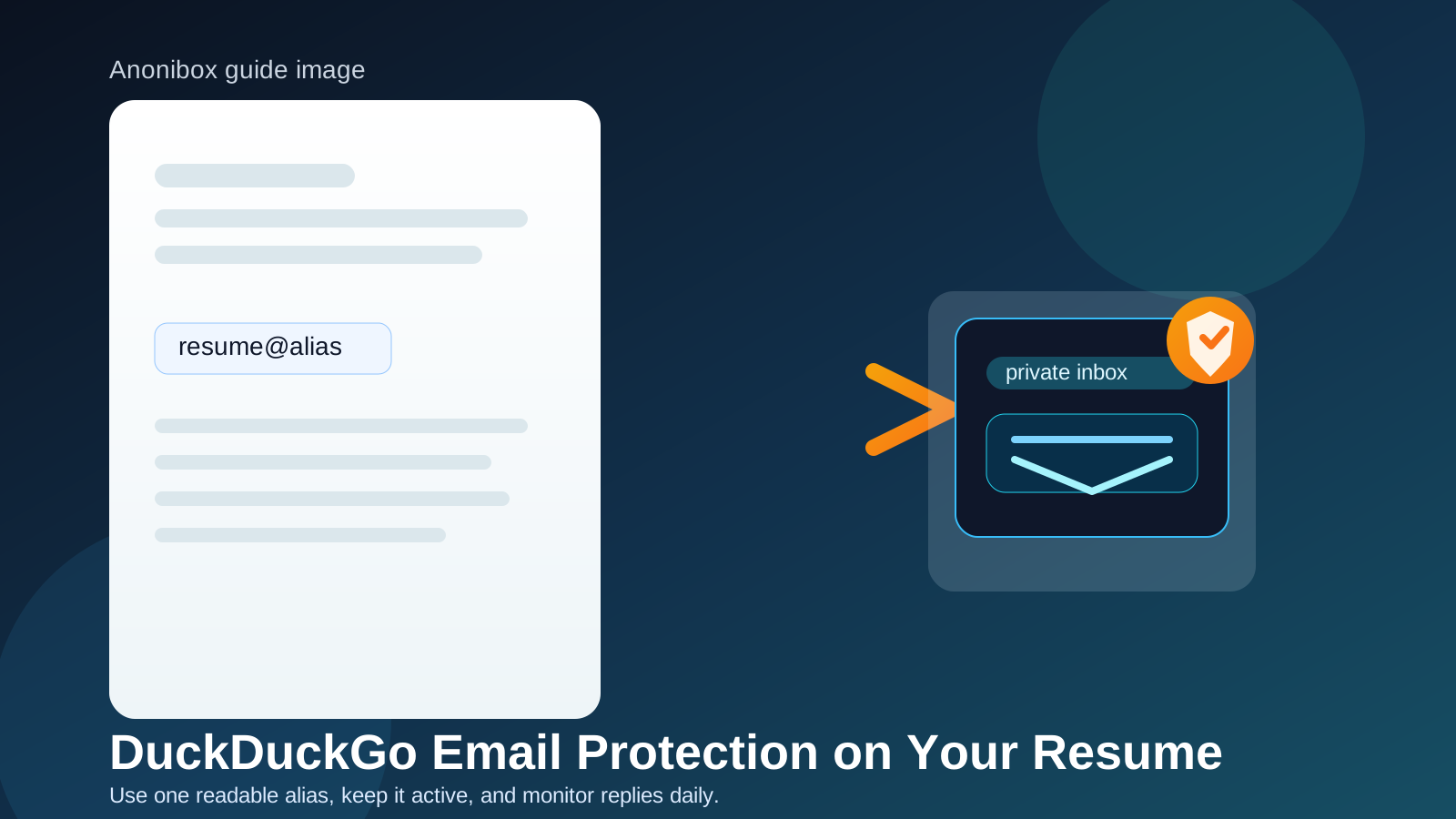
What employers actually need from your resume email
Most employers are not grading your choice of email service like a design portfolio. They care about simpler questions:
- Does the address look clear and intentional?
- Will their message get through without bouncing or disappearing?
- Will you see it quickly enough to reply?
- Will the same address still work later in the process?
That last point is where resume advice usually gets more conservative. A resume email is not just about inbox privacy. It is about long-term reliability. If you use DuckDuckGo Email Protection, you have to treat it like a professional contact channel, not like a temporary layer you might tidy up next week.
When DuckDuckGo Email Protection is a smart resume choice
There are real cases where it is a practical option.
You want separation without publishing your main inbox
Job boards, recruiter searches, company portals, staffing agencies, and resume databases can spread your contact details wider than you expect. An alias gives you a buffer so your oldest personal address is not the one traveling everywhere.
You already manage forwarded mail well
If you are the kind of person who keeps inbox rules tidy, notices forwarding failures quickly, and checks the destination mailbox every day, DuckDuckGo Email Protection can fit cleanly into that workflow.
You want to measure job-search exposure
Using one dedicated resume alias makes it easier to tell which mail came from your resume versus your regular life. That can be helpful when you want to spot spam, recruiter outreach, and old application follow-up without mixing everything into one personal inbox.
You want a middle ground between public and disposable
For many people, the real choice is not “main inbox or nothing.” It is whether they want something more durable than a temporary inbox but more private than printing their everyday address on every document. That is exactly where a stable alias can earn its keep.
Where it can go wrong
A resume needs continuity more than cleverness
DuckDuckGo Email Protection is a poor resume choice if you are using it with a throwaway mindset. Employers do not care that you were testing a privacy workflow. They care whether the address on the resume still works when they finally reply.
The address can look less conventional
A weird-looking alias is not a deal-breaker on its own, but it can add friction. If a recruiter has to squint at the address, double-check the spelling, or wonder whether it is a real long-term contact point, you have made a basic communication step harder than it needed to be.
Forwarding creates another failure point
With a direct inbox, the path is simple: employer sends, you receive. With an alias, there is an extra layer in the middle. Even if that layer usually works fine, it still has to keep working. If important replies land in a folder you never check, or if the destination inbox changes during your search, privacy stops helping.
Long hiring timelines expose weak setups
Some employers move fast. Others do not. The role you forgot about three weeks ago can suddenly come back to life. That is why resume contact details need staying power. If you would hesitate to promise that the alias will still be active three to six months from now, it does not belong on the resume.
When a normal dedicated inbox is probably better
DuckDuckGo Email Protection is not automatically the best answer just because it is more private. In several situations, a plain dedicated mailbox is safer.
- You are in an active interview cycle: when speed matters, fewer moving parts usually win.
- You want the simplest reply path: a standard inbox is easier to explain, troubleshoot, and keep consistent across forms.
- You work in a conservative field: the more traditional the environment, the more value there is in a straightforward contact address.
- You know you get sloppy with filters: if you already miss email because of tabs, labels, or automated rules, adding another layer is probably the wrong move.
A separate Gmail, Outlook, Fastmail, or custom-domain mailbox often solves the privacy problem with less operational risk. It is less elegant, maybe, but often more durable.
How to use DuckDuckGo Email Protection on your resume without hurting yourself
1. Use one stable alias for resume traffic
Do not generate a different address for every application. Your resume should point to one consistent contact method that remains valid long enough for delayed follow-up to matter.
2. Make sure the address is readable
Clean beats clever. Avoid anything that looks like a throwaway signup, a joke, or a random string. If you would feel awkward reading the address aloud on a screening call, pick a better one.
3. Test real-world delivery before sending applications
Send yourself messages from multiple accounts. Open them on phone and desktop. Reply to them. Make sure everything goes where you expect, and make sure important mail is visible instead of buried.
4. Keep the destination inbox under control
The alias is only as reliable as the inbox behind it. If the forwarded mail lands in an account you barely check, or one already overloaded with newsletters and alerts, the setup is weaker than it looks on paper.
5. Match the same email everywhere
Your resume, cover letter, application portals, recruiter emails, and job-board profiles should not all point to slightly different addresses. Consistency reduces confusion and makes it easier for employers to connect your materials.
6. Leave it active longer than feels necessary
Do not shut the alias down the moment you slow your applications. Leave room for late recruiter follow-up, reopened roles, referral handoffs, and slow hiring teams. Resume contact details need a longer runway than people expect.
How it compares with temporary email
This is where people often blur two separate tools. DuckDuckGo Email Protection is an alias and forwarding setup. A temporary inbox is a different category entirely.
For low-trust signups, gated downloads, or early research where you explicitly do not want a long-term relationship with the sender, a tool like Anonibox makes sense. That is a classic temporary-email situation. A resume is not. Your resume is a contact promise, and you do not want that promise tied to something you might abandon as soon as the first wave of applications ends.
So if your thinking is “I want privacy on my resume,” the better question is not “Should I use something disposable?” It is “What is the most stable privacy-preserving contact method I will actually maintain?” DuckDuckGo Email Protection can be that method for some people. A truly temporary inbox usually cannot.
A practical decision checklist
Before you put DuckDuckGo Email Protection on your resume, ask yourself:
- Will I keep this alias active for months, not days?
- Does the address look calm and professional at a glance?
- Do I check the destination inbox every day?
- Have I tested send, receive, and reply behavior?
- Would a dedicated normal inbox solve the same problem with less risk?
- Am I using this because it is practical, or because it merely feels more private?
If you can answer the first four with an easy yes, DuckDuckGo Email Protection is much more likely to help than hurt. If not, a standard dedicated inbox is probably the stronger move.
Final verdict
Should you use DuckDuckGo Email Protection on your resume? You can, and for some privacy-conscious job seekers it is a smart middle ground. It protects your underlying inbox better than a plain public address while staying more durable than a temporary email.
But it is only a good resume choice when you treat it like a real long-term contact method. Keep it readable, keep it stable, keep the forwarded inbox monitored, and keep the same address consistent across your materials. If that sounds like more maintenance than you want, skip the extra layer and use a separate conventional inbox instead.