Usually yes. A separate browser profile is one of the easiest ways to handle background checks more privately, with fewer login mix-ups and less exposure of saved data.
If you need to open screening links, upload documents, or revisit a vendor portal later, a clean profile on a personal device is usually better than using your everyday browser setup or anything tied to work.
That is the practical answer behind the question should you use a separate browser profile for background checks. Background checks often involve more sensitive information than ordinary job-search steps. You may be opening consent forms, identity-verification pages, address-history questions, employment-history corrections, document-upload requests, and time-sensitive reminder links from a screening vendor. Even if the process is routine, it can leave a surprisingly detailed trail in your browser.
A separate browser profile will not solve every privacy problem. It does not magically secure an employer-managed laptop, and it does not stop phishing if you click the wrong link. But it does solve a common and very real set of problems: wrong-account sign-ins, messy autofill, mixed cookies, cluttered downloads, confusing browser history, and too much overlap between personal browsing and sensitive screening activity.
If you already use Anonibox or another separate-email workflow for early-stage job-search activity, this is the same general idea applied to the browser itself. Compartmentalization is not paranoia. It is a simple way to keep a sensitive process cleaner and easier to manage.
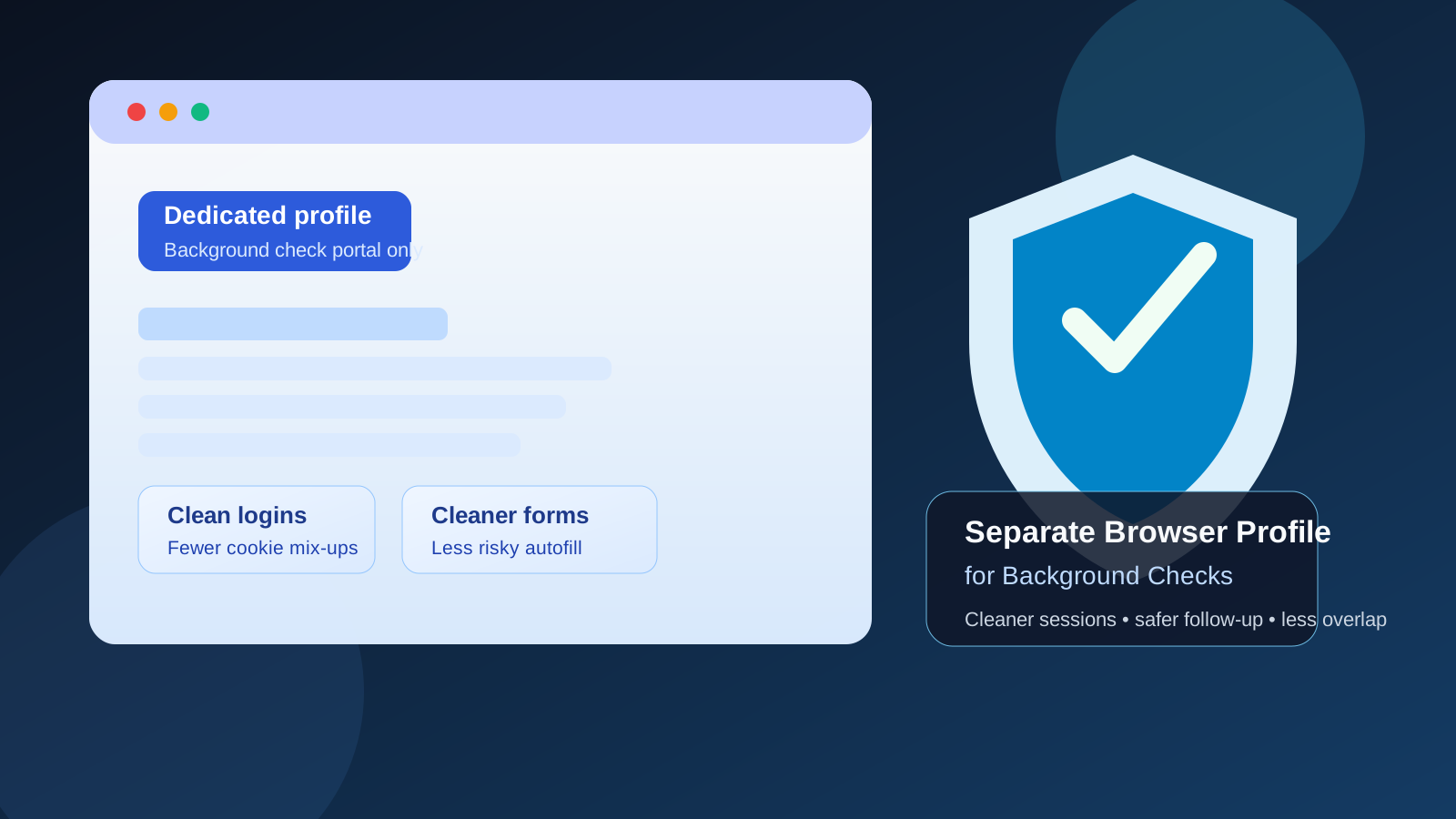
Why background checks create different browser risks
Background checks happen later in the hiring process, which usually means the information being handled is more personal and the consequences of small mistakes are bigger. Earlier in a job search, you may mostly send resumes, reply to recruiters, and book interviews. During a background check, you may suddenly be dealing with:
- legal consent forms and disclosure pages
- identity-verification steps
- address history and employment history forms
- uploaded documents or correction requests
- return visits to the same screening portal over several days
- follow-up messages about discrepancies, deadlines, or missing items
That is exactly when a messy browser environment becomes more than a mild annoyance. The wrong autofill suggestion, the wrong account session, or the wrong saved password can create friction at the worst moment.
What counts as a separate browser profile?
A separate browser profile is a dedicated browser space you use only for one kind of activity. In Chrome, Edge, Brave, Firefox, and similar browsers, that usually means a different profile with its own history, cookies, saved passwords, bookmarks, and open sessions. It is not the same thing as opening a private window once.
The useful part is separation. Your normal profile may already contain shopping logins, personal email sessions, school accounts, old recruiter tabs, saved payment details, synced bookmarks, and years of browser noise. A clean profile reduces that overlap.
Short answer: yes, if you are using your own device
For most people, the best setup is simple: use a separate browser profile on a personal device you control, keep only the accounts you actually need inside it, and use that space for the screening process from start to finish.
This is usually more practical than trying to do everything in your everyday profile, and it is much safer than using a work profile or a work-managed browser. It also gives you a middle ground between “do nothing” and “buy a whole second laptop.”
How a separate browser profile actually helps
1. It reduces wrong-account sign-ins
Background-check links often open through email, and some portals connect to Google, Microsoft, or e-signature tools along the way. If your main browser profile is already signed into multiple accounts, it is easy to open the link with the wrong identity attached. That can cause access errors, mismatched saved details, or confusing resets later.
A separate profile keeps the right account context together. The portal link, the email that received it, the follow-up messages, and the saved session all live in one place.
2. It limits autofill mistakes
Autofill is helpful until it inserts the wrong address, old employer data, or a work email into a sensitive form. Screening portals often ask for exact dates, locations, and identifying details. A wrong suggestion can turn a simple form into a correction request.
In a clean profile, there is less stale data available to leak into the form by accident. That does not guarantee perfect accuracy, but it lowers the chance of avoidable mistakes.
3. It keeps downloads and uploaded documents organized
Some background checks require supporting files, signed forms, or later corrections. If everything lands in the same browser profile you use for everyday browsing, the related downloads, bookmarks, and history can get lost fast. A dedicated profile makes it easier to find the exact portal again, confirm what you uploaded, and revisit the same trail if a vendor asks for clarification.
4. It separates sensitive history from ordinary browsing clutter
A screening process can involve several return visits over days or weeks. A dedicated profile means your portal visits, saved logins, and tabs stay together instead of disappearing into a sea of unrelated browsing. That is useful both for privacy and for simple logistics.
5. It makes later cleanup easier
When the process is over, you can review or clean that single profile instead of trying to remember which tabs, sessions, and stored data were mixed into your everyday browser life. Even if you keep the profile for future job-search activity, it stays intentionally scoped.
Is a separate browser profile better than incognito mode?
Usually yes. Incognito or private browsing can be helpful for one-off tests, but it is not ideal for a multi-step background check that may require you to come back later. Screening portals often depend on stable sessions, remembered links, confirmation emails, and repeat access over time.
A separate profile is better because it preserves the useful continuity of a normal browser environment while still keeping the activity compartmentalized. You get repeat access without mixing the process into your main profile.
Is a separate browser profile enough on its own?
Not always. A separate profile is most useful when it sits on a personal device and a network you trust. If you are using a work laptop, a work-managed browser, or a monitored corporate environment, a clean profile helps less than you might think because the broader device or account context is still not fully yours.
In other words:
- best: separate browser profile on your own device
- good enough for many people: clean personal profile on your own device
- usually not ideal: anything work-managed, even if you create a new profile inside it
When a separate browser profile is especially worth it
- You are keeping your job search private from a current employer.
- You are already juggling multiple recruiter, HR, or screening accounts.
- You expect document uploads, corrections, or follow-up portal visits.
- You want fewer autofill and cookie conflicts.
- You already use separate inboxes or separate contact details for job-search privacy.
Background checks are exactly the kind of step where a little organization pays off. The process is sensitive enough to deserve its own space, but common enough that you do not need an elaborate security ritual.
How to set up a separate browser profile for background checks
1. Create the profile before you open the screening link
Do not wait until you are halfway through the form. Start clean. Make the profile, name it clearly, and use it from the first email or portal link onward.
2. Use only the accounts that belong in the process
If the background check is tied to a specific email address, keep that address as the main sign-in inside the profile. Avoid logging your whole digital life into it. The point is to keep the environment narrow.
3. Keep only relevant tabs and bookmarks
Bookmark the screening portal, the employer instruction email, and any correction or support page you may need later. Avoid using the profile for random web browsing.
4. Download into an organized folder
If the profile lets you set a download path, use a dedicated folder for the process. That makes it easier to find forms, receipts, PDFs, or disclosure documents later.
5. Review what is saved before the process ends
Check saved passwords, autofill entries, downloads, and bookmarks. Keep what you genuinely need, and remove what you do not.
When a personal browser profile is enough — and when it is not
If your existing personal browser profile is already clean, lightly used, and not overloaded with old sessions, it may be good enough. Many people do not need a new profile for every hiring step.
But if your everyday profile is cluttered, signed into many accounts, full of old autofill entries, or used heavily for work and personal life at the same time, a separate profile is the cleaner choice. The more sensitive the step, the more useful that separation becomes.
When you may want more than just a separate profile
Sometimes the browser is not the only issue. If you are using a work laptop, sharing a device with other people, relying on public Wi-Fi, or handling very sensitive document requests, the browser profile alone may not be enough. In that case, the better move is to improve the broader setup too: use your own device, use a trusted network, and keep contact details separate where it makes sense.
Think of the profile as one layer of cleanliness and control, not the whole privacy strategy.
A quick checklist before you start a background check
- Use a personal device you control.
- Create or choose a clean browser profile for the process.
- Open the screening link from the same email account that received it.
- Keep downloads in one organized folder.
- Avoid mixing unrelated browsing into that profile.
- Double-check autofill details before submitting anything.
- Keep access to the profile until the screening is fully complete.
Final answer
Yes, in most cases you should use a separate browser profile for background checks. It is one of the simplest ways to reduce login mix-ups, limit autofill mistakes, keep sensitive screening links organized, and separate the process from your everyday browsing history.
It is not a magic shield, and it does not replace using a personal device or a trusted network. But for most job seekers, it is a smart, low-friction privacy upgrade. If you already believe in separating job-search email with tools like Anonibox when that fits the stage, using a separate browser profile follows the same logic: keep sensitive hiring steps organized, contained, and under your control.