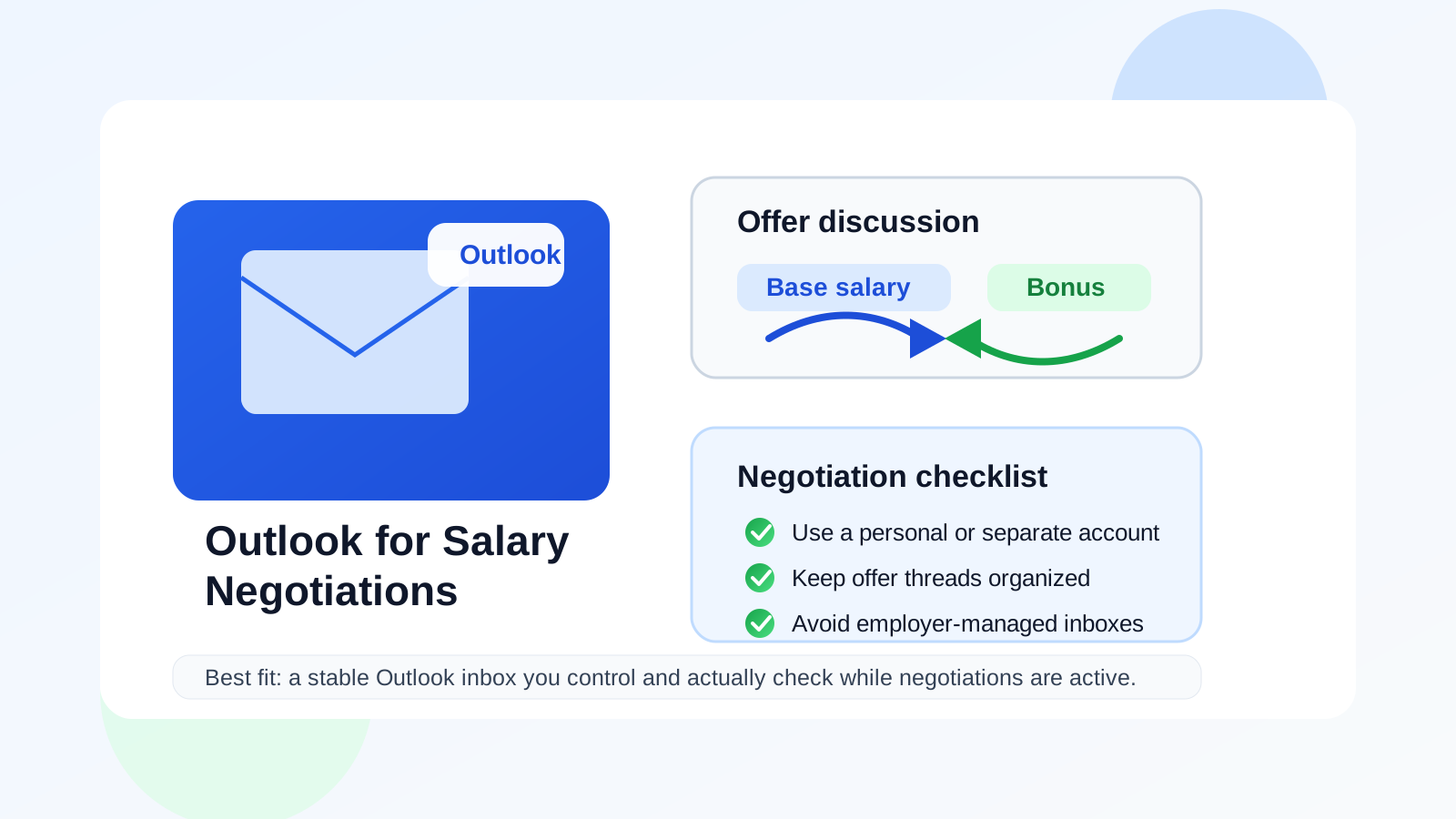
Yes — you can use Outlook for salary negotiations if it is a personal or separate Outlook inbox you control, secure, and monitor closely.
Outlook is usually a better choice than a work-managed or shared account, but a cluttered or poorly secured inbox can still create privacy and continuity problems when offer details start moving fast.
That is the short answer, but the real decision is less about the Outlook brand and more about what kind of Outlook account you are using. Salary negotiations are not casual messages. They can include compensation numbers, revised offer letters, bonus details, relocation terms, benefits summaries, equity explanations, and deadlines that matter. If you miss a reply, lose access to the thread, or expose the conversation to the wrong people, the problem is not theoretical anymore.
For many job seekers, Outlook is a perfectly sensible option. It looks normal in professional settings, it works well across desktop and mobile, and it gives you folders, search, and flags that make fast-moving hiring conversations easier to manage. But those advantages only help if the inbox belongs to you, stays accessible for the full negotiation, and is organized well enough that you do not lose important details under unrelated email noise.
Why salary negotiations need a reliable inbox
Negotiating compensation is one of the worst moments to rely on an email setup you barely think about. At this stage, you may be discussing more than just base salary. Employers might send:
- an initial written offer
- a revised offer after your counterproposal
- details about signing bonuses, equity, commission, or relocation help
- benefits summaries or policy attachments
- deadline reminders asking when you will respond
- requests to move from verbal discussion into written confirmation
Those messages are time-sensitive and often emotionally charged. You want them in an inbox that feels stable, searchable, and easy to review before you reply. Outlook can absolutely do that job. In fact, for a lot of people it does it quite well.
Why Outlook is usually a reasonable choice
It looks normal and professional
A standard Outlook address rarely creates friction. Recruiters, hiring managers, and HR teams see Microsoft-related email accounts every day, so your address is unlikely to distract from the actual conversation. That matters because the employer should be thinking about your compensation request, not wondering why you are negotiating through a strange-looking inbox.
It works well across devices
Salary negotiations do not always move on your schedule. A recruiter may reply while you are away from your desk, send a revised attachment late in the afternoon, or ask for a decision window before the weekend. Outlook’s mobile and desktop access make it easier to review the thread quickly without feeling like you must be chained to one computer.
Folders, search, and flags are genuinely useful
When you are negotiating with one employer while still interviewing elsewhere, message organization matters. Outlook makes it easy to flag important emails, create a folder for offer-related messages, and find the exact thread where compensation details changed. That becomes especially helpful if you are comparing versions of an offer or trying to confirm whether a number was discussed verbally or in writing.
It can support a dedicated negotiation channel
Some people already use Outlook as their main personal inbox. Others keep a separate Outlook.com account specifically for job-search communication. Either setup can work. The key is that the account is long-term enough for serious hiring communication, not a throwaway address you might forget to check.
When Outlook is a strong choice for salary negotiations
Outlook is usually a strong option if most of the following are true:
- you personally control the account
- the address looks clean and professional
- you check it often during an active negotiation
- it is protected with a strong password and two-factor authentication
- you can keep all offer-related messages in one place without confusion
If that sounds like your setup, there is no real reason to avoid Outlook just because it is Outlook. A personal or separate Outlook account can be every bit as practical as Gmail or another mainstream provider for this kind of communication.
When Outlook becomes a bad idea
Using a current employer’s Outlook account
This is the biggest mistake in the category. If the Outlook inbox belongs to your current employer through Microsoft 365, do not use it for salary negotiations with another company. Your employer may control access, retention, device policies, and monitoring rules. Even if nobody is actively reading your messages, the account is still not truly yours. It also creates obvious privacy and discretion problems if you are job searching while employed.
Using a shared family or household inbox
Compensation emails often include sensitive financial information, legal documents, and timing details you may not want casually visible to other people. If someone else can easily open the inbox, the privacy cost is immediate. Negotiations are much cleaner when the account belongs to you alone.
Using an old cluttered account you rarely monitor
Outlook is not automatically helpful if the inbox has turned into a graveyard of newsletters, receipts, spam, and ignored alerts. A recruiter’s revised offer can disappear fast in that environment. If your main Outlook account is overloaded, a cleaner long-term account may be the better move.
Using a school-managed Microsoft account
A university account can feel stable until graduation timing, alumni access policies, or administrative changes complicate things. If the negotiation may continue for days or weeks, it is usually safer to use an account you fully own independent of any institution.
Should you use your main Outlook inbox or a separate Outlook account?
That depends on how your main inbox behaves in real life. If it is organized, secure, and already part of your daily routine, using it is perfectly reasonable. If it is noisy or too mixed with personal life, a separate Outlook account can be a smart middle ground.
A separate Outlook account can help by:
- keeping offer threads away from unrelated personal email
- making it easier to search only job-search communication
- reducing the spread of your oldest everyday email address
- giving you a cleaner space for negotiation documents and follow-ups
The important nuance is that separate does not mean disposable. A salary negotiation is not the right place for an inbox that might vanish or be forgotten. If you want a dedicated channel, make it one you can keep active and check consistently.
How this differs from early job-search privacy
Early in a job search, stronger separation can make a lot of sense. You may be testing job boards, downloading gated resources, signing up for resume tools, or exploring recruiter funnels that are not yet trustworthy. In those early phases, a service like Anonibox can be useful because it helps you protect your long-term inbox from spam-heavy or low-trust exposure.
Salary negotiations are different. By the time you are discussing compensation, you usually need continuity more than distance. The employer may send revised terms, ask for a response by a specific date, or continue the thread after a phone call. That means a stable inbox wins over a temporary one almost every time. Outlook works well here when it gives you that stability.
Common risks to watch for if you negotiate through Outlook
1. Mixing negotiation with everything else
If your Outlook account is where every shopping receipt, subscription alert, and random login notification lands, important messages can get buried. Create a folder, flag key messages, and keep the negotiation thread visible.
2. Letting a work device shape your privacy assumptions
You might technically access a personal Outlook inbox on a work laptop or phone, but that does not automatically make it a good idea. If the device is managed by your employer, your privacy expectations may be weaker than you assume. For sensitive offer discussions, a personal device is usually better.
3. Inconsistent addresses across the process
If you applied with one email, interviewed from another, and now negotiate from a third, confusion can creep in. Ideally, the employer should already be talking to you through the same stable address before negotiations begin. If you must change it, tell them clearly rather than assuming every system updates itself perfectly.
4. Weak account security
This is not unique to Outlook, but it matters more when the inbox contains salary numbers, PDFs, and personal details. Turn on two-factor authentication, update recovery methods, and use a strong password. Compensation conversations are not the place for sloppy account hygiene.
What a good Outlook setup looks like for compensation talks
If you plan to use Outlook for salary negotiations, the ideal setup is boring in the best way:
- a straightforward personal display name
- a professional-looking address
- two-factor authentication enabled
- a dedicated folder or category for offer emails
- notifications turned on during the live negotiation window
- access from devices you personally control
That setup will not impress anyone with novelty, but it will make you easier to reach and help you avoid preventable mistakes. That is the point.
Practical examples
Example 1: personal Outlook.com account you already use daily
This is usually fine. If the address is clean, the inbox is manageable, and you control the account fully, Outlook is a sensible choice.
Example 2: work-managed Outlook inbox from your current employer
Usually a bad idea. Even if it seems convenient, the privacy and continuity risks are not worth it for compensation conversations.
Example 3: separate Outlook account created for job-search communication
This can be excellent if it is long-term, monitored closely, and already in use before negotiation starts. It gives you separation without making the setup fragile.
Example 4: old Outlook account you barely remember to check
Not ideal. A stable account only helps if it is also an active account. Reliability in practice matters more than theoretical ownership.
A quick checklist before you use Outlook for salary negotiations
- Do I personally control this account?
- Will I still have access for the full negotiation and onboarding period?
- Is the inbox clean enough that I will not miss an offer update?
- Is the account secured with two-factor authentication?
- Am I using the same address consistently across the important hiring steps?
- Would a separate long-term Outlook account help me stay more organized?
If most of those answers look good, Outlook is probably a solid choice.
Final answer
Yes, usually. Outlook can work very well for salary negotiations if the account is personal, secure, professional-looking, and checked closely.
The main thing to avoid is using an employer-managed, school-managed, shared, or neglected Outlook inbox for a conversation that may include offer documents and time-sensitive compensation details. If your Outlook setup helps you stay organized, reachable, and private enough for the moment, it is a practical and credible tool for the job.