Yes, you can use AOL Mail for recruiter outreach if the address looks professional, you check it regularly, and you keep recruiter conversations from getting lost in old inbox clutter.
If your AOL account has a dated username, years of promotional mail, or personal history you do not want attached to every outreach message, a cleaner dedicated inbox is usually the better choice.
That is the real answer. Most recruiters are not rejecting candidates just because they see @aol.com. What they notice first is whether your email looks credible, whether the message itself is sharp, and whether you reply quickly once the conversation starts. AOL Mail can still work for outreach, but it works best when you treat it as a deliberate professional contact channel rather than a dusty personal account from a decade ago.
Why recruiter outreach is different from a normal job application
When you fill out a company application form, the employer already expects candidates to appear in that system. Recruiter outreach is different because you are creating the first contact yourself. Your email address sits right next to your name, subject line, and message preview. That means your inbox choice becomes part of your first impression a little faster than it does in a standard application workflow.
In practice, recruiters care more about relevance and clarity than about provider prestige. Still, outreach is a moment where small friction matters. If your email looks messy, if replies disappear into a noisy inbox, or if your address feels overly personal, that can weaken the whole interaction even if your background is strong.
Is AOL Mail itself a problem?
Usually, no. AOL is an older provider, but it is still a recognizable mainstream domain. A recruiter will not normally panic because your address ends in @aol.com. A clean address like firstname.lastname@aol.com is easy to understand and easy to reply to.
The real issue is that many AOL accounts are old enough to come with baggage. You may have created the address casually, used it for years of signups, or attached it to shopping, newsletters, family communication, and forgotten logins. None of that makes AOL unusable, but it can make a specific AOL inbox a weak tool for job-search outreach.
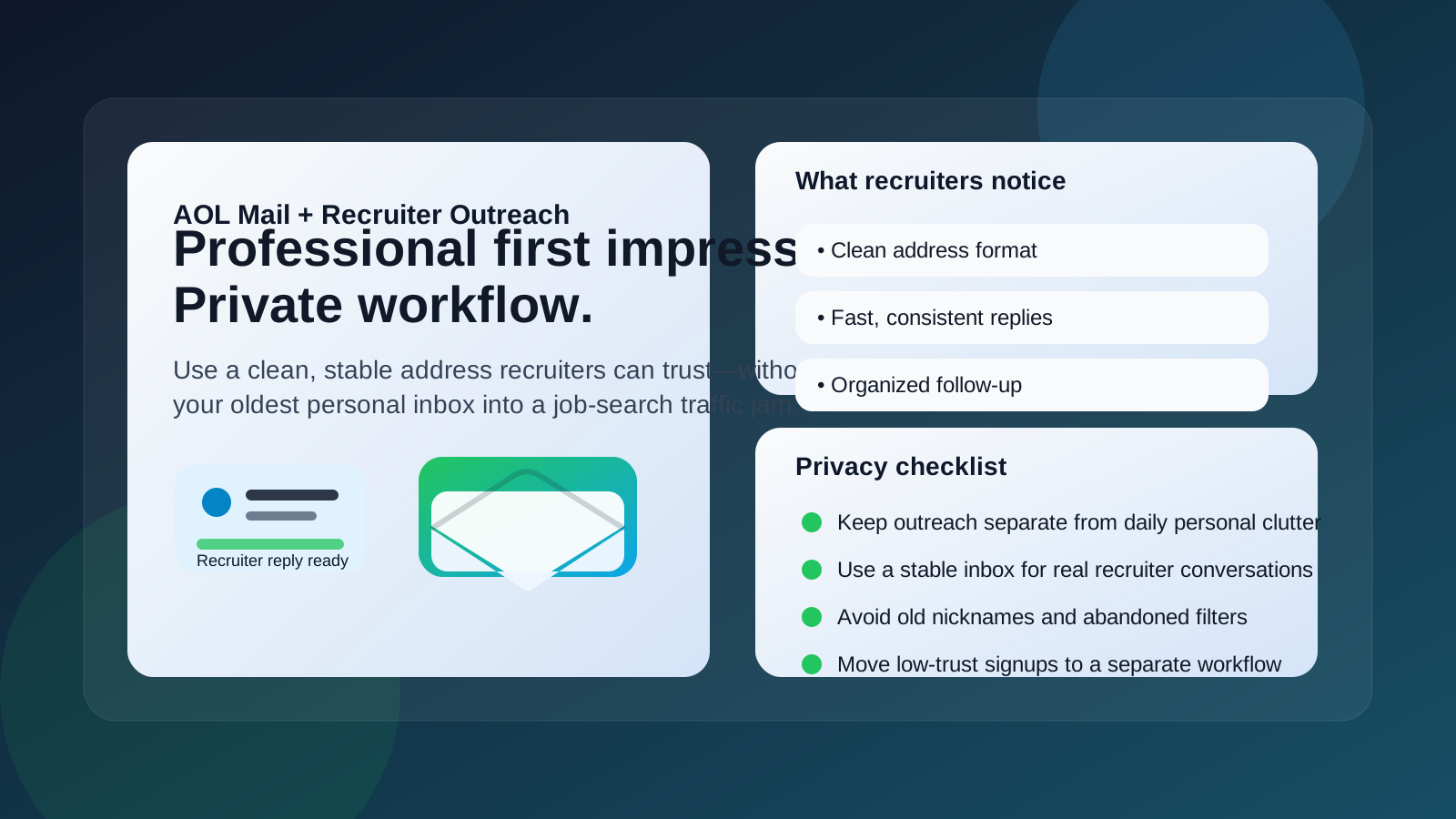
What recruiters actually notice first
If you want the practical version, recruiters usually notice a handful of boring things before they think about the provider itself:
- The format of the address: a real-name handle looks better than nicknames, jokes, or extra numbers.
- The quality of your message: a short, targeted note beats a generic cold email.
- Your response speed: if they reply and you disappear for three days, that matters more than the domain.
- Your consistency: the same contact details should appear across your resume, LinkedIn, and outreach messages.
That is why a polished AOL address can work better than a sloppy Gmail or Outlook address. The provider matters less than whether your communication feels organized and trustworthy.
When AOL Mail is perfectly fine for recruiter outreach
AOL Mail is usually fine if the account is stable and intentionally managed. It is a reasonable choice when:
- the address looks professional at a glance,
- you actually monitor the inbox every day,
- you can keep recruiter replies from getting buried,
- you use the same address consistently across job-search materials, and
- you want one reliable inbox for a short or moderate outreach campaign.
If your AOL address already fits that description, there is no urgent reason to panic and switch just because newer providers exist. Recruiters care much more about whether you are easy to reach and easy to work with.
Where AOL Mail can create friction
AOL Mail becomes a weaker option when the account reflects too much personal history or too little maintenance.
1. Old usernames can look casual
Many AOL addresses were created years ago, often before professional email habits mattered. If the handle includes nicknames, birth years, fandom references, or playful wording, the problem is not AOL itself. The problem is the impression the specific handle creates in an outreach context.
2. Inbox clutter can cause missed replies
If the account already catches newsletters, shopping alerts, account notifications, and random old subscriptions, recruiter responses can disappear surprisingly fast. Outreach only works when you can catch and answer replies quickly.
3. Personal and professional activity can blur together
Using one long-term inbox for everything can make your job search feel louder than it needs to be. It also means recruiter messages sit alongside family mail, receipts, promotions, and older personal correspondence. That is not always dangerous, but it is not ideal either.
4. The account may have forgotten rules or recovery settings
Older email accounts sometimes carry filters, forwarding rules, or outdated recovery details you have not reviewed in years. Before you rely on AOL Mail for recruiter outreach, make sure the account still behaves the way you think it does.
Privacy questions matter more than people think
Recruiter outreach often means sending your contact details to multiple people in a short time: in-house recruiters, staffing firms, sourcers, and contacts you may not know well yet. Even when the opportunities are real, that can expand your exposure quickly.
If privacy is the main reason you are considering your inbox choice, the best move is usually to separate low-trust activity from real recruiter conversations. A stable professional inbox is useful once you are speaking with an actual recruiter. A different workflow can make sense for early-stage signups, sketchier job boards, or one-off information requests.
That is where a tool like Anonibox can help naturally. If you are testing low-trust signup flows, downloading gated career resources, or checking whether a site is worth deeper attention, a temporary or separate email workflow can reduce spam exposure. But once you are having a serious recruiter conversation, stability matters more than disposability. Recruiters need an address that stays active long enough to handle replies, scheduling, and follow-up.
Should you keep using your existing AOL address or create a separate one?
That depends on the condition of the inbox you already have.
Keep your existing AOL address if it is clean, professional, monitored, and not drowning in unrelated mail.
Create a separate professional inbox if your current AOL account feels too personal, too noisy, or too dated for first-contact outreach.
The goal is not to chase a trendy provider. The goal is to use an address that makes recruiter communication simple. If a fresh inbox helps you do that, it is worth the setup time.
A practical checklist before you email recruiters from AOL Mail
- Check the handle: if it would look awkward on a resume, it will look awkward in outreach too.
- Search your own inbox: make sure you can find new recruiter mail quickly and that old clutter is not overwhelming the account.
- Review filters and forwarding rules: older accounts sometimes hide surprises.
- Update your signature: keep it simple with your name, target role, and one relevant link such as LinkedIn or a portfolio.
- Test deliverability the simple way: send yourself a message from another inbox and confirm replies behave normally.
- Turn on the alerts you actually use: outreach loses value if you do not notice a reply until the weekend.
What a good recruiter-outreach setup looks like
A strong setup is boring in the best way. You want a normal-looking address, a short and relevant outreach email, a subject line that makes sense, and an inbox you check consistently. That combination beats a fancy provider with a weak process every time.
For example, this is a solid pattern:
- a clean AOL address based on your name,
- a concise outreach message tailored to the recruiter or role,
- a resume and LinkedIn profile that match the contact details you are using, and
- a separate workflow for spammy job-board activity you do not fully trust.
That gives you the best of both worlds: a stable inbox for real conversations and less long-term noise from lower-value signups.
When you probably should not use AOL Mail for recruiter outreach
It is usually better to avoid AOL Mail for recruiter outreach if any of these are true:
- the address looks unprofessional,
- you rarely log in,
- important messages already get buried there,
- the account is shared with someone else,
- you want a stronger boundary between personal life and job searching, or
- you are contacting many recruiters and expect a high volume of back-and-forth.
In those cases, the issue is not that AOL Mail is forbidden. It is simply not the cleanest tool for the job.
Final answer
Yes, you can use AOL Mail for recruiter outreach, and many people will be completely fine doing so. Recruiters usually care more about whether your address looks professional, your message is relevant, and your replies are timely than they care about the provider name itself.
But outreach is also a first-impression channel, so your actual AOL inbox has to earn that trust. If it is old, cluttered, or overly personal, set up a cleaner dedicated inbox for recruiter conversations and keep lower-trust signups separate. That way you stay reachable, look organized, and protect your privacy without making the process harder than it needs to be.