If you are comparing KYC and IDV vendors, a temporary email generator for identity verification software free trials is a practical way to sign up, receive verification links, and review onboarding emails without routing every vendor follow-up into your long-term inbox.
It works best during early evaluation, when you want to compare trial access, sandbox setup, documentation, and sales motion before you commit a permanent team address to a serious shortlist.
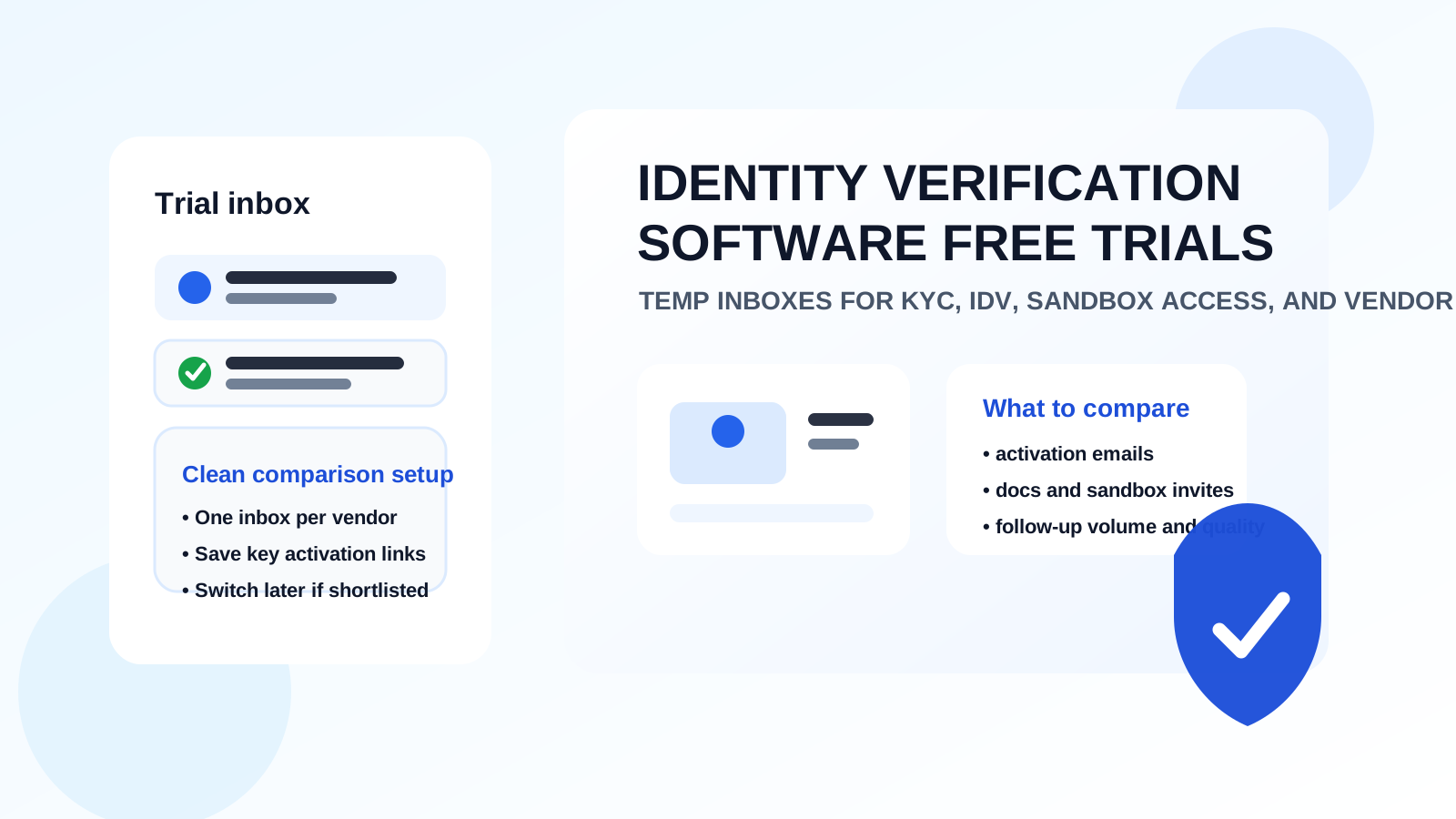
Identity verification software trials tend to create more email than people expect. The first sign-up usually triggers account verification, welcome sequences, admin setup messages, demo prompts, pricing nudges, webinar invitations, support outreach, and follow-up from multiple vendors at once. If your team is evaluating several KYC or IDV platforms in parallel, that inbox noise gets messy fast.
A temporary inbox gives you a cleaner way to handle that stage. You still receive the important messages you need to access the trial, but you do not have to expose your main personal or team inbox to every vendor until you know which platform deserves deeper review. That matters whether you are testing document verification, liveness checks, fraud signals, onboarding flows, or developer integration options.
The goal is not to hide from legitimate vendors forever. The goal is to keep the research phase organized, reduce inbox clutter, and contain unnecessary long-term follow-up while your evaluation is still exploratory. A tool like Anonibox fits naturally into that workflow because it helps you create a disposable layer for early comparison without turning the whole process into a permanent mailbox commitment.
Why use a temporary inbox for identity verification software free trials?
Most identity verification evaluations start before you are ready for procurement. You might want to compare a few vendors, test their onboarding speed, inspect sample dashboards, review available checks, or see how well their product fits your workflow. Vendors, meanwhile, usually want to move you into demos, calls, and nurture sequences quickly.
That mismatch is where a temporary inbox helps.
- It keeps early-stage trial noise out of your long-term inbox. You can verify the trial without inviting months of follow-up from tools you may never use again.
- It makes vendor comparison cleaner. A separate address per platform keeps confirmation emails, product announcements, and trial notices from blending together.
- It helps you evaluate the vendor experience itself. The quality of the verification email, setup instructions, and onboarding cadence tells you something about the product maturity.
- It reduces unnecessary exposure. Your real work address does not need to be distributed broadly before you know which vendor is worth a real security or buying conversation.
What teams usually test during an identity verification software trial
Identity verification software trials are rarely just about whether one email arrives. In a serious evaluation, teams usually want to inspect several layers of the product and workflow.
- Document capture flows: how cleanly the platform handles ID upload, capture guidance, and basic user experience.
- Liveness or selfie checks: how the trial demonstrates identity-confirmation steps and user friction.
- Risk and review workflows: how results are surfaced, flagged, and explained to admins or operations teams.
- Developer readiness: how easy it is to access docs, sample requests, SDKs, webhook setup guidance, and sandbox instructions.
- Operational fit: how well the platform seems suited for onboarding, fraud prevention, marketplace verification, fintech flows, hiring checks, or other real use cases.
That process usually creates a long email trail: trial activation, email verification, sample environment access, admin invitations, documentation digests, support follow-ups, and repeated prompts to schedule a demo. A temporary inbox absorbs that traffic so your team can focus on the product instead of managing the inbox consequences.
How to use a temporary email generator during IDV vendor evaluation
1. Create one inbox per vendor
This is the simplest way to stay organized. If you are comparing three or four identity verification platforms, use a different temporary address for each one. That makes it much easier to match emails, links, and setup notes to the right product later.
2. Verify the trial immediately
As soon as the sign-up email arrives, complete the activation step and confirm that the account is usable. If the email is delayed, broken, or confusing, that is already useful evaluation data.
3. Save the messages that actually matter
Do not assume you will need every message later. Usually the important items are the verification link, sandbox login details, documentation links, and any admin or environment-setup instructions. Save those in your internal notes right away.
4. Judge onboarding quality, not just product features
Good trials do more than unlock a dashboard. They explain the next step clearly. Ask yourself whether the verification email was easy to understand, whether setup guidance was relevant, whether sales outreach felt proportionate, and whether the vendor helped you reach the meaningful parts of the trial quickly.
5. Switch to a permanent address once the shortlist is real
A temporary inbox is ideal for discovery, comparison, and low-commitment testing. Once a vendor becomes a serious contender for procurement, security review, or production planning, move the conversation to a durable team alias or shared mailbox that your organization controls.
What to compare besides the product itself
When teams evaluate identity verification platforms, they often focus heavily on features and pricing. That matters, but the communication workflow matters too. The trial inbox gives you a useful lens into that part of the experience.
- Activation speed: Did trial emails arrive quickly and reliably?
- Instruction quality: Were the setup steps clear, useful, and written for actual evaluators?
- Sandbox readiness: Did the vendor help you reach a meaningful test state without unnecessary friction?
- Documentation guidance: Did the emails point you toward the right docs, examples, or implementation resources?
- Follow-up pressure: Was outreach helpful and proportional, or did it become noisy immediately?
Those signals do not replace a technical review, but they do tell you what kind of operational experience the vendor creates around the product. If the first few interactions are chaotic or overly aggressive, that is worth noting during comparison.
When a temporary inbox makes the most sense
This approach is strongest when you are still in the exploration stage. Maybe you are comparing tools for customer onboarding, fraud reduction, account recovery, marketplace trust, or compliance-heavy sign-up workflows. Maybe you are a product team, security team, or operations lead trying to narrow a long list into a shortlist.
In that stage, temporary email is useful because the commitment level is low but the email volume is high. You want access to the trial, not an indefinite relationship with every vendor you click.
It is also helpful for consultants, agencies, and technical evaluators who review tools for multiple internal stakeholders or clients. Temporary addresses let you keep each evaluation compartmentalized instead of blending everything into one overloaded mailbox.
When not to rely on a temporary inbox
A temporary inbox is not the right answer for every part of the buying journey.
- Do not use it for long-term account ownership. If the trial is turning into a real vendor relationship, move to a stable address.
- Do not use it for billing, contracts, or procurement approvals. Those messages belong in a durable mailbox that your team controls.
- Do not use it for shared production administration. Production access, security notifications, and real account recovery should not depend on a short-lived inbox.
- Do not ignore retention limits. If the inbox expires or you lose track of it, critical activation details can disappear with it.
Temporary email helps you evaluate. It is not a substitute for proper long-term ownership once the vendor matters.
Common mistakes to avoid
- Using one inbox for every identity verification vendor and then mixing up activation links.
- Forgetting to save important setup details before the temporary mailbox expires.
- Staying on a disposable address too long after the trial becomes a serious evaluation.
- Judging the vendor only by feature checklists while ignoring onboarding quality and follow-up behavior.
- Assuming a temporary inbox should be used for permanent admin access or sensitive production notifications.
A practical workflow that works well
If you want a simple process, create one temporary address per identity verification vendor, complete the verification email immediately, save the key links and notes, and compare the trial experience side by side. Keep your permanent inbox out of the process until one or two vendors are clearly worth deeper engagement.
That gives you the best of both worlds: fast access to trials and cleaner inbox hygiene. It also makes your evaluation notes more useful because you are not sorting through a pile of overlapping nurture emails later.
Final takeaway
A temporary email generator for identity verification software free trials is a simple, practical way to compare KYC and IDV platforms without committing your long-term inbox too early.
You still get the activation links, onboarding messages, and documentation pointers you need to test the product, but you avoid turning early-stage research into a permanent stream of vendor email. Use temporary inboxes during discovery, keep one inbox per vendor, save the messages that matter, and switch to a stable address only when the shortlist is real.