Usually not as a cold first-contact default. Microsoft Teams can work for recruiter outreach when you already share a legitimate work, event, or referral context, but email or LinkedIn is usually safer for privacy, verification, and follow-up.
If you do use Teams, avoid exposing more of your work identity than necessary, watch for tenant and guest-access issues, and move serious hiring conversations to email or scheduled calls quickly.
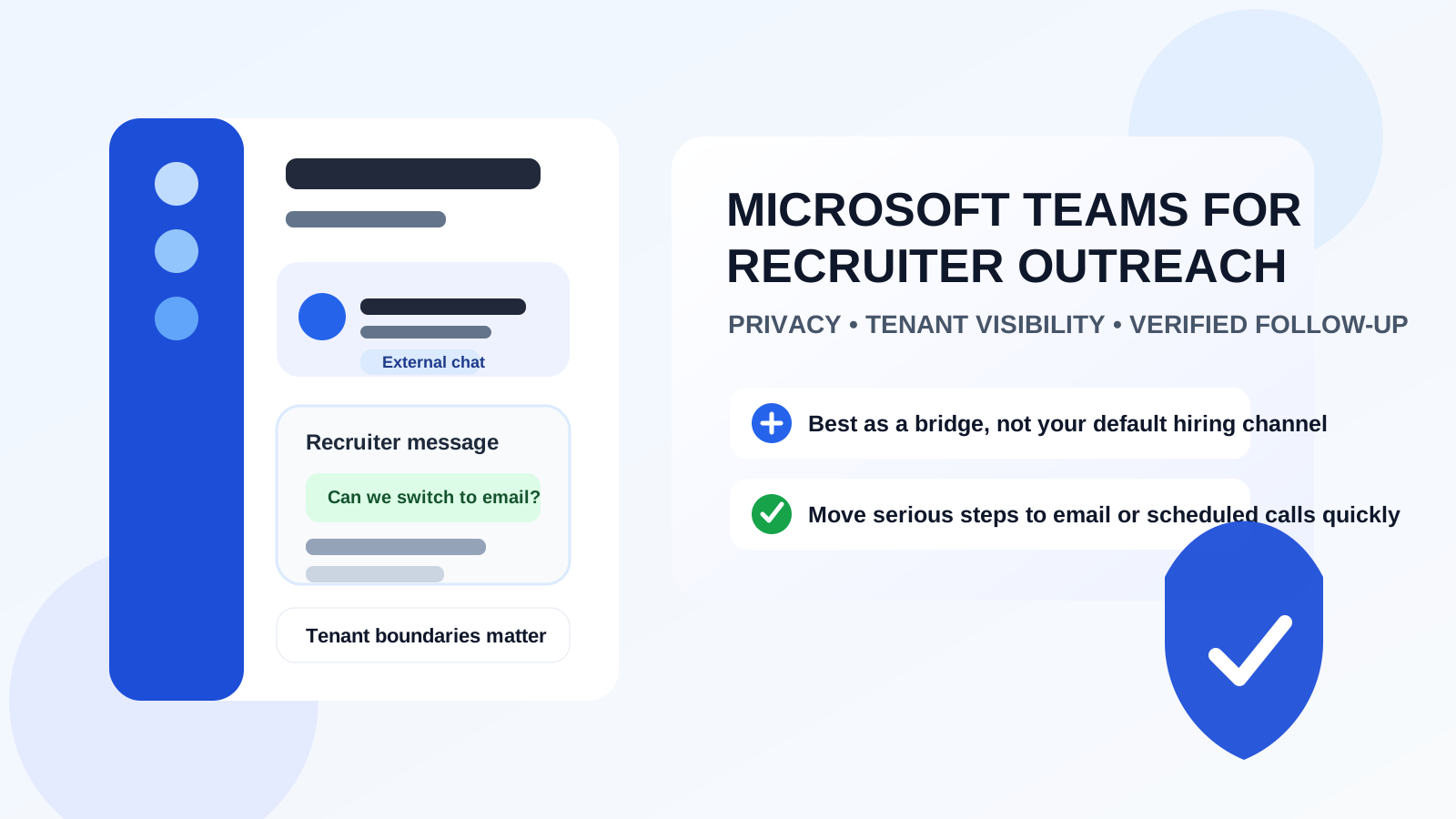
Microsoft Teams feels professional on the surface. That is exactly why people sometimes assume it must be a good place for recruiter outreach. It looks more credible than a random text message, more structured than social DMs, and more work-like than many chat apps. But recruiter outreach is not the same as internal collaboration, and that difference matters.
Teams is deeply tied to company accounts, tenant settings, external access rules, meeting workflows, and employer-managed identities. In some cases, that makes it useful as a short bridge between two professionals who already have real context. In other cases, it makes it a clumsy place to start a hiring conversation because it can expose your employer, bury important messages, or create verification confusion right when you need clarity.
That does not mean Teams is always wrong. It means Teams is best treated as a limited-use channel. If the recruiter is legitimate, the opportunity is real, and you already have a reason to be in that environment, it can work. For cold outreach or anything that needs a clean record, email is still the safer default.
Why Microsoft Teams comes up in recruiter outreach
Recruiters do not always start on email anymore. Some work closely with hiring managers inside Microsoft 365 environments. Some attend virtual events hosted in Teams. Some reach out after webinars, alumni events, industry meetups, or referral introductions where Teams is already the communication layer. In those situations, a Teams message can feel practical and low-friction.
There is also a trust effect. Because Teams is associated with real workplaces, people often read a message there as more legitimate than they would read the same message on a casual social platform. Sometimes that instinct is reasonable. Sometimes it is exactly what makes people lower their guard too early.
The right question is not whether Teams is professional in general. It is whether Teams is the right tool for this specific stage of the conversation.
When Microsoft Teams can work for recruiter outreach
1. You already share a legitimate professional context
If the outreach happens after a real virtual event, a referral, or an existing professional connection, Teams can be a fine opener. The key is that the context is already established. A message from someone you met in a Teams-hosted industry session is very different from a random external ping with no explanation.
2. The message is only a short bridge
Teams works best when the first exchange is lightweight. A recruiter saying, “I enjoyed your panel comments—would you be open to continuing by email?” is a reasonable use of the tool. Trying to run the whole hiring process inside chat is where things usually get messy.
3. You can verify the person independently
A real recruiter should be verifiable outside the chat window. You should be able to confirm their company, role, and email domain through public sources or a company site. If Teams is just the first touchpoint and verification is easy, the risk is lower.
4. The next step is clearly a scheduled meeting
Teams is more defensible when it is being used to schedule or host a defined conversation rather than to carry a long string of vague back-and-forth messages. Once there is a clear meeting, invite, or recruiting process, the tool has a more natural place.
Why Teams is usually not the best primary channel
Your account may reveal more than you expect
Teams identities are often connected to employers, schools, or client organizations. Depending on the setup, your display name, organization, photo, title, and account type may all be visible. If you are quietly exploring opportunities while employed, that can be an unnecessary privacy trade.
Tenant and guest-access settings can create confusion
Teams works best inside one organization. External chat, guest access, and cross-tenant messaging can be inconsistent. Some people cannot receive outside messages. Some only see them in odd places. Some accounts are tied to workplace policies that limit communication or retention. That makes Teams weaker than email for first contact and follow-up reliability.
It is easy to blur work and job-search boundaries
If you are using a work-managed Teams account, you are effectively bringing your employer’s communication environment into an outside hiring conversation. Even if nothing dramatic happens, that is often more exposure than you need. Privacy-conscious job seekers usually want cleaner separation than that.
Important details can disappear inside chat
Job descriptions, scheduling notes, compensation hints, and recruiter names are easier to lose in chat than in a structured email thread. Teams is built for ongoing conversation, not necessarily for clean long-term record-keeping across a hiring cycle.
The biggest privacy risks to think about
Employer visibility
If your Teams identity obviously points to your current employer, that may tell a recruiter more than you intended before you have even decided whether you want the conversation. It can also create discomfort if you are still employed and trying to keep your search discreet.
Profile oversharing
Chat tools often expose things people forget about: profile photo, job title, timezone, status text, meeting habits, and sometimes organizational structure clues. None of those are always sensitive on their own, but together they can provide more context than you want to hand over to someone you do not know yet.
Company-controlled retention
Many Teams environments are controlled by employers. That means chats, files, or meeting artifacts may be subject to organizational retention and monitoring rules. That alone is a good reason not to treat Teams like a private vault for your job search.
False confidence from a corporate-looking interface
Teams can feel safe because it looks official. But official-looking software does not replace verification. You still need to confirm the person, the role, and the next steps. A polished interface should not make you skip basic caution.
When Teams makes the most sense
The strongest case for Teams is when it is not truly cold outreach at all. Maybe you met the recruiter at an event already running in Teams. Maybe a mutual contact introduced you. Maybe a hiring manager wants to move straight to a quick scheduled screening call in the same environment their team already uses. In those cases, Teams can be convenient.
Even then, it is usually smarter to move the lasting parts of the process somewhere cleaner. A verified company email address for job details and a calendar invite for the meeting usually beat a long Teams thread for organization and privacy control.
When email or LinkedIn is the better choice
- Cold outreach: Email or LinkedIn gives clearer identity signals and cleaner follow-up.
- Document sharing: Resumes, portfolios, and role details are easier to track outside chat.
- Longer hiring cycles: Email remains easier to search, archive, and revisit weeks later.
- Privacy-sensitive searches: A dedicated inbox usually creates better separation than a work-linked chat account.
This is where thoughtful contact hygiene matters. Some job seekers pair a dedicated job-search inbox with a separate phone number so recruiter traffic stays organized without leaking into personal or employer-managed channels. If you use Anonibox for early-stage interest forms, event registrations, or exploratory signups, the same principle applies here: use lightweight tools for lead capture, but move serious recruiting communication into a stable, monitored channel you control.
Best practices if you do use Teams for recruiter outreach
Use the least revealing account possible
If your current employer controls the account, be careful. A neutral or personal Microsoft account can be safer than a work-managed identity when outside opportunities are involved. The goal is not secrecy theater. It is sensible separation.
Verify the recruiter before sharing anything substantial
Before sending a resume, phone number, or scheduling details, confirm the recruiter through a company website, LinkedIn profile, or legitimate company email address. A real recruiter should not have trouble continuing through verified channels.
Move serious details out of chat
Once the conversation looks real, ask for the job description or follow-up in email. Use Teams for a short intro or scheduled call if necessary, but keep the system of record somewhere easier to manage.
Watch your visible profile details
Check what your display name, photo, title, status, and organization reveal. If replying through Teams would unintentionally advertise your employer or current role context, pause and choose another channel.
Do not treat Teams like a disposable side path
If you give someone access to you through Teams, reply consistently or move them elsewhere quickly. The worst pattern is half-using it: enough to start the conversation, not enough to manage it well.
Red flags that make Teams outreach a bad idea
- The person refuses to continue from a verifiable company email address.
- The message is vague about the role, team, or company.
- You are being pressured to move fast before basic verification.
- The outreach depends on your current work-managed account in a way that makes you uncomfortable.
- The recruiter wants sensitive documents or personal identifiers through chat immediately.
- The account context looks inconsistent with the company they claim to represent.
Teams is not inherently suspicious. But when a recruiter leans on the convenience of chat to avoid normal verification, that is worth noticing.
Microsoft Teams vs Slack for recruiter outreach
Both tools create boundary issues, but the flavor is different. Slack often raises community and workspace-visibility concerns. Teams more often raises tenant, employer-control, and account-boundary concerns. In both cases, chat can be useful as a bridge. In both cases, email usually does the real work better once the conversation matters.
That is why the decision is less about brand preference and more about control. Which tool lets you verify the person, keep a clean record, and protect your identity while staying responsive? Most of the time, that answer is still email first.
A practical rule of thumb
If the recruiter contact is warm, clearly contextual, and easy to verify, Teams can be fine for a quick hello or a scheduled screening. If it is cold, vague, or tied to a work-managed account you would rather not expose, skip Teams and ask to continue by email or LinkedIn.
That gives you the upside of being reachable without turning a company-linked chat tool into the center of your job search.
Bottom line
Microsoft Teams can work for recruiter outreach, but usually only as a secondary channel in a real professional context. For cold outreach, early verification, and long-term follow-up, email or LinkedIn is usually safer and easier to manage.
If you do use Teams, keep the first exchange short, verify who you are talking to, and move serious hiring communication into channels you control better. That approach preserves convenience without giving up privacy, tenant awareness, or job-search organization.