Use a temp email for Coursera if you only want short-term sign-up privacy while browsing courses or testing a trial without feeding your main inbox more marketing and reminder email.
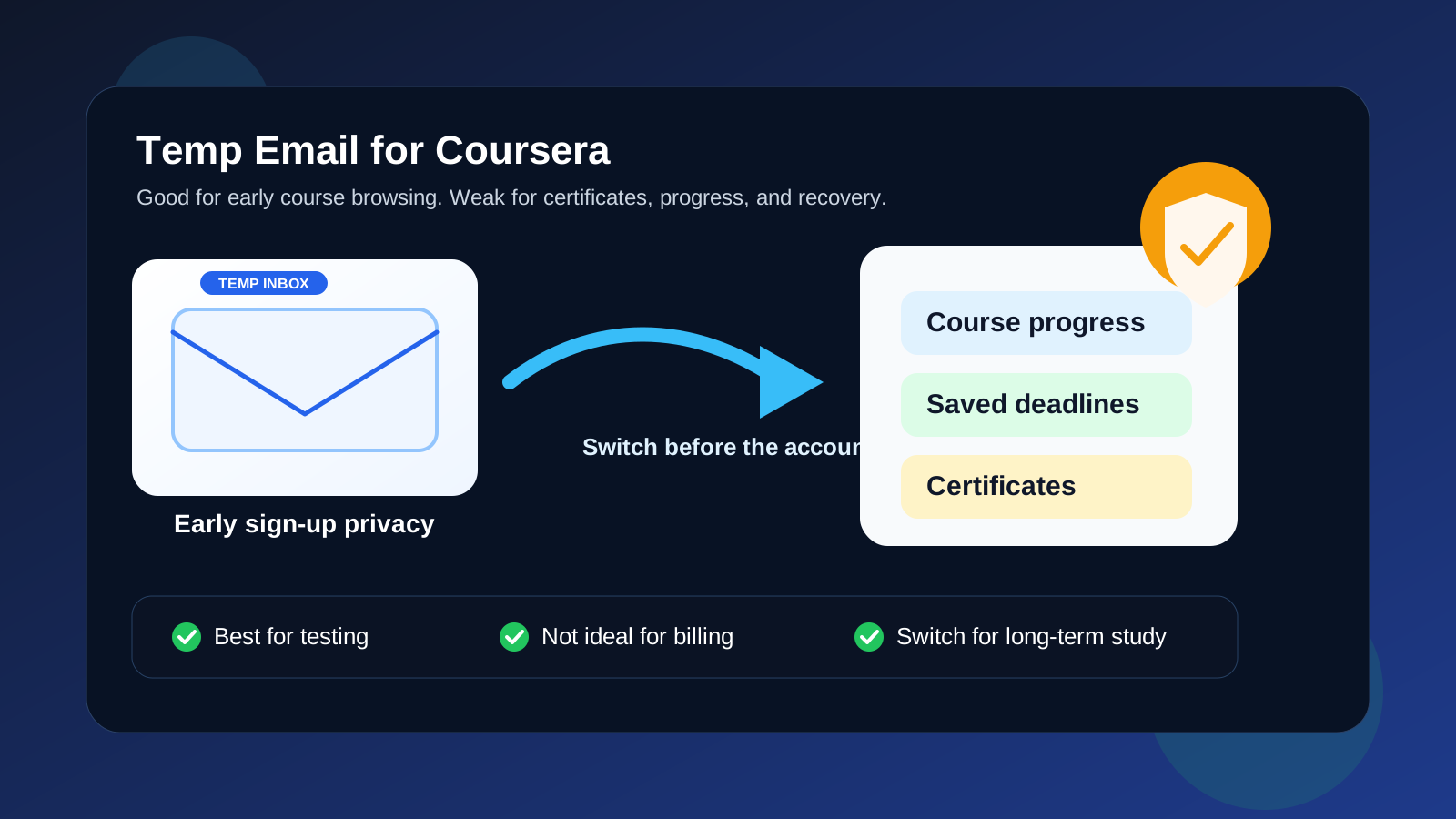
Yes, a temp email for Coursera can work for low-stakes exploration, but it is a poor long-term choice if you care about certificates, saved progress, subscription billing, assignment reminders, or account recovery.
That trade-off matters because Coursera sits in the middle between a casual sign-up and a real long-term account. At first it can feel disposable. You open a course page, sample a specialization, compare pricing, maybe start a free trial, and decide whether the platform is worth keeping. In that phase, using a temporary inbox is reasonable. But the moment the account starts holding things you actually value—course progress, deadlines, certificates, payment history, or a learning routine—the same throwaway setup becomes fragile.
If you searched for temp email for Coursera, the usual goal is not to do anything shady. It is usually simpler than that: you want to protect your main inbox, test the platform without extra noise, and keep another education service from attaching itself permanently to your everyday email too early. That instinct is fair. The important part is knowing where the convenience stops helping and starts creating avoidable risk.
Why people look for a temp email for Coursera
Online learning platforms can send a lot of mail over time. Even when the content is useful, not everyone wants another stream of course suggestions, deadline reminders, trial prompts, new specialization recommendations, newsletter digests, and promotional nudges landing in a primary inbox.
There are a few common reasons people prefer a temporary address at the start:
- Inbox control: you want to preview courses without adding more recurring email to a work or personal account.
- Low-stakes testing: you may only want to sample the platform, compare it with other learning tools, or see how the interface feels.
- Separation: some people keep software trials, side-project signups, and learning experiments away from their main identity on purpose.
- Privacy by default: you do not want to hand over a long-term address before deciding whether you even plan to keep the account.
That makes sense, especially if you are already comparing several education tools at once. Someone choosing between Coursera, Udemy, Educative, Kaggle, or another platform may not want every experiment tied to the same inbox on day one.
When a temp email for Coursera makes sense
1. You are only browsing courses and checking fit
If your real goal is simply to explore the catalog, test the onboarding flow, or see whether the platform feels useful, a temporary inbox can be fine. This is the cleanest use case because nothing important depends on the account yet. You are evaluating, not committing.
2. You want to test a short free trial or low-stakes starter account
Sometimes you only want enough access to decide whether a course library or specialization is worth your time. In that stage, a temporary email can help you get through sign-up and see the product without immediately mixing those messages into your long-term inbox.
3. You are comparing several learning platforms in one week
Learning-platform evaluation can get messy quickly. One day you are checking Coursera, the next day a data-skills platform, then maybe a coding-course provider, a certificate site, or a creative-learning tool. A temporary inbox can keep early testing compartmentalized so you do not confuse one platform’s reminders with another platform’s trial prompts.
4. You do not care if the account disappears later
This is the real line. If losing the account later would not matter—because you never planned to finish the course, save progress, earn a certificate, or keep paying for access—then a temp email can be a practical choice. If losing access would annoy you, cost you money, or erase something useful, the setup has already outgrown a throwaway address.
Where a temporary inbox becomes a bad idea
Certificates and completion history
Coursera accounts can become record-keeping accounts faster than people expect. If you complete a course, pay for a specialization, or earn a certificate you may want to show later, the inbox tied to that account stops being disposable in any meaningful sense. You may need it for confirmations, receipts, or recovery long after the first sign-up.
Saved progress and deadlines
Even if you never care about a certificate, you might care about continuity. When a course includes saved progress, assignment schedules, quiz access, or pacing reminders, missing messages and losing account access becomes a real inconvenience. Temporary inboxes are fine when you are sampling. They are weak when you are building a routine.
Paid subscriptions and billing follow-up
The risk gets higher as soon as money enters the picture. If you start a paid trial, subscribe to a learning plan, or purchase access to something you may revisit, you want a durable inbox for receipts, renewal notices, account alerts, and problem resolution. A disposable address is a bad foundation for something that may affect your wallet later.
Account recovery and device changes
This is the classic failure mode. A temp email feels fine when everything works. Then you switch devices, forget how you signed in, need a password reset, or come back months later. If the original inbox is gone, recovery becomes the problem you remember instead of the course you wanted to take.
Coursera is not really a one-email interaction
That is why this keyword is trickier than it looks. Some sites only need one verification link and then never matter again. Coursera often develops into a multi-month relationship with the account. That relationship may include reminders, course progress, support threads, subscription messages, and credentials you may want to keep.
For a true one-off test, a temporary address is reasonable. For anything that looks like real learning, it is usually smarter to move quickly to a stable address you control for the long haul.
Temp email vs a separate long-term learning inbox
For most people, the better comparison is not “main inbox forever” versus “temp email forever.” The more practical comparison is:
- Main personal or work inbox: easiest to use, but most exposed to long-tail marketing and reminder mail.
- Temporary inbox: best for short evaluation, low-trust testing, and avoiding permanent exposure too early.
- Separate long-term learning inbox: usually the best middle ground once you know the platform matters.
A separate long-term inbox often wins because it gives you privacy and organization without the fragility of a disposable address. You can still keep Coursera separate from your main mailbox, but you are not gambling with recovery and continuity.
That is also where Anonibox fits naturally. A temporary inbox is useful at the exploratory stage: quick sign-up privacy, trial testing, and reducing clutter while you decide whether a platform belongs in your workflow. Once you cross into paid use, certificates, or ongoing coursework, switch to something durable.
How to use a temp email for Coursera without painting yourself into a corner
- Use it only for evaluation. Treat the temporary inbox as a screening tool, not as the permanent home for an account you may depend on.
- Decide early whether the platform is worth keeping. If you start a course seriously, plan to migrate to a stable inbox before progress, receipts, or deadlines matter.
- Save the important early messages. Keep any verification or trial-confirmation email you may need during the first session.
- Do not attach billing unless you are ready to switch. Once payment is involved, durability matters more than pure inbox privacy.
- Use a separate long-term address for real study plans. If the course is tied to work, career development, or a certificate you want later, use an email you fully control.
Signs you should switch to a stable email immediately
- You are halfway through a course and plan to finish it.
- You paid for access or started a subscription.
- You care about completion records or certificates.
- You want to revisit saved progress later from another device.
- You are relying on reminder emails to stay on schedule.
- You would be frustrated if recovery became difficult next month.
If any of those apply, the account is no longer disposable even if the original sign-up felt disposable.
A quick decision checklist
Before using a temp email for Coursera, ask yourself:
- Am I just browsing, or do I expect to keep this account?
- Would losing access later actually matter to me?
- Am I likely to pay for a course, plan, or certificate?
- Do I want reminders, receipts, and recovery messages to stay available long term?
- Would a separate learning inbox give me the privacy benefit without the fragility?
If you only want a low-stakes look around, temp email is fine. If you already know the platform may become part of your learning routine, skip the throwaway step and use a stable inbox from the beginning.
Final answer
Yes, you can use a temp email for Coursera when you only want short-term sign-up privacy while browsing courses or testing whether the platform fits your needs.
But it is usually the wrong long-term choice for real coursework, subscriptions, certificates, saved progress, and recovery. Use a temporary inbox for evaluation, then move to a separate durable address as soon as the account starts holding anything you would care about later.