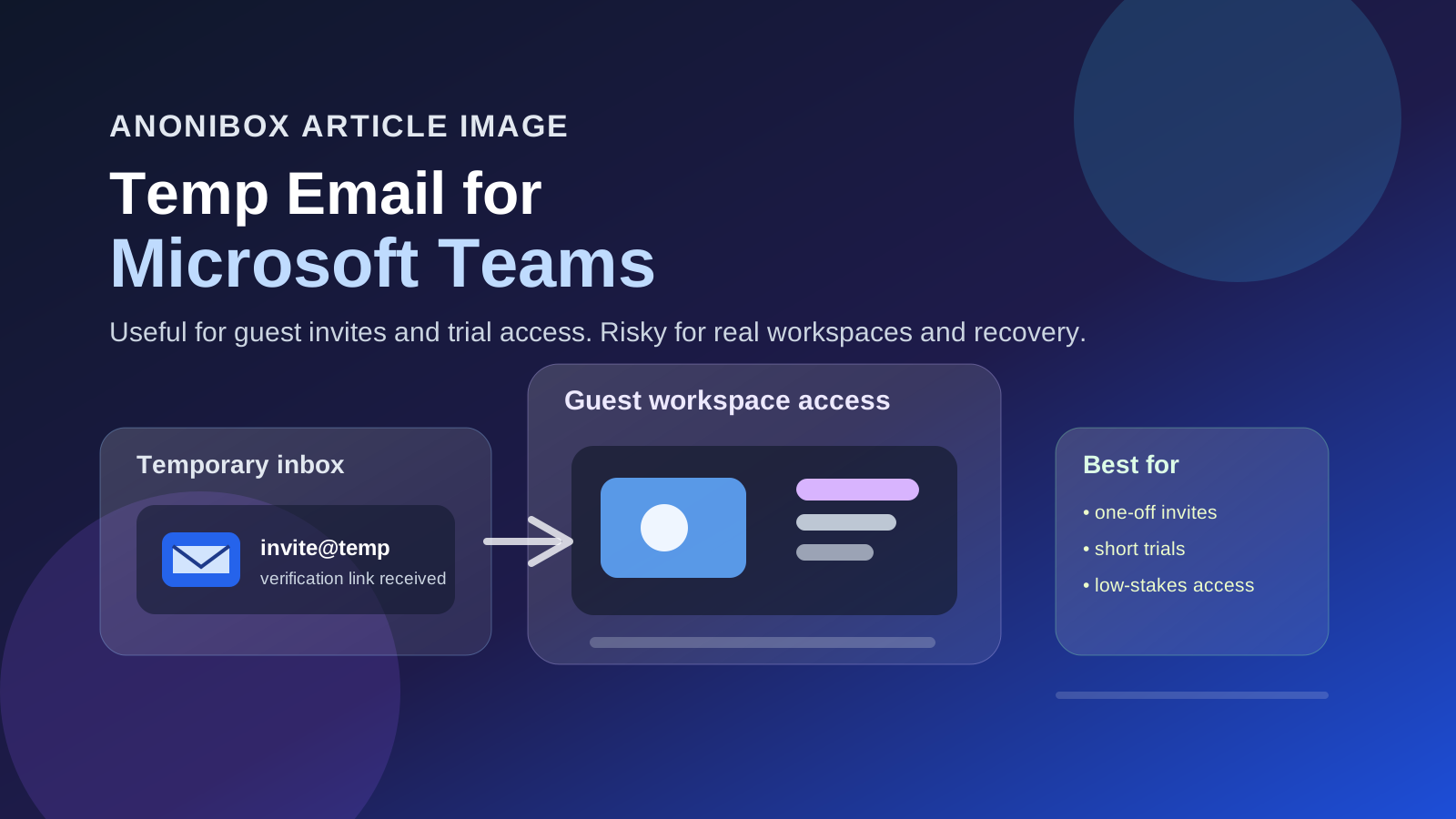
A temp email for Microsoft Teams is fine for guest invites, event access, or short tests you may never need again.
It is a poor choice for your main Teams workspace, ongoing client collaboration, or any account tied to files, notifications, or recovery.
That trade-off is the whole story. Microsoft Teams can sit at two very different ends of the spectrum. Sometimes it is just a quick invite to a webinar, training session, external meeting, or trial workspace. Other times it becomes part of your real work life, with meeting history, shared documents, account recovery emails, and long-running collaboration threads. A temporary inbox works well in the first scenario and badly in the second.
If you are searching for a temp email for Microsoft Teams, you are probably trying to protect your main inbox from one-off invites, reduce notification clutter, or keep exploratory signups separate from your everyday work identity. Those are reasonable goals. The trick is using temporary email as a filter at the start, not as a permanent home for an account that may later matter.
Why people look for a temp email for Microsoft Teams
Teams shows up in more situations than most people expect. It is not just for full-time employees inside a company directory. People also encounter it through:
- guest access to a client or partner workspace,
- conference, workshop, or cohort collaboration spaces,
- training portals and onboarding sessions,
- sales demos or trial environments,
- community groups that organize meetings through Teams, and
- one-off external meetings where an organizer wants your email for the invite flow.
In those cases, the goal is often simple: get the invite, join the session, and avoid dragging another low-priority stream of reminders and follow-ups into your main inbox forever. A temporary inbox can help with that early stage.
When using a temporary email for Microsoft Teams makes sense
1. Short-lived guest access
If you are being invited into a workspace for a brief review, outside feedback round, or limited project handoff, a temp email can be useful. You receive the invitation, verify access, and keep the interaction separate while you decide whether the relationship is actually ongoing.
2. Event, training, or cohort workspaces
Some workshops, conferences, volunteer groups, and short courses use Teams for a few days or a few weeks. If you do not expect the workspace to matter after the event ends, a temporary address can keep that sign-up from becoming another long tail of admin messages in your personal inbox.
3. Trial or evaluation setups
Sometimes you are not joining a real long-term workspace at all. You are just testing how an organization handles external collaboration, comparing communication tools, or checking whether a program is worth your time. In that exploratory stage, a temporary inbox can be a practical buffer.
4. Privacy-first first contact
If you are cautious about handing your primary address to every vendor, community manager, or outside organizer, a temp email gives you a way to stay reachable without immediately spreading your permanent inbox everywhere. That can be especially helpful when the invitation comes from a form, landing page, or outreach you are still evaluating.
When a temp email for Microsoft Teams is the wrong tool
Your actual work or client workspace
If Teams will become part of your real day-to-day work, use an email address you control long term. A disposable inbox is not a smart foundation for a collaboration account that may later hold important meeting access, file permissions, chat history, and recovery options.
Recurring meetings and project coordination
One meeting is one thing. A recurring project rhythm is another. If the organizer is going to send updated invites, reschedules, files, or future check-ins, a stable inbox is the safer choice from the beginning.
Account recovery and security alerts
Anything that matters long term eventually runs into recovery. Password resets, unusual sign-in alerts, invitation renewals, membership changes, and account notifications are exactly the kinds of emails you do not want tied to a mailbox that may disappear or that you may stop monitoring.
Sensitive documents or regulated work
If the workspace involves contracts, confidential business files, HR documents, customer data, legal review, or anything sensitive, convenience should not be the deciding factor. Use an inbox you own and monitor consistently.
The real benefits
- Less inbox clutter: one-off invites and low-value reminder chains stay out of your main mailbox.
- Better privacy: you do not have to give your everyday address to every external organizer right away.
- Cleaner evaluation: you can test whether the workspace matters before deciding to attach it to a permanent email identity.
- Easier separation: experimental collaboration stays separate from your normal work and personal communication.
The risks and limitations
A temp email for Microsoft Teams is useful, but only if you stay honest about the downside.
- You may lose continuity: if the invite becomes part of a longer relationship, temporary inboxes can turn into an avoidable weak spot.
- You can miss future updates: rescheduled meetings, new guest invitations, and follow-up documents may still arrive after the first session.
- Workspace management gets messy: if you use multiple temp addresses and never record which one went where, later cleanup becomes frustrating.
- Some flows work better with stable email: external collaboration is often designed with long-term identity in mind, not disposable access forever.
A practical workflow that actually works
1. Decide whether this is exploratory or important
Before you accept the invite, ask a blunt question: is this temporary activity, or could it become part of real work? If it is temporary, a throwaway inbox may fit. If it could matter next month, use a stable address now.
2. Use the temp inbox only for the first step
Let the temporary address handle the invite email, verification message, and initial join flow. That gives you privacy while you are still deciding whether the workspace is worth keeping.
3. Save the critical details immediately
Copy out the meeting link, organizer name, workspace name, event date, and any instructions you might need later. Temporary email is not a license to become disorganized.
4. Switch early if the workspace turns real
This is the step that prevents most problems. If the collaboration becomes ongoing, if the workspace starts holding files you care about, or if follow-up meetings are likely, move to a permanent inbox before recovery becomes an issue.
5. Keep a simple record
If you use temporary addresses for several external workspaces, write down which address you used and why. A tiny note now is much easier than reverse-engineering old invites later.
Real-world examples
Good fit: you are joining a three-day workshop, a volunteer planning call, or an external demo environment that may never matter again after next week.
Borderline fit: a potential client invites you into Teams for one discovery session, but there is a real chance the project moves forward. In that case, a temp email can be fine for first contact, but you should switch quickly if the relationship continues.
Bad fit: your employer, contractor client, or long-term partner wants to use Teams for recurring work, document sharing, and future coordination. Start with a permanent address you control.
How Anonibox fits naturally into this use case
Anonibox works well when your goal is to keep early-stage invites separate from your main inbox without missing the initial email you need. If you are screening an outside workspace, testing a program, or joining a short-term event, a temporary inbox from Anonibox can help you receive the invite while keeping low-stakes traffic contained.
The key is to treat Anonibox as a privacy filter, not as a forever identity for collaboration accounts that may later matter. For Microsoft Teams, that distinction matters a lot. It can save you inbox clutter at the start, but reliability still matters once the workspace becomes real.
FAQ: temp email for Microsoft Teams
Can I use a temp email for Microsoft Teams?
Yes, for low-stakes guest invites, short event access, and exploratory collaboration. It is usually not a great long-term choice for real workspaces.
What is the biggest benefit?
The biggest benefit is privacy and inbox control. You can receive the invite without automatically tying every outside organizer or short-lived workspace to your permanent email.
What is the biggest risk?
The biggest risk is losing continuity when the account or workspace turns important. Recovery, follow-up communication, and future access become harder if you never switch to a stable inbox.
Should I use a temporary email for my main company Teams account?
No. If the workspace matters to your job, your clients, or any files you need to keep, use an email address you control long term from the start.
Final takeaway
A temp email for Microsoft Teams is useful when the invite is short-lived, low-stakes, or purely exploratory. It can help you accept guest access, join an event, or test a workflow without exposing your main inbox to another stream of reminders and follow-ups.
But once Teams becomes part of real work, the balance changes. At that point, reliability matters more than short-term privacy convenience. Use the temp inbox to get in the door, then switch to a stable address before the workspace becomes something you would hate to lose.