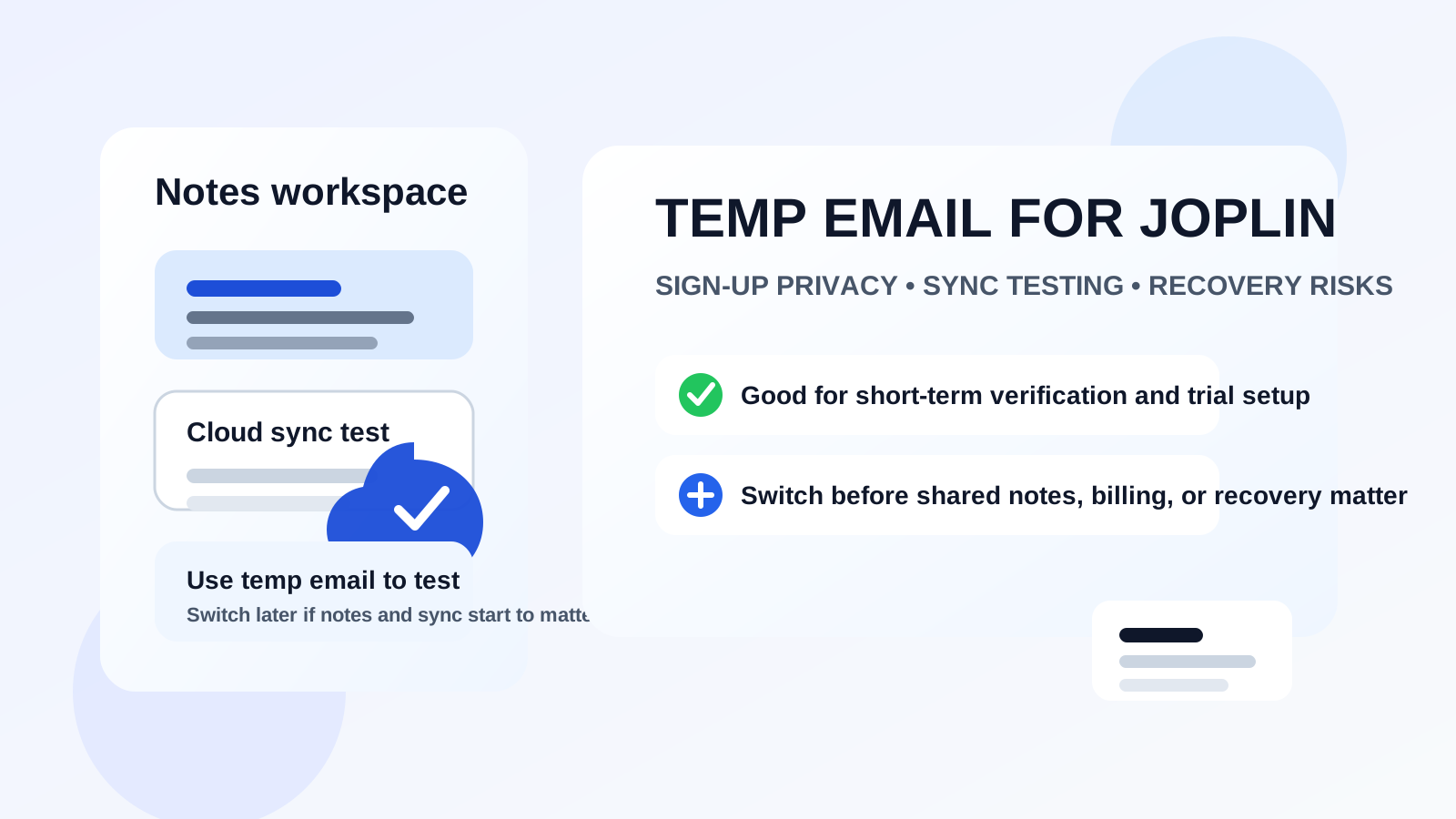
Yes — you can use a temp email for Joplin if you only want short-term sign-up privacy while testing Joplin Cloud or related account-based features.
It becomes a poor long-term choice once you rely on sync, shared notebooks, subscription billing, published notes, or account recovery.
Joplin is a little different from a typical consumer app. Many people use it because they want more control over their notes, better privacy habits, and less dependence on the loud, ad-heavy software ecosystems that dominate productivity tools. That makes the question more interesting than it sounds. Someone who cares enough to pick Joplin often also cares about how many services get their real email address, how much inbox clutter accumulates over time, and how much account risk they are taking on just to test a product.
That is why the idea of a temp email for Joplin comes up. You may want to try Joplin Cloud, create an account for syncing across devices, check how sharing or publishing works, or simply test the setup flow without handing your long-term inbox to another service on day one. That is a sensible instinct. The tricky part is that Joplin can start as a lightweight test and quickly become infrastructure. Once your notes live across devices, once you share notebooks, or once you pay for cloud features, the email attached to the account matters a lot more.
The practical answer is simple: a temporary inbox can be useful for low-stakes evaluation, but it is the wrong foundation for any Joplin setup you expect to keep. If one missed email could lock you out, interrupt sync, hide a billing issue, or slow down account recovery, a disposable address stops being privacy-friendly and starts being fragile.
Why someone would use a temp email for Joplin in the first place
People usually are not looking for a burner inbox here because they want to abuse the service. The motivation is normally much more ordinary:
- They want to test Joplin Cloud before deciding whether it belongs in their workflow.
- They do not want another note app sending ongoing product emails into a primary inbox.
- They are comparing Joplin with Obsidian, Evernote, OneNote, Standard Notes, or other note tools.
- They like keeping experiments separated from the inbox tied to banking, personal accounts, and serious work.
- They want to reduce how widely their permanent address is shared during early evaluation.
All of that is reasonable. In fact, if your main concern is simply, “Can I sign up, verify, test sync once, and decide later?” then a temporary inbox can be a clean way to do that.
When a temporary inbox is a good fit
1. You are only testing Joplin Cloud or account setup
If you are in evaluation mode, a temp address is fine. Maybe you want to see how the account dashboard looks, whether device sync feels fast enough, or how note publishing behaves before you commit. That is exactly the kind of low-stakes trial where a disposable inbox helps.
2. You want to isolate product testing from your real inbox
Even privacy-friendly tools can send onboarding mail, account prompts, update notices, or billing reminders later on. If you are not yet sure the service will stick, separating the first test from your permanent inbox is practical.
3. You are comparing several note tools side by side
If Joplin is one of several tools you are evaluating, it can be useful to keep those experiments compartmentalized. One inbox per trial makes it much easier to tell which product created which messages and which service actually earned ongoing access to you.
4. You only need the first verification email
This is the cleanest use case. You need the account confirmed, you want a short window to look around, and you are comfortable switching later if the service proves valuable.
That is where a tool like Anonibox fits naturally. It can help you get through the sign-up and first verification stage without turning one more software experiment into a permanent stream of inbox noise.
Where temp email becomes risky for Joplin
The risk shows up when Joplin stops being an experiment and starts being a place you actually depend on.
Sync across devices starts to matter
If you begin syncing notes between desktop, mobile, and maybe a second computer, the account becomes part of your daily system. At that point, access reliability matters more than short-term inbox privacy. Losing the attached email can make password resets, confirmations, or account management harder than they need to be.
Shared notebooks or published notes become important
If you use Joplin Cloud for collaboration, sharing, or publishing notes for other people to access, you have moved beyond casual testing. A missed account email is no longer a small annoyance. It can interrupt a workflow that other people or projects now depend on.
Subscription billing enters the picture
Paid services always raise the stakes. If the account is tied to invoices, payment issues, renewal notices, or plan changes, a throwaway inbox is the wrong place for those messages to land. Even if you prefer privacy, you still need a dependable channel for practical account ownership.
Recovery becomes more valuable than privacy distance
Joplin users often care deeply about their notes. That is the whole point. If you are storing research, journal entries, work notes, project planning, clipped references, or anything you would hate to lose access to, do not leave recovery tied to an address you may never control again.
You start using the account longer than you expected
This is the most common mistake. A person tells themselves they are “just testing” the service, then a month later the tool is part of their real note-taking stack. The longer that goes on, the more annoying it becomes to realize the account is anchored to an email address that was only meant to exist for a few minutes.
A better rule: use temp email for evaluation, not for ownership
If you want one sentence to remember, use this one: temporary email is good for evaluation, but bad for ownership.
That rule fits Joplin especially well. Joplin attracts people who care about control. Real control means you can recover your account, see important notices, update your settings, and avoid being surprised later by a tiny shortcut you took during sign-up.
So if you want the privacy benefit without the long-term fragility, treat the temp inbox like a screening layer. Use it to verify the account and test the service. Then, if Joplin stays in your workflow, move the account to an address you actually control and monitor.
How to use a temp email for Joplin more safely
Step 1: Decide whether this is a trial or a real adoption
Be honest with yourself before you sign up. If you already suspect Joplin will become your main notes system, skip the disposable inbox and start with a stable address. If this is truly a trial, a temp inbox is reasonable.
Step 2: Create the inbox before registration
Generate the temporary address first so the whole test stays separate from your main email from the start. That keeps the evaluation organized and avoids accidental mixing with important accounts.
Step 3: Verify promptly and test intentionally
Do not create the account and forget it. Open the verification email, sign in, and run a focused test. Check the setup flow, connect the device or two you care about, and see whether the feature you actually wanted works well enough.
Step 4: Save any important information outside the temp inbox
If you receive setup details, billing references, account settings, or links you may need later, store them somewhere you control. Temporary inboxes are good filters, not long-term record systems.
Step 5: Switch early if the tool proves useful
The smartest time to move to a stable address is not when something breaks. It is when you first notice the account has become useful. If you like the sync performance, plan to keep paying, or start relying on shared notebooks, make the switch while everything is still calm.
Better alternatives than a pure burner address
For many people, the best answer is not “real inbox everywhere” versus “temp inbox forever.” The best answer is one of these middle-ground options:
Email alias
An alias keeps your permanent address private from the service itself while still delivering messages into an inbox you control. That gives you much of the privacy benefit without giving up recoverability.
Dedicated secondary inbox for tools and signups
If you test lots of software, a separate long-term inbox for productivity apps, forums, SaaS trials, and sign-up workflows can be better than relying on disposable addresses repeatedly. It keeps your main inbox cleaner while preserving reliable account access.
Temporary inbox only for the trial phase
This is often the sweet spot. Use the temp inbox for the first pass, then switch to a stable email if the product sticks. You get privacy up front and fewer regrets later.
Common mistakes people make with Joplin sign-up privacy
- Assuming a test account will stay a test account forever.
- Keeping a burner address attached after paid features or cloud sync begin to matter.
- Forgetting that billing, password resets, and recovery emails are part of account ownership.
- Using a disposable inbox but failing to save important configuration details anywhere else.
- Choosing maximum separation without a clear plan for when to transition to a permanent address.
None of these are catastrophic on day one. They just become increasingly annoying the longer you leave them uncorrected.
Quick checklist before you choose
- Am I only testing Joplin, or do I already expect to keep using it?
- Will I care if I need a password reset or account-recovery email later?
- Am I using Joplin Cloud only briefly, or will sync become part of daily work?
- Could billing notices, shared notebooks, or published notes matter to me?
- Would an alias or dedicated secondary inbox solve the same privacy problem better?
If your answers lean toward short-term evaluation, a temporary inbox is fine. If they lean toward long-term use, a recoverable address is the smarter move.
Bottom line
Using a temp email for Joplin is sensible when you want short-term sign-up privacy, a cleaner trial workflow, and less inbox clutter while you evaluate Joplin Cloud or other account-based features.
It is a bad long-term choice once your notes, sync, collaboration, billing, or recovery start to matter. Test with a disposable inbox if you want, but do not mistake that for a durable ownership strategy. If Joplin earns a place in your real workflow, move the account to a stable address you actually control.