Yes, you can use a temp email for Goodnotes if you only want short-term sign-up privacy or a quick test.
No, it is not a smart long-term choice once synced notes, subscription access, or account recovery matter.
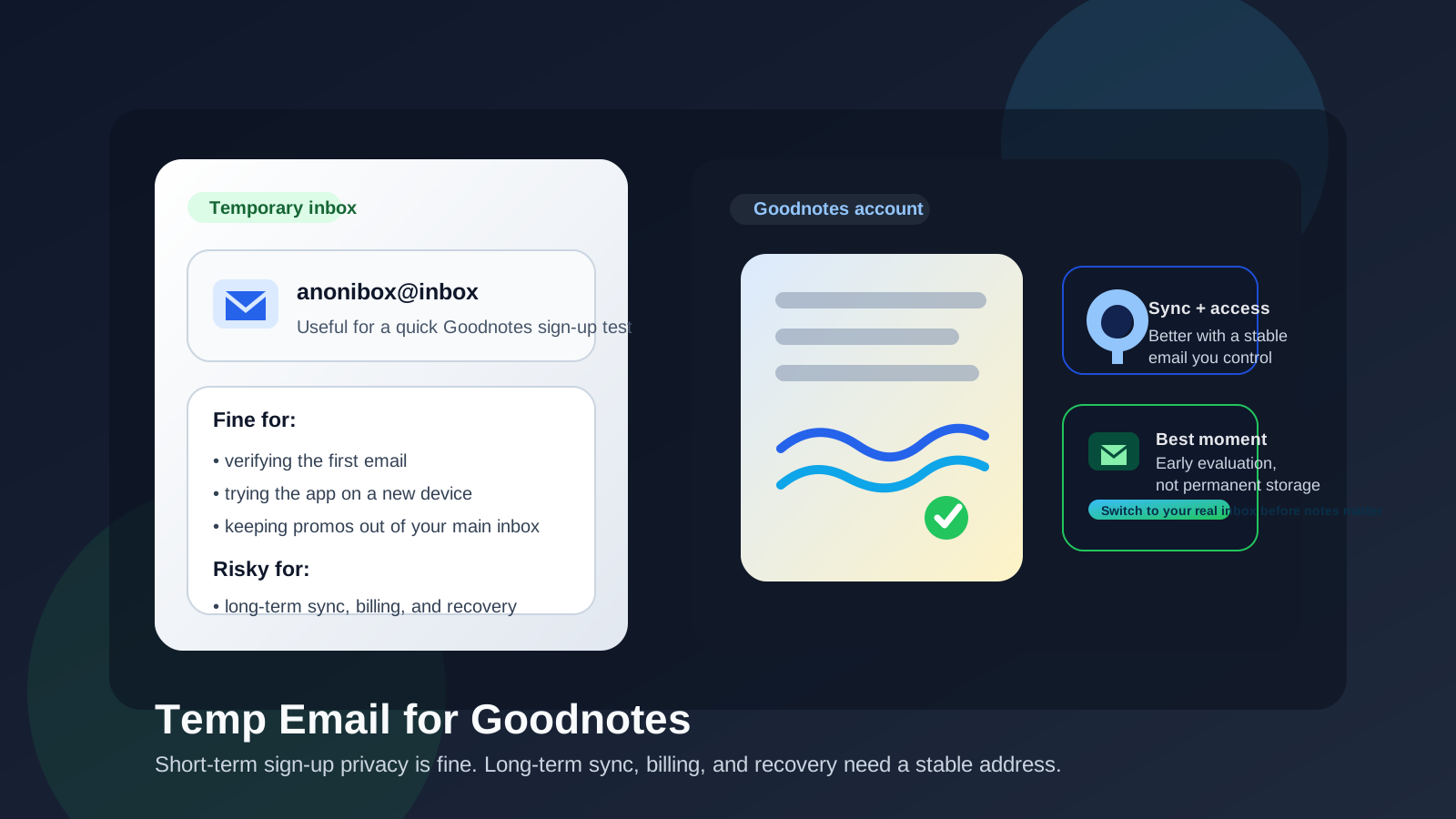
Goodnotes is the kind of app people often try quickly: install it on an iPad, test handwriting, import a PDF, see whether the notebook layout feels right, and move on if it is not a fit. In that short evaluation window, a temporary email can make sense. It gives you a buffer between your main inbox and one more app that may send onboarding tips, upgrade reminders, feature announcements, or seasonal study campaigns.
But Goodnotes is also the kind of app that can become genuinely important once you start using it for class notes, annotated PDFs, meeting notes, planning, or long-term study material. The moment your notes matter, the email tied to the account matters too. A temp inbox is helpful for first-touch privacy; it is weak for anything that depends on ongoing access.
Why people look for a temp email for Goodnotes
The intent behind this search is easy to understand: you want to try the app without immediately giving another company your permanent address. That is especially common if you are a student testing several note-taking apps, a professional trying a new tablet workflow, or a privacy-conscious user who wants fewer promotional emails in a personal inbox.
A temporary inbox from a service like Anonibox can help in that first step. You can receive the verification message, confirm the account, and see how the app behaves before deciding whether it deserves a permanent place in your workflow. That is a reasonable use of a temp email.
When a temp email for Goodnotes makes sense
1. You are only testing the app
If you want to explore the interface, try handwriting tools, open a sample notebook, or check whether the app feels better than another notes app, using a disposable address is usually fine. You are still getting the sign-up email you need, but you are not committing your main inbox yet.
2. You want to keep product emails separate
Even legitimate apps can send a stream of messages after signup: welcome emails, feature highlights, upgrade prompts, and reminders to come back. If you are comparing several note-taking apps at once, that clutter adds up fast. A temporary inbox keeps that noise out of the address you use every day.
3. You are signing up on a secondary device
Maybe you are testing Goodnotes on a spare iPad, a shared family device, or a work-adjacent tablet before deciding whether it deserves a real place in your setup. In that case, a temp inbox can help you keep the experiment self-contained.
4. You only need the first verification email
Some people only need to get through the sign-up gate once so they can inspect the app. If that is all you are doing, a temporary address can be a practical shortcut.
When it becomes a bad idea
1. Your notes start to matter
The biggest mistake is treating a throwaway inbox like a permanent identity. The second Goodnotes becomes more than a toy, the risk changes. If your class notes, annotated lecture PDFs, project notes, journal pages, or reference material live there, you do not want access tied to an inbox that disappears.
2. You depend on sync across devices
People often start note apps casually and then end up relying on them every day across multiple devices. Once you care about continuity, device changes, sign-in verification, or recovering access later, a stable email is much more important than the tiny privacy win of keeping the original signup disposable.
3. You pay for anything
If billing, upgrade confirmations, receipts, renewal notices, or purchase support emails matter to you, do not leave the account tied to a temporary address. Subscription questions are stressful enough without also realizing the account email is gone.
4. You might need account recovery later
Recovery is where temp-email decisions come back to bite people. A disposable inbox is helpful for a quick test; it is terrible for “I changed devices, forgot how I signed in, and now I need access to years of notes.” If you can imagine ever caring about the account again, use a real address you control.
A practical rule: temp for evaluation, permanent for retention
The simplest rule is this:
- Use a temp email when you are evaluating Goodnotes.
- Use a stable personal address when you are keeping notes, syncing devices, or paying for anything.
That rule keeps the privacy benefit in the stage where it helps most and avoids the long-term lockout risk where it hurts most.
A safer setup if you still want privacy
You do not have to choose between “give away your main inbox everywhere” and “tie important notes to a disappearing address.” There is a middle ground.
Option 1: Start with a temp inbox, then switch early
If Goodnotes lets you update the email later, the safest path is to use a temp inbox only for the first test and change it to a permanent address before you store anything important. Do that before you build a semester’s worth of notes, not after.
Option 2: Use a dedicated low-noise email instead of a disposable one
If you already know you may keep using the app, a dedicated secondary email is usually better than a temporary one. It still protects your primary inbox from clutter, but you keep long-term control over sign-in, recovery, and billing messages.
Option 3: Separate experiments from your core workflow
If you are testing several note apps, create a clear rule for yourself: temp inboxes are for trials, permanent accounts are for tools that survive the trial. That keeps your privacy habits consistent and lowers the chance of accidental lock-in.
What to do if you already signed up with a temp email
If you have already created a Goodnotes account with a temporary address and now realize you care about the account, fix it sooner rather than later.
- Check whether you can change the account email from the settings area.
- Move the account to a stable address you control.
- Confirm the new email works by receiving and opening a real message there.
- Only then treat the account as a place for important notes, coursework, or paid access.
The longer you wait, the more likely you are to forget which temp address you used or lose access to recovery messages entirely.
Common mistakes people make
- Using a temp inbox for a paid plan: this creates unnecessary future friction.
- Keeping the disposable address after the test period: what starts as “just trying it” can quietly become your real workflow.
- Assuming a temp inbox protects everything: it only helps with the email layer, not every privacy concern.
- Forgetting exported files and imports: if the app ends up holding class PDFs, planners, or reference notes, the account has real value now.
Does a temp email actually protect your privacy here?
It helps, but only in a narrow way. A temp email can reduce inbox exposure and keep your permanent address out of one more sign-up database at the very start. That is useful. What it does not do is magically make a long-term account private or risk-free. If you keep using the app, the more important question becomes account stability, not just sign-up privacy.
That is why disposable email works best as a filter, not as a forever identity. Think of it as a screening layer: useful while deciding, weak once committed.
Best use cases for a temp email with Goodnotes
- Trying the app for the first time
- Checking whether the UI and handwriting feel right
- Comparing it against other note-taking apps
- Keeping launch emails and promos out of your daily inbox
- Testing on a secondary device before committing
Worst use cases for a temp email with Goodnotes
- Storing semester-long class notes
- Keeping important personal or work notebooks
- Managing any paid access or renewals
- Relying on the account across device upgrades
- Expecting easy recovery after the temp inbox disappears
Bottom line
Using a temp email for Goodnotes is fine if your goal is simple: test the app, receive the first verification message, and keep another round of onboarding emails out of your main inbox. That is a sensible privacy move.
It becomes a bad trade the moment Goodnotes turns into a real part of your note-taking life. If your synced notes, subscription access, or recovery options matter, switch to a permanent email you control. In other words, use disposable email for the trial stage, not for the years of notebooks that may follow.