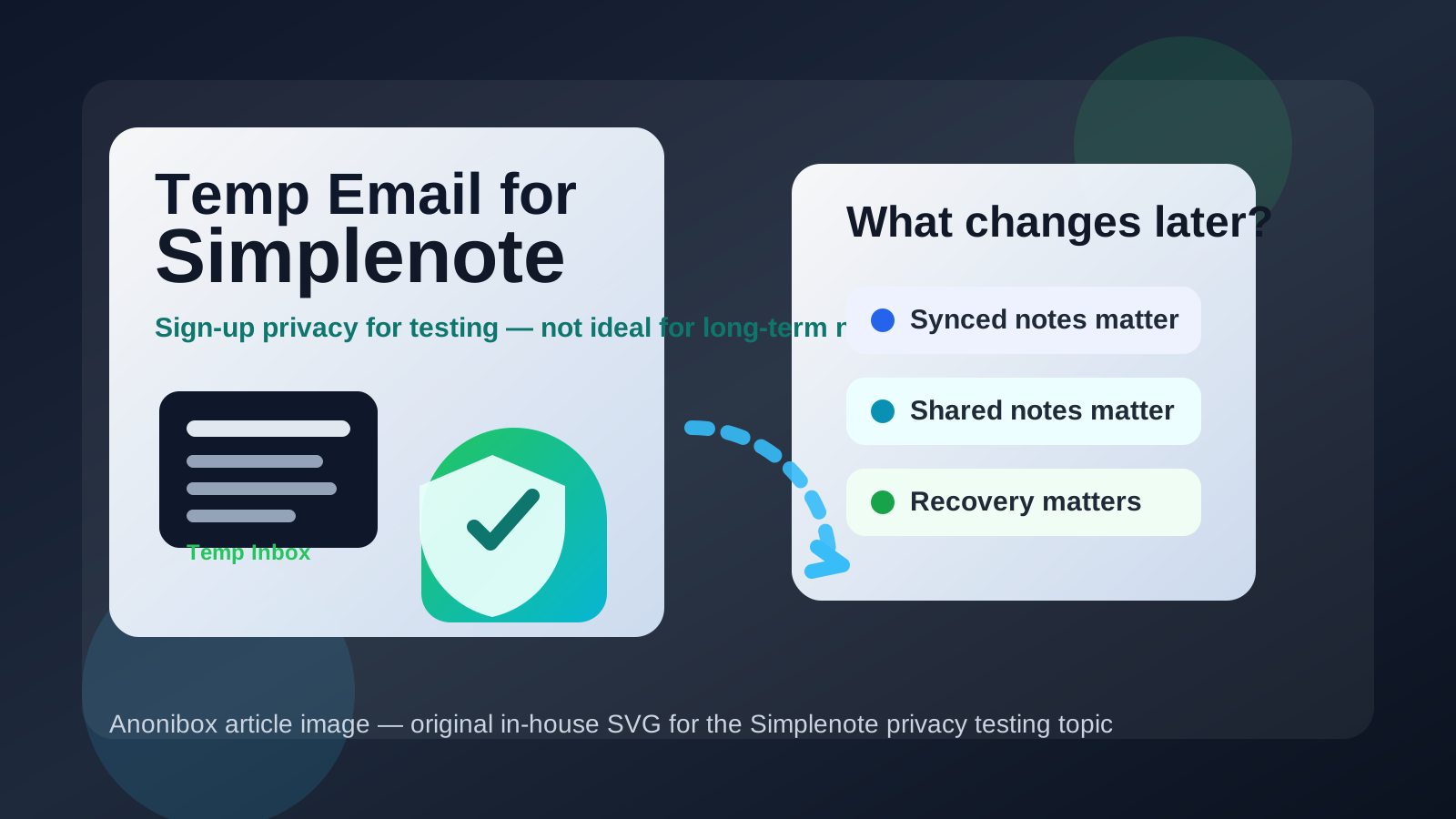
Using a temp email for Simplenote can work for short-term sign-up privacy, but it becomes risky once synced notes, shared notes, or account recovery matter.
Yes, you can use a temporary inbox to test Simplenote; no, it is not a smart permanent choice if you plan to keep notes you care about.
Simplenote appeals to people who want something light, fast, and available across devices without a lot of setup friction. That also means many people want to try it before they decide whether it deserves a place in their real workflow. If your goal is to avoid handing out your primary email address to every app you test, using a temporary inbox for the first sign-up can make sense.
The problem is that note apps stop being disposable long before users realize it. A few quick tests turn into daily notes, synced drafts, clipped ideas, shared reference lists, or lightweight collaboration. Once that happens, the email tied to the account matters far more than the tiny privacy win you got from using a throwaway inbox on day one.
Why people look for a temp email for Simplenote
The search intent is straightforward: you want to try the app without committing your everyday inbox immediately. That is common if you are comparing note apps, cleaning up sign-up spam, or keeping side projects separate from your main identity.
A temporary inbox from a service like Anonibox can help at that stage. You get the verification email, confirm the account, and see whether the app feels useful before you let it into your long-term digital life. For first-touch privacy, that is a reasonable use case.
When using a temporary email for Simplenote makes sense
1. You are only testing the interface
If you want to explore the editor, tags, search, note history basics, or the general feel of the app, a disposable address is usually fine. You are simply trying the product, not building a durable system around it.
2. You are comparing several note apps at once
People rarely test just one app in isolation. You may be looking at Simplenote alongside Standard Notes, Notesnook, Obsidian, UpNote, Goodnotes, or another note tool. In that comparison phase, sign-up emails, onboarding prompts, and product updates pile up quickly. A temp inbox helps you keep that noise out of your main address.
3. You want to isolate a short-lived experiment
Maybe you are trying a writing workflow for a side project, testing a distraction-free notes setup on a spare device, or seeing whether Simplenote works well enough for a temporary class or research project. If the account is disposable and the content is disposable too, a temp inbox can match the situation.
4. You only need the verification email once
Sometimes the goal is simply to get through account creation and inspect the app. In that narrow case, using a temporary address is practical. You receive the confirmation email you need without opening the door to another long stream of product messages.
When it becomes a bad idea
1. Your notes start to matter
The biggest mistake is assuming the account can stay disposable after the content stops being disposable. If your notes become important for work, study, planning, journaling, or reference, tying access to an inbox you may lose later is a weak setup.
2. You depend on sync across devices
Simplenote is most useful when it follows you across devices. The moment you care about continuity between your phone, laptop, tablet, or browser, you should care about the stability of the email on the account as well. A temporary inbox is fine for a short test; it is fragile for long-term sync access.
3. You share notes with someone else
Once shared notes enter the picture, the account is no longer just a private sandbox. If collaborators depend on a note, or if you rely on shared lists, published notes, or quick reference pages, losing access becomes more than an inconvenience. It disrupts real work.
4. You may need account recovery later
This is where disposable-email decisions usually backfire. If you forget a password, change devices, need to confirm a login, or have to recover access months later, an expired or inaccessible inbox turns a minor problem into a major one.
A safer way to test Simplenote with a temp email
If you want the privacy benefit without the long-term downside, use a temp email as a trial tool, not as a permanent identity.
Step 1: Create the temporary inbox first
Generate the address before you visit the sign-up page. That keeps the entire trial self-contained from the beginning.
Step 2: Sign up and complete verification
Use the temporary inbox only to clear the sign-up gate and receive the initial confirmation email. Save any message you may need during the first few minutes of testing.
Step 3: Test the features that actually matter
Do not stop at account creation. Open several notes, try tags, search old content, check whether typing feels good, test device sync if that is part of your evaluation, and see whether the app fits your real note habits.
Step 4: Decide quickly whether it is a keeper
If Simplenote is clearly not for you, walk away and let the disposable setup stay disposable. If it looks promising, do not wait until dozens of notes pile up. Move the account to a stable email early while the switch is still easy.
Step 5: Change to a permanent address before important notes accumulate
This is the key move most people postpone too long. The best time to replace a temp email is not after an account problem. It is right after you decide the app may become part of your real workflow.
What kind of user can safely get away with a temp email?
A temporary inbox is usually acceptable for users in one of these situations:
- You are doing a short product evaluation.
- You do not plan to keep any meaningful notes there.
- You are testing sign-up friction more than long-term usability.
- You want to compare several note apps without flooding your main inbox.
It is usually a poor choice for anyone who expects to keep synced notes, rely on the app every day, publish or share notes, or use the account for anything important beyond a quick trial.
Common mistakes to avoid
Waiting too long to switch emails
People often tell themselves they will update the account later. Then later turns into months, and the app ends up holding valuable notes under an email address they no longer control.
Using a temp inbox for shared or team-adjacent notes
Even if Simplenote is not a full project-management system, shared notes still create dependencies. A disposable sign-up address is weak foundation material for anything another person may need later.
Assuming recovery will be easy
Recovery is easy only when you still control the recovery channel. If the inbox is gone, you have made a simple sign-in problem much harder than it needed to be.
Treating privacy and permanence as the same decision
You do not have to choose between total exposure and reckless disposability. A good middle ground is to test privately with a temporary inbox, then migrate to a permanent address if the app earns a place in your life.
Best practices if you use a temp email for Simplenote
- Use the temporary inbox only for the earliest trial stage.
- Store any needed verification message before it disappears.
- Avoid putting sensitive, irreplaceable, or long-term notes into the account right away.
- If you like the app, switch to a permanent email before note history grows.
- Keep your permanent account email somewhere stable and easy to access later.
So, should you use a temp email for Simplenote?
For a quick test, yes. For a real note system, no.
A temp email for Simplenote is useful when your goal is sign-up privacy, app comparison, or a short-lived experiment. It stops being a good idea once synced notes, shared notes, and account recovery start to matter. That is the trade-off in plain terms.
If you want the cleanest workflow, use a temporary inbox from Anonibox to explore the app without giving away your main address too early. Then, if Simplenote proves useful, switch the account to a stable personal email before the account becomes important. That gives you privacy up front without creating a future lockout problem.
In other words: temporary email for testing, permanent email for anything you plan to keep.