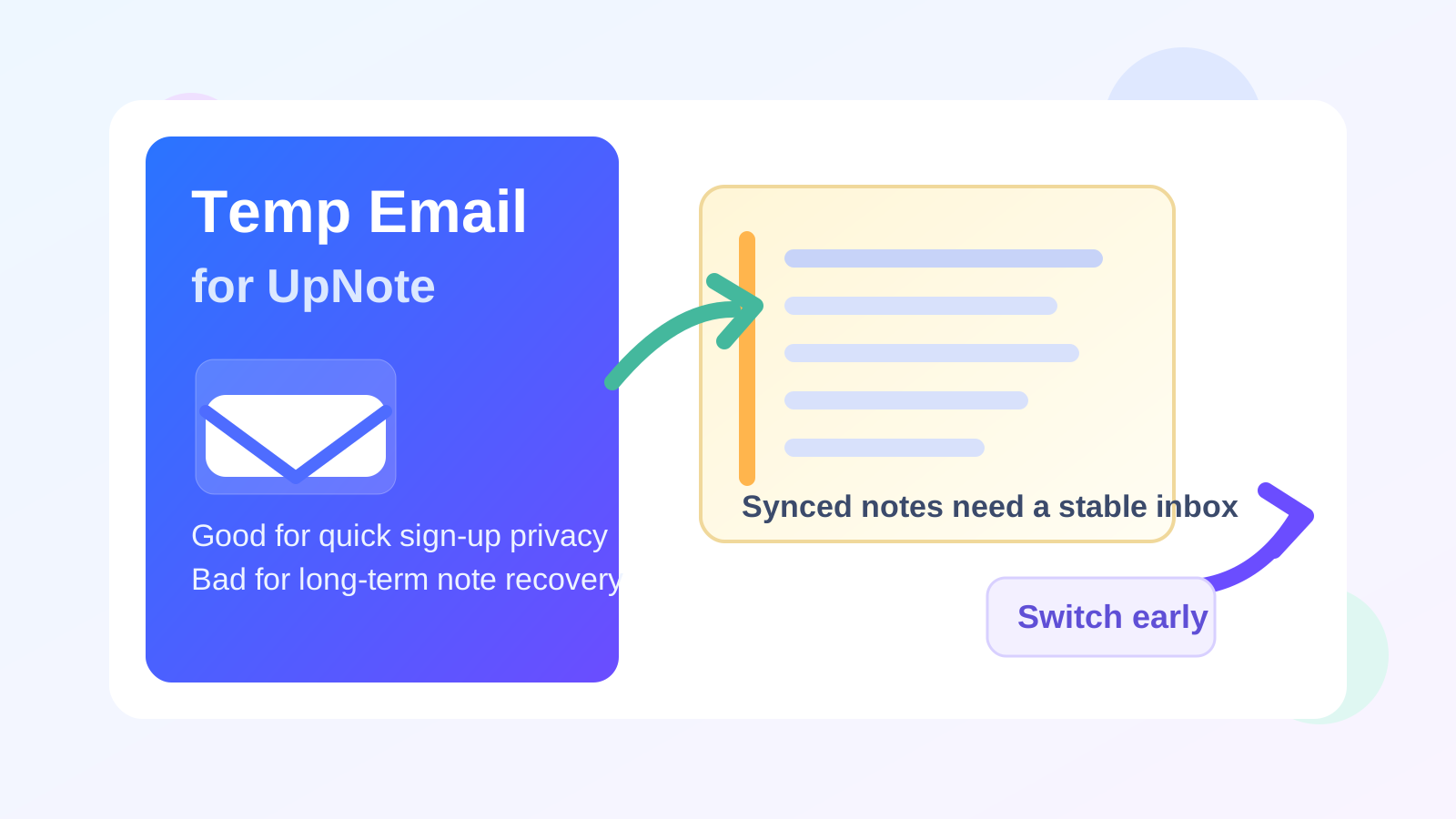
A temp email for UpNote can be fine for quick sign-up privacy, but it becomes risky once synced notes, premium access, or account recovery matter.
Yes, you can use a temporary inbox to test UpNote; no, it is not a smart long-term address for a note app you may end up using every day.
That is the short answer, but the useful answer depends on how you plan to use the app. Many people try UpNote because it looks cleaner, calmer, and easier to live with than bulkier note tools. If you are only evaluating the editor, notebooks, cross-device feel, or general workflow, using a throwaway inbox can make sense. It helps you keep another product trial out of your primary email while you decide whether the app belongs in your real setup.
The catch is that note apps stop being “just a test” faster than people expect. A few sample notes can turn into meeting notes, class outlines, writing drafts, saved links, clipped ideas, or personal reference material within a week. Once that happens, the email attached to the account is not just a sign-up detail anymore. It becomes part of your access, recovery, and account-management strategy.
Why people search for a temp email for UpNote
The search intent here is straightforward: you want the privacy and convenience of trying a service without feeding your main inbox more verification emails, product updates, and promotional follow-ups. That is especially common when you are comparing several note apps at once.
Someone testing UpNote may also be looking at Simplenote, Standard Notes, Notesnook, Obsidian, Goodnotes, or another productivity app during the same week. Every trial wants an email address. Every app sends onboarding messages. A temporary inbox can act like a buffer between curiosity and commitment.
That is where a service like Anonibox fits naturally. You can receive the initial verification message, clear the sign-up step, and get a quick feel for the app before you decide whether it deserves a permanent place in your digital life.
When using a temporary email for UpNote makes sense
1. You only want a short product evaluation
If your goal is to inspect the interface, create a few test notes, explore notebooks or organization options, and see whether the app feels intuitive, a temporary address is usually fine. You are not yet trusting the account with anything you care about keeping.
2. You are comparing multiple note apps at the same time
This is one of the strongest use cases. Early comparison work creates a lot of low-value email. Verification links, “getting started” guides, feature announcements, and upgrade prompts add up fast. A temporary inbox helps you compare tools without opening the floodgates to your regular address too early.
3. You want privacy before you commit
Some people simply do not like attaching their main email to every app they try. That is reasonable. If you are cautious about tracking, profile-building, or long-tail inbox clutter, a temporary email is a practical way to lower the cost of first contact.
4. The account is genuinely disposable
If the entire experiment is low-stakes and short-lived, a throwaway setup can match the situation. Maybe you are testing a note app for a weekend project, a temporary workflow, or a side device you may stop using soon. If both the account and the content are disposable, a temporary inbox may be perfectly acceptable.
When it becomes a bad idea
1. Your notes stop being disposable
This is the biggest line people cross without noticing. The moment your notes become useful for work, school, writing, planning, journaling, or personal reference, the account should stop being tied to a fragile inbox. A note app is often more important than it looks because the information inside becomes part of your memory and routine.
2. You rely on sync across devices
One reason people keep UpNote is that they want access across phone, tablet, and computer. Once your account becomes the bridge between devices, recovery and account continuity matter more. A temp inbox might get you through signup, but it is weak infrastructure for something you expect to follow you everywhere.
3. You upgrade or care about premium access
Paid access changes the stakes. If your account includes premium features, subscriptions, or purchase-related emails, the email on file matters more than it did during a free test. Losing access to that inbox can create real headaches around receipts, account changes, and recovery.
4. You may need account recovery later
This is where temporary-email choices usually backfire. The risk is not during sign-up. The risk appears later, when you forget a password, switch devices, get logged out, or need to confirm account ownership. If the recovery email goes to an inbox you no longer control, a small issue becomes much harder to fix.
A smarter way to test UpNote without overcommitting
You do not have to choose between exposing your main inbox immediately and gambling on a disposable one forever. The safer approach is to use a temp email as an evaluation tool, then switch to a stable address if the app proves useful.
Step 1: Start with a temporary inbox only if your goal is short-term testing
Generate the inbox before signing up so the whole trial stays compartmentalized. This keeps the experiment clean from the beginning.
Step 2: Use it to complete verification and early exploration
Clear the sign-up gate, open the app, and test the parts that matter: note creation, search, organization, typing comfort, device flow, and the overall feel of the workspace.
Step 3: Decide quickly whether the app is a keeper
Do not leave the decision floating for weeks. If UpNote is clearly not for you, the disposable setup did its job. If it looks promising, move early before meaningful notes pile up.
Step 4: Switch to a permanent address before the account becomes important
The best time to stop using a throwaway inbox is not after a problem appears. It is right after you realize the app may become part of your real routine. That gives you the privacy benefit up front without creating a future lockout risk.
Better alternatives if you want privacy without fragility
For many people, the best answer is not a fully disposable inbox. It is a separate but stable inbox.
That could be:
- an email alias you control
- a secondary personal address used only for app signups
- a dedicated productivity-tools inbox
- a privacy-first workflow where you test with Anonibox, then switch to a permanent address once the app earns your trust
This middle-ground setup solves the main problem more cleanly. You still protect your primary inbox, but you do not tie an important account to an address that may disappear or stop receiving mail when you need it most.
Common mistakes to avoid
Waiting too long to switch emails
People often assume they will update the account later. Later turns into months, and by then the app contains valuable notes, habits, and history. Switch early if the account starts to matter.
Treating account email like a minor detail
Email is not only for marketing. It often sits at the center of verification, alerts, resets, and ownership checks. If you weaken that layer, you weaken the whole setup.
Using a temp inbox for anything irreplaceable
If the content would annoy, hurt, or seriously inconvenience you to lose, do not leave it behind a throwaway address.
Confusing privacy with disposability
You can be privacy-conscious without being reckless. Compartmentalization is often smarter than pure disposability.
A quick checklist before you use a temp email for UpNote
- Am I just testing the app, or do I expect to keep real notes here?
- Will I want this account on multiple devices?
- Could I need password resets or recovery later?
- Am I likely to upgrade or keep using premium features?
- Would a stable alias or secondary inbox solve the problem better?
If most of your answers point to a short, low-stakes test, a temporary inbox is probably fine. If the account looks like it might become part of your real workflow, move to a stable email sooner rather than later.
So, should you use a temp email for UpNote?
For a quick trial, yes. For a real note-taking system, no.
A temp email for UpNote is useful when you want sign-up privacy, less inbox clutter, or a low-commitment way to compare apps. It becomes risky once synced notes, premium access, or account recovery matter. That is the cleanest practical rule.
If you want the best of both worlds, use Anonibox to get through the earliest testing stage without giving away your main address too fast. Then, if UpNote proves useful, switch the account to a permanent inbox you actually control long term. That keeps the privacy win without turning future account access into a gamble.
In plain English: temporary email is fine for curiosity. A stable inbox is better for any note app you plan to trust.