Yes — a temp email for Craft Docs is fine if you only want quick sign-up privacy while you test the app.
It becomes a bad long-term choice once your documents, tasks, shared pages, or recovery access actually matter.
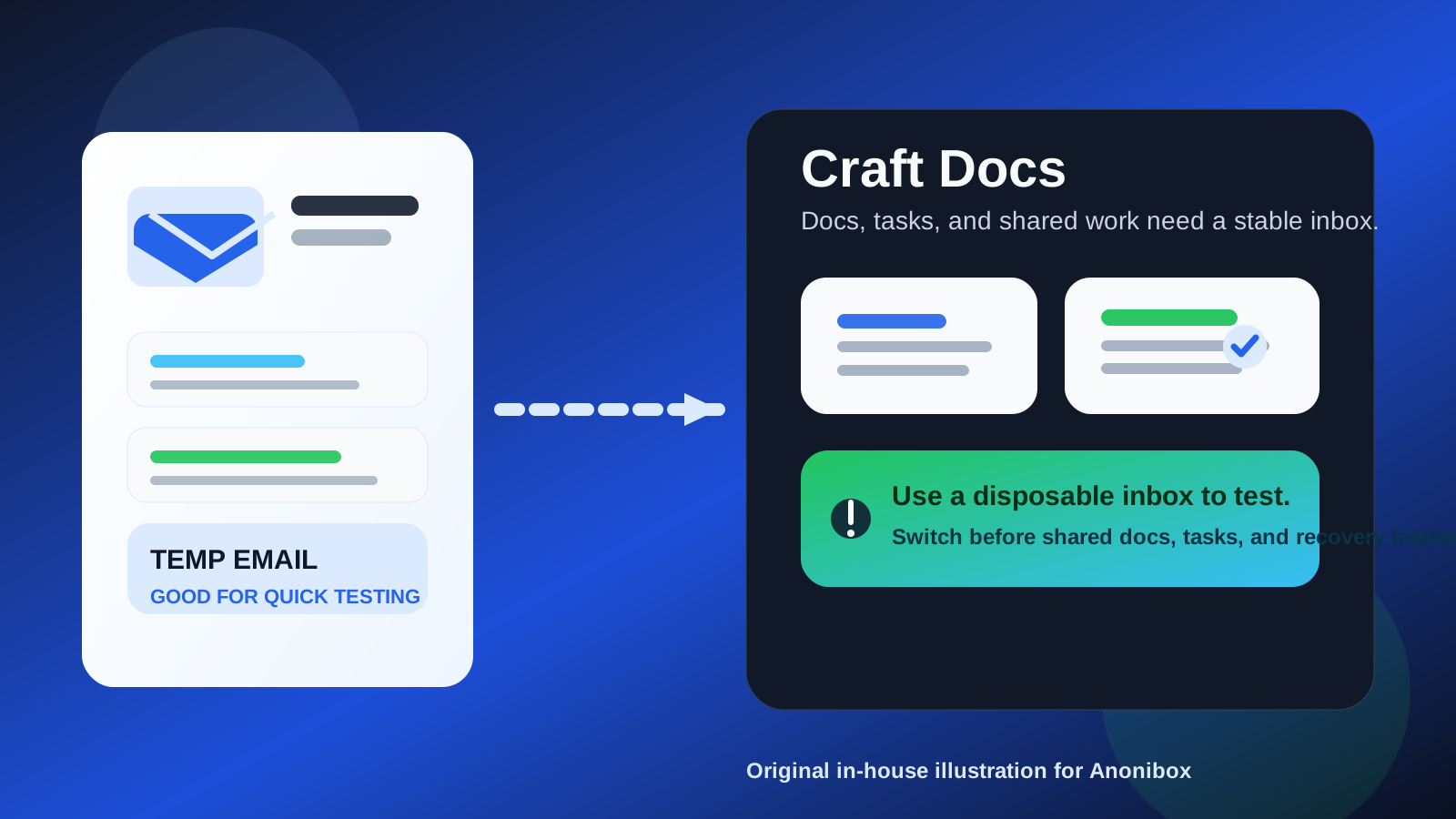
That is the real answer behind searches for temp email for Craft Docs. A temporary inbox can help you explore the product without routing another signup sequence into your main address. But Craft is not the kind of account most people create and forget. If you keep using it, the account can quickly become home to notes, task lists, shared documents, published pages, and work you would not want to lose just because the original inbox was disposable.
So the smart move is to treat a temporary email as an evaluation tool, not as permanent account infrastructure. Use it to protect your primary inbox during the first pass. If Craft proves useful, switch to a stable email before your setup becomes important.
Why people use temp email for productivity apps in the first place
The instinct is reasonable. Productivity tools can create far more email than people expect. Even when the product is good, the signup can lead to welcome messages, onboarding tips, feature updates, sharing invites, billing notices, reminders, and marketing follow-ups. If you are comparing multiple note-taking or workspace tools at once, your inbox can fill up fast.
A temporary inbox gives you breathing room. You can verify the account, see how the app feels, and decide whether you actually want it before exposing the address you use for personal life, client work, job searching, or day-to-day communication. If you already use a service like Anonibox to keep exploratory signups separate, this is exactly the kind of situation where that workflow makes sense.
When a temp email makes sense for Craft Docs
1. You are only testing the product
If your goal is simply to look around, click through the onboarding, and see whether Craft matches your workflow, a temp email is perfectly reasonable. At that stage, the account has little or no real value yet. You are testing, not committing.
2. You want to keep early inbox noise away from your main address
Maybe you already have a crowded inbox and do not want another productivity app sending onboarding sequences and follow-up messages while you are still deciding. A temporary address solves that neatly.
3. You are comparing several tools side by side
People often test Craft next to tools like Notion, Obsidian, Evernote, OneNote, Capacities, Anytype, or other note and docs platforms. If you are in evaluation mode, a separate throwaway inbox can help you keep those trials compartmentalized rather than mixing every signup together.
4. You are privacy-conscious but not yet invested
There is a big difference between “I want to see how this works” and “I want this account to anchor real work.” A temp inbox is strongest in the first scenario. It gives you privacy without forcing an early long-term relationship with the product.
Where a temp email starts becoming risky
The moment you begin to rely on the account, a disposable inbox stops being helpful and starts becoming fragile.
Shared docs create real consequences
If you start sharing pages, collaborating with someone else, or publishing content from Craft, your email address stops being just a signup detail. It becomes part of how people reach you, invite you, confirm changes, and restore access if something goes wrong. A temporary inbox is a shaky foundation for that.
Tasks and notes become valuable fast
Productivity tools have a way of turning from experiments into systems almost overnight. One week you are testing. The next week you have meeting notes, project outlines, task lists, and reference docs inside the app. Once real work lives there, recovery matters much more than inbox cleanliness.
Recovery is the part people ignore until they need it
Lots of people think about signup verification and almost nobody thinks about future account recovery. But recovery is where temporary email choices often come back to bite. If you ever need a password reset, login confirmation, security notification, or account-change email, you want it going to an inbox you still control.
Billing and premium access are not throwaway issues
If you upgrade, subscribe, or attach anything paid to the account, you should assume invoices, renewals, failed-payment warnings, and policy notices will matter. A temporary inbox is not a great place for any of that.
A better strategy: test with temp email, keep with stable email
The cleanest approach is staged:
- Use a temp email only for first-pass evaluation. That protects your main inbox while the account is still low stakes.
- Decide quickly whether the app is worth keeping. Do not spend weeks building a real system on top of a disposable address.
- Move to a stable inbox before important work accumulates. Switch while the account is still manageable, not after it becomes essential.
- Keep one address you actually monitor for long-term access. That is the address that should receive recovery, billing, and collaboration-related messages.
This gives you the privacy upside without the classic downside of losing account continuity later.
What kind of stable email is best?
For Craft Docs, the ideal long-term address is often not your oldest personal inbox and not a disposable one either. In many cases, the sweet spot is a separate but permanent email you control.
That kind of address gives you most of the privacy benefits people want from temporary email, but without the recovery problems. You can keep workspaces, docs, and planning tools segmented from your main inbox while still keeping reliable access to everything important.
In other words:
- Temp email: best for a quick look.
- Separate permanent email: best for a tool you may really use.
- Main personal or work email: fine if you already trust the app and want everything in one place.
Good use cases for a temp email for Craft Docs
- You want to test the editor, layout, or onboarding before committing.
- You are comparing several docs or note-taking apps in the same week.
- You want to avoid another stream of onboarding emails in your primary inbox.
- You are not planning to store anything important unless the product really clicks.
Those are low-risk scenarios. The temporary inbox is serving exactly the purpose it should serve: screening, not anchoring.
Bad use cases for a temp email for Craft Docs
- You plan to keep project notes there. That is long-term value.
- You want to share pages with clients, teammates, or collaborators. Access continuity matters.
- You are relying on tasks or planning features. Losing the account would be more than a mild annoyance.
- You may publish from the tool or use it as part of a public-facing workflow. Recovery and identity become more important.
- You are paying for the service. Billing should not depend on a mailbox you might lose.
If any of those are true, switch to a permanent address early rather than waiting until the account becomes hard to unwind.
A quick checklist before you sign up
Ask yourself a few simple questions:
- Am I just testing Craft, or do I expect to keep it?
- Would it be a problem if I lost access to the account next month?
- Will I share docs, tasks, or pages with anyone else?
- Do I expect billing, upgrades, or long-term storage to matter?
- Would a separate permanent email give me the same privacy benefit with less risk?
If the account might become important, a separate permanent inbox is usually the better answer.
What if you already signed up with a temp email?
If you already created the account with a temporary inbox, the best next step is simple: update the email while you still have access. Do it sooner, not later. The more notes, docs, tasks, and settings you build up, the more annoying it becomes to fix the problem afterward.
This is especially worth doing if you have already started using Craft for real work instead of casual testing. A small cleanup today is much easier than an account-recovery headache later.
So, should you use a temp email for Craft Docs?
Yes, for low-stakes testing and early sign-up privacy. If you just want to see whether the app fits your workflow, a temporary inbox is a practical way to avoid unnecessary exposure and inbox clutter.
No, not for the long run if the account will hold real notes, tasks, shared docs, published pages, or paid access. The moment Craft becomes useful, the inbox attached to it should become reliable too.
The best rule is simple: use a disposable inbox to explore, then switch to a stable email before the work inside the account starts to matter. That way you keep the privacy benefit without gambling with access to documents and planning systems you may actually depend on.