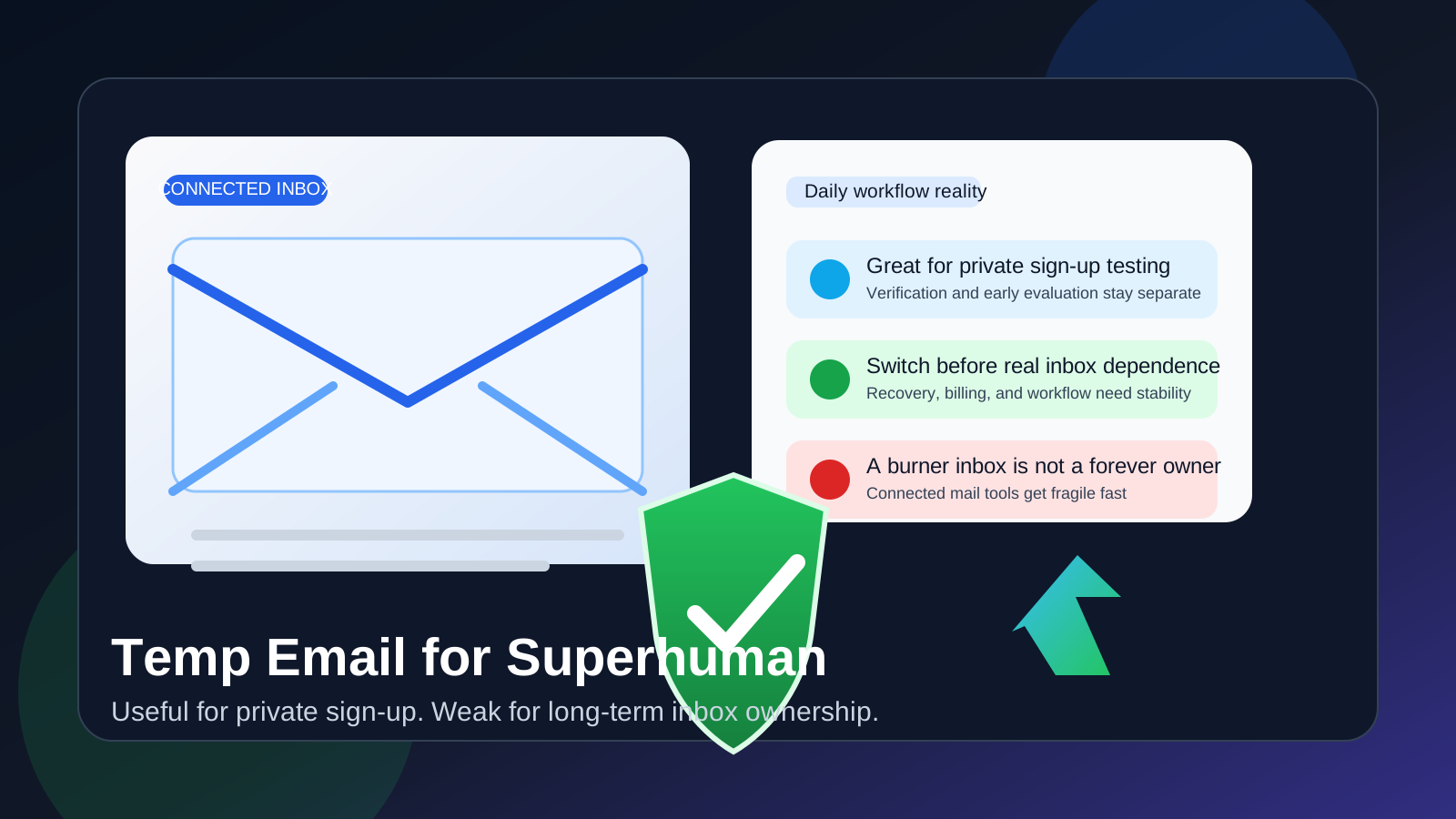
Yes, a temp email for Superhuman can be useful if you only want private sign-up, quick verification, and an early look at the product without inviting more follow-up into your main inbox.
It becomes a weak long-term choice once connected inboxes, daily email workflow, billing, or account recovery depend on that temporary address.
Why someone would use a temp email for Superhuman
Superhuman sits in a category where privacy-minded sign-up habits make sense. If you are comparing premium email tools, inbox productivity apps, or workflow-focused mail clients, you may not want every test account tied to your primary address from day one. A temporary inbox helps you receive the first verification message, review onboarding information, and decide whether the product deserves more attention before you attach a long-term identity to it.
That is the clean use case. You are still evaluating, not committing. A temporary address keeps vendor follow-up and trial clutter separate while you decide whether the app is actually worth your time.
For a tool like Superhuman, though, the benefit has a clear ceiling. Unlike a throwaway one-purpose SaaS account, an email product eventually sits close to the inbox you rely on every day. That means the sign-up address matters less than many people assume, and the long-term risks of leaving a burner inbox in place matter more.
When a temporary inbox is reasonable
A temp email for Superhuman is most reasonable in the earliest stage of evaluation, especially if you simply want to inspect the product without sending every announcement, nurture email, or pricing follow-up into your primary mailbox.
- you want a private way to start the sign-up flow
- you want to read the welcome or verification emails before deciding how serious the trial is
- you are comparing Superhuman with other email or productivity tools
- you want to keep evaluation noise separate from your main inbox for now
- you expect to walk away quickly if the app does not feel like a fit
In those cases, a service like Anonibox is a practical filter. It helps you capture the first message, keep your trial organized, and avoid adding another product test to your long-term inbox history too early.
Why the value of a burner inbox is limited here
Superhuman is not just another generic web app where the registration email is the only contact point that matters. The product lives close to your actual email workflow. That changes the privacy trade-off.
The account may start private, but the workflow will not stay abstract
If you continue with the product, the point is not simply to hold an account. The point is to use it with a real inbox that matters to you. The temporary email might reduce exposure during sign-up, but it does not replace the durable communication identity you will eventually need for account ownership, admin notices, product updates, and recovery.
Connected inboxes raise the stakes
Once a mail tool becomes part of your real routine, you care about continuity. Password resets, device sign-ins, billing messages, login alerts, account changes, and important support replies should go somewhere stable. A disposable address is fine for a low-stakes first step. It is a poor place to anchor a tool that may become part of how you process important email every day.
Daily workflow makes fragility more expensive
When a product becomes part of your main email habit, even small account-access problems become annoying fast. If the address on file is temporary, missing a recovery message or an important notice is no longer a minor inconvenience. It can interrupt the workflow you adopted the tool to improve.
Privacy at the registration layer does not equal privacy everywhere else
This is an easy misunderstanding. Using a temporary inbox for sign-up can reduce some marketing follow-up and keep your primary address out of one more signup form. It does not automatically make the broader workflow private if you later connect a real mailbox, depend on notifications, or attach payments to the account. The early privacy win is real, but it is narrow.
A safer workflow: private sign-up first, durable ownership before real use
The balanced approach is simple. Use a temp inbox during the first evaluation step, then move to a permanent monitored address before the product becomes important.
1. Use the temporary inbox only for the first gate
If all you want is the verification email and the chance to inspect the product, a temp inbox is fine. Keep the scope small and intentional.
2. Evaluate the app quickly
Do not leave the account in a vague half-finished state for weeks. Open the product, review the setup experience, test the workflow, and decide whether it belongs on your shortlist.
3. Switch before relying on it
If Superhuman looks promising, replace the temporary address with a stable inbox you control before you depend on the account. That includes the point where billing, recovery, product support, or device access would actually matter to you.
4. Keep ownership clear
If the tool becomes part of your long-term stack, the address on file should be one you can monitor consistently. That sounds obvious, but people often forget it when a trial starts from a burner inbox and later becomes a real habit.
What to evaluate during the trial instead of fixating on the signup email
The temporary-email question matters, but it should not become the main event. Once you are inside the product, focus on whether Superhuman actually improves the way you handle email.
Does the workflow feel genuinely faster?
A premium email tool should make triage, reply handling, and message navigation feel noticeably better, not just different. Test the rhythm of everyday use rather than the polished first impression.
Can you picture using it every workday?
Email tools live or die on habit. If the workflow feels impressive for ten minutes but awkward in real use, that matters more than any sign-up convenience.
Are notifications and device access manageable?
Any tool that becomes central to your email routine needs a stable access path. Think about the practical realities of using it across the places and devices that matter to you.
Does it solve a real problem for you?
If your main pain point is overload, slow triage, poor keyboard efficiency, or scattered message handling, the trial should make that clearer. If the product does not noticeably improve your workflow, there is no reason to give it durable account ownership just because the sign-up felt sleek.
Common mistakes to avoid
- Keeping the burner inbox in place too long: fine for exploration, bad for stable ownership.
- Confusing reduced marketing exposure with full privacy: the temporary inbox only solves one part of the problem.
- Failing to save important setup messages: keep the useful onboarding details before the inbox disappears.
- Switching to serious use without switching the account email: this is where recovery and access problems start.
- Judging the product by its sign-up flow instead of its actual email workflow: the real test starts after verification.
A simple decision rule
If you are only checking Superhuman privately, a temp email is usually fine. If you are about to depend on the app for real email workflow, change the account to a permanent monitored inbox first.
That keeps the decision simple. Use disposable tools for disposable stages. Use durable ownership details for tools that may become part of your daily communications.
Conclusion
A temp email for Superhuman can make sense when you want a private sign-up path, a quick evaluation, and less trial clutter in your main inbox. It is a practical way to receive the first verification message and decide whether the product deserves deeper attention.
It stops being a good long-term idea once connected inboxes, daily workflow, billing, or account recovery matter. Start private if you want the buffer, but switch to a stable monitored address before the account becomes important. That way, you keep the privacy benefit without building a real email workflow on top of a temporary contact point.