Yes — a temp email for LiveAgent is fine for quick sign-up privacy while you test the product.
It becomes a risky choice once shared inbox ownership, ticket notifications, teammate invites, billing, or account recovery depend on that temporary address.
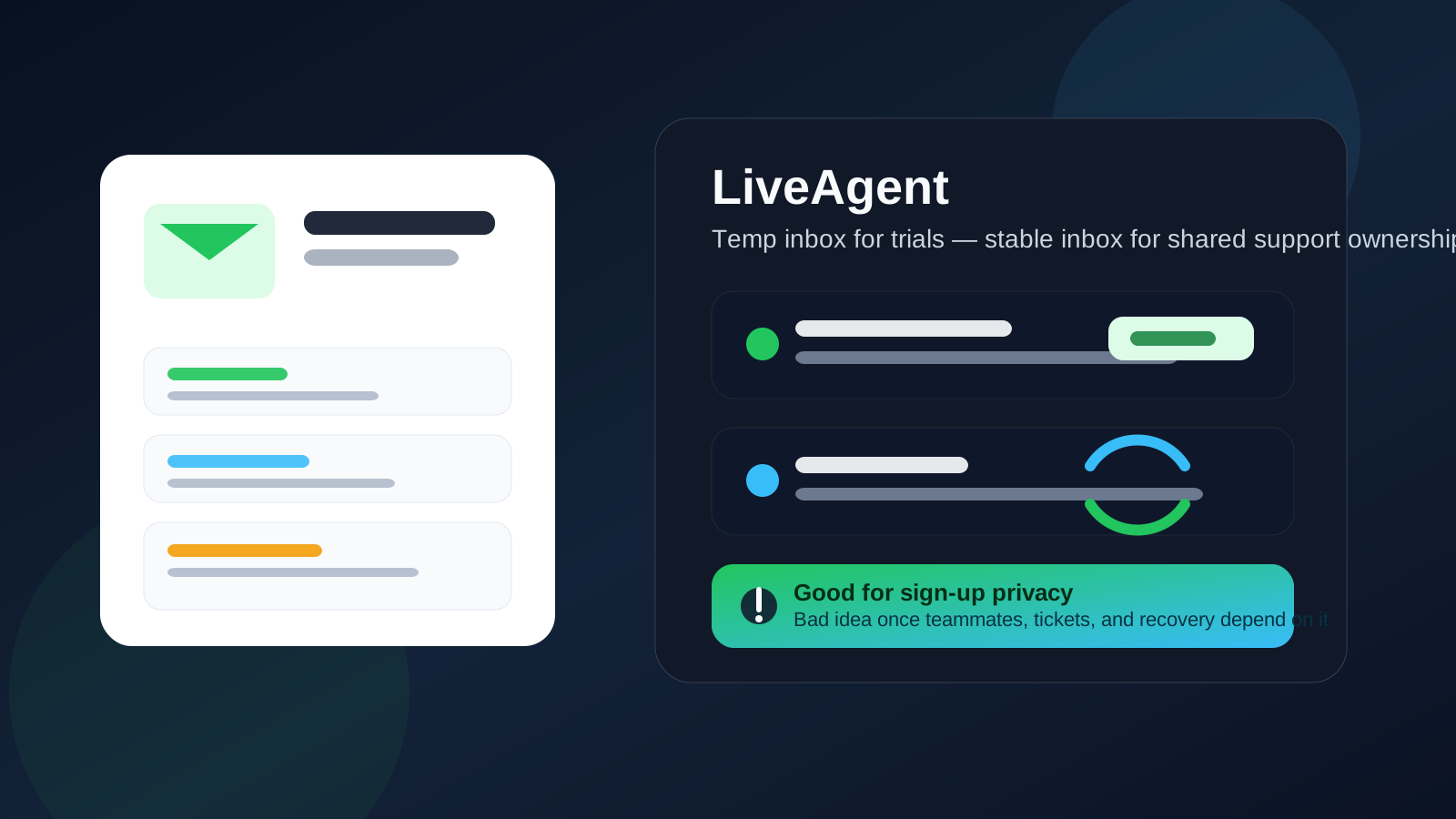
That is the practical answer most people need. A disposable inbox can help you explore LiveAgent without feeding your main work or personal address into yet another trial funnel. But LiveAgent is not the kind of tool most teams use casually for long. If you keep the account, it often turns into a real operational system for customer support: shared inboxes, agent seats, ticket routing, canned replies, rules, reports, and support history. Once that happens, the email on the account matters a lot more than it did during the first five minutes of signup.
Why people reach for a temp email during a LiveAgent trial
The reason is simple: early product research creates inbox clutter. If you are comparing help desk tools, shared inbox platforms, or customer support stacks, every vendor wants your email before you can test anything meaningful. That usually leads to welcome sequences, follow-up sales emails, webinar invites, “book a demo” nudges, feature announcements, and discount reminders.
Using a temporary inbox from a service like Anonibox can make that stage much cleaner. You get the verification message and the first onboarding emails, but you do not immediately commit your main inbox to a trial you may abandon an hour later.
That can be especially useful when:
- You are comparing several support tools at once. Separate inboxes make side-by-side evaluation less messy.
- You want low-friction privacy. Maybe you are still in the research phase and not ready for sales follow-up yet.
- You are just testing the interface. You want to see ticket views, automations, and channel options before sharing permanent details.
- You are working on behalf of a side project or short-lived experiment. The account may never become operational.
In those cases, a temp inbox is doing exactly what it should do: giving you quick access with less long-term inbox baggage.
Where a temp email works well in LiveAgent
There is a narrow but legitimate stage where temporary email fits LiveAgent well.
1. Initial sign-up
If you only need to create the account, confirm the address, and get into the dashboard, a disposable inbox is usually good enough.
2. Early interface testing
You can click around the admin, inspect ticket views, look at channel setup, review automation options, and decide whether the product feels promising.
3. Short comparison trials
If LiveAgent is one of several tools on your shortlist, using a separate temporary inbox helps keep evaluation organized and prevents your main inbox from becoming a support-software marketing archive.
That is the good part. The bad part starts when the trial shifts into real workflow territory.
Why a temp email becomes risky for LiveAgent fast
LiveAgent is a team support tool, not just a lightweight consumer app. The longer you keep using it, the more the login email becomes tied to actual business operations. That makes disposable addresses a weak foundation once the account starts to matter.
Shared inbox ownership matters
If the account owner email is temporary, you create a fragile control point for a system that may soon handle customer conversations. That is not ideal for something tied to inbox access, admin settings, and user management.
Ticketing workflows are ongoing, not one-time
A temporary inbox is fine for a one-time verification link. It is much less fine when notifications, setup notices, billing messages, or security alerts may need to arrive consistently over weeks or months.
Teammate invites and admin changes need reliability
Support platforms often involve multiple agents, permission changes, channel connections, and admin approvals. If the primary account email is disposable or expires, simple account management can become unnecessarily painful.
Account recovery is the obvious weak point
Most people ignore account recovery until they suddenly need it. Password reset links, confirmation steps, and security messages are exactly the kind of emails you do not want tied to a mailbox you no longer control.
Billing and plan changes should not live behind a throwaway inbox
If you move past the trial and start paying, you want invoices, renewal notices, plan changes, and service messages in an inbox someone on the team will still control later.
The best way to use LiveAgent privately without creating a future mess
The cleanest approach is to separate the trial inbox from the keeper inbox.
- Use a temp email only for the first evaluation step. That is where privacy and spam control matter most.
- Test quickly and decide quickly. Do not spend weeks building serious ticketing workflow on top of a disposable address.
- Switch to a stable inbox before adding teammates or channels. Once the tool becomes operational, durability matters more than sign-up privacy.
- Use an inbox the team can actually keep. A separate permanent work alias or role-based address is usually a better long-term fit than a temp inbox.
That gives you both benefits: privacy during evaluation and stability once the account starts handling real support work.
Good use cases for a temp email for LiveAgent
- You want to test the dashboard before deciding whether to continue.
- You are comparing LiveAgent with Zendesk, Freshdesk, Intercom, Help Scout, or similar tools.
- You want to keep early vendor outreach out of your main inbox.
- You are creating a purely temporary sandbox for internal evaluation.
All of those are low-stakes scenarios where the account has little long-term value yet.
Bad use cases for a temp email for LiveAgent
- You plan to invite teammates. Admin ownership should not sit on a throwaway inbox.
- You are connecting real support channels. Reliability matters more than temporary privacy at that point.
- You are routing real customer tickets. Operational systems need durable access and recovery.
- You are paying for the plan. Billing and account messages should reach a stable address.
- You expect to keep the account beyond the trial. A disposable inbox stops helping once the account becomes part of your business stack.
Temp email vs separate permanent email: which is smarter here?
For LiveAgent, a separate permanent email is often the better long-term compromise.
A temp email is best for pure evaluation. A separate permanent inbox or role-based alias is better for any support platform you may actually keep. That setup still protects your primary inbox from noise, but it avoids the recovery and ownership problems of a disposable address.
A good rule of thumb looks like this:
- Temp email: best for a fast trial and first look.
- Separate permanent work email or alias: best for an account that might become a real support system.
- Main everyday inbox: fine if you already know the tool is a serious candidate and you do not need extra separation.
A quick checklist before you sign up
Ask yourself these questions before you decide which email to use:
- Am I just testing LiveAgent, or do I expect to keep the account?
- Will teammates or customer channels be added soon?
- Would losing access to this inbox create recovery problems later?
- Do I want ongoing notifications, billing messages, and admin notices somewhere stable?
- Would a separate permanent support alias serve me better than a throwaway inbox?
If your answers point toward real adoption, skip the disposable address or replace it early.
If you already used a temp email for LiveAgent
If you already signed up with a temporary inbox, the best move is to clean it up now while you still can. Update the account email to a stable address before the setup gets deeper. Do it before teammates rely on the system, before customer channels are connected, and before password recovery becomes urgent.
That one small change is much easier now than later, especially once ticketing history, automation rules, and team permissions start piling up.
So, should you use a temp email for LiveAgent?
Yes, for the earliest sign-up and trial stage. No, not as the long-term home for an account that may run shared inboxes, customer tickets, and team support workflow.
The practical strategy is simple: use a temp inbox if you want privacy while evaluating the tool, then move to a stable address before the account becomes operational. That gives you the upside of a cleaner trial without creating a recovery and ownership headache later.
For LiveAgent, privacy at signup is useful. Stability after signup is essential.