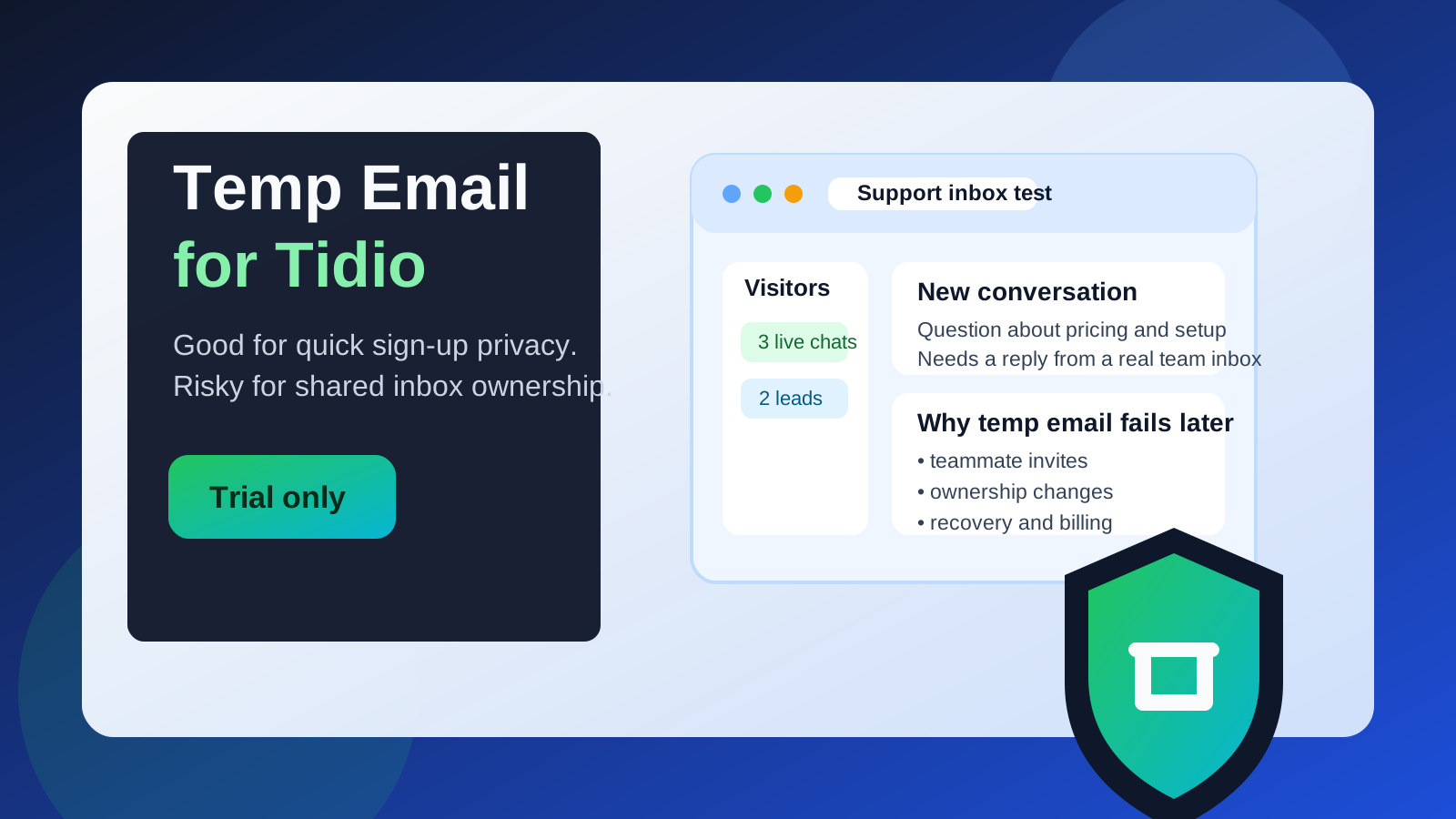
Yes, you can use a temp email for Tidio if you only want short-term sign-up privacy while testing the product.
No, you should not keep a disposable address on the account once shared inboxes, live chat leads, teammate access, or account recovery matter.
Why people look for a temp email for Tidio
Tidio is the kind of tool many teams want to test quickly. You may want to see how the live chat widget looks, try a few automation flows, compare the inbox experience with another support tool, or check whether the setup fits your store or service business before handing over a permanent work address.
That is a reasonable use case. A temporary inbox can keep trial messages, verification links, welcome sequences, and early sales follow-ups out of your main email while you decide whether the platform is worth a deeper rollout.
The important part is understanding where that convenience stops being safe. Tidio is not just a casual newsletter sign-up. Once the account starts collecting customer conversations, routing messages to teammates, or acting as a real support channel, the email tied to it becomes operationally important.
Short answer: good for early testing, bad for long-term ownership
If your goal is simply to open a trial, verify the account, and look around, a temp email can be practical. It helps you reduce inbox clutter and keeps early vendor outreach separated from your everyday mailbox.
If your goal is to run live chat on a real site, handle customer inquiries, invite teammates, manage billing, or keep reliable access to the workspace, a disposable address is a poor long-term choice. At that point, the account email is part of your support infrastructure, not just a throwaway signup detail.
When a temp email for Tidio makes sense
There are a few situations where using a temporary inbox is perfectly sensible.
- You are comparing several support tools at once. If you are testing Tidio alongside Intercom, Crisp, or another chat platform, a separate inbox helps you keep trial messages isolated.
- You only need a quick look at the dashboard. Sometimes you just want to see setup screens, automation options, or the general workflow before deciding whether to commit.
- You want less sales follow-up in your main inbox. Trial sign-ups often trigger onboarding sequences, reminders, webinar invites, and demo prompts. A temporary address helps contain that.
- You are doing early internal research. Before your team chooses an official tool, a disposable inbox can be a low-friction way to evaluate fit.
In those cases, a tool like Anonibox can be useful for the very first step: getting through account verification and reviewing the product without immediately tying the trial to your long-term work inbox.
When it becomes risky
The problem is not the initial trial. The problem starts when the email on the account becomes the key to a business system people will rely on.
1. Shared inbox access depends on that address
Tidio is often used as a real customer communication layer, not a toy demo. If the main account address is disposable, you create unnecessary risk around account ownership, admin changes, and basic access recovery. Even if everything works at first, the setup becomes fragile fast.
2. Live chat leads and customer replies start flowing in
Once chat conversations are tied to lead capture, support requests, or sales follow-up, losing access to the original inbox is no longer a small inconvenience. It can interrupt handoffs, complicate notifications, or make account changes harder when someone on the team needs to prove ownership.
3. You invite teammates
As soon as more than one person depends on the workspace, a throwaway address becomes the weak point in the setup. Teammate invites, admin controls, and account notices should go to an inbox your team actually controls long term.
4. Billing, plan changes, or account recovery matter
Any SaaS account becomes more serious once payment details, subscription changes, or recovery steps enter the picture. A disposable email is fine for low-stakes exploration; it is a poor foundation for something that may need support interaction later.
5. You install Tidio on a production site
If the chat widget is live on a real business website, your setup should be durable. At that point, the account email belongs in the same category as your other important operational credentials: stable, monitored, and controlled by the people responsible for the tool.
A better way to test Tidio privately
If you want both privacy and practicality, the best workflow is simple: use the temp email only for the trial stage, then switch to a permanent team-owned address before the account becomes important.
Step 1: Open the trial with a temporary inbox
Use a temporary address to get through the first verification and keep the test isolated. This is the stage where a disposable inbox is most useful.
Step 2: Evaluate the real product quickly
Do not spend all your time in welcome emails. Check the parts that actually matter to your team:
- How easy is the widget setup?
- Does the inbox feel manageable?
- Are automation and routing features understandable?
- Would a real support or sales workflow fit here?
- Would your team actually want to maintain this tool?
Step 3: Save anything important from the verification flow
If you use a temporary inbox, assume it may not be available forever. Save the login link, activation details, or setup notes you might need during the test.
Step 4: Switch to a permanent address before going live
If Tidio makes the shortlist, move the account to a stable address you control before installing it on a production site, inviting teammates, or collecting real customer conversations. That is the clean boundary between private evaluation and real deployment.
Step 5: Use role-based ownership where possible
For a business tool, a team-owned inbox is usually better than a single employee’s personal mailbox. That makes future handoffs much easier and reduces the risk of one person becoming the bottleneck for account access.
Common mistakes to avoid
- Forgetting to change the email after the trial. This is the most common failure. A temp inbox is useful for testing, but it should not quietly remain the primary account identity once the tool matters.
- Launching live chat before ownership is stable. If the workspace is already handling visitors, the admin email should not still be disposable.
- Using one throwaway inbox across multiple support tools. That sounds tidy, but it can make evaluation messier. Separate sign-ups are easier to track.
- Treating a support platform like a low-stakes app. Tidio affects lead handling, customer conversations, and team workflow. It deserves more care than a one-click content download.
- Ignoring future recovery needs. The account setup that feels convenient on day one may feel reckless the first time you need to recover access or confirm ownership.
Who should not keep a temp email on Tidio?
Some users should treat the temporary inbox as strictly trial-only from the start.
- Agencies setting up support or chat on client websites
- Stores that expect sales or support messages through the widget
- Teams inviting multiple agents into the account
- Founders who plan to connect the chat tool to real lead generation
- Anyone paying for the tool or depending on it for business continuity
In all of those cases, the safer move is to switch early to a durable inbox that your business actually monitors.
Who can safely use one for a while?
A short-term temp email for Tidio is usually fine if you are:
- doing solo research,
- testing the interface for an hour or two,
- comparing vendors before bringing in teammates, or
- trying to avoid long-term sales email until you know whether the platform is worth pursuing.
That is the sweet spot for disposable inboxes: low-stakes evaluation, not long-term ownership.
Practical checklist before you decide
Ask yourself these questions:
- Am I only testing Tidio, or am I about to use it with real customers?
- Will more than one person need reliable access to this account?
- Would losing the original account email create a support problem later?
- Am I trying to reduce inbox clutter, or am I avoiding setting up proper ownership?
- Have I switched to a permanent address before making the tool operational?
If your answers point toward real business use, move off the disposable address sooner rather than later.
Final verdict
A temp email for Tidio is a smart privacy move for quick sign-up testing, early product comparison, and keeping trial email noise out of your main inbox. It is not a smart long-term choice once the account becomes tied to shared inboxes, live chat leads, teammate access, or recovery.
Use the temporary inbox for the evaluation stage, get the information you need, and then switch to a stable team-controlled address before Tidio becomes part of your real customer communication stack. That gives you the privacy benefit upfront without creating avoidable account risk later.