A temp email for LiveChat is fine for quick trial signups and early evaluation.
It becomes a bad idea once team access, chat transcripts, lead routing, billing, or account recovery depend on that address.
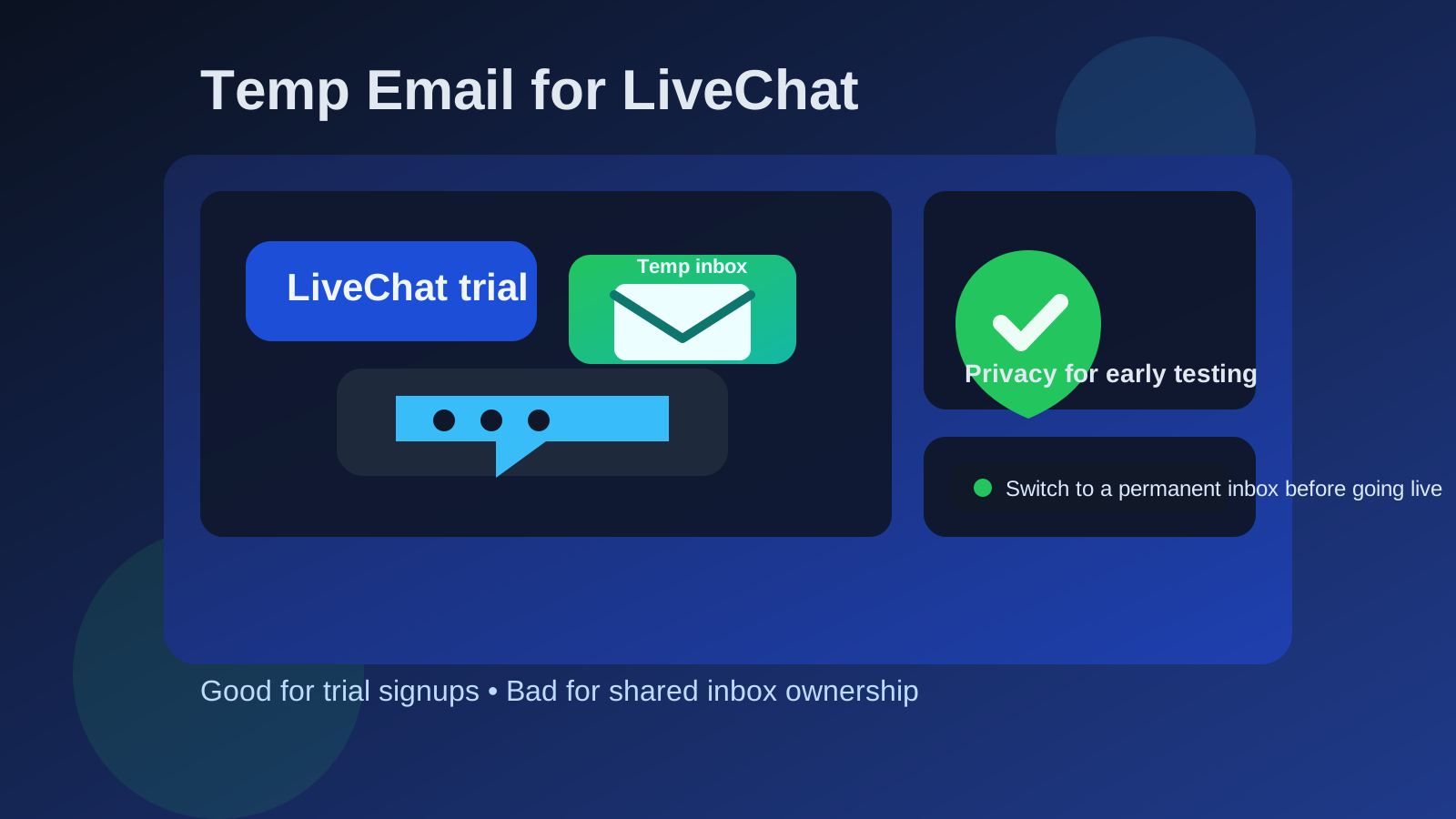
That is the short version, and for most people it is the only answer they really need. If you are just opening a trial, checking the dashboard, testing the widget on a staging site, or comparing LiveChat with other support tools, a disposable inbox can save your main email from weeks of vendor follow-ups. But if the account is going to become part of your real support workflow, the signup email stops being a small detail and starts becoming part of account ownership.
LiveChat sits close to customer communication. Even a basic setup can involve chat transcripts, team notifications, canned responses, lead capture, integrations, and admin permissions. That makes it different from a throwaway newsletter signup. A temporary inbox can be useful at the start, but it is a poor long-term foundation once the account matters.
When a temp email for LiveChat makes sense
There are a few situations where using a temporary inbox is perfectly reasonable.
- You are comparing tools: Maybe you are looking at LiveChat alongside Intercom, Crisp, Tidio, or another customer messaging platform and you do not want every trial sequence landing in your main inbox.
- You only need a short test: You want to see how the widget looks, how the inbox works, or whether the setup fits your site before giving a permanent address to another vendor.
- You are doing early internal research: A solo founder, operations lead, or support manager may want to explore the product before bringing the rest of the team into the decision.
- You want cleaner inbox separation: Temporary email can keep welcome messages, onboarding nudges, demo requests, and marketing follow-ups away from the inbox you use every day.
In that early stage, the value is simple. You still get the verification email and the first setup messages, but you do not immediately tie your permanent work address to a support platform you may never keep. A tool like Anonibox fits naturally here because the goal is not secrecy for its own sake. It is just cleaner inbox hygiene during evaluation.
When using a disposable address becomes risky
The moment LiveChat starts moving from “interesting trial” to “real operational tool,” the equation changes.
1. Shared inbox ownership starts to matter
If multiple people will rely on the account, the original email address is no longer a throwaway detail. It becomes part of who can recover the account, approve major changes, and prove ownership later.
2. Customer conversations begin flowing through the platform
Once the chat widget is live, missed access can mean missed leads, delayed support replies, or confusion around who controls the workspace. That is not the kind of risk worth taking just to avoid a few extra vendor emails.
3. Billing and plan notices become important
Support tools often send more than welcome emails. They also send renewal reminders, billing notices, security alerts, and account-change confirmations. A disposable inbox is easy to forget, which makes it a weak home for anything tied to money or account stability.
4. Account recovery may depend on the original inbox
If the temporary mailbox expires or becomes inaccessible, password resets and ownership checks can become painful. That problem is easy to ignore during a trial and miserable to deal with later.
5. Team handoffs get messy
A lot of SaaS chaos starts with a quick signup that nobody cleaned up. One person opens an account with a temporary address, the tool becomes useful, and months later the team has a business-critical support platform tied to an inbox nobody really controls. That is avoidable.
Why LiveChat is different from a casual signup
People sometimes treat every software registration the same way, but not all accounts deserve the same level of care.
Using a temp email for a whitepaper download is low stakes. Using one for a live customer chat platform is different because the account can become part of your front line. If a site visitor opens a conversation, if a lead comes through the widget, or if an agent needs access during a busy period, you want boring reliability. Temporary inboxes are good for exploration. Production support systems should be attached to durable contact details.
A practical way to use a temp email for LiveChat safely
You do not need to treat this as all-or-nothing. The smartest approach is staged.
Use the temp inbox only for the evaluation phase
Create the disposable address before signup so the whole trial stays isolated from your main inbox from the beginning. Use it to verify the account, review onboarding messages, and test the product.
Judge the product quickly and deliberately
During the trial, focus on the questions that actually matter:
- Is the widget easy to install and customize?
- Does the inbox feel usable for real conversations?
- How well do agent routing, saved replies, and notifications work?
- Will this actually fit your support or sales workflow?
- Would your team want to manage customer chats here every day?
A temp inbox helps by keeping the email side of the trial from distracting you from those real product questions.
Save the messages you actually need
Do not leave important setup details trapped inside a temporary mailbox. Save the verification message, important setup links, and any notes you might need while comparing tools.
Switch to a permanent address before anything becomes operational
If LiveChat looks like a real contender, move the account to a permanent inbox before you add teammates, connect production workflows, or rely on the widget for real visitors. That is the clean handoff point between low-stakes testing and long-term ownership.
Examples where a temp email is a good fit
Comparing vendors in one week
A founder testing several chat tools can use separate temporary inboxes to keep each trial isolated. That makes it easier to see which platform is actually useful and which one is mostly sending follow-up emails.
Checking a staging setup
If you want to see how LiveChat behaves on a test site before introducing it to the wider team, a temp email is a sensible buffer.
Short-term consultant research
If you are a contractor or consultant doing an early recommendation and not setting up the final production account yourself, a disposable inbox can help you explore the tool without mixing trial messages into your long-term mailbox.
Examples where you should avoid it
Launching the widget on a live business site
If real visitors are going to use the chat, do not keep the account tied to a throwaway address.
Inviting multiple team members
As soon as more than one person depends on the workspace, ownership and recovery need to be stable.
Relying on the platform for lead capture
If the chat box is part of your sales funnel, missing alerts or losing admin access is a business problem, not just a convenience issue.
Using paid plans or real billing details
Once money is involved, the account email should live in an inbox your team monitors and controls.
Common mistakes to avoid
- Forgetting to change the email after the trial: This is the most common mistake. The temporary inbox solves a short-term problem, then quietly stays attached to the account too long.
- Treating the admin email like a minor field: For a support platform, the admin address is part of the infrastructure.
- Using one disposable inbox for every vendor: Separate trials are easier to track and compare when each has its own inbox.
- Skipping ownership cleanup before handoff: If the team decides to keep LiveChat, move it to a durable company-controlled address right away.
- Assuming temp email means zero risk: It reduces inbox exposure, but it does not create magical privacy or security guarantees.
A simple decision checklist
Before you sign up, ask yourself:
- Am I only testing LiveChat, or will this become part of real support operations?
- Will multiple people need reliable access to the account?
- Would losing the signup inbox create a recovery problem later?
- Am I trying to reduce vendor email clutter, or am I delaying proper account ownership?
- Have I planned the point where I will switch to a permanent address if the trial works out?
If your answers point toward short-term evaluation, a temp inbox is fine. If they point toward shared ownership, customer communication, or paid usage, switch early to a durable address.
What is the best long-term setup?
For most teams, the best long-term choice is a company-controlled inbox rather than one tied to a single person forever. That makes handoffs easier, reduces admin confusion, and keeps critical support tooling inside an account the business actually owns. Even if one person leads the evaluation, the final ownership model should be stable and boring.
If you like the privacy and organization benefits of temporary email, keep using it where it shines: early trials, one-off tests, vendor comparisons, and low-stakes exploration. Just do not let a helpful evaluation shortcut turn into a fragile production setup.
Final takeaway
A temp email for LiveChat is a smart move for short-term trial signups, quick product comparisons, and keeping early vendor messages out of your main inbox.
It is a poor long-term choice once shared inboxes, customer chats, lead routing, billing, or account recovery depend on that address. Use the disposable inbox for the test, then move to a permanent account before LiveChat becomes part of a real support workflow. That gives you the privacy benefit upfront without creating avoidable ownership problems later.