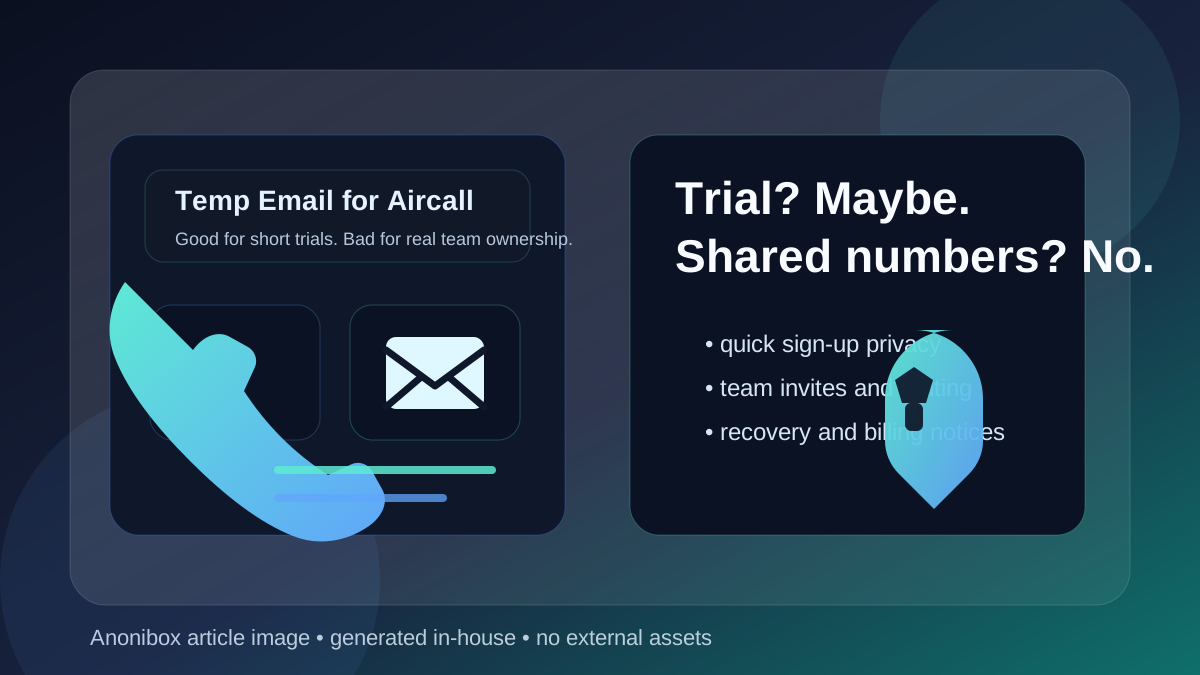
A temp email for Aircall can make sense if you only want to verify a trial, compare pricing, or look around the dashboard without handing your main inbox to another vendor. It is a poor choice if you expect to keep shared numbers, invite teammates, manage routing, or rely on that mailbox for recovery later.
The short version is simple: use a disposable inbox for low-stakes evaluation, then switch to a durable email address before anything becomes operational. If the account might end up tied to your business phone setup, support workflow, billing history, or team access, a throwaway mailbox stops being convenient and starts becoming a liability.
Why people consider a temp email for Aircall
Business phone and contact-center tools almost always ask for an email address early. That address can trigger verification messages, onboarding sequences, demo follow-ups, pricing emails, and sales outreach. If you are comparing multiple vendors in one week, your normal work inbox can fill up fast.
That is why people search for terms like temp email for Aircall, disposable email for Aircall, or burner email for Aircall. The goal is usually not to hide from the product forever. It is to keep the first round of research tidy, private, and less spammy.
If you only want to answer questions like “Is this worth a trial?” or “Does the interface look like a fit for our team?”, a temporary inbox can be practical. A tool like Anonibox lets you receive the confirmation message, open the first welcome emails, and keep your real mailbox out of a long nurture sequence until you know whether the platform deserves serious attention.
When a temp email is actually fine
Using a temporary address for Aircall is most defensible in the early, low-commitment stage. That usually means you are doing one of the following:
- Checking whether the product is worth a closer look
- Comparing several phone or contact-center platforms at once
- Trying to avoid immediate sales follow-up in your primary inbox
- Verifying whether the signup flow unlocks a useful sandbox or guided trial
- Keeping early vendor research separate from your real operations email
In those cases, a disposable mailbox can reduce friction. You still get the verification link and onboarding messages, but you keep early experimentation compartmentalized. That is the right mindset: a temporary inbox for temporary evaluation.
Where a temp email starts to become a bad idea
The moment your account moves from “curious test” to “real team setup,” the trade-off changes. A platform like Aircall is not just a one-person newsletter signup. If you end up using it in production, the account can become connected to teammates, shared numbers, call flows, routing choices, billing notices, and recovery paths. That is not the kind of access you want sitting on an address you might lose or forget.
Here are the main places where a throwaway inbox can cause trouble.
1. Shared ownership gets messy fast
If multiple people depend on the account, the original signup mailbox matters more than many teams expect. Even if your day-to-day work happens inside the product, the primary email often ends up receiving invites, change notices, export links, or account-level alerts. A disposable inbox is fine when you are alone and testing. It is not ideal when the account becomes part of a team workflow.
2. Recovery can turn into a headache
Trial accounts are easy to create and easy to forget. Real business accounts are the opposite. If the login email expires, becomes inaccessible, or was never documented properly, future recovery can become awkward. Maybe you need to reset access during a handoff. Maybe the person who created the account leaves. Maybe you need to confirm account ownership after a security alert. A durable mailbox is much better for all of that.
3. Billing and administrative notices should not go to a throwaway inbox
Once a tool matters enough to pay for, the email address stops being just a signup detail. It can become the destination for invoices, payment issues, plan changes, compliance notices, or service communications. Those are not messages you want disappearing because a temporary inbox was convenient on day one.
4. Team invites and account changes need continuity
Many communication tools become more useful as soon as you add teammates, supervisors, or shared numbers. That is also the point where continuity matters. If you are inviting coworkers, adjusting roles, or changing settings that affect real customer calls, you want the account anchored to an email address your team can keep track of.
A safer way to use a temp email for Aircall
If you still want the privacy benefits, the best workflow is to use the temporary inbox only as a first step rather than as the permanent home of the account.
Step 1: Use the temp inbox only for initial evaluation
Sign up with the disposable address if your goal is limited to product exploration. Open the verification email, review the welcome sequence, and spend your first session answering basic fit questions:
- Does the interface make sense?
- Does the product seem designed for your team size?
- Is the setup process reasonable?
- Does the pricing model feel worth further discussion?
Step 2: Save anything you need immediately
Do not assume the inbox will always be around. Save the confirmation details, any onboarding checklist you actually need, and any notes that matter for your evaluation. Disposable email works best when you treat it as short-lived from the beginning.
Step 3: Switch to a permanent address before real setup
If the product makes the shortlist, move to a durable mailbox before you add teammates, connect numbers, or rely on the account for real work. Ideally this should be an address your organization controls rather than a purely personal inbox. The right time to switch is early enough that the change is easy, not after the account has become operational and messy.
Step 4: Document who owns the account
Even for small teams, account ownership should not live in one person’s memory. If the product becomes part of your communication stack, document which email address owns the account, who has administrative responsibility, and where critical notices should land.
Good reasons to avoid using a temp email altogether
Sometimes the better answer is to skip the disposable inbox from the start. That is usually true if any of the following apply:
- You already know the product is a serious contender
- You expect to invite coworkers right away
- You are evaluating it on behalf of a real support or sales team
- You may attach paid services, numbers, or business-critical workflows quickly
- You want clean recovery and administrative continuity from day one
In those situations, the privacy benefit is smaller than the organizational cost. A separate evaluation inbox can still help, but it should be a real inbox your company controls, not a temporary one you might abandon.
Common mistakes people make
Using a temp inbox too long
The biggest mistake is forgetting to graduate from “trial mode” to “real account mode.” What starts as a harmless privacy move can turn into a long-term administrative weak point if the account becomes important.
Failing to save the first verification details
Temporary inboxes are convenient because they are low commitment. That same quality can become a problem if you need to revisit an email later and it is gone. Save what matters while you have it.
Letting one person become the accidental single point of failure
If a team account is born from a quick personal experiment, it can stay stuck to one person’s temporary workflow longer than it should. That creates unnecessary risk during handoffs, vacations, or staff changes.
Treating privacy and durability as the same thing
They are not the same. A temporary inbox helps with privacy during early research. A durable inbox helps with ownership, support, recovery, and accountability later. Smart setups often use both, just at different stages.
What is the best middle ground?
For many teams, the best answer is not “always use a temp email” or “never use one.” The better approach is staged:
- Use a disposable inbox for curiosity-level testing if you want to protect your main mailbox.
- Use a real shared or controlled company address once the product becomes a serious option.
- Make the switch before teammates, billing, or production workflows depend on the account.
That gives you the privacy advantages of a temporary inbox without leaving a business tool tied to an address that was never meant to last.
Final answer
So, should you use a temp email for Aircall? Yes, if you only need a quick trial signup, a short comparison test, or a way to keep early vendor outreach out of your primary inbox. No, if the account might turn into a real business setup with shared numbers, team access, billing, and recovery attached to it.
If you treat the temporary email as a short-term evaluation tool and switch to a permanent address before the account becomes operational, you get the best of both worlds: cleaner privacy during research and much less risk once the tool starts to matter.