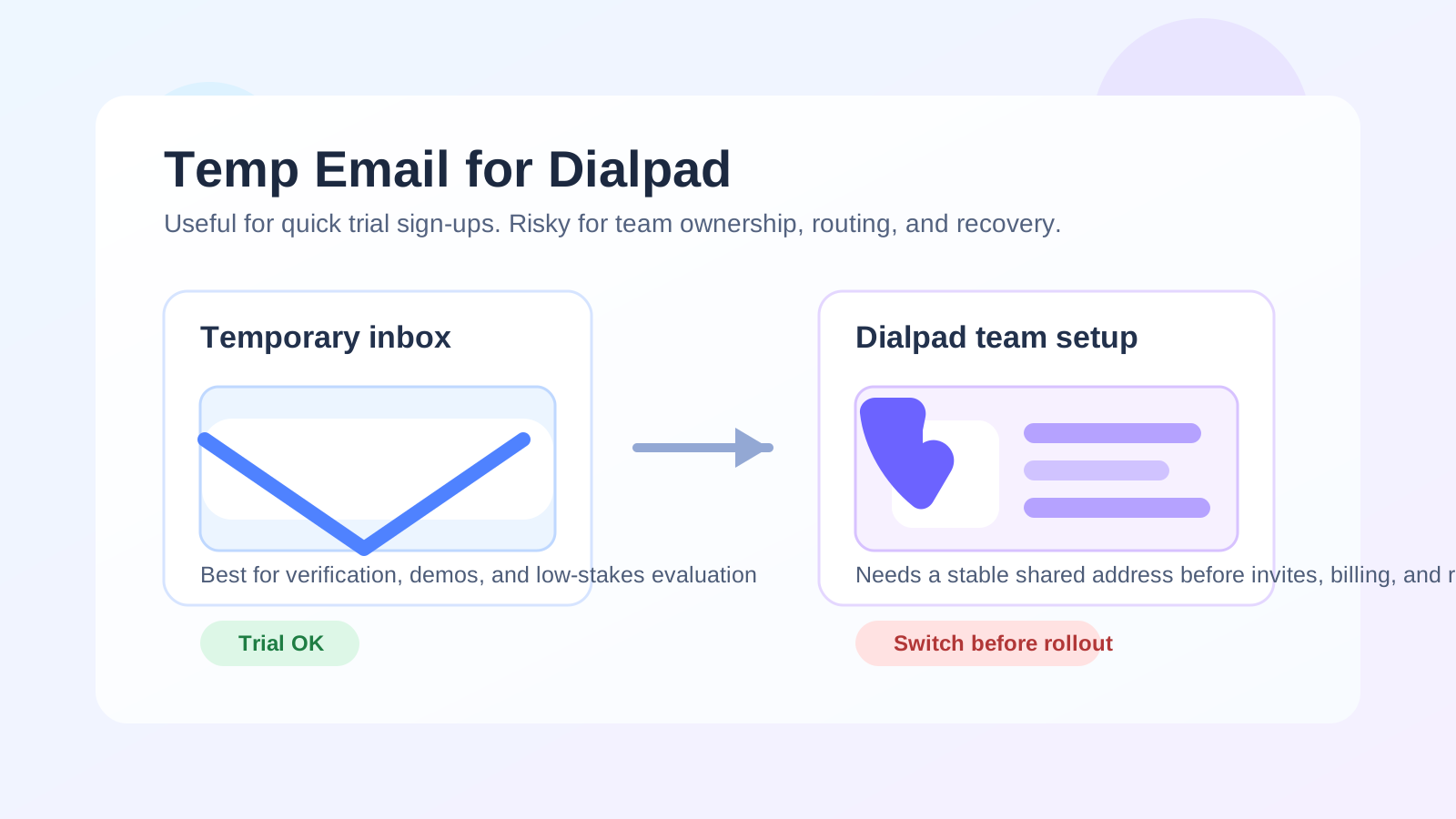
Yes — you can use a temp email for a short Dialpad trial or product demo, but it is a poor address to keep once team access, call routing, billing, or account recovery matter.
If you only want to verify the account, click around the dashboard, and compare Dialpad with other phone or contact-center tools, a disposable inbox is fine. If the account is going to handle real numbers, teammates, voicemail notifications, or admin ownership, switch to a stable team-controlled email early.
That distinction matters because Dialpad is not just another lightweight app signup. It can sit close to the center of how a team communicates with leads, customers, and internal staff. Once the account moves beyond a low-stakes trial, the email attached to it becomes operational infrastructure rather than just a registration detail.
Why people consider a temp email for Dialpad in the first place
Dialpad often enters the picture when a team is comparing business phone, call center, and AI-assisted communication platforms. At that stage, you may not want your main work inbox pulled into every trial, follow-up sequence, webinar invite, and sales cadence from every vendor on the shortlist.
That is the sensible use case for a temporary inbox. You want enough access to:
- receive the verification message,
- open the trial account,
- review the onboarding flow,
- see what setup steps are required, and
- decide whether Dialpad belongs on the serious shortlist.
If that is your situation, using a temporary address from a tool like Anonibox can keep the evaluation phase tidy without committing your long-term inbox to another stream of product emails before you are ready.
When a temp email is fine for Dialpad
A disposable inbox is usually acceptable when the account is still in pure evaluation mode. In practical terms, that means you are not yet relying on the account for business continuity, customer communication, or team coordination.
Good low-risk cases
- Checking whether the product fits your workflow: You want to inspect the dashboard, call controls, analytics, or onboarding experience.
- Comparing multiple vendors: You are testing Dialpad next to tools like Aircall, Talkdesk, or other cloud calling platforms and do not want your main inbox cluttered yet.
- Reviewing the signup friction: You want to see whether the product demands a lot of setup before it is useful.
- Short-term privacy: You are still deciding whether the platform deserves a real procurement or IT conversation.
In those cases, the temporary address is doing exactly what it should do: separating early research from long-term ownership.
Where a temp email becomes risky with Dialpad
The problem starts when the account stops being a trial and starts becoming a system your team may actually depend on. A disposable inbox is weak at the point where ownership, recovery, approvals, or ongoing notifications matter.
1. Team access and admin ownership
If the first account becomes the admin account, the original inbox matters more than people expect. It may receive invitation links, owner-level notices, account changes, permission prompts, and important administrative messages. If that inbox expires or becomes inaccessible, the cleanup can be annoying at best and disruptive at worst.
2. Call routing and operational setup
Dialpad setups can involve numbers, departments, call routing rules, ring groups, business hours, voicemail handling, and other operational details. Once you move into that phase, the email address on the account is no longer just about login verification. It is tied to actual communication workflows and internal responsibility.
3. Billing and plan changes
Even if a trial begins casually, the moment payment details, subscription decisions, or plan changes enter the picture, you want the account tied to an address the business controls. Using a throwaway inbox at that stage is asking for missed notices and messy handoffs.
4. Account recovery
Password resets and security notifications are one of the biggest reasons to switch early. A temporary inbox may be available for a quick signup, then gone or inconvenient later. That is tolerable for a one-off app you do not care about. It is not a great habit for a phone or support platform that could become part of day-to-day operations.
5. Vendor conversations that actually matter
Once you want a serious demo, a quote, a porting discussion, implementation help, or a real support conversation, the disposable phase should end. At that point you want continuity, not insulation.
A practical way to use a temp email for Dialpad without creating future problems
If you want the privacy benefit without the long-term mess, the safest approach is simple: use the temporary inbox only for the first evaluation step, then intentionally migrate to a permanent team-controlled address before the setup gets real.
Step 1: Create the temporary inbox before signup
Do this first so the trial stays separate from your everyday inbox from the start. That makes comparison cleaner if you are looking at several vendors in the same week.
Step 2: Use it for verification and the first product walkthrough
This is the sweet spot. Receive the signup email, confirm the account, review the onboarding sequence, and judge whether Dialpad is actually worth deeper effort.
Step 3: Save anything you may need later
If the welcome flow contains useful setup notes, pricing references, or demo links, copy those into your internal notes before the inbox stops being convenient.
Step 4: Decide whether the product is still a maybe or becoming a real project
Ask a blunt question: are you just browsing, or are you about to configure something the team might rely on? If the answer is the second one, stop using the temporary inbox.
Step 5: Switch to a permanent address before real rollout
A shared operations address, IT-managed alias, or other stable business-controlled inbox is a much better fit once numbers, users, routing, billing, or recovery will matter.
What kind of permanent email is better than a temp inbox?
The best replacement is usually not one person’s random personal work address. For platforms like Dialpad, a more resilient setup is often:
- a shared admin inbox,
- an IT or operations-managed alias,
- or another stable mailbox that more than one trusted teammate can recover or monitor when needed.
That matters because communications tools tend to outlive the original evaluator. The person who starts the trial is not always the person who owns the system six months later.
Questions to answer before keeping Dialpad long term
If your trial is moving toward a real purchase, these are the practical questions that matter more than the initial signup:
- Who should own the admin account?
- Which mailbox should receive critical notices?
- Who handles billing and renewal visibility?
- Who needs access if the original evaluator is unavailable?
- What happens if you need a password reset during an outage or urgent change?
A temp email does not answer those questions well. A permanent team-controlled address does.
Common mistakes to avoid
Treating a trial email as the final owner
This is the most common mistake. The short-term inbox was useful for privacy, so nobody bothers to replace it. Weeks later, the account is active, teammates are invited, and nobody wants to untangle ownership.
Waiting until porting, rollout, or billing is underway
The later you switch, the more annoying the handoff becomes. Make the change before the account becomes operationally important.
Using a temp email for a shared communications platform indefinitely
Disposable inboxes are best for disposable stages. Dialpad is often not a disposable workflow once adopted.
Assuming “I can always fix it later”
Sometimes you can. Sometimes the fix lands in the middle of a busy launch, support migration, or number setup window, when it is much less fun than it sounded during the trial.
Is a burner email ever enough for the full account?
For most serious teams, no. If Dialpad is just being tested for an afternoon, a burner email is fine. If it is going to support real calling, real customers, or real internal coordination, keeping the account on a disposable inbox is a bad long-term habit.
That does not mean the temp email was a mistake. It just means it solved an early-stage problem and should not be stretched past that stage.
Final answer
Using a temp email for Dialpad is fine when your goal is private, low-stakes evaluation: verify the trial, inspect the interface, and decide whether the platform deserves deeper attention. It becomes risky once the account starts to matter for team invites, number management, call routing, billing, or recovery.
The cleanest approach is simple: use the temporary inbox to keep early research tidy, then move Dialpad onto a stable team-controlled address before the account becomes part of real operations. That gives you the privacy benefit up front without creating avoidable ownership problems later.