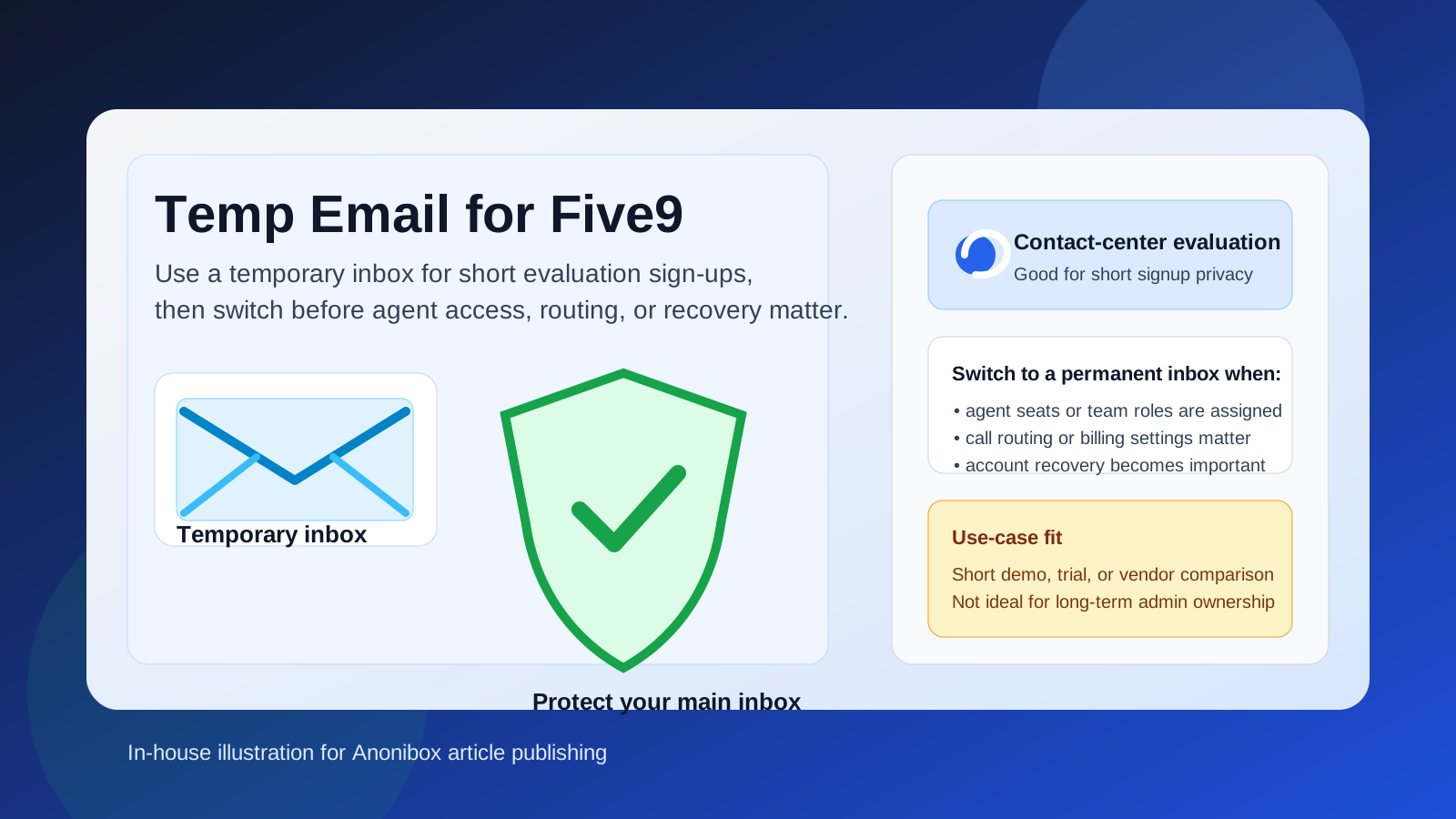
Yes, you can use a temp email for Five9 if you only need to verify a short trial, demo request, or early evaluation. It becomes a bad idea once agent access, call routing, shared ownership, billing, or account recovery depend on that inbox.
If your goal is simple signup privacy, a disposable address can help you keep vendor follow-up out of your main inbox while you compare tools. If the account is moving from a quick test into real operational use, switch to a permanent address before the inbox becomes important.
When a temp email for Five9 makes sense
Five9 sits in the same general world as other cloud phone and contact-center tools: teams use it to test calling workflows, evaluate agent experiences, compare routing options, and see whether the platform fits their operations. During that very early research stage, it is normal to want some separation between “I am exploring this vendor” and “I want this tied to my long-term work identity.”
That is where a temporary inbox can be useful. If you are only trying to:
- open an evaluation or request access to a demo environment,
- receive a confirmation link,
- review onboarding material,
- compare a few vendors without giving every one of them your main address immediately, or
- keep first-pass sales follow-up out of your everyday inbox,
then a temporary address is reasonable. A disposable inbox from a service like Anonibox can keep that first step clean. You get the verification message you need, but you do not automatically turn one short product check into months of marketing email.
Why people use temporary inboxes during software evaluations
Anyone who has tested a stack of business tools knows what happens after signup. One form turns into a welcome email, then a product tour, then a calendar invite, then a “just checking in” sequence, then a pricing nudge. None of that is unusual, but it adds up fast when you are evaluating several products at once.
Using a temp email for Five9 can help you:
- protect your main inbox during early research,
- separate vendor evaluations from customer-facing work,
- reduce long-term sales clutter when you are still deciding whether the platform is even relevant, and
- stay organized by keeping short-term product checks in their own lane.
That matters even more for contact-center software, because evaluations are often more involved than a simple consumer app test. You may be looking at admin controls, queue setup, routing logic, analytics, integrations, supervisor tools, or workflow fit for a team. It makes sense to protect your inbox while you are still sorting out whether the tool deserves that level of attention.
Where a temp email for Five9 starts to become risky
The problem is not the initial signup. The problem is what happens after the trial stops being temporary.
If the account starts touching real operational work, a disposable inbox becomes fragile. That risk shows up quickly in a platform like Five9 because the account can become tied to multiple moving parts:
- agent invitations and team access if multiple people need the same environment,
- call routing or admin ownership if settings need a reliable point of contact,
- billing or procurement follow-up once a pilot turns serious,
- security notices such as login alerts or policy changes, and
- account recovery if you ever need to reset access later.
A temp inbox is great at being short-lived. That is exactly why it is weak for anything that needs continuity. The more valuable the account becomes, the less sense it makes to leave it tied to an inbox you do not intend to keep.
A safer way to evaluate Five9 without exposing your main inbox too early
If you want the privacy benefits without creating future headaches, use a two-stage approach.
1. Use a temporary inbox only for the first gate
If all you need is the first verification email or welcome sequence, use the disposable address there. That gives you enough access to look around without giving your primary work inbox to every vendor at the top of the funnel.
2. Save anything important right away
If the inbox is temporary, do not assume those messages will always be around. Save the useful parts immediately, like the verification email, product-access instructions, contact names, and any setup links you may need during the same session.
3. Evaluate the product, not just the signup flow
Once you are inside, focus on the real questions. Does the interface make sense for agents? Are the routing controls understandable? Do the reporting and call-quality views actually help? Does the evaluation tell you enough to decide whether the tool belongs on a serious shortlist?
4. Switch to a permanent inbox before the account matters
The moment the evaluation becomes team-based, long-running, or procurement-related, move the account to a stable address. Do not wait until you need password recovery, admin changes, or historical notices. By then, the disposable inbox has already stopped being a convenience and started being a liability.
5. Keep the temporary-use case narrow
A temp email for Five9 is best for a short test, not for a real deployment path. Use it like a privacy buffer, not like a foundation.
Practical scenarios where a temp email is reasonable
Here are the situations where the temporary approach is usually sensible:
- You are comparing several contact-center vendors side by side.
- You want to see the onboarding process before opening the door to long-term sales follow-up.
- You are doing first-pass research for a manager or client and do not yet know which tool will survive the shortlist.
- You want to keep trial-related messages out of a busy operations inbox.
- You are testing from a privacy-conscious workflow and prefer to reveal less personal contact information early.
In those cases, the temp inbox is doing exactly what it should do: helping you inspect the tool without overcommitting your identity too early.
Common mistakes to avoid
The biggest mistake is pretending a temporary inbox and a permanent operational inbox are interchangeable. They are not.
Other mistakes include:
- leaving the temp inbox attached too long after the trial becomes important,
- forgetting to save critical setup emails before the address expires,
- using the same disposable address strategy for team-wide ownership, and
- assuming privacy tools solve account-reliability problems.
A temporary inbox helps with spam and early-stage privacy. It does not give you durable account continuity, internal coordination, or strong recovery options. Those are different needs.
When to move from temporary to permanent
A good rule is simple: if losing that inbox would be annoying, switch. If losing it would disrupt team access, admin control, vendor communication, or recovery, switch immediately.
That usually means changing to a permanent address when:
- your team is invited into the environment,
- the vendor conversation becomes serious,
- you start testing production-like workflows,
- billing, contracts, or security notices may matter, or
- the account could become part of a real rollout.
At that point, the right tool is not a temp email anymore. It is a stable inbox the right people can monitor and recover if something goes wrong.
Bottom line
Using a temp email for Five9 is a practical move for short evaluation sign-ups, demo requests, and first-pass vendor comparisons. It can protect your main inbox and reduce noise while you decide whether the platform deserves deeper attention.
Just do not confuse short-term privacy with long-term account safety. Once Five9 starts connecting to real agent access, routing decisions, shared ownership, billing, or recovery, move the account to a permanent inbox you trust. That keeps the privacy benefit of the first step without creating avoidable problems later.