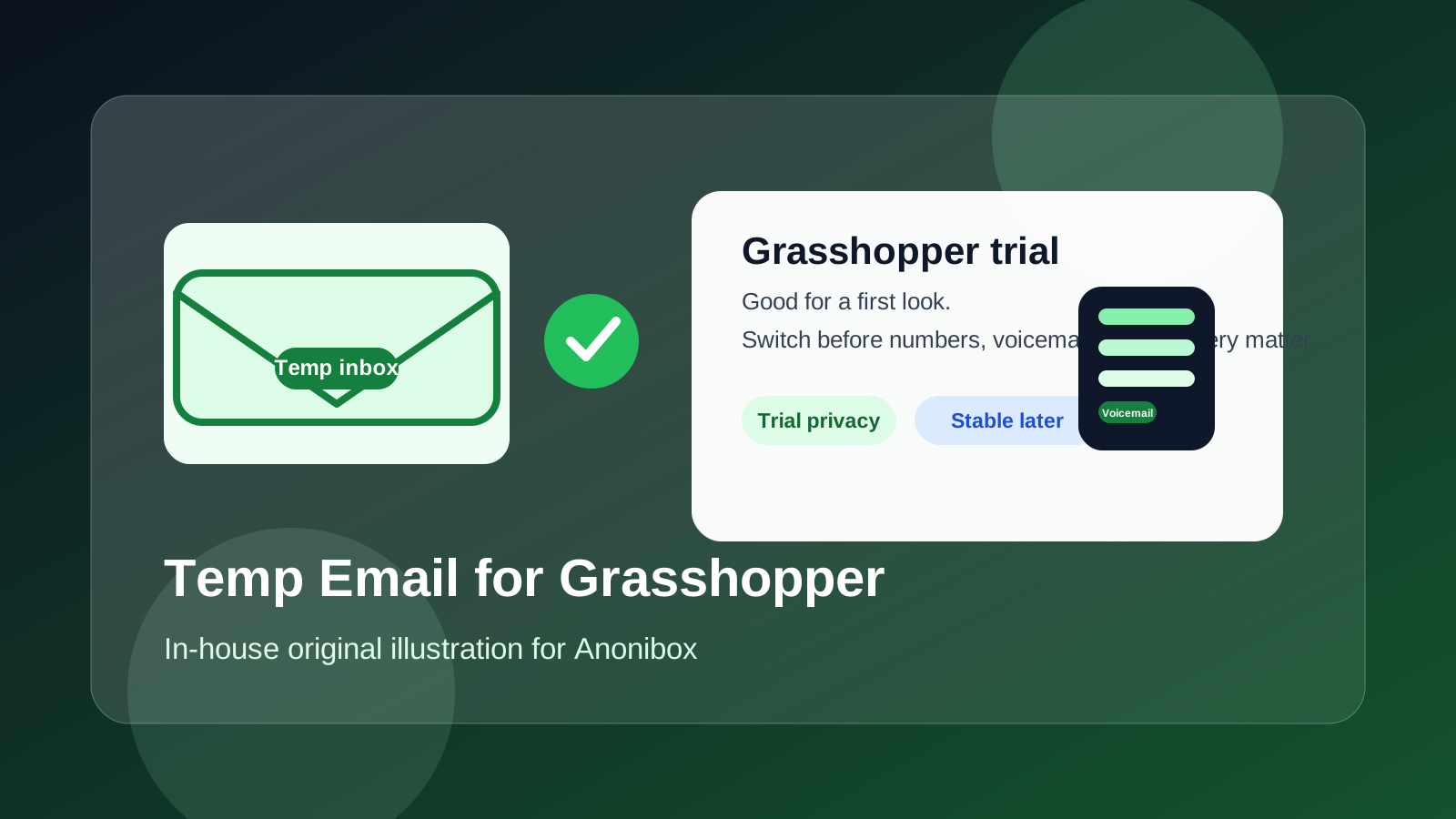
If you are wondering whether a temp email for Grasshopper is a good idea, the short answer is: yes for a quick trial or first look, but no once your phone number setup, voicemail flow, team access, or recovery depends on that inbox.
Use a disposable address to verify the signup and explore the product, then switch to a stable mailbox you control before the account starts owning real business communication.
Why people use a temp email for Grasshopper in the first place
Grasshopper sits in a category where people often want privacy during research. You may be comparing virtual phone systems, small-business call tools, second-number services, or lightweight team phone setups. In that stage, you may not want every vendor sending follow-ups to your long-term work inbox before you even know whether the product is a fit.
That is where a temp inbox helps. It gives you a low-commitment way to receive the verification email, log in, read the welcome sequence, and decide whether Grasshopper deserves deeper evaluation. If the platform is not right for you, your main inbox stays cleaner. If it is promising, you can move to a durable address before anything important gets attached to the account.
That distinction matters. A temporary email is good at protecting your inbox during the evaluation stage. It is not a good long-term home for a phone system account that may soon be tied to business numbers, voicemail routing, call forwarding, support conversations, or account recovery.
When a temp email is reasonable for Grasshopper
There are a few situations where using a disposable inbox is practical and low-risk:
- First-pass product evaluation: you want to see the dashboard, understand the setup flow, and inspect what the trial actually includes.
- Vendor comparison: you are shortlisting a few business-phone options and do not want every test to lead to long-term inbox clutter.
- Solo pre-screening: one person is doing initial research before the broader team gets involved.
- Low-trust early exploration: you are comfortable giving a contact address for verification, but not ready to expose your durable work inbox yet.
Used this way, a temp address is doing exactly what it should do. It keeps the early research phase separate from your long-term communications, and it helps you decide whether the product is worth more serious attention.
Where a temp email becomes risky
Grasshopper can start as a simple trial, but it stops being simple once the account begins to matter operationally. That happens faster than many people expect. If you start associating the account with a real business number, shared admin access, extensions, voicemail rules, or billing conversations, the inbox tied to that account becomes important.
A temp address becomes a weak link once you are doing any of the following:
- Claiming or porting a real business number
- Setting up extensions or routing for multiple people
- Configuring voicemail or call-forwarding behavior you plan to rely on
- Inviting teammates or handing account access to someone else
- Using the account for billing, procurement, or vendor negotiation
- Depending on email for password resets, security notices, or ownership proof
At that point, the question is no longer “can a temp inbox get me into the product?” It is “do I want a disposable address sitting underneath something my business may rely on?” Usually, the answer is no.
What can go wrong if you keep the temp inbox too long?
1. Recovery becomes fragile
If you lose access to the temporary mailbox, recovering the account later can become harder than it needs to be. Even if you can eventually sort it out, it introduces avoidable friction into something that should be straightforward.
2. Number ownership and admin continuity get messy
If the account starts to control a real business-facing number, you want clear, durable ownership. A throwaway inbox is the opposite of that. It makes the account feel temporary even when the phone setup is becoming permanent.
3. Team handoff becomes awkward
Many small teams start with one person testing a tool, then later involve operations, support, or another admin. A temp inbox makes that handoff clumsier because the original account identity is not built for continuity.
4. Important vendor messages can disappear
Not every onboarding message matters, but some do. Trial limits, support replies, setup instructions, billing follow-up, and change confirmations are all easier to manage when they live in an inbox you still control next month.
A practical way to use a temp email for Grasshopper without creating a future headache
Step 1: Use the temp email only for the first gate
Sign up with the temporary address if you want privacy while testing. Use it for the verification message and your first look around the product.
Step 2: Save the messages that actually matter
Before you click around too much, keep copies of anything important:
- the verification message
- any trial-expiration notice
- links to setup documentation
- plan or pricing notes that affect your evaluation
- support replies if you asked product questions
If the product is a dead end, you can walk away cleanly. If it is promising, those saved details make the transition smoother.
Step 3: Evaluate the real operational fit quickly
The temp-email phase should be short. Its purpose is not to run a long-term phone system from a disposable inbox. Its purpose is to answer a clear question: is Grasshopper good enough to deserve a stable account setup?
Step 4: Switch to a durable mailbox before the account starts owning real communications
If Grasshopper makes the shortlist, move to a stable address early. That could be a dedicated admin inbox, a shared team mailbox, or another work-controlled address that will still be monitored after the trial. The exact address matters less than the fact that it is reliable, documented, and not about to disappear.
What should you evaluate during the trial stage?
If you are using a temp inbox for a quick Grasshopper evaluation, focus on the questions that actually influence the buying decision:
- How easy is it to understand the number setup?
- Do the voicemail and forwarding options match how your team really works?
- Is the admin flow simple enough for a small business to manage without confusion?
- Does the product feel stable and clear enough to trust with customer-facing calls?
- Will the account structure still make sense when more than one person needs access?
That is the right use of a temp inbox: fast verification, focused evaluation, and a clean decision about whether the product is worth moving into a stable operating setup.
Temp inbox vs alias vs dedicated work inbox
A temp email is not your only privacy option, and it is not always the best one.
Temp inbox
Best for quick sign-ups and initial privacy. It is useful when you want to inspect the product without opening the door to long-term vendor outreach.
Email alias
An alias can be the better middle ground if you want inbox separation but expect the evaluation to last longer than a one-session test. It gives you privacy without the fragility of a fully disposable address.
Dedicated work-controlled inbox
This is the right answer once you are dealing with real business numbers, long-term configuration, support history, or shared admin access. If the account might become operational, the inbox beneath it should be operational too.
If you use Anonibox or another temporary-email workflow, think of it as an early-stage filter. It helps you research tools without overcommitting your long-term inbox. It should not remain the permanent owner identity for a business phone account that may soon matter to customers or coworkers.
Common mistakes to avoid
- Leaving the temp inbox attached after the product becomes a serious option. This is the biggest and most common mistake.
- Using one disposable inbox for many unrelated phone-system trials. That makes the messages harder to track and increases the chance of losing something useful.
- Forgetting that a phone-system account is different from a casual app signup. Once numbers and routing enter the picture, continuity matters.
- Waiting too long to move ownership to a stable team mailbox. It is much easier to switch early than after the account has real history and dependencies.
- Judging the tool only by signup convenience. The real question is how the product behaves once numbers, voicemail, forwarding, and admin control matter.
A quick checklist before you decide
- Am I only testing Grasshopper, or am I about to use it for real communication?
- Will this account soon control a real business number?
- Will more than one person need access?
- Do I want recovery and support emails going to a disposable inbox later?
- Would an alias or dedicated work mailbox be safer once the trial looks serious?
If the account is still just a test, a temp email is fine. If the answer to any of those questions is “yes, this is becoming real,” it is time to switch.
Final takeaway
A temp email for Grasshopper is useful when you are in the earliest evaluation stage and want to protect your main inbox from trial clutter and vendor follow-up. For that limited purpose, it is a sensible move.
But Grasshopper stops being a low-stakes signup once it starts touching your business number setup, voicemail flow, shared access, or recovery path. Use the temp inbox to open the door, then move the account to a stable address before the tool becomes part of your real communications stack.
That way, you get the privacy benefits of disposable email at the start without carrying its weaknesses into the part of the process that actually matters.