Yes, you can use a temp email for Freshcaller during a short trial or first-pass evaluation.
It becomes risky once phone numbers, routing settings, team access, billing, or account recovery depend on that inbox.
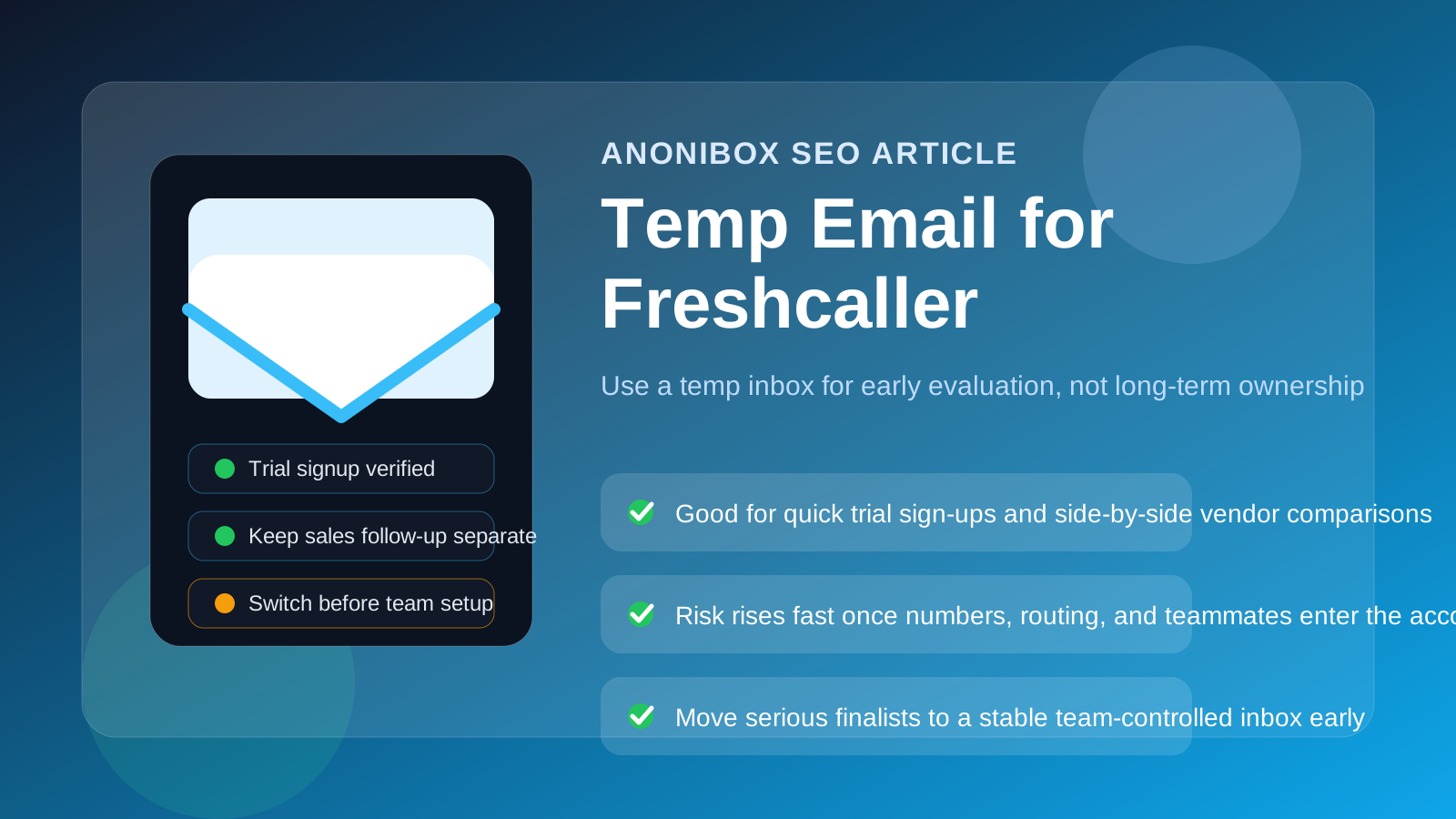
That is the practical dividing line. If you only need to verify the signup, click through the workspace, and compare Freshcaller with other cloud-calling tools, a disposable inbox can be a sensible privacy move. If the account is about to hold real numbers, shared admin access, call flows, or anything your business may rely on later, a throwaway inbox stops being convenient and starts being weak infrastructure.
Freshcaller sits in a category where the change from “just a trial” to “something operational” can happen faster than people expect. One person signs up, explores a few settings, invites a teammate, tests routing, maybe claims a number, and suddenly the email behind the account matters a lot more than it did an hour earlier. That is why the smartest approach is not to ask whether a temp inbox is always good or always bad. It is to use it only for the part of the process where it actually helps.
If you want to keep trial noise out of your main inbox, a service like Anonibox can help at the evaluation stage. The key is knowing when to stop treating the account like a disposable experiment and move it onto an inbox your team controls long term.
Why people look for a temp email for Freshcaller
Most people searching this are not trying to bypass anything. They usually want one of a few practical things:
- Cleaner vendor evaluation: they want to inspect the product without adding another long sales sequence to a busy work inbox.
- Side-by-side comparisons: they are testing Freshcaller alongside other phone or contact-center tools and want each trial to stay separate.
- Faster early research: they want the verification email and first onboarding steps without committing a permanent address too early.
- Better privacy boundaries: they do not want every short-lived trial tied immediately to the inbox used for real business operations.
- Less inbox clutter: they want to avoid months of follow-up from products that never make the shortlist.
Those are reasonable goals. Cloud calling vendors often send welcome emails, setup prompts, sales follow-up, webinar invites, feature roundups, and demo nudges almost immediately after signup. A temporary inbox gives you a buffer between “I want to look” and “I want an ongoing vendor relationship.”
When using a temp email for Freshcaller makes sense
1. You are doing a first-pass trial
If all you want is a quick look at the dashboard, admin flow, trial limits, and basic setup experience, a temp inbox can work perfectly well. At that point the account is still disposable in the useful sense: you are evaluating, not depending on it.
2. You are comparing several cloud phone tools at once
Trials get messy when you are testing multiple vendors in the same week. Using separate temporary inboxes for each product makes the comparison easier. Verification links, welcome messages, and follow-up reminders stay tied to the correct tool instead of collapsing into one giant thread pile.
3. You want to isolate sales outreach from your everyday work
Even a serious software search does not mean every vendor deserves a permanent place in your operations inbox. A temp email can keep your support, ops, or shared admin mailbox from getting buried under trial marketing while you are still deciding whether Freshcaller even belongs on the shortlist.
4. You are testing on your own before involving the wider team
Sometimes one person is asked to do the first round of research before leadership, procurement, or teammates step in. A temporary inbox can keep that exploratory stage lightweight and reversible.
Where a temporary inbox starts becoming a bad idea
The problem is rarely the signup itself. The real risk begins when the account starts accumulating things your team may care about later.
Phone numbers make the account more serious
As soon as you begin claiming or meaningfully testing numbers, the account stops being a harmless sandbox. Ownership, notices, admin alerts, and future recovery all matter more. A disposable inbox is a poor long-term anchor for that.
Routing and IVR settings can become sticky fast
In many trials, teams quickly start experimenting with menus, call flows, routing rules, business hours, voicemail behavior, or queue logic. Those settings often begin as tests but can become part of a real decision process. If the only key to the account is an inbox no one truly owns, cleanup gets harder than it needs to be.
Team access changes the stakes
The moment you invite teammates, assign admins, or let multiple people depend on the workspace, the email behind the account stops being just a privacy choice. It becomes part of your internal ownership model. A throwaway address is weak for shared responsibility.
Billing and recovery are the wrong place for shortcuts
If the trial moves toward payment, a pilot, or a longer rollout, do not leave invoices, password resets, and account-recovery links attached to a temporary inbox. That is where a short-term privacy trick turns into an avoidable operational problem.
A safer workflow: use the temp inbox only for evaluation
The best approach is not complicated. Treat the temporary inbox as a front-door tool, not as the permanent identity of the Freshcaller account.
- Start with the temp inbox for signup. Use it to receive the verification email and first onboarding prompts.
- Test only the basics first. Review the interface, setup friction, trial limits, and general fit before connecting anything important.
- Keep your notes outside the inbox. Save observations, screenshots, comparisons, and trial deadlines in your own document or workspace.
- Decide quickly whether Freshcaller is a serious contender. If it is not, you can walk away without feeding your permanent inbox into another vendor funnel.
- If it is a contender, switch the account early. Move it to a durable team-controlled email before numbers, teammates, or workflows pile up.
- Only then test deeper operational use. Once ownership is clear, you can evaluate more realistically.
This gives you the privacy upside without carrying the temporary decision into the stage where reliability matters more than inbox cleanliness.
What to evaluate while the account is still temporary
A temp inbox only helps if you use the trial well. Once you are inside Freshcaller, focus on the product itself.
Call flow setup
Check whether menus, routing rules, business hours, queue behavior, and voicemail options are easy to understand. A cloud calling tool should make the logic clearer, not hide it behind confusing screens.
Admin experience
Look at how user management, permissions, roles, and workspace settings are structured. If basic administration feels awkward during a short trial, that friction usually gets worse when more people join.
Agent or team usability
If the product is intended for shared call handling, ask whether everyday users can navigate it quickly. Can people find what they need without constant hand-holding? Trial time is short, so obvious usability problems matter.
Reporting and visibility
Open the dashboards and ask a blunt question: would your team actually make decisions from these views? Useful analytics should help with call volume, responsiveness, workload, and service quality rather than just looking polished in screenshots.
Integration fit
Even if you are only doing a trial, you can usually tell whether the platform expects to fit cleanly into a broader stack or whether everything feels bolted on. That matters if the product survives the shortlist.
Signs it is time to switch off the temp email
If any of these are true, you are probably past the safe trial-only phase:
- You are seriously testing or keeping phone numbers.
- You are inviting teammates, admins, or supervisors into the account.
- You are building routing logic you may want later.
- You are discussing pricing, procurement, or a longer pilot.
- You care about account recovery, ownership, or auditability.
At that stage, keeping a disposable inbox attached is usually false economy. You avoided a little inbox noise up front, but now you are weakening recoverability and shared control.
Common mistakes people make
- Leaving the temp inbox attached too long: what started as a quick product check quietly turns into a semi-real workspace.
- Using one temporary inbox for multiple vendors: that defeats most of the organizational benefit.
- Letting one person’s throwaway inbox stay in charge: it creates unnecessary ownership risk later.
- Testing with real operational behavior too early: once your trial starts resembling production, reliability matters more than privacy convenience.
- Judging the vendor by its email campaign: a polished follow-up sequence does not tell you whether the product actually fits your workflow.
What if you want privacy and reliability?
You do not need to choose between full exposure and a sloppy throwaway setup. The middle path is better for most teams: use a temporary inbox for the first evaluation, then move the account to a stable monitored email as soon as Freshcaller survives the shortlist stage.
That approach keeps your main inbox cleaner while respecting the reality of a business communications tool. The account behind a phone or contact-center platform should eventually live on boring, durable ownership. That is a feature, not a flaw.
Bottom line
Temp email for Freshcaller makes sense for a short trial when your goal is simply to verify the signup, inspect the interface, and avoid turning one quick product comparison into long-term inbox clutter.
It stops making sense once the account begins to hold numbers, team access, routing logic, billing details, or recovery responsibility. Use the temporary inbox for evaluation, then switch early to a stable team-controlled address before the Freshcaller account becomes something your business may actually depend on.