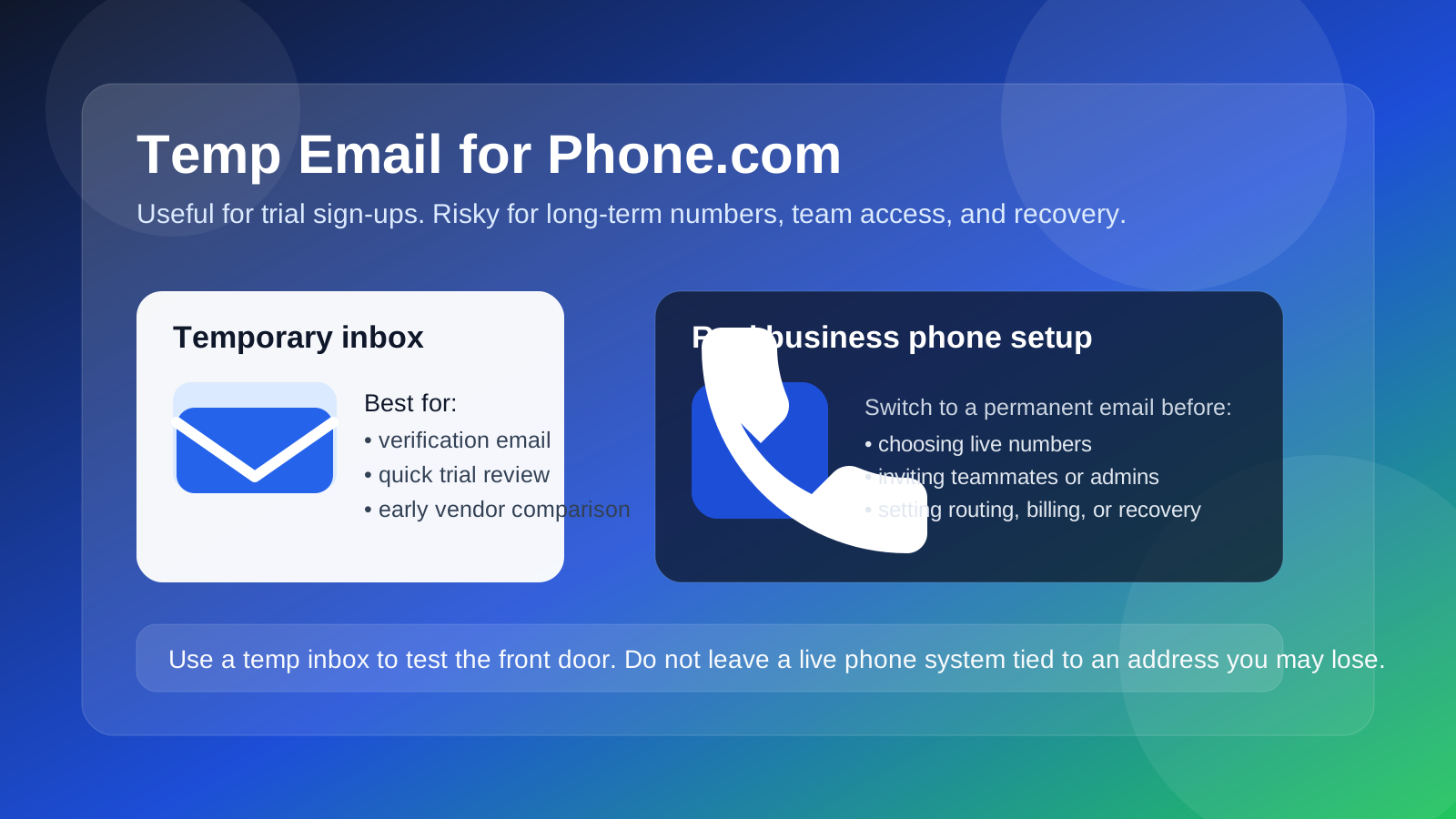
A temp email can work for a Phone.com trial or early signup verification, but it is a bad choice for a real business phone setup you plan to keep.
Use it to explore the dashboard, confirm a test account, or compare pricing flows, then switch to a permanent address before you attach numbers, invite teammates, build routing rules, or rely on the account for recovery.
That is the short answer, but the practical details matter. Business phone platforms sit in an awkward middle ground for privacy-conscious users: they often look like ordinary SaaS tools during signup, yet they quickly become operational systems tied to real calls, voicemail, team availability, and customer communication. A throwaway inbox is fine for the “Is this worth testing?” stage. It is not ideal once the account starts becoming part of your actual work setup.
If you are researching Phone.com and want to keep your main inbox cleaner during early evaluation, a temporary inbox can be useful. If you already know you will port numbers, assign extensions, or depend on the account later, starting with a stable address is usually smarter.
Why people consider a temp email for Phone.com
Phone.com is the kind of service many people want to test before they commit. You may want to compare plans, check what the admin panel looks like, review how extensions are organized, or see whether features like routing, voicemail, business texting, or video meetings match your needs. In that early stage, it is normal to want a little distance between your real inbox and another vendor trial.
A temporary email helps in a few obvious ways:
- It keeps your everyday inbox out of one more trial funnel.
- It lets you receive a verification email without exposing your long-term address too early.
- It makes quick side-by-side testing easier if you are comparing several business phone providers at once.
- It reduces the chance that you will keep getting follow-up sales email from a tool you already ruled out.
That part is reasonable. If your goal is simply to open the door, look around, and decide whether Phone.com deserves more attention, a temp inbox does the job.
When a temporary email usually works well
A disposable or burner inbox is most useful in the first step of evaluation, when you are still deciding whether the platform is even worth your time. In that phase, you generally need only a handful of messages: the verification email, perhaps a welcome email, maybe a short setup guide, and sometimes a prompt to book a demo.
Using a temp email for Phone.com makes the most sense when you are doing one of these things:
- Checking the trial or sign-up flow: you want to know how much setup is required before you see the product.
- Comparing multiple providers: maybe you are reviewing Phone.com alongside RingCentral, Ooma Office, Grasshopper, or Talkroute and do not want four separate nurture sequences in your work inbox.
- Separating research from operations: you are not ready to connect the test account to your company’s real phone setup yet.
- Avoiding early sales clutter: you want the confirmation email, not months of reminders after a five-minute test.
If that is your situation, a service like Anonibox is an easy way to collect the first messages and keep the evaluation self-contained.
Where a temp email becomes risky fast
The mistake is assuming that a business phone account stays a lightweight trial forever. It usually does not. The moment the account starts turning into something real, a disposable inbox goes from convenient to fragile.
1. Number ownership and account continuity
If you choose a number, port an existing line, or start treating the account as part of your business identity, you do not want the login tied to an address that may disappear or be hard to recover later. Business phone tools are not throwaway in the same way a one-off newsletter subscription is.
2. Team invitations and admin access
Once you add teammates, extensions, receptionists, or managers, the account becomes an access-control problem, not just a privacy problem. A temporary inbox is a weak foundation for an admin account that may control multiple users and business settings.
3. Call routing and voicemail workflows
Phone.com can become operational quickly. Call forwarding rules, business hours, voicemail notifications, and device assignments are not the kind of settings you want anchored to an inbox you only meant to keep for a day or two.
4. Billing, plan changes, and renewal notices
Even if you start with a harmless trial, billing emails matter the second you move toward a paid plan. Losing access to invoices, payment alerts, or renewal reminders is not a clever privacy win. It is just unnecessary friction.
5. Account recovery
This is the biggest practical issue. If you cannot receive password resets or ownership checks later, a throwaway address becomes a liability. Phone platforms are especially annoying to recover after the fact because they may be tied to numbers your customers already use.
What to do instead: a safer testing workflow
The easiest way to get the privacy benefit without creating a future mess is to treat the account in phases.
Phase 1: use a temp email only for the earliest evaluation
If you are not sure whether Phone.com belongs on your shortlist, use a temporary inbox for the initial signup and verification. Explore the dashboard, read the first onboarding email, and decide whether the product is relevant.
Phase 2: switch to a stable address before anything becomes real
The moment you do any of the following, move the account to a permanent email you control:
- Choosing a real business number
- Porting an existing number
- Inviting coworkers
- Setting up serious call flows
- Adding payment details
- Relying on the account for live customer contact
That one step solves most of the long-term problems. You still got the privacy and inbox protection during evaluation, but you are not trapped later by an address that was never meant to last.
Phase 3: document the handoff
Before you treat the account as live, make sure the recovery email, admin owner, billing contact, and any internal notes all match the permanent address you want to keep. That matters more than people expect, especially when a “small trial” turns into the phone system the team actually uses.
Should you use a disposable, burner, or alias address?
Not every privacy tool behaves the same way, and the right choice depends on how serious your Phone.com setup is likely to become.
Disposable inbox: best for quick trials and low-commitment testing. Good for receiving the verification email and first onboarding messages. Weak for long-term ownership.
Burner inbox: useful if you want a little more separation than your main address but still expect short-term follow-up. Better than a one-minute throwaway, but still not ideal for a real business phone account.
Permanent alias: often the smartest middle ground. If you want privacy and separation without losing recoverability, a stable alias or dedicated operations email is usually safer than a true disposable inbox.
For most people, the best answer is simple: use a temp address only to test, and use a stable address to operate.
How to decide in practice
If you are still unsure, ask yourself a few plain questions before you sign up:
- Am I just exploring Phone.com, or do I already expect to keep this account?
- Will I be adding a real number or forwarding live business calls soon?
- Could another person need admin access later?
- Would it be annoying if I lost access to this inbox in a week?
- Am I protecting my privacy, or accidentally making future account management harder?
If the honest answer is “this is only a short test,” a temp email is fine. If the answer is “this might become our actual business phone setup,” start with something durable.
Common mistakes to avoid
Most problems do not come from using a temp email at all. They come from forgetting to stop using it after the trial stage.
- Leaving the trial account on a disposable address for too long: this is how recovery problems begin.
- Adding billing details before changing the email: not fatal, but messy.
- Inviting team members while the owner account still uses a throwaway inbox: bad habit for any admin account.
- Assuming you will remember to switch later: do it as soon as the account starts feeling real.
- Using a temp email as a substitute for account planning: privacy is helpful, but operations still need a dependable owner.
A quick checklist before you decide
- Use a temp email if you only want to verify the signup and inspect the platform.
- Keep the important first messages while the inbox is still available.
- Switch to a permanent email before numbers, routing, billing, or team access become important.
- Use a durable alias if you want separation without losing control.
- Do not rely on a disposable inbox for long-term recovery.
Final verdict
Using a temp email for Phone.com is perfectly reasonable for early evaluation, trial sign-ups, and quick product comparison. It helps you protect your main inbox and keeps another SaaS test from turning into a long stream of follow-up email.
It is a poor fit, though, once the account starts holding real business value. As soon as the setup involves numbers, routing, billing, teammates, or recovery, move to a permanent address you control. That gives you the privacy benefit up front without creating a fragile account later.
In other words: a temporary inbox is fine for looking around. It is not the right foundation for the phone system you actually plan to run.