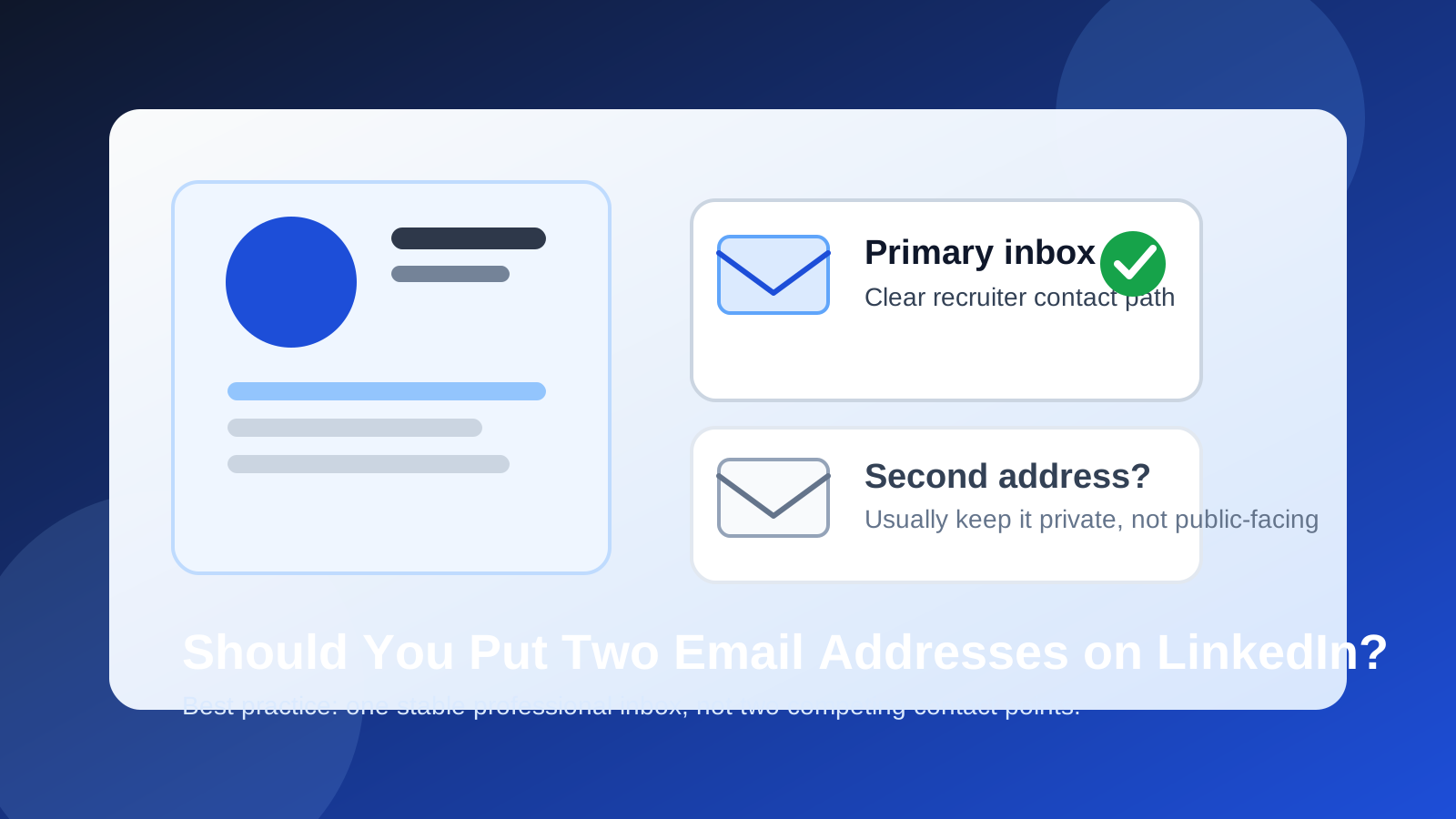
Usually no — if you want people to contact you through LinkedIn, one clear professional email is better than two. Two addresses create choice friction, increase spam exposure, and rarely solve a real problem better than one dedicated inbox or a forwarding setup you control.
If you want backup, privacy, or better separation between personal and professional communication, the smarter move is usually to keep a second address behind the scenes instead of turning both into public-facing contact points. LinkedIn works best when your contact details are easy to understand, stable over time, and limited to what people genuinely need.
Why people think about adding two email addresses on LinkedIn
The idea is not irrational. A lot of people want one email for recruiters and networking, another for backup, and maybe a third for account recovery or personal use. That instinct usually comes from good motives:
- They want a cleaner separation between work life and personal life.
- They are worried about missing messages if one inbox filters something badly.
- They want to protect their main address from spam.
- They are between jobs and do not want to rely on a current employer address.
- They want one inbox for public-facing outreach and another for account security.
Those are real concerns. The problem is that publishing or surfacing two contact emails on LinkedIn usually solves them badly. It often creates uncertainty for other people while still leaving you to manage the same inbox problems yourself.
Why one primary email is usually the better choice
1. It removes hesitation for recruiters and contacts
When someone wants to reach you, clarity matters. If a recruiter, hiring manager, referral source, or former coworker sees two addresses, they have to decide which one to use. That sounds like a small detail, but small details add friction. One clearly professional inbox keeps the next step obvious.
LinkedIn is not a place where people want to solve a contact puzzle. They want to click, copy, or message and move on. One address makes that easy.
2. It limits unnecessary spam exposure
Every address you put into a visible professional context is another address that can spread. Even if LinkedIn itself is not the source of the problem, people copy contact details into notes, spreadsheets, recruiter databases, and CRM tools. Two addresses can mean twice the surface area.
If privacy matters to you, the goal should usually be less exposure with better control, not more exposure with more fallback options.
3. LinkedIn is a long-lived profile, not a one-off form
A disposable strategy can make sense on noisy sign-up flows, sketchy downloads, or one-time trials. LinkedIn is different. Your profile may stay active for years. A recruiter might find you months after you update it. An old colleague might reach out long after a job search ends. That makes long-term stability more important than short-term convenience.
For that reason, the best LinkedIn email is usually one you expect to control for a long time: a personal professional inbox, a dedicated job-search/professional inbox, or a reliable forwarding alias that lands in the mailbox you actually check.
4. Two addresses can weaken your professional boundary instead of improving it
People often imagine that two public-facing email addresses create flexibility. In reality, they can create inconsistency. You may end up answering some messages from one inbox and some from the other, forgetting where earlier threads live, or letting one address go stale while it is still attached to your profile.
A cleaner boundary is usually one inbox for professional outreach and one private backup setup that other people do not have to think about.
When a second email may still make sense
There are cases where a second address matters — just usually not as a second public-facing LinkedIn contact method.
- Account recovery: You may want a backup address tied to the account for security or recovery reasons.
- Forwarding and failover: You may want one address to forward into another so you can change inbox providers later without changing your outward-facing contact point.
- Transition periods: If you are moving away from a school or employer-managed address, you might temporarily keep a second address in your private setup while you migrate.
- Administrative separation: Some people keep one address for login/account management and another for real human outreach.
All of those can be smart. The key distinction is this: a second email is often useful privately, but not usually necessary publicly.
Better alternatives than listing two email addresses
Use one dedicated professional inbox
If you want a cleaner LinkedIn setup, create one address whose whole job is professional communication. That gives you most of the benefits people want from a second email without making your profile messy.
This inbox should be:
- easy to monitor
- something you control long term
- professional-looking
- separate from your current employer if you want independence
Use forwarding or aliasing behind the scenes
If your real concern is reliability, forwarding is often better than publishing two addresses. You can keep one public-facing address on LinkedIn and still route mail however you want behind the scenes. That protects clarity while giving you redundancy.
This is also where a privacy-first workflow helps. Tools like Anonibox are useful when you want to keep noisy signups and one-off verifications away from your main inbox. But for LinkedIn itself, the ideal end state is usually not a rotating or disposable address. It is one stable inbox people can trust, with your privacy controls happening underneath it rather than in public.
Control visibility instead of multiplying contact points
Sometimes the real question is not “Should I add two emails?” but “Who should be able to see my email at all?” If you are worried about spam or low-quality outreach, tightening visibility and using one professional address is usually stronger than exposing two addresses more broadly.
What kind of email should you use on LinkedIn?
For most people, the best LinkedIn email is one of these:
- a personal professional email you expect to keep for years
- a dedicated job-search or networking email that you monitor consistently
- a custom-domain or forwarding-based address if you want extra control over portability
The worst fits are usually:
- an address tied to a current employer you may leave soon
- a school address you may lose after graduation
- a messy old personal inbox full of spam and missed notifications
- a temporary inbox that is not built for long-term professional follow-up
Practical checklist: what to do instead of listing two emails
- Pick one primary address for recruiter, referral, and networking outreach.
- Make sure it looks professional and is not tied to a job or institution you could lose access to.
- Set up forwarding or backup privately if you want redundancy.
- Check the inbox daily if you are actively job searching.
- Adjust visibility thoughtfully so only the right people can reach you directly.
- Keep your second address off the public-facing contact path unless you have an unusually specific reason not to.
Exceptions: when two emails might be acceptable
There are narrow cases where using two addresses is not necessarily harmful. For example, a founder, consultant, or public-facing operator may want one general business inbox and one direct personal contact path. Even then, the question is whether LinkedIn is the right place for both.
In most job-search and recruiting scenarios, the answer is still the same: one primary inbox is cleaner. If you need two addresses for workflow reasons, it is usually better to keep one as the real response channel and reserve the other for internal routing, account recovery, or website-based contact materials outside LinkedIn.
Mistakes to avoid
- Using your work email: it creates ownership and privacy problems if you leave.
- Using your college email long term: it may disappear or become less relevant after graduation.
- Using a temporary inbox for LinkedIn itself: good for one-off noise, bad for long-tail professional communication.
- Listing two addresses because you do not trust either one: fix the inbox strategy first, then publish one contact point.
- Letting one visible address go stale: outdated contact details are worse than slightly imperfect ones.
Final answer
Usually no — you generally should not put two email addresses on LinkedIn. One stable, professional inbox is easier for recruiters and contacts to use, safer from a privacy standpoint, and more consistent over time.
If you want backup, spam protection, or a cleaner separation between professional and personal life, build that with one dedicated LinkedIn-facing address plus private forwarding, aliasing, or backup methods behind the scenes. That gives you the control you want without making your contact path confusing.
In other words: keep the public signal simple, and keep the complexity on your side.