Yes, usually — a custom domain email can be one of the best LinkedIn choices if it is an address you control long term and actually monitor.
No, it is the wrong move if it depends on a domain you might let expire, a mailbox you rarely check, or a work-owned setup you could lose after a job change.
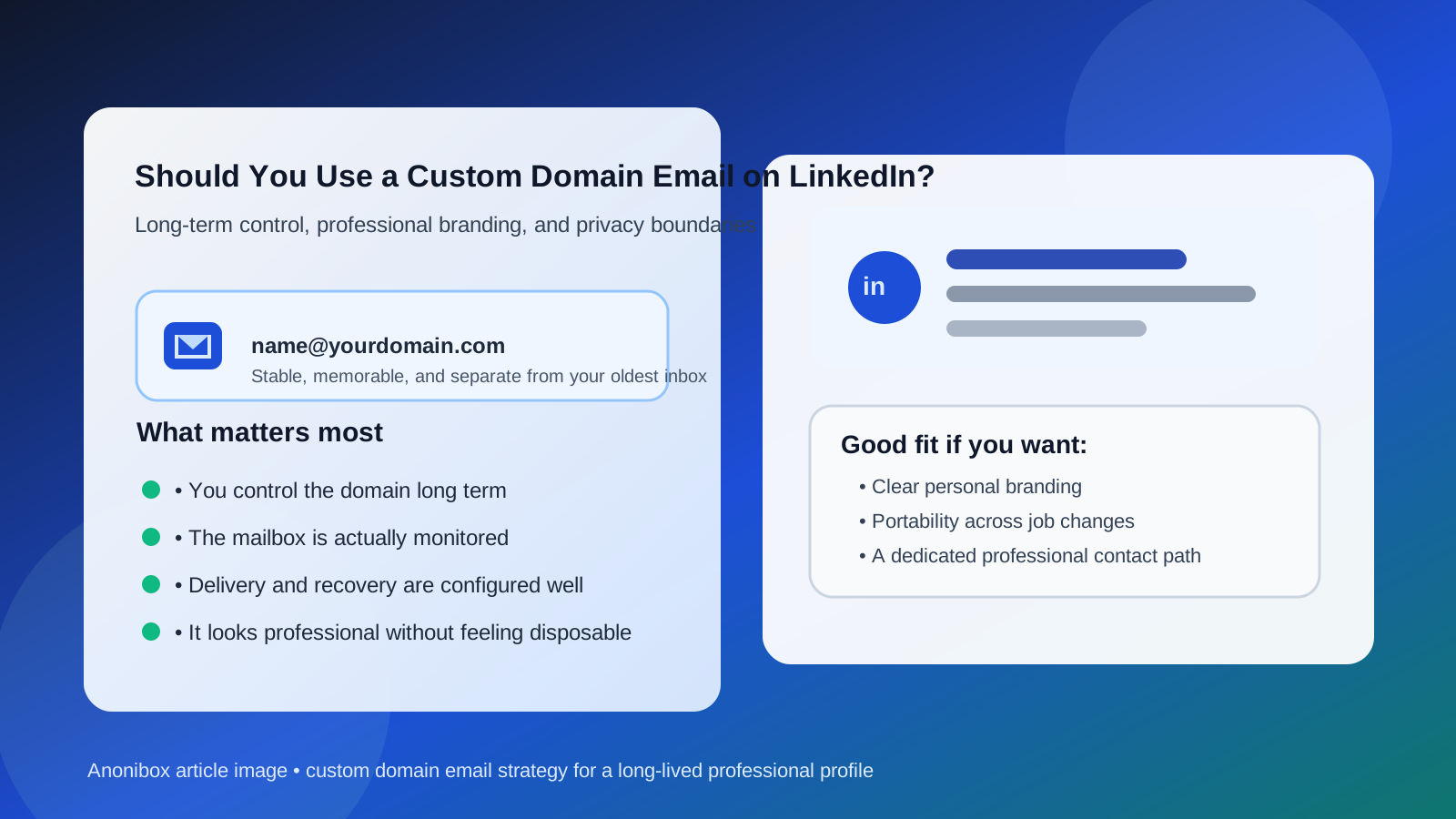
That balance matters because LinkedIn is not a throwaway signup. It is a long-lived professional profile. A recruiter may find you next week, a former colleague may reach out six months from now, and a client or partnership lead may land in your inbox long after you forgot when you last updated the profile. So the real question is not whether a custom domain email looks professional. It is whether it stays stable, reachable, and easy to manage for the long run.
When the setup is solid, a custom domain email can give you a clean professional identity, better control over your contact path, and more separation from your oldest personal inbox. When the setup is shaky, it can create exactly the kind of account-recovery and missed-message problems you were trying to avoid.
What a custom domain email means on LinkedIn
A custom domain email is an address tied to a domain you control, like you@yourdomain.com, instead of a mainstream provider address like Gmail or Outlook. In practice, the mailbox may still run through a hosting company or email provider behind the scenes, but the public-facing address belongs to your own domain.
On LinkedIn, that can be appealing for obvious reasons. The address can feel more personal than a generic provider address and more portable than a company email. It can also give you cleaner boundaries if you want one inbox identity for public professional networking and another for private life.
Why a custom domain email can be a strong LinkedIn choice
1. You keep more long-term control
The biggest advantage is ownership. If the domain is yours and you plan to keep renewing it, the address can stay with you across job changes, freelance stretches, career pivots, and moves between industries. That makes it safer than a company mailbox you may lose when you leave an employer and often safer than a school email you may stop using after graduation.
LinkedIn works best when the email behind it is durable. A custom domain can give you that durability if you treat the domain like important infrastructure instead of a side project you forget to renew.
2. It can look polished without being tied to a specific employer
A good custom domain email can present a clean, memorable identity without advertising a current boss, a college affiliation, or a consumer-provider brand. That is useful for consultants, founders, creators, job seekers with portfolio sites, and anyone who wants a professional contact path that stays theirs.
It is not that Gmail looks bad. It usually does not. The custom-domain advantage is more about consistency and ownership than about pretending a normal Gmail address is somehow unprofessional.
3. It creates better inbox boundaries
Many people ask this question because they do not want LinkedIn messages, recruiter follow-ups, and cold outreach mixing into the same inbox as travel receipts, family messages, and sensitive personal accounts. A custom domain setup can give you a dedicated professional lane without forcing you to use an employer-owned address.
That can make LinkedIn easier to manage over time. You stay reachable, but your whole digital life does not have to run through one crowded personal inbox.
4. It gives you flexibility later
If you decide to change mail providers, add aliases, route messages differently, or separate public-facing contact from login and recovery mail, a domain you control gives you more room to adapt. That flexibility is useful on a platform built around long-tail relationships and delayed opportunities.
When using a custom domain email on LinkedIn makes the most sense
A custom domain email is usually a smart fit if one or more of these are true:
- You already own a domain tied to your name, portfolio, or business and expect to keep it for years.
- You work independently or want a professional identity that is not anchored to your current employer.
- You want a dedicated networking inbox that still feels stable and credible.
- You are tired of exposing your oldest personal inbox to every public-facing platform.
- You want a long-term address that can appear on your site, résumé, and LinkedIn without changing every time your job changes.
For those people, a custom domain address can be better than a work email, better than a school email, and sometimes better than a general-purpose personal inbox.
When it is the wrong choice
1. You might let the domain expire
This is the biggest risk. A custom domain email is only as stable as your willingness to keep the domain active. If you are the kind of person who buys domains for fun and forgets about renewals, do not make one of those domains the backbone of your LinkedIn account.
Losing the domain can mean losing mail flow, account recovery convenience, and a contact path people may have saved months or years earlier.
2. You rarely check the mailbox
A dedicated professional address is only helpful if it is part of your real routine. If the mailbox sits behind a control panel you barely log into, you are optimizing for aesthetics and privacy while making yourself harder to reach.
3. The setup is too fragile or overcomplicated
If mail forwarding is unreliable, the spam filtering is unpredictable, or you are not confident you can manage the underlying service, the theoretical benefits disappear fast. LinkedIn is not the place for a clever email setup you do not trust.
4. The address feels gimmicky
A custom domain should feel simple and believable, not like a stunt. If the domain name or address format looks awkward, spammy, or overly cute, it can create friction you do not need. Clean and boring usually wins.
5. It is really just a work-owned address in disguise
If the domain belongs to your employer, then it is not giving you the independence most people want from this setup. A work domain may be fine for day-to-day business communication, but it is usually not the best long-term foundation for a personal professional profile.
How it compares with other LinkedIn email options
Custom domain email vs Gmail
Gmail is often the easy default because it is stable, familiar, and simple to manage. A custom domain email can be better if you want more branding and portability, but it is only better when you are actually willing to maintain the domain properly. If not, Gmail is safer.
Custom domain email vs work email
For most people, a personally controlled custom domain is better than a work email on LinkedIn. Your LinkedIn identity should survive layoffs, resignations, mergers, and career changes. Employer-owned mail does not always survive those changes cleanly.
Custom domain email vs email alias
A good alias is often the simplest privacy play. It hides your primary inbox while forwarding to a mailbox you already manage. A custom domain can be stronger if you want a fully branded long-term identity, but an alias may be easier if your main goal is separation rather than branding.
Custom domain email vs temporary email
This one is much easier: a temporary inbox is usually the wrong choice for LinkedIn. A tool like Anonibox makes sense for short-lived signups, free trials, gated downloads, or other situations where you want to avoid long-term inbox clutter. LinkedIn is different. You want a contact route that can still work months or years later, not one that is convenient for a one-time verification and then disappears from your life.
Best practices if you decide to use a custom domain email on LinkedIn
Pick a domain you genuinely plan to keep
If the domain matters enough to sit behind your LinkedIn account, it matters enough to renew on time, protect with two-factor authentication, and treat like a real asset.
Use a simple address format
Plain formats usually work best: first name, full name, or another predictable professional variation. You want the address to be easy to read, easy to repeat, and easy to trust.
Test deliverability before relying on it
Send test messages from different providers. Make sure they arrive. Make sure replies work. Make sure messages do not vanish into junk or some forgotten forwarding rule. Do not assume the setup is fine just because you configured it once.
Keep recovery and admin access separate and safe
Your LinkedIn account depends on your email, but your email also depends on your domain registrar and mail host. Keep that whole chain secure. If you lose access to the registrar or let billing lapse, the professional-looking address on your profile will not save you.
Make the mailbox part of your routine
If LinkedIn matters to your career, check the mailbox consistently on desktop and mobile. The right setup is not the fanciest one. It is the one that lets you notice the opportunity that actually matters.
Do not force branding where it is not needed
Some people assume a custom domain is automatically more impressive. It is not. Its value is control, clarity, and separation. If your setup is strong, great. If it is shaky, a normal well-managed Gmail will outperform it in real life.
A quick decision checklist
- Do I control this domain personally and expect to keep renewing it?
- Will I still trust this mailbox a year from now?
- Does the address look simple and professional?
- Do I check it often enough for recruiter and networking follow-up?
- Have I tested whether messages deliver and replies work normally?
- Am I choosing this for long-term control, not just because it sounds fancy?
If most of those answers are yes, a custom domain email is probably a very good LinkedIn choice.
Final answer
Yes — a custom domain email can be an excellent LinkedIn option when it is stable, monitored, and truly under your control. It can give you stronger long-term ownership than a work or school address, cleaner boundaries than your oldest personal inbox, and a more flexible professional identity than a one-provider setup.
But it is only better if you treat it like durable infrastructure. If the domain might expire, the mailbox is unreliable, or the setup is more clever than practical, skip it. LinkedIn rewards continuity more than novelty. A custom domain email is a strong move when it helps you stay reachable for the long haul, not just when it looks polished on day one.