Usually yes. A separate browser profile can make alumni networking cleaner and more private by reducing autofill leaks, account mix-ups, and follow-up clutter across alumni directories, event pages, email links, and scheduling tools.
No, it is not mandatory for everyone. But if alumni outreach is active, ongoing, or tied to a job search, a dedicated profile is one of the simplest low-effort ways to keep that activity out of your everyday browser mess.
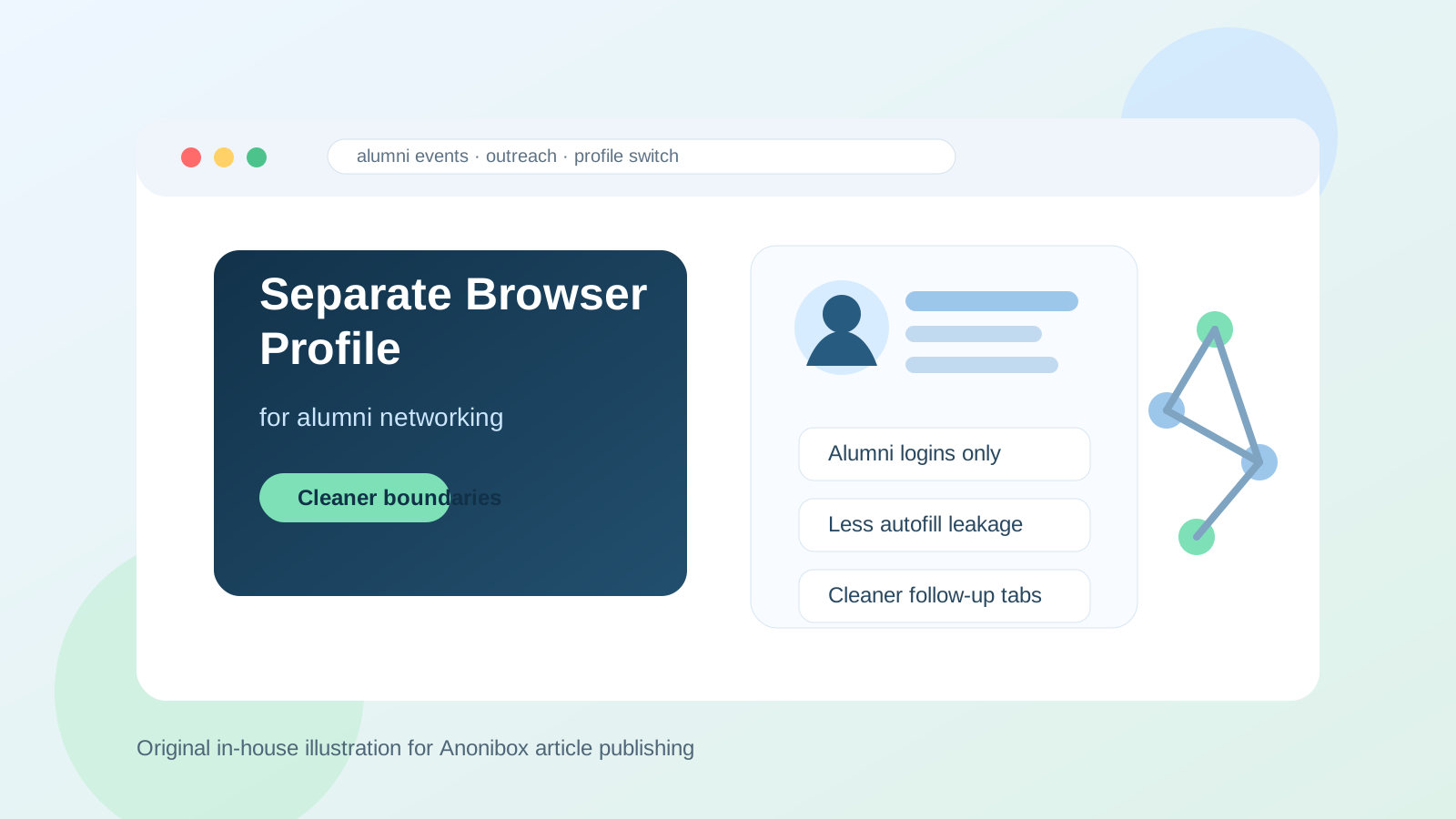
Why this question matters
Alumni networking looks lightweight from the outside, but it creates a surprising amount of browser sprawl. One message to a former classmate can turn into a university alumni portal login, a LinkedIn profile review, a chapter event registration, a Zoom link, a scheduling page, a coffee chat follow-up, and a handful of bookmarked company pages. If all of that happens in the same browser profile you use for personal life, shopping, entertainment, work, and family admin, things start to blur quickly.
That blur is not just annoying. It can lead to the wrong email autofilling into a form, the wrong calendar opening when you book a meeting, saved searches and history mixing together, or the wrong account staying signed in when you click a referral link. Alumni networking often depends on small professional details. A separate browser profile helps you manage those details with less friction.
Short answer: usually yes if alumni networking is active
If you are regularly reaching out to alumni, attending alumni events, asking for informational conversations, or quietly exploring new roles through your school network, a separate browser profile is usually a smart idea. It gives you a dedicated space for alumni-related logins, tabs, bookmarks, cookies, autofill data, and browser history.
If you only send one or two occasional messages each year, creating a new profile may be more structure than you need. But once alumni outreach becomes part of a real career plan, the separation tends to pay for itself very quickly.
What a separate browser profile actually helps with
1. It reduces account mix-ups
Many people juggle several identities online already: personal Gmail, work Outlook, LinkedIn, maybe a school alumni account, maybe a separate email used for job-search activity. When everything runs through one browser profile, you are more likely to open the wrong mailbox, register with the wrong address, or respond from the wrong account.
A separate profile creates a default environment for alumni networking. When you open that profile, you already know which email, bookmarks, logins, and tabs belong there.
2. It limits autofill and saved-detail leakage
Browsers love being helpful. They autofill names, phone numbers, addresses, card details, and email fields based on what you have used before. That convenience can be great for everyday life and slightly awkward for alumni outreach. You may not want a campus event form pulling the wrong phone number, your home address, or a rarely checked email alias into a public registration flow.
With a dedicated profile, you can keep alumni-related autofill lighter and more intentional.
3. It keeps follow-up work more organized
Good alumni networking is rarely a single message. It usually includes profile research, mutual-connection checks, event details, company pages, follow-up notes, and reminders to reach back out. When those tabs live in a separate profile, it becomes much easier to reopen the right context later instead of digging through a personal browsing history full of unrelated clutter.
4. It creates better privacy boundaries
A separate browser profile is not a magic privacy shield, but it does create cleaner boundaries. Alumni activity stays more isolated from your everyday browsing habits, personal social accounts, shopping sessions, and non-career searches. That can matter if you share a computer, sync browser history across devices, or simply want job-adjacent activity kept in its own lane.
When a separate profile is especially worth it
- You are using alumni networking as part of an active job search.
- You attend alumni events, webinars, mixers, or chapter meetups regularly.
- You use a dedicated email address for networking and want the browser to match that setup.
- You keep opening the wrong email, calendar, or LinkedIn state while following up.
- You want career-related browsing history, bookmarks, and logins separated from personal life.
- You share a device with family members or switch often between work and personal accounts.
If several of those sound familiar, a separate profile is probably worth the two-minute setup.
How to set one up without overcomplicating it
Start with one clear purpose
Name the profile something obvious like “Alumni Networking” or “Career Outreach.” That sounds basic, but clarity is the whole point. If the profile has a specific purpose, you will be more likely to use it consistently.
Sign in only with the accounts that belong there
Use the email account, LinkedIn state, and calendar setup you actually want tied to alumni conversations. If you prefer to keep early-stage outreach separate from your main inbox, this is where a dedicated address can help. Some people pair that setup with Anonibox for early registrations or lower-trust forms so they can protect their primary inbox while still receiving the messages they need.
Keep extensions minimal
Do not turn the profile into a giant experiment. Add only what helps: maybe a password manager, a calendar extension, or a note-taking tool. The more extra tools you pile in, the more likely the profile becomes just another messy browser environment.
Create a small bookmark set
Add the handful of destinations you use repeatedly, such as:
- your alumni association portal
- your networking email inbox
- a notes document or CRM-style tracker
- a scheduling page or calendar view
This makes follow-up faster and removes the temptation to use your normal profile “just this once.”
Think about sync before you turn it on
If your browser syncs history, bookmarks, or open tabs across multiple devices, decide whether that helps or hurts. Some people want the alumni profile available everywhere. Others prefer to keep it local so career-related browsing does not show up on every signed-in device.
What a separate profile does not solve
It is useful, but it is not a substitute for judgment. A separate profile does not make a sketchy opportunity trustworthy. It does not protect you from phishing if you click the wrong link. It does not hide activity from an employer if you are doing this on a monitored work device. And it does not replace the need for a sensible email and phone strategy.
Think of it as a practical organization and privacy tool, not a guarantee.
Should you use your work or personal browser instead?
In most cases, neither is ideal if alumni networking is meaningful and ongoing. A personal browser profile may be safe enough, but it tends to mix career exploration into everything else you do online. A work browser profile is usually worse because it can expose career-related activity inside an environment you do not fully control.
A separate profile is often the middle ground: more organized than your main personal setup and less exposed than doing outreach inside a work-managed browser.
Signs you probably do not need one yet
- You contact alumni only occasionally and do not attend alumni events.
- You use one stable email and one calendar, and that setup is working fine.
- You are not saving many logins, tabs, or follow-up resources.
- You are not worried about mixing job-adjacent activity into your personal browser history.
If that is your situation, you can keep things simple for now. The goal is not to create extra admin for its own sake.
A quick checklist before you decide
- Do I already use a separate email for networking or job-search activity?
- Have I opened the wrong account during outreach more than once?
- Do alumni events and follow-ups create a lot of tabs, bookmarks, and reminders?
- Would I feel better if this activity lived outside my normal browser history?
- Am I accidentally doing career-related browsing inside a work-controlled environment?
If your answer is yes to several of those, a separate profile is likely worth it.
Final answer
Yes, usually. A separate browser profile for alumni networking is a simple, practical way to reduce account mix-ups, keep outreach more organized, and create cleaner privacy boundaries around career-related browsing.
You do not need one for every occasional message. But if alumni networking is part of a real job-search, mentorship, or career-exploration workflow, a dedicated profile is one of the easiest improvements you can make. It keeps the moving parts together, lowers friction, and helps you stay professional without turning a normal browser into a giant mixed-up career archive.