Yes — usually. A separate browser profile is a smart way to compare car dealership quotes if you want less tracking spillover, fewer autofill mistakes, and cleaner separation from your everyday browsing.
It will not make you anonymous, but it can make quote-shopping noticeably easier to manage, especially if you are also using a separate email or screening calls more carefully.
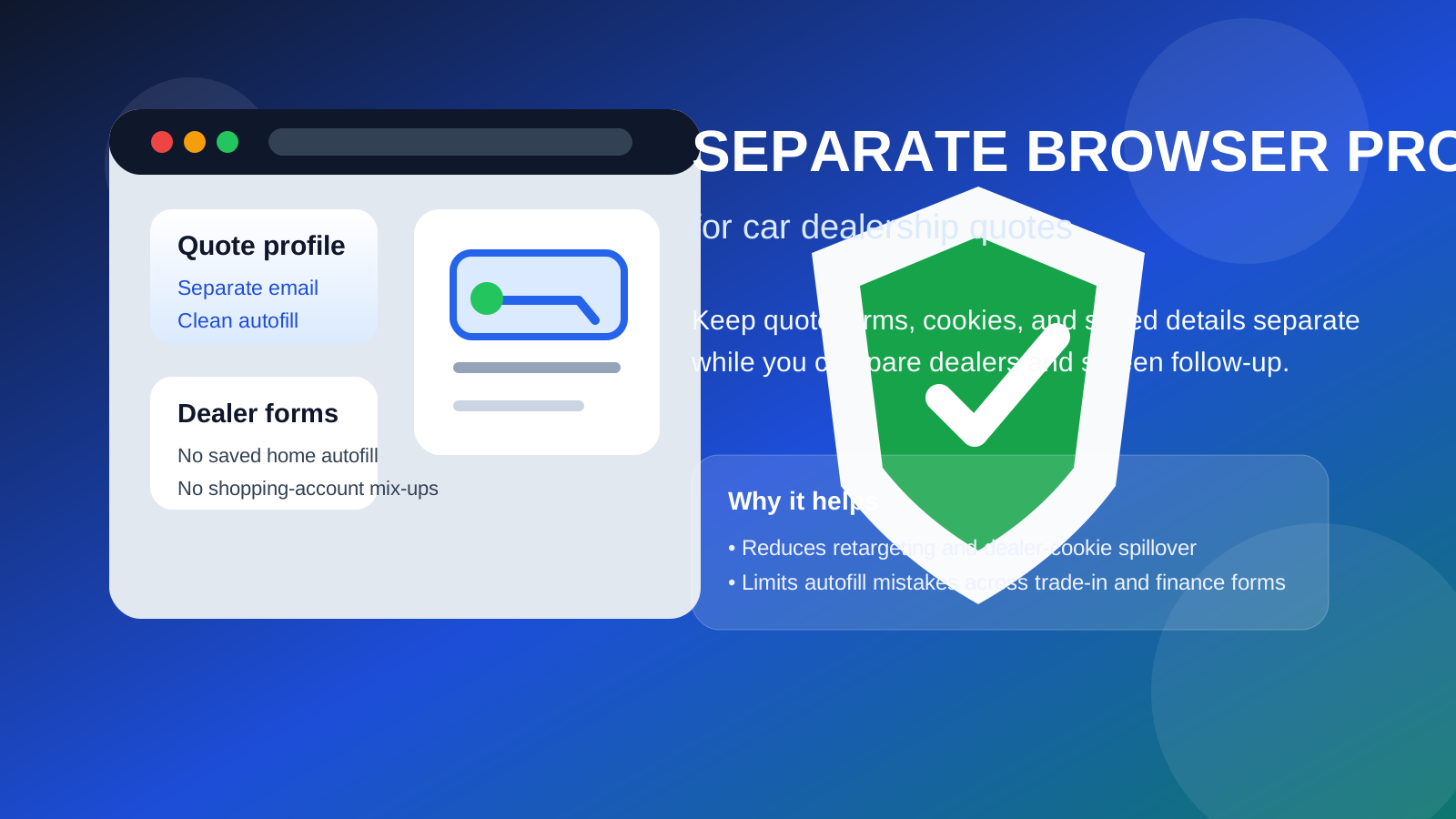
That is the practical answer behind searches for separate browser profile for car dealership quotes. People often think about dealership quote privacy in terms of phone calls, spam texts, or whether they should use a separate email address. Those concerns are real, but the browser side matters too. When you request quotes, check inventory, compare financing offers, and bounce between manufacturer sites, dealership groups, marketplaces, and trade-in tools, your regular browser profile can become a mess of cookies, saved forms, and half-finished lead forms.
A separate profile gives you a cleaner workspace for the quote process. It does not stop every kind of tracking, and it does not replace common-sense caution, but it does reduce accidental exposure. Think of it as the browser version of using a dedicated inbox: you are keeping one noisy activity in its own lane instead of letting it bleed into everything else.
Why browser separation matters when asking for dealership quotes
Car shopping is one of those online activities that spreads quickly. You may start by checking one dealership near you, then open another group site, then a marketplace listing, then a manufacturer incentive page, then a financing prequalification form, and suddenly your browser is full of tabs, saved entries, and remarketing tags.
That creates a few practical problems:
- Autofill leakage: your main browser may suggest your home address, primary email, real phone number, or work details when you intended to use a different contact setup.
- Tracking spillover: dealerships, ad networks, and marketplace tools can feed more car-related retargeting into your normal browsing session.
- Account mix-ups: you can end up signed into the wrong Google account, wrong email, or wrong password manager vault while you are moving quickly.
- Clutter: quote requests, trade-in estimators, finance calculators, and dealer follow-up pages get mixed in with work, banking, travel, and everything else you do online.
A separate browser profile does not erase those systems completely, but it does give them a boundary. That boundary is useful because quote shopping often means filling out several similar forms in a short period of time, and mistakes are easy when your everyday profile is already full of saved personal data.
What a separate browser profile actually helps with
Cleaner contact routing
If you plan to use a dedicated quote email, a separate profile helps you stay inside it. That matters because many people start out intending to use a separate inbox, then their browser autofills the wrong address or signs them into the wrong mailbox mid-session. A clean profile reduces that chance.
If you are using Anonibox or another separate inbox strategy for early quote requests, pairing that inbox with a dedicated browser profile makes the workflow much more consistent. The quote-related cookies stay in one place, the quote-related emails stay in one place, and you are less likely to accidentally connect the process back to your everyday account habits.
Fewer autofill mistakes
This is one of the most underrated reasons to do it. Your regular browser may have years of saved addresses, old phone numbers, work details, family profiles, and payment-related prompts stored in autofill. That is convenient for normal life. It is less helpful when you are trying to be deliberate about what a dealership gets.
A fresh browser profile lets you decide exactly what gets saved and what does not. That means less risk of dropping your main phone number into one form, your work email into another, and your personal address into a third just because the browser kept suggesting them.
Less retargeting spillover
Anyone who has shopped for a car online knows how fast it follows you around the web. View one listing and suddenly you are seeing inventory ads, financing banners, dealer reminders, and model-specific promotions on unrelated sites. A separate profile cannot block all of that by itself, but it can keep more of that activity isolated from the profile you use for the rest of your life.
That makes the experience less annoying and can also make your comparison process feel more objective. You are less likely to get dragged back toward the same seller because your main browsing session keeps being flooded with its ads.
Better organization across a noisy process
Quote shopping is easy to underestimate. The process often includes inventory pages, build-and-price tools, trade-in portals, finance applications, SMS verification steps, dealer emails, and appointment scheduling. A dedicated browser profile keeps the bookmarks, cookies, tabs, and saved logins for that activity together instead of scattering them through your default profile.
When a separate profile is most useful
You do not need a dedicated profile every time you check one listing out of curiosity. It becomes more worthwhile when the process is getting real. A separate browser profile is especially useful if you are:
- requesting quotes from several dealerships in the same week
- comparing local dealer groups and third-party marketplaces
- using a separate email or a quote-only phone strategy
- checking financing or trade-in tools you do not want tied to your everyday browsing habits
- shopping on a shared family computer or a work-adjacent device where clean separation matters
If your main goal is just avoiding spam, a separate email may be enough. But if your goal is broader organization and better privacy hygiene, the browser layer helps more than people expect.
How to set it up in a practical way
1. Create a profile just for quote shopping
Use your browser’s built-in profile feature rather than just piling tabs into your normal window. Give it an obvious name like “Car Quotes” so you always know which environment you are in.
2. Pair it with a clean contact plan
Decide before you start whether you are using your personal email, a separate email, or a temporary inbox for initial quote requests. Do the same for your phone strategy. The benefit of a separate profile gets much stronger when the contact plan is intentional.
3. Be selective about what you save
Do not turn the new profile into another cluttered default environment right away. If the whole point is cleaner boundaries, skip unnecessary form saving, avoid loading every extension you use elsewhere, and think twice before syncing it to your main account identity.
4. Bookmark only the pages that matter
Save the dealerships, vehicle listings, finance portals, and quote threads you truly care about. That makes follow-up easier without recreating the mess you were trying to avoid in the first place.
5. Review what you shared before you submit
Even with a clean profile, slow down before hitting submit. Confirm the email, phone number, and ZIP code are the ones you actually want attached to that quote request. Browser separation helps, but it does not replace a quick human check.
Separate profile vs incognito mode
People sometimes ask whether incognito or private browsing is enough. For a one-off check, maybe. For a real quote-shopping process, usually not.
Incognito is temporary and disposable. That can be useful, but it is often too disposable for a workflow that may stretch across days or weeks. You may want bookmarked listings, dealer portals, saved comparison tabs, or access to a dedicated inbox without rebuilding the session every time.
A separate browser profile is usually the better middle ground. It gives you persistence and organization without dumping quote activity into your everyday browsing identity.
What a separate profile does not do
This part is worth being blunt about. A separate browser profile is useful, but it is not a magic privacy shield.
- It does not make you anonymous.
- It does not stop you from sharing your real information if you type it into a form.
- It does not replace a separate email or careful phone strategy.
- It does not guarantee that dealer networks or ad systems cannot connect signals in other ways.
The main value is operational: fewer mistakes, less spillover, and a cleaner environment for a process that can get noisy fast.
Should you use one if you only want the best price?
Probably yes, if you are contacting enough dealerships that the process is starting to feel chaotic. The price advantage does not come from the browser profile itself. It comes from staying organized enough to compare offers clearly, keep follow-up threads straight, and avoid missing the responses that actually matter.
When dealership quote requests turn into dozens of emails, callbacks, and retargeting ads, disorganization becomes a real friction point. A separate profile helps reduce that friction.
Final answer
Yes — a separate browser profile is usually a smart move for car dealership quotes. It can reduce autofill mistakes, keep dealer tracking more contained, and make your quote workflow easier to manage. It works especially well if you are also using a separate email inbox or screening follow-up calls more carefully.
The main thing to remember is that it is a boundary tool, not a cloak. It helps you stay organized and share information more deliberately, but it does not replace judgment. If you use it with a clean contact strategy and a little patience before you submit forms, it is one of the simplest ways to make online car quote shopping less messy and less intrusive.