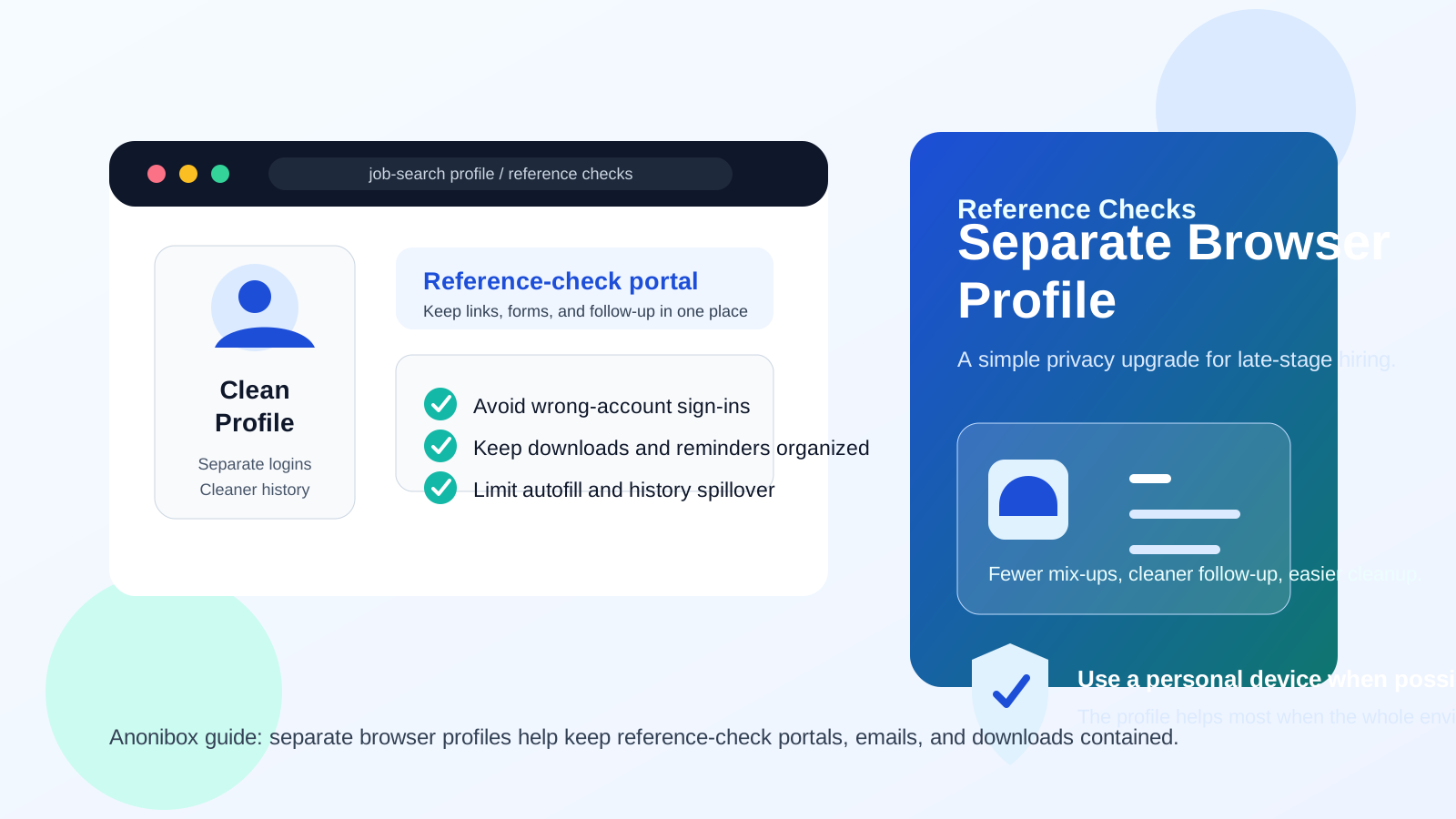
Yes — in most cases, using a separate browser profile for reference checks is a smart idea because it keeps portal logins, recruiter emails, autofill suggestions, downloads, and browsing history separate from your everyday web activity.
If you are handling reference-check forms on a personal device, a clean browser profile usually gives you fewer mix-ups, better organization, and more control than using the same browser setup you use for everything else.
That is the practical answer behind the question should you use a separate browser profile for reference checks. Reference checks often happen late in the hiring process, when the conversations are more serious, the requests are more specific, and the follow-up can involve forms, links, scheduling notes, and contact details you do not want scattered across a cluttered browser environment. A separate profile is not magic, but it is a simple way to keep the process cleaner and easier to manage.
If you already separate job-search email from your main inbox — whether with Anonibox, an alias, or another compartmentalized setup — using a separate browser profile follows the same logic. You are not trying to disappear. You are trying to avoid unnecessary mess, accidental account crossover, and privacy leaks during a sensitive hiring step.
Why reference checks create browser problems in the first place
Reference checks are not always as document-heavy as background checks, but they still create a distinct browser trail. You may open a portal link from HR, confirm contact details, review instructions for your references, revisit scheduling emails, or respond to follow-up requests from a recruiter or third-party service. Those actions can leave behind:
- cookies and active sessions tied to the hiring portal
- saved passwords or login suggestions
- autofill entries for names, phone numbers, and email addresses
- downloads such as consent forms, instructions, or confirmation PDFs
- browser history that reveals late-stage job-search activity
None of that is automatically catastrophic. The problem is accumulation. A reference-check process is usually easier when it lives in one tidy browser space instead of getting mixed into a profile full of personal shopping tabs, old recruiter emails, work accounts, and years of saved data.
What counts as a separate browser profile?
A separate browser profile is a dedicated browser environment with its own cookies, history, saved logins, bookmarks, and extensions. Chrome, Edge, Brave, and Firefox all support some version of this. It is more useful than just opening one private window, because a profile can stay available throughout a multi-day hiring step without mixing into your main setup.
Think of it as a container for one category of activity. In this case, the category is reference checks and related job-search follow-up.
Short answer: usually yes, especially on your own device
If you are doing reference-check tasks on a personal laptop or phone you control, a separate browser profile is usually the best balance between convenience and privacy. It lets you keep the process stable enough to revisit later, while avoiding the account chaos that often happens in an everyday browser profile.
It is especially useful when the process stretches across several days and involves multiple messages, portals, or reminders. You do not need extreme operational security. You just need a cleaner environment.
How a separate browser profile helps with reference checks
1. It reduces wrong-account mistakes
Reference-check steps often arrive by email and send you into web forms or HR portals. In a busy everyday browser, you may already be signed into multiple Google, Microsoft, or email accounts. That makes it easier to click a reference-check link while the wrong account context is active.
A separate profile lowers that risk. The relevant inbox, portal session, and saved access details stay together instead of colliding with unrelated accounts.
2. It keeps autofill from working against you
Autofill is convenient until it suggests the wrong phone number, an old address, or a work email you did not mean to use. Reference checks often involve straightforward but important details, and an avoidable autofill mistake can create confusion you then have to untangle with HR.
In a clean profile, there is simply less stale information available to spill into the form.
3. It keeps links, tabs, and downloads organized
Sometimes the task looks tiny at first: open one message, confirm a detail, and move on. Then a follow-up arrives asking you to revisit the portal, resend a contact, or check a deadline. If you handled the first step in the middle of your usual browser clutter, finding the right page again can be irritating.
A separate profile keeps the whole trail together. If you need to return two days later, you know where the bookmarks, history, and downloads are.
4. It limits passive exposure of late-stage job-search activity
Reference checks usually mean the process is moving forward. That stage can reveal more than a casual job-board click. A dedicated profile keeps that activity out of your everyday browsing history and makes later cleanup much easier.
This matters even more if other people ever use the same device or if you simply prefer not to leave private hiring activity mixed into unrelated browsing.
5. It makes cleanup simple after the process ends
When the reference checks are complete, you can review one contained profile instead of trying to remember which tabs, cookies, downloads, and saved passwords ended up in your main browser. You can keep it as a reusable job-search profile or clean it out quickly.
Is a separate browser profile better than incognito mode?
Usually yes. Incognito or private browsing is fine for one-off lookups, but reference checks often require continuity. You may need to reopen the same portal, revisit the same email, or confirm that a form was submitted correctly. Private windows throw away useful session continuity as soon as you close them.
A separate profile gives you the practical benefits of a normal browser session without dumping everything into your daily browsing environment. That makes it the better tool for a process that is sensitive but not necessarily one-and-done.
When a separate browser profile is especially worth it
- you are keeping your job search private from a current employer
- you expect multiple follow-up emails or portal visits
- your main browser is cluttered with many saved accounts and autofill entries
- you are already using separate job-search contact details
- you want a cleaner handoff between recruiter emails, reference forms, and scheduling pages
These are common situations, not edge cases. That is why a separate profile is such a useful low-friction habit.
When a separate browser profile is not enough on its own
A separate profile helps most when it sits on a personal device you control. It is less effective if the larger environment is still a problem. For example:
- Work laptop: creating a clean profile inside an employer-managed device is still a compromise.
- Work browser account: if the browser syncs with your company account, the separation is weaker than it looks.
- Public Wi-Fi: the profile may be clean, but the network is still not ideal for sensitive late-stage hiring activity.
- Shared family device: a separate profile helps with organization, but you may still want a stronger boundary if other people use the same machine heavily.
So the right setup is not just “new browser profile.” The best version is a separate browser profile on a personal device, using a network you trust.
How to set up a separate browser profile for reference checks
1. Create it before you open the first portal link
Do not wait until you are halfway through the process. Start with a clean profile from the first recruiter or HR email onward so the whole chain stays in one place.
2. Keep only the relevant accounts inside it
If the reference-check emails are tied to one inbox, use that inbox inside the profile. Avoid turning the profile into another general-purpose browser. The narrower it stays, the more useful it is.
3. Bookmark the important pages
Save the HR portal, the recruiter message, and any help or FAQ page you may need later. That small step prevents the “where did that link go?” problem when deadlines get tight.
4. Use one download folder for the process
If any PDFs, instructions, or confirmation files appear, store them in one clearly named folder. You will thank yourself later if someone asks what you received or when you completed the task.
5. Review saved items before you move on
Check saved passwords, autofill data, and downloads before the process ends. Keep what you truly need and remove what you do not.
Common mistakes to avoid
- using a separate profile but signing into all your normal accounts anyway
- opening the first link in your main browser and switching later only after confusion starts
- treating a work-managed browser as “private enough” just because you made a new profile
- letting the profile turn into random browsing clutter after the reference check begins
- assuming a separate profile fixes phishing or scam risks by itself
The goal is compartmentalization, not theater. A separate profile works because it stays intentionally scoped.
A quick decision checklist
Before you start, ask yourself:
- Am I doing this on a personal device I control?
- Will I probably need to revisit the same portal or email later?
- Does my main browser already contain lots of unrelated accounts and autofill data?
- Would I rather keep this late-stage job-search activity separate from everyday browsing?
- Can I pair the clean profile with a personal network and a job-search email setup?
If the answer to most of those is yes, a separate browser profile is very likely worth the tiny setup effort.
Final answer
Yes, in most cases you should use a separate browser profile for reference checks. It gives you a cleaner place for recruiter messages, portal logins, form entries, and follow-up without mixing the process into your everyday browsing history.
It is not a complete privacy system on its own, and it works best on a personal device using a trusted network. But as a practical habit, it is one of the easiest ways to reduce account mix-ups, keep reference-check steps organized, and maintain more control over a sensitive late-stage hiring process.