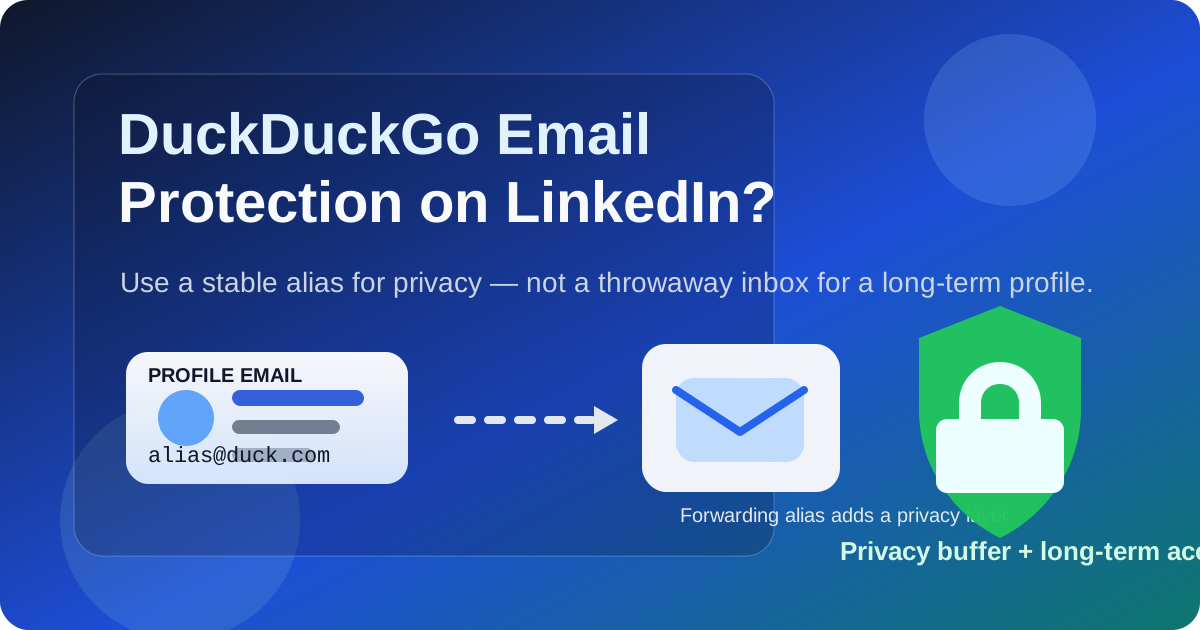
DuckDuckGo Email Protection can work on LinkedIn if you want an alias between your profile and your real inbox. It makes the most sense when the forwarding address behind it is stable, monitored, and something you expect to keep for years.
If you plan to change the destination inbox often, ignore forwarded recruiter mail, or treat LinkedIn like a disposable signup, it is the wrong fit for your main LinkedIn address. LinkedIn is a long-term professional account, so privacy only helps when continuity is solid too.
Why this question matters
LinkedIn is not just a social profile you set once and forget. It can become the contact point for recruiter outreach, job leads, networking follow-up, event messages, account-recovery emails, security notices, and occasional opportunities that arrive months after you last updated your profile. That makes the email behind the account more important than it first appears.
DuckDuckGo Email Protection is attractive because it gives you a privacy layer. Instead of handing a platform your direct mailbox address, you can use an alias that forwards mail onward. That can reduce exposure, make filtering easier, and keep LinkedIn traffic from landing straight in the inbox you use for everything else.
The trade-off is that forwarded aliases add one more layer that has to keep working. If you are serious about using LinkedIn for professional visibility, job searching, or long-term networking, you need a setup that protects privacy without making important mail harder to receive.
Short answer: yes, if you treat it like a stable forwarding alias
If your goal is to keep LinkedIn from having your main address directly while still receiving all the messages that matter, DuckDuckGo Email Protection can be a reasonable choice. It can help you separate platform traffic, reduce direct exposure of your everyday inbox, and keep your contact workflow cleaner.
Where people get into trouble is using an alias with a disposable mindset. LinkedIn is not a coupon signup, a one-off webinar form, or a short software trial. If the alias chain becomes confusing, the destination inbox changes, or you stop checking the mailbox behind it, recruiter follow-up and account-recovery messages can become unreliable fast.
What DuckDuckGo Email Protection actually helps with on LinkedIn
1. It gives you one layer of separation
Some people do not want their oldest personal mailbox tied directly to every platform they use. An alias creates a buffer between LinkedIn and the inbox that actually receives the forwarded mail. That can feel cleaner, especially if you want to reduce how widely your real address circulates.
2. It can make inbox organization easier
If LinkedIn mail is funneled through a specific alias, it becomes easier to filter, label, and review. That matters when your inbox is already handling work, personal life, and active job-search communication at the same time.
3. It can reduce long-term clutter in your main address
LinkedIn can generate alerts, digest emails, event notices, connection prompts, and marketing-style updates that you may not want mixed into your highest-priority mailbox. An alias gives you more control over how that stream lands.
4. It can fit a broader privacy workflow
Many privacy-conscious people separate low-risk signups, medium-trust platform accounts, and high-trust personal communication instead of routing everything through one address. LinkedIn often sits in the middle: more important than a throwaway signup, but not necessarily worthy of your oldest primary inbox.
When DuckDuckGo Email Protection works well on LinkedIn
- You already have a stable mailbox behind it: the forwarding destination is a real inbox you check regularly and expect to keep.
- You want separation, not disappearance: you are trying to reduce direct exposure of your inbox, not avoid contact.
- You are comfortable testing your setup: you will verify that forwarded LinkedIn mail arrives and remains easy to find.
- You like filtering and organization: a dedicated alias can help keep networking and recruiter traffic out of your everyday message flow.
- You want a privacy layer without switching to a fully disposable address: that is exactly where an alias often makes more sense than a temporary inbox.
In those cases, DuckDuckGo Email Protection can be a practical middle ground. It is more durable than a true temporary inbox, but it still gives you a privacy buffer.
When it is the wrong choice
1. You change destination inboxes often
If the mailbox behind the alias is in flux, your LinkedIn email path becomes harder to trust. For a long-lived account, you want fewer moving parts, not more.
2. You are bad at monitoring forwarded mail
An alias does not help if you forget to check the inbox it forwards to. Recruiter messages are only useful if you actually see them in time.
3. You expect LinkedIn to be disposable
If you are creating a profile only for a short experiment and do not care whether it lasts, an alias may be fine. But most people use LinkedIn as an ongoing professional identity. That means recovery, consistency, and reply reliability matter.
4. You need the simplest possible recovery path
Every additional layer introduces one more thing to remember during password resets, security checks, or cleanup. If simplicity matters more to you than privacy separation, a dedicated mailbox may be the cleaner choice.
The biggest risks to think about
Forwarding dependence
Your LinkedIn mail has to pass through an alias and then reach the destination inbox successfully. That is fine when the setup is stable, but it does mean your contact path depends on more than one component.
Missed recruiter or networking mail
If the forwarded messages get buried under filters, sent somewhere unexpected, or treated as low-priority clutter, you may miss the exact outreach you wanted LinkedIn for in the first place.
Reply confusion
Some people prefer direct consistency between the email on the account and the mailbox they naturally reply from. If you dislike managing alias-based forwarding or keeping track of which address was used where, you may find the extra layer annoying.
Overestimating what the alias protects
An alias can reduce direct address exposure, but it does not make LinkedIn private in a broader sense. Your profile, activity, connection choices, and platform behavior still shape your visibility. It is a useful privacy tool, not a magic invisibility cloak.
Is DuckDuckGo Email Protection better than using a temporary email?
For LinkedIn, usually yes. A true temporary or disposable inbox is often a poor fit for a professional profile you may want to keep for years. LinkedIn is tied to reputation, ongoing access, and delayed follow-up. You do not want to lose access to an address path that turns out to matter later.
That is where the distinction matters. A tool like Anonibox is useful when you want a short-lived address for low-commitment signups, quick research, or situations where you explicitly do not want a long-term relationship with the sender. LinkedIn is different. If you use an alias there, the smart move is to use one you can maintain, not one you plan to burn.
So the right comparison is not “privacy or stability.” It is “what kind of privacy setup matches the lifespan of this account?” For LinkedIn, a stable alias usually beats a truly temporary inbox.
How to use DuckDuckGo Email Protection on LinkedIn safely
1. Pick the destination inbox first
Choose the real mailbox behind the alias before you touch your LinkedIn settings. That inbox should be one you monitor, organize well, and expect to keep available long term.
2. Treat the alias as part of your permanent account path
Do not create it casually and forget it. Record which alias is tied to LinkedIn so you can troubleshoot or update your account cleanly later.
3. Test inbound mail
After updating the address, confirm that LinkedIn verification or notification mail reaches the destination inbox correctly. Do not assume the setup is fine just because the alias exists.
4. Keep account recovery practical
Make sure you still know how to access the destination inbox, update security settings, and recover the LinkedIn account if needed. Privacy setups should not make emergencies harder.
5. Use filters so important mail is visible
If the alias is meant to keep things organized, finish the job. Route recruiter outreach, security mail, and important notices somewhere you will actually review instead of letting everything sink into a generic folder.
When a separate mailbox is better than an alias
If you want maximum simplicity, a dedicated job-search or networking mailbox may be better than DuckDuckGo Email Protection. A separate mailbox gives you inbox separation without a forwarding layer. That can feel easier if you actively use LinkedIn for applications, recruiter conversations, and account-sensitive activity.
An alias is strongest when you like the privacy buffer and already manage your inbox carefully. A separate mailbox is strongest when you want directness and fewer moving parts.
Common mistakes to avoid
- Using an alias you do not plan to maintain.
- Forgetting which real inbox sits behind the alias.
- Assuming forwarded mail will stay obvious without testing filters.
- Treating LinkedIn like a throwaway platform when you rely on it for real networking or hiring contact.
- Using a temporary inbox when what you actually need is a stable privacy layer.
A quick decision checklist
DuckDuckGo Email Protection is probably a good fit for LinkedIn if you can answer yes to most of these:
- Do I want a privacy layer between LinkedIn and my direct inbox?
- Is the real mailbox behind the alias stable and monitored?
- Will I keep this setup long enough for account recovery and delayed recruiter contact?
- Am I willing to test forwarding and organize the incoming mail properly?
- Do I want separation more than absolute simplicity?
If most of those answers are no, a plain dedicated mailbox is probably better.
Final answer: should you use DuckDuckGo Email Protection on LinkedIn?
Yes, if you want a privacy buffer and can treat it like a long-term forwarding setup rather than a disposable trick. It can help you keep LinkedIn from going straight to your main inbox while still staying reachable for networking, recruiter contact, and account notices.
But do not use it carelessly. LinkedIn is a long-lived professional account, so the best email setup is the one that balances privacy with continuity. If DuckDuckGo Email Protection helps you stay organized without risking missed mail or account confusion, it is a sensible choice. If you want the simplest path, a separate dedicated mailbox may be the better answer.