Yes — Fastmail can be a strong choice for data broker removal services if you want a stable, separate inbox for verification emails, status updates, and future follow-up.
It works best when you need a real long-term mailbox with better privacy and organization than your main personal email, not a disposable address that may vanish before the process is actually finished.
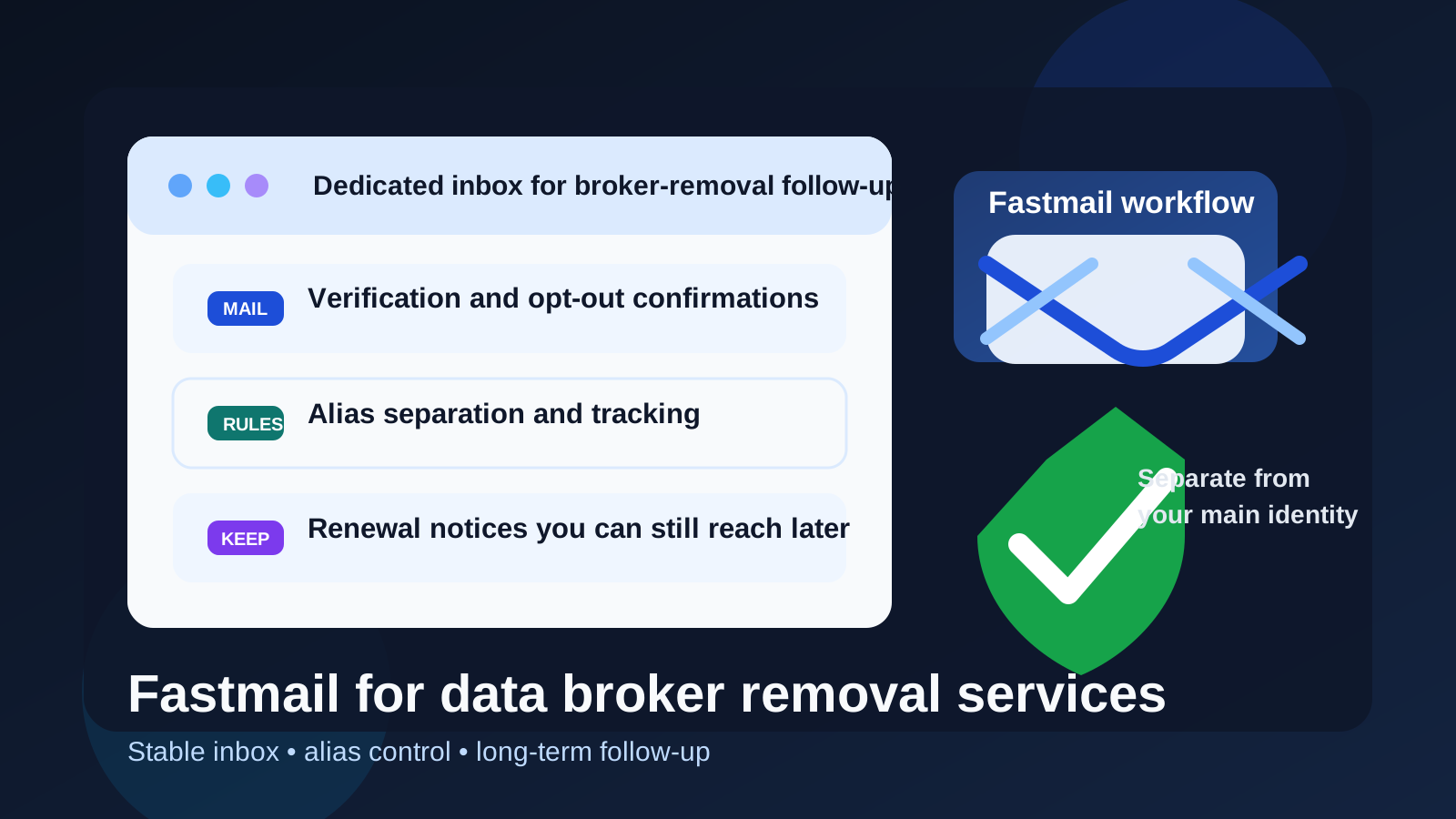
Data broker removal is rarely a one-click task. Even when you use a paid opt-out service, you may need confirmation emails, account notices, progress updates, renewal reminders, or follow-up messages months later. That is why your email choice matters more than it seems.
Fastmail sits in an interesting middle ground. It is more durable and organized than a throwaway inbox, but it can still give you more separation than using the personal email address tied to your oldest accounts, shopping history, newsletters, and daily life. For a privacy-conscious workflow, that balance can be very useful.
Why this question matters for data broker removal
People sometimes treat data broker removal like a one-time sign-up: enter an email, confirm the account, and forget it. In reality, removal services often involve an ongoing relationship. Some send periodic reports. Some notify you when new broker profiles are found. Some rely on renewal windows or ask you to confirm continued monitoring. Some may even need a reply if a broker resists an opt-out or if identity verification steps change.
That means the best email for this use case is not always the most hidden one. It is the one that gives you enough privacy and enough continuity. A disappearing inbox can solve the first problem while creating a new one later.
Short answer: Fastmail is usually a good fit when you want separation without losing long-term access
Most data broker removal services do not care whether your mailbox is on Gmail, Outlook, Fastmail, or another legitimate provider. What matters is whether you can receive messages reliably, keep track of them, and still reach that inbox when you need it again.
That is where Fastmail can make sense. It gives you a real inbox you control, but it does not force you to expose the same main address that already sits at the center of your digital life. If your goal is to keep broker-removal traffic isolated while staying reachable, Fastmail is a practical option.
What Fastmail does well for this use case
1. It creates a clean privacy boundary
One of the biggest advantages is simple compartmentalization. If you sign up for removal services, privacy tools, breach notifications, or monitoring dashboards from your primary inbox, all of that activity lands next to bank alerts, family messages, receipts, and everything else. A separate Fastmail inbox gives this workflow its own lane.
That matters because removal work often touches a sensitive part of your digital identity. Keeping it isolated makes your inbox easier to manage and reduces how widely your oldest personal address gets reused.
2. It is stable enough for long-term monitoring
Temporary inboxes can be useful for low-trust first contact, but broker-removal services are often not low-trust one-off signups. If you pay for a service, want ongoing scans, or expect follow-up notices months later, you need an address that will still exist and still be checked. Fastmail is better suited to that job than a disposable inbox.
This is especially important if you want to review progress over time. A removal service may send confirmation that an opt-out request was submitted, then another update later, then a renewal or re-scan reminder much later. You do not want those threads scattered across expired inboxes.
3. Alias control can be genuinely useful
Fastmail is attractive here because aliases and organization can be part of the workflow rather than an afterthought. You might keep one dedicated inbox for privacy services, or create a specific alias just for broker-removal accounts so you can instantly see where follow-up is coming from.
That is useful for a few reasons:
- You can separate removal-service traffic from other privacy-tool signups.
- You can filter everything into a dedicated folder for later review.
- You can see which vendor or service received which address.
- You can retire or change an alias later without changing your whole personal inbox setup.
If you like neat systems, Fastmail can make this process much easier to audit.
4. It is less exposed than your main personal inbox
Using your oldest everyday email everywhere creates long-term spillover. Even when a removal service is legitimate, it may still send promotional updates, cross-sell offers, newsletter nudges, or renewal prompts later. A separate Fastmail inbox helps you avoid mixing that stream into the account you use for the rest of your life.
That does not make you anonymous, but it does reduce unnecessary overlap. For many people, that is the real goal.
Where Fastmail is not a perfect answer
It does not make you invisible
Fastmail improves separation. It does not erase the fact that a removal service may still learn your name, billing details, or other identifying information if you choose to share them. The provider choice helps with inbox hygiene and privacy boundaries, not with magical anonymity.
Overcomplicated setups can backfire
If your Fastmail workflow depends on layered forwarding rules, a custom domain, multiple aliases, and filters you barely remember, that can create avoidable failure points. Broker-removal follow-up is not the place to discover that one alias silently stopped forwarding or that a filter buried an important message.
The best setup is usually simple: one dedicated inbox or one clearly labeled alias that you actually monitor.
You still have to check it consistently
A separate inbox only helps if you use it. If you create a privacy mailbox and then ignore it for six weeks, you lose the benefit you were trying to create. Fastmail is strongest when it becomes a deliberate part of your maintenance routine.
Fastmail vs other email options for broker-removal workflows
Fastmail vs a temporary inbox
A temporary inbox is better when you are testing something, checking whether a vendor looks legitimate, or downloading a gated resource without committing yet. Once you choose a real service and want ongoing follow-up, Fastmail is usually the better tool. Disposable addresses are good for screening; stable inboxes are better for durable account activity.
Fastmail vs your main personal email
Your main inbox is convenient, but it is also the address most tied to your broader identity. If you want less spillover and easier cleanup later, Fastmail is the better choice. It lets you stay reachable without tying this workflow to the center of your digital life.
Fastmail vs alias-forwarding services
Alias tools like SimpleLogin, Firefox Relay, or DuckDuckGo Email Protection can also work well, especially if you already use them. The difference is that Fastmail can be the destination mailbox itself rather than just a forwarding layer. That can make organization simpler if you want one stable place to review confirmations, reports, and renewal notices.
Best practices if you use Fastmail for data broker removal services
Use one dedicated address for the whole workflow
Do not create a new mailbox for every single service unless you truly need that level of separation. For most people, one dedicated privacy-services address is easier to monitor and maintain.
Keep naming boring and professional
Your address does not need to be clever. A plain address based on your name or a simple privacy-related variation is usually best. The goal is reliability, not novelty.
Save important messages outside the inbox too
If a service sends account setup instructions, proof of opt-out submission, or annual renewal details, keep your own records. A notes file or password manager entry can be a smart backup to the inbox itself.
Use folders or filters, but keep them simple
A single folder for broker-removal services is usually enough. The point is to reduce clutter, not build a maze you forget how to navigate.
Pair it with a lower-exposure first-contact option when needed
If you are still comparing providers or testing whether a service is worth trusting, a temporary address from Anonibox can still be useful at the earliest stage. Once you decide to create a real account you may need to revisit later, moving to a stable Fastmail inbox is usually the better next step.
When Fastmail is a strong choice
- You want a dedicated inbox just for privacy and broker-removal workflows.
- You expect long-term follow-up, renewal reminders, or monitoring reports.
- You like the idea of aliases and organization without relying entirely on forwarding.
- You do not want your oldest personal address attached to every privacy-service signup.
- You will actually check and maintain the inbox.
When another option may be better
- A temporary inbox is better if you are only testing a vendor and are not ready for an ongoing account.
- An alias-forwarding service may be better if you already have a well-managed primary inbox and mostly want masking.
- Your main email may be fine if you do not mind overlap and know you will manage the clutter carefully.
Quick checklist before you decide
- Will I need this inbox again months from now?
- Do I want this activity separate from my main personal address?
- Would simple alias control make the workflow easier to track?
- Am I willing to monitor a dedicated mailbox consistently?
- Do I need a stable inbox more than I need a disposable one?
If most of those answers are yes, Fastmail is probably a strong fit.
Final answer
So, should you use Fastmail for data broker removal services? Usually yes. It is a good option when you want a real long-term inbox with more privacy separation and better organization than your main email.
Its biggest strengths are continuity, alias control, and cleaner compartmentalization. Its biggest limitation is that it is still a real inbox, not an invisibility cloak. If you want a practical middle ground between a disposable address and your oldest personal account, Fastmail is one of the better choices for this kind of privacy workflow.