Yes, usually. Fastmail can be a strong choice for recruiter outreach if you use a stable address or alias, keep it professional, and check it consistently.
It works best when you want privacy separation from your work or everyday inbox without relying on a disposable address that may be too temporary for real hiring conversations.
That is the practical answer behind searches for Fastmail for recruiter outreach. Recruiter outreach lives in an awkward spot in the job search. It is more serious than browsing job boards or downloading a career guide, but it is often earlier and less formal than interviews, reference checks, or offer paperwork. You need an inbox that feels credible, stays under your control, and does not mix your private job search into places it does not belong.
Fastmail can work well here because it gives you a long-term personal mailbox, strong organization tools, and flexible alias control. That combination is useful when you want to separate recruiter traffic from your main personal inbox or your current employer’s systems without disappearing behind an address that may expire before the conversation does.
If you use Anonibox for low-trust signups, lead forms, or early-stage browsing where spam control matters most, that still makes sense. But once a recruiter is writing about live roles, timing, compensation ranges, screening calls, or next steps, a durable inbox matters more than one-time anonymity. Fastmail is better suited to that durable part of the process.
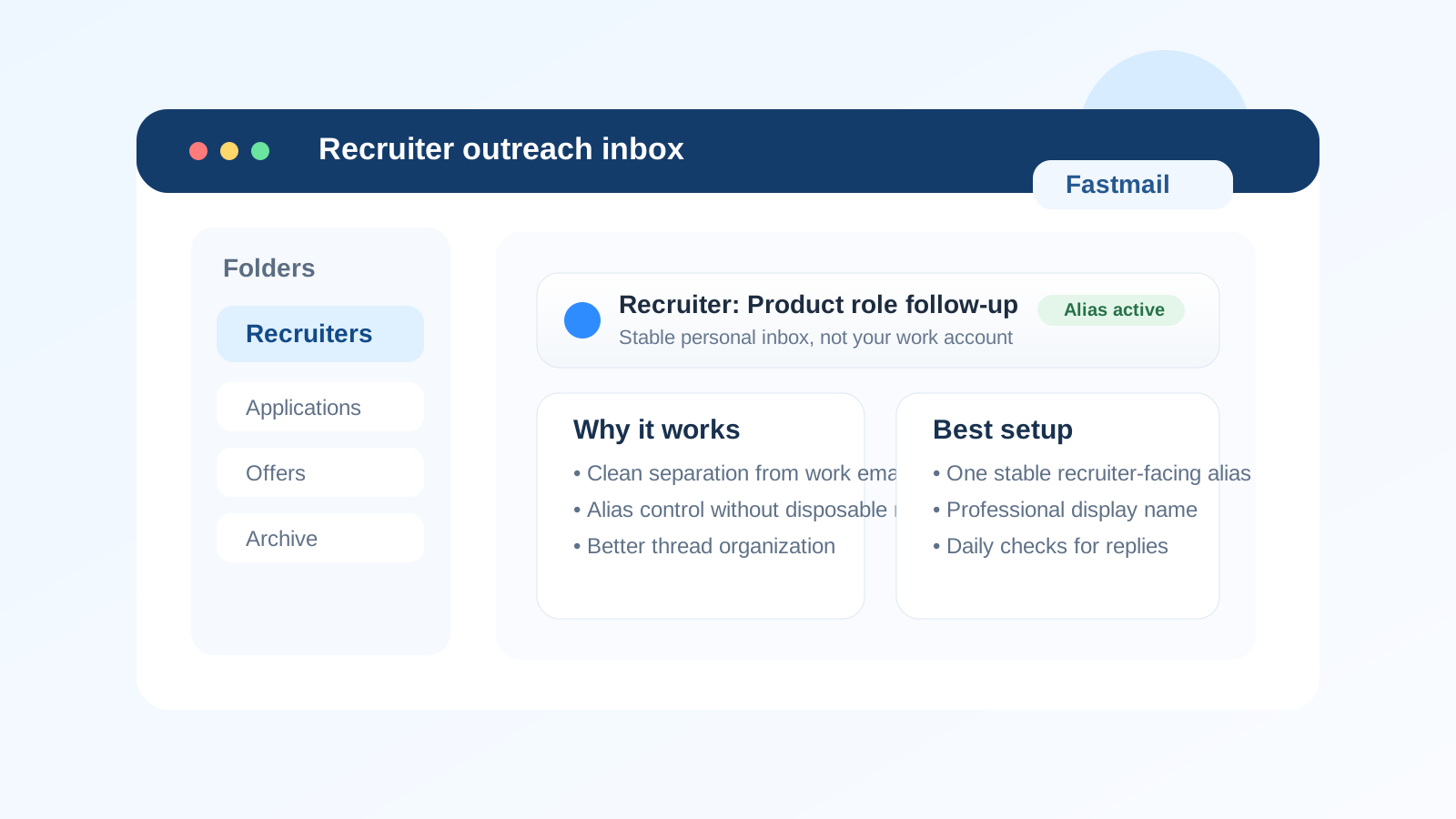
Short answer
For most job seekers, Fastmail is a reasonable and often smart option for recruiter outreach. It gives you more privacy separation than your work account, more long-term reliability than a disposable inbox, and more control over aliases than many basic personal email setups.
The catch is that recruiter outreach rewards consistency. If you keep changing addresses, use an alias that looks confusing, or only check the inbox every few days, you create friction for yourself. Fastmail is a good tool, but it works best when you use it in a straightforward, professional way.
Why recruiter outreach needs a different email standard
Recruiter outreach is not the same as signing up for a newsletter, downloading a PDF, or opening a random free trial. Real recruiter conversations often include:
- introductory messages about a role you may want to discuss
- requests for a quick screening call
- follow-up questions about location, timing, salary range, or availability
- calendar links, job descriptions, and application instructions
- future re-engagement about another role weeks or months later
That means your inbox has to do three things at once. It has to protect your privacy, look normal enough not to create unnecessary doubt, and remain available long enough for the conversation to continue if the opportunity becomes real. A temporary inbox can fail the long-term test. A work inbox can fail the privacy test. Fastmail often lands in a practical middle ground.
What Fastmail does well for recruiter outreach
1. It keeps your search separate from your current employer
If you are employed, one of the biggest risks is letting recruiter traffic land in a mailbox connected to your job, your work devices, or your employer’s systems. Even if nobody is actively monitoring you, using a work address for side-job conversations is rarely a good idea. Fastmail gives you a personal inbox you control, which lowers the chance of awkward visibility and keeps your search in your own hands.
2. It gives you useful alias control without disposable-email instability
This is where Fastmail stands out. You can create a recruiter-facing alias or use an existing professional address that routes into the same mailbox, which makes it easier to segment your search without building a messy system. That is a big difference from an expiring or one-time inbox. With recruiter outreach, you usually want controlled separation, not disappearance.
For example, you might use one stable address for direct recruiter contact and keep other addresses for job boards, mailing lists, or lower-trust forms. That makes follow-up easier because you know where serious conversations live.
3. It helps you stay organized
Recruiter outreach can pile up fast. You may have internal recruiters, agency recruiters, archived roles, cold outreach, active conversations, and roles you want to revisit later. Fastmail’s folders, filters, and alias routing can help keep that manageable.
The point is not to create a complicated productivity system for its own sake. It is to avoid the very common problem where a good opportunity gets buried under newsletters, alerts, or unrelated personal mail. A cleaner inbox makes you look more responsive because it becomes easier to actually be responsive.
4. It is stable enough for long hiring timelines
Some recruiter conversations move in a day. Others pause and come back months later. A stable mailbox matters because hiring is not always linear. A recruiter who first reaches out today may circle back after a team opens headcount, after a hiring freeze lifts, or after another candidate drops out. Fastmail is a better fit for that than a throwaway inbox built only for short-lived access.
Where Fastmail can go wrong
1. Treating recruiter outreach like anonymous browsing
There is a difference between protecting your privacy and making yourself hard to reach. If you rotate addresses too often or use throwaway-style aliases for every conversation, you can make legitimate follow-up harder. Recruiters do not need your entire personal identity footprint, but they do need a reliable way to reach you.
2. Using an alias that looks too strange or too casual
Fastmail gives you flexibility, but flexibility is not the same as a good first impression. A recruiter-facing address should still look clean and intentional. A simple format based on your name usually works better than something overly clever, noisy, or obviously disposable-looking.
3. Building too many layers for a simple process
Some people over-engineer their job-search communications. If you have one address for direct outreach, another for applications, another for alerts, and several temporary inboxes for experiments, you may start missing replies simply because the system is too fragmented. Fastmail helps when it reduces complexity, not when it multiplies it.
How to set up Fastmail for recruiter outreach well
Use one stable recruiter-facing address
The best setup is usually one address or alias you can keep active through the full conversation. That gives recruiters continuity and gives you a clean place to track serious inbound opportunities.
Keep your display name professional
Your display name matters as much as the mailbox itself. Use your real name or the version of it you use professionally. That removes friction when a recruiter compares your email with your resume, LinkedIn profile, or portfolio.
Create light organization, not heavy bureaucracy
A few folders or filters can help: one for active recruiter conversations, one for archived opportunities, and maybe one for agency outreach if volume is high. That is usually enough. The goal is clarity, not administrative overhead.
Check the inbox consistently
Recruiter outreach often rewards speed. You do not have to reply instantly to every message, but you should check the inbox often enough that legitimate opportunities do not go cold. A stable mailbox only helps if you actually monitor it.
Use temporary email earlier in the funnel, not later
If you want maximum spam control, use a disposable inbox for low-stakes signups, gated downloads, or forms you do not fully trust. Once someone is trying to start a real recruiting conversation, move to the durable address you actually plan to maintain. That is where tools like Anonibox and a stable provider like Fastmail can complement each other instead of competing.
Fastmail vs a temporary inbox for recruiter outreach
A temporary inbox is useful when the main goal is avoiding long-term clutter, especially during early research. Recruiter outreach is different because the value comes from the follow-up, not just the first message. If a recruiter sends a screening link next week, a revised job description in two weeks, or a fresh opening two months later, you want that thread to still exist.
That is why Fastmail is usually the better choice for recruiter outreach specifically. It gives you privacy separation without sacrificing continuity. A disposable address may still be useful elsewhere in the job-search process, but it is not usually the best home for serious recruiter contact.
When Fastmail is a particularly good fit
- you are currently employed and want strong separation from your work inbox
- you want a personal mailbox that feels more intentional than a generic catch-all account
- you care about alias control and organization
- you expect recruiter follow-up to stretch across multiple roles or months
- you want to reduce job-search clutter without looking hard to reach
When another option may be better
Fastmail is not mandatory. If you already have a clean, professional personal inbox that you control and monitor closely, you may not need to switch. And if you are only trying to avoid spam from a sketchy form or a low-trust lead magnet, a temporary inbox may be the simpler choice for that specific moment.
The key question is not whether Fastmail is universally best. It is whether it fits the level of trust and continuity the conversation requires. Recruiter outreach usually sits closer to long-term communication than short-term anonymity, which is why a stable address tends to win.
A quick decision checklist
- Do I want this recruiter conversation separated from my work or everyday inbox?
- Can I keep this address active for the full hiring timeline?
- Does the address look simple and professional?
- Am I using aliases to stay organized, not to make myself harder to reach?
- Would a disposable inbox create more risk of missed follow-up than actual privacy benefit here?
If the answers point toward stable, controlled communication, Fastmail is probably a good fit.
Final answer
Yes, Fastmail is usually a smart option for recruiter outreach. It gives you privacy separation, better inbox control, and enough long-term stability for real hiring conversations. That makes it a better fit than a work address for most active job seekers, and a better fit than a disposable inbox once recruiter contact becomes meaningful.
The best version of this setup is simple: use one professional recruiter-facing address or alias, keep it monitored, and save temporary inboxes for lower-trust or lower-stakes stages of the process. That way you stay reachable for real opportunities without letting your job search spill into every other part of your digital life.