Yes — Firefox Relay can work for alumni networking if you want to protect your primary inbox, especially for first outreach, alumni directories, and event registrations.
But it works best as a privacy layer in front of a stable inbox, not as a casual alias you might stop monitoring while alumni relationships are still active.
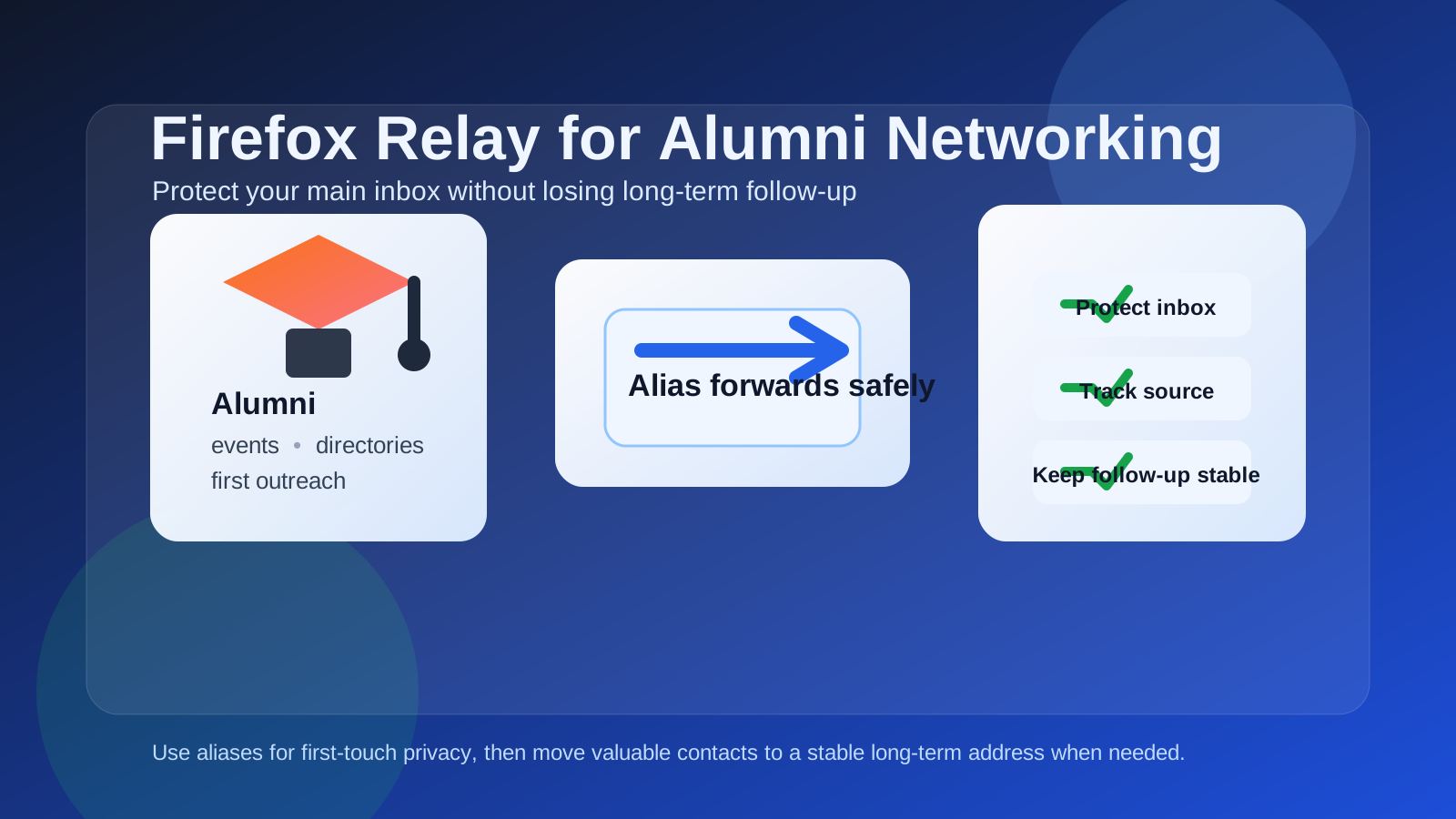
Why this question matters more in alumni networking than in ordinary signups
Alumni networking sits in an awkward middle ground. It is not as disposable as signing up for a coupon, and it is not always as formal as applying for a job through a company applicant tracking system. One message to an alumnus can turn into a referral, a mentorship thread, a coffee chat months later, an invitation to an alumni panel, or an introduction to a hiring manager you meet long after the first exchange.
That means your contact method has to do two things at once. It should protect your privacy from low-trust directories, mailing lists, and event platforms, but it also needs to stay reliable enough for long-term follow-up. Firefox Relay is useful precisely because it gives you some protection without forcing you into a fully disposable inbox. Still, that does not make it the automatic best choice for every alumni relationship.
What Firefox Relay is good at
Firefox Relay is strong when your main goal is shielding your real inbox address from unnecessary exposure. Instead of sharing your actual email address, you share an alias that forwards messages to the inbox you already use. That gives you several practical advantages during alumni outreach.
- Inbox protection: you can join alumni lists or register for events without exposing your primary address directly.
- Source tracking: if one alias starts receiving noise, you have a better idea where it came from.
- Easy first contact: you can reach out to alumni, RSVP to a panel, or join a directory while keeping a privacy buffer.
- Lower risk from weak signup forms: older alumni sites and event pages are not always modern or privacy-friendly.
That makes Firefox Relay appealing for people who want more control than a plain Gmail or Outlook address provides, but who do not want to juggle fully separate inboxes for every networking experiment.
Where Firefox Relay can create friction
The biggest issue is not delivery. It is relationship durability. Alumni networking often becomes long-term. People save the address you give them. They might reply later with job leads, introductions, or invitations after months of silence. If your alias strategy is too temporary, you create a hidden failure point.
1. Alumni relationships can outlast your alias habits
Many people treat forwarding aliases like short-term wrappers. That mindset works fine for newsletters and throwaway registrations. It works less well when the person on the other side might write back next quarter with a real opportunity.
2. One broken alias can quietly kill follow-up
If you disable an alias, forget which one you used, or stop paying attention to the inbox behind it, you may never see the message that actually mattered. That is more damaging in networking than in marketing email because you often do not get a second chance.
3. It can feel slightly indirect in high-trust conversations
Most alumni will not care that much what provider you use if your message is thoughtful and easy to reply to. Still, once the conversation becomes warm and ongoing, a stable professional address often feels simpler than a privacy layer that you may eventually retire or re-route.
4. It does not replace judgment
Firefox Relay can reduce inbox exposure, but it does not guarantee trustworthiness. A poorly run alumni directory can still be noisy. A scammer can still send phishing mail through a forwarded alias. A real contact can still prefer a cleaner long-term address later.
Best situations for using Firefox Relay in alumni networking
Firefox Relay makes the most sense when you want controlled exposure at the beginning of an interaction.
Signing up for alumni directories you do not fully trust yet
Some alumni portals are excellent. Others feel abandoned, cluttered, or overly promotional. If you are not sure how responsibly a directory handles email addresses, using a forwarding alias is a smart first step.
Registering for alumni events, panels, reunions, and webinars
Event registrations are one of the cleanest Firefox Relay use cases. You want reminders and access details, but you may not want that organizer or campus department to have your everyday inbox forever.
Making first contact with a low-context alumni lead
If you found someone through a large directory, a class list, or a broad alumni board and you are not yet sure whether the connection will go anywhere, an alias gives you privacy without blocking real replies.
Separating outreach experiments from your main inbox
If you are contacting multiple alumni across industries, cities, or schools, using a controlled alias setup can keep your inbox easier to audit. You can quickly see which channel or group generated useful replies and which one mostly produced noise.
When a dedicated email is better than Firefox Relay
Firefox Relay is often a good first-contact tool. It is not always the best identity for serious follow-up. A dedicated networking email is usually the better choice when:
- you expect a mentorship or long-term professional relationship;
- you are asking for introductions, referrals, or repeated check-ins;
- you want one stable address across LinkedIn, résumés, and alumni messages;
- you are building a durable professional presence rather than screening event traffic;
- you know you will want to keep the same contact path for years.
That dedicated address does not have to be your oldest personal inbox. It can be a separate professional mailbox you actively maintain. If you use Anonibox for disposable or low-trust signups, Firefox Relay sits in the middle: more stable than a throwaway inbox, more private than exposing your main address directly. But once a relationship becomes valuable, a deliberately maintained long-term email often wins.
A practical middle-ground workflow
The strongest setup is usually layered rather than absolute.
- Use Firefox Relay for first-touch exposure. This is ideal for directories, alumni mailing lists, event pages, and low-context outreach.
- Keep the destination inbox stable and monitored. Do not forward to an inbox you check sporadically.
- Promote strong contacts to a long-term address when trust is established. If an alumnus becomes a real ongoing contact, give them the address you plan to keep for the relationship.
- Document where each important conversation lives. Alumni networking often spans email, LinkedIn, calendars, and event follow-up. Do not let a good contact disappear behind alias confusion.
This approach protects your main identity early without making your later relationship management fragile.
How to decide whether Firefox Relay is the right choice for a specific alumni interaction
Ask yourself four questions before you share the address.
Do I trust the platform?
If the directory or event page looks dated, overloaded with fundraising prompts, or unclear about data handling, using an alias makes sense.
Is this likely to become a long-term relationship?
If yes, plan ahead. You can still start with Relay, but be ready to transition the contact to a stable professional email once the conversation becomes real.
Will I reliably maintain this alias path?
If you are the kind of person who creates aliases and forgets them, Firefox Relay may create more risk than it removes. A privacy tool is only useful if you keep the route alive.
Am I protecting privacy or just adding complexity?
Sometimes a separate dedicated inbox is simpler than an alias layer. The best option is the one you will actually maintain.
Mistakes to avoid
- Treating alumni outreach like a one-time signup: it often is not.
- Creating aliases with no tracking system: if you cannot remember where you used them, they become brittle.
- Forwarding to an inbox you rarely check: reliability matters more than elegance.
- Using a privacy tool as a substitute for judgment: it reduces exposure, but it does not validate the person or organization.
- Leaving promising contacts stuck behind an intake-only address forever: move valuable relationships onto the channel you plan to keep.
Example scenarios
Good use case
You join your university alumni directory, register for two career webinars, and send a few first messages to alumni in an industry you want to enter. You are not yet sure which connections will matter, and you want protection from directory spam. Firefox Relay is a good fit here.
Less ideal use case
An alum agrees to mentor you over several months, introduces you to colleagues, and expects ongoing follow-up. You can still receive messages through Relay, but a stable dedicated professional inbox is usually cleaner and safer for that long arc.
Bad use case
You use a forwarding alias for outreach, stop monitoring the destination inbox carefully, and months later miss an introduction to a hiring manager. That is exactly the kind of avoidable failure alumni networking can create when privacy layers are treated too casually.
Final answer
Firefox Relay can be a smart choice for alumni networking when you want to protect your primary inbox during first contact, event registration, and uncertain directory signups. It gives you a useful privacy layer without forcing you into a fully disposable email workflow.
But alumni networking is often long-lived, and that is where the limits show. If the relationship matters, the safest move is to keep the forwarding path stable or graduate the contact to a dedicated long-term email you actively manage. Use Firefox Relay as a privacy buffer, not as an excuse to make important professional relationships harder to maintain.