Yes, you can use Gmail for alumni networking, and for many people it is a practical choice because it is familiar, stable, and easy to check regularly.
But if you want cleaner boundaries, better privacy, and less long-term inbox clutter, a separate Gmail account or dedicated networking inbox is often smarter than using your oldest personal address for every alumni conversation.
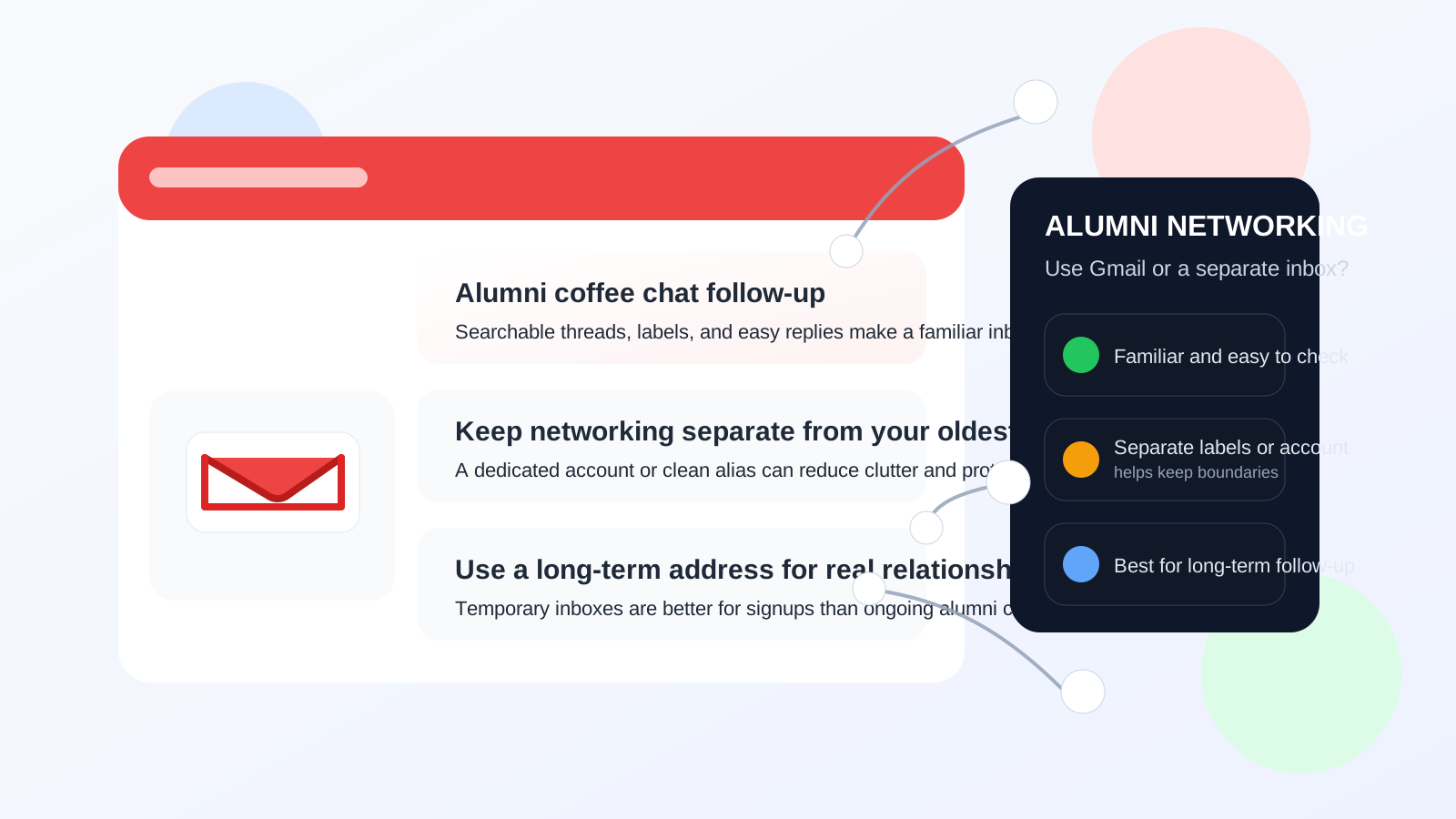
Why this question matters more than it seems
Alumni networking is not the same as signing up for a one-time webinar or grabbing a free download. These conversations can turn into mentorship, introductions, referrals, event invitations, job leads, and long-term professional relationships. That changes the email decision. A disposable address might protect your privacy in the short run, but it may not be the best fit for a connection you hope to keep for months or years.
That is why so many people wonder whether Gmail is good enough. It usually is. Gmail is common, recognizable, and reliable enough for everyday networking. The bigger question is not whether Gmail works at all. The bigger question is which Gmail setup makes the most sense for your goals and privacy comfort level.
The short answer: Gmail is usually fine, but the setup matters
If you already use Gmail, it is rarely a mistake to use it for alumni networking. Most alumni will not see it as unprofessional. In fact, many people expect to exchange messages through a mainstream email provider because it is easy, familiar, and low-friction.
Still, there is a major difference between using:
- your oldest personal Gmail account that is full of newsletters, shopping receipts, and years of personal history,
- a cleaner Gmail account used for professional outreach, or
- a separate address strategy designed to protect your main inbox.
Those options all “use Gmail,” but they create very different privacy and organization outcomes.
Why Gmail can work well for alumni networking
1. People recognize it immediately
A Gmail address is ordinary enough that nobody needs an explanation. An alumnus replying from a company account, a school account, or a personal account will usually feel comfortable answering a normal Gmail address. That matters because alumni networking works best when you reduce friction.
2. Gmail is easy to search later
Alumni outreach often involves slow follow-up. You might send a note today, reconnect in two months, and search for the original message six months later when a new opportunity appears. Gmail’s search, labels, stars, and conversation threading are genuinely useful for this kind of long-tail relationship management.
3. It is simple to check consistently
One reason networking messages get missed is that people overcomplicate their setup. Gmail is available everywhere, easy to sync, and familiar on both desktop and mobile. If using Gmail means you will actually reply on time, that matters more than chasing a more “perfect” but less practical setup.
4. You can separate things without changing providers
You do not need a whole new ecosystem to stay organized. Gmail lets you create labels, filters, and dedicated signatures. If needed, you can also create a separate Gmail account for networking instead of abandoning the provider entirely.
When using your main Gmail account is not ideal
The biggest problem with Gmail is usually not Gmail itself. It is using the wrong Gmail account.
Your oldest personal inbox may reveal more than you want
If your main address is tied to years of consumer accounts, mailing lists, old profile photos, or a playful username you made years ago, it may not be the best face for professional alumni outreach. That does not mean it is unusable. It just means it may not give you the cleanest first impression.
Your networking messages can get buried
Alumni conversations often move slowly. If your Gmail inbox is already crowded with promotions, social updates, receipts, and random notifications, it becomes easier to miss a warm reply from someone you actually wanted to build a relationship with.
It can blur your personal and professional boundaries
Not every alumni message turns into a valuable connection. Some lead nowhere. Some turn into repeated event promos, donation requests, or broad mailing lists. If everything goes to your main Gmail inbox, that clutter can stick around long after the useful conversations have ended.
A separate Gmail account is often the sweet spot
For a lot of people, the smartest answer is not “avoid Gmail.” It is “use Gmail more intentionally.” A dedicated Gmail account for networking gives you most of the convenience of Gmail without mixing alumni outreach into your oldest personal inbox.
A separate Gmail account can help when you want to:
- keep alumni outreach separate from family, shopping, and everyday personal email,
- use a cleaner display name and signature,
- track follow-ups more easily,
- retire the account later if it becomes too noisy, or
- protect your primary inbox from long-term list growth.
This is especially useful if you plan to attend alumni mixers, reply to event invitations, reach out to graduates in different industries, or keep a larger number of weak-tie connections organized over time.
How Gmail compares with other options
Main personal Gmail
Best when your current address already looks professional, you keep your inbox organized, and your alumni networking volume is low to moderate.
Separate Gmail account
Best when you want a clean networking identity without learning a new provider or paying for another service.
Custom domain or privacy-focused provider
Best when you care strongly about branding, control, or broader privacy habits and you are comfortable managing a more deliberate setup.
Temporary or burner email
Usually not the best fit for real alumni networking. Temporary inboxes are fine for one-off signups, but alumni relationships depend on continuity. If someone replies weeks later and your address is gone, the privacy win was not worth the lost opportunity.
If you want to protect your primary inbox during early-stage experimentation, event registrations, or spam-prone signups, a service like Anonibox can help you keep that exposure separate. But for ongoing alumni conversations, you usually want an address you can monitor long term and trust people to keep using.
Best practices if you use Gmail for alumni networking
Use a professional display name
Your display name matters almost as much as the address itself. Use your real name or the version of your name you want professional contacts to remember. Avoid clutter, joke nicknames, or unnecessary extras.
Clean up your signature
A simple signature is enough: your name, current role or school context if relevant, and maybe a LinkedIn profile if you genuinely want people to use it. You do not need a giant branded footer for casual alumni outreach.
Create one label for alumni outreach
Even if you keep using your main Gmail account, give alumni networking its own label. That small step makes follow-up much easier. You can sort replies, save useful threads, and find old introductions without hunting through unrelated mail.
Use filters carefully
If alumni messages come from a chapter, school, or event organizer domain, filters can help. Just do not automate so aggressively that you hide important replies in folders you never read.
Keep a lightweight follow-up system
Gmail is better when paired with a simple routine. Star promising conversations. Snooze messages you want to revisit. Add notes in a spreadsheet or contact list if you are reaching out to several people over time.
Do not over-share through your account ecosystem
Your email address is only part of your identity trail. Think about the profile photo, signature links, and recovery paths around the account too. Alumni networking is usually low risk, but it still makes sense to be deliberate about what your account reveals.
When Gmail is probably the right choice
- You want a familiar, stable inbox you will actually check.
- You are reaching out to a manageable number of alumni.
- Your Gmail address already looks professional enough.
- You care more about ease and consistency than building a custom email setup.
- You are willing to use labels, filters, or a separate Gmail account to stay organized.
When Gmail may not be your best option
- Your current Gmail address looks too casual or dated.
- Your main inbox is already overloaded.
- You want tighter separation between personal life and professional networking.
- You are attending many alumni events and expect long-term follow-up across a lot of contacts.
- You want a stronger privacy posture than your oldest personal inbox provides.
A practical workflow that works for most people
- Use a clean Gmail identity, either your current address or a dedicated networking account.
- Create an “Alumni Networking” label before you start outreach.
- Use a short professional signature.
- Keep event registrations and broad mailing-list exposure separate if you expect spam.
- Move real one-to-one conversations into the long-term inbox you plan to keep.
That workflow gives you the convenience of Gmail without treating every outreach situation the same way.
Final answer
Gmail is usually a perfectly reasonable choice for alumni networking. It is familiar, easy to search, and simple to maintain over time, which makes it strong for relationship-based follow-up.
The real question is whether you should use your main Gmail account or a cleaner separate one. If your current inbox is professional and organized, Gmail is fine. If you want stronger privacy, better boundaries, or less clutter, a dedicated Gmail account is often the better move. For alumni networking, long-term reliability matters more than clever short-term anonymity, so choose the setup you can keep checking and confidently use months from now.