Yes, you can use Gmail for background checks, and for many job seekers it is a practical, reliable option because screening vendors and employers can reach you easily and you are unlikely to miss important messages.
But the smarter move is usually to use a clean, dedicated Gmail address for your job search instead of your oldest everyday inbox, so you keep background-check communication organized without exposing more of your personal digital life than necessary.
Why Gmail often works well for background checks
Background checks are not like casual job-board signups. Once you reach this stage, you may receive identity-verification links, consent forms, scheduling messages, follow-up questions, document requests, and status updates from the employer or a third-party screening company. That means you usually want an inbox that is stable, easy to access, and unlikely to disappear in the middle of the process.
Gmail is strong on those basics. Most people already know how to use it, it works well on desktop and mobile, its spam filtering is decent, and employers are very unlikely to see a Gmail address as suspicious or unprofessional on its face. If you need a dependable mailbox for a screening workflow, Gmail is usually a safer choice than a disposable inbox or a throwaway account you barely monitor.
What makes Gmail a reasonable choice
1. It is familiar and widely accepted
Gmail is common enough that recruiters, HR teams, and screening vendors are used to seeing it. You are not likely to trigger questions just because your email ends in @gmail.com. That matters during background checks, where the goal is usually smooth communication rather than creativity.
2. It is easy to monitor on multiple devices
Screening deadlines can be tight. A vendor may send a document request with a short turnaround, or an employer may need clarification before they can move forward. Gmail makes it easy to check messages on your phone and laptop without much friction, which lowers the odds that you miss something important.
3. Search and message history are useful
Background-check processes can generate several related threads over days or weeks. Gmail’s search is helpful when you need to pull up the original consent email, find a portal link, or confirm whether you already sent a document. That is a practical advantage over more temporary email setups.
4. It is usually more reliable than a disposable inbox
Temporary email tools can be useful early in a job search when you are testing a site, signing up for low-trust alerts, or protecting your main inbox from spam. But formal background checks are different. At that stage, reliability matters more than short-term anonymity. If you are asked to complete screening paperwork, a long-lived inbox is almost always the better choice.
Why your main Gmail account may still be the wrong one
Saying Gmail is okay does not mean your current Gmail account is automatically the best option. Many people have one personal inbox that has been collecting newsletters, family messages, shopping receipts, app logins, and old job-search traffic for years. Using that same inbox for a background check can create a few avoidable problems.
Inbox clutter
If your main Gmail address already gets a lot of traffic, it becomes easier to miss a time-sensitive screening email. A message requesting consent or identity confirmation can get buried under everyday noise.
Too much identity overlap
Your oldest Gmail account may be connected to calendars, cloud storage, Android backups, Google Docs, and a long trail of personal activity. Even if the employer never sees that broader activity directly, using your all-purpose address can make the process feel less compartmentalized than it should be.
Unprofessional handles
Some people still use a Gmail address they created years ago with a nickname, fandom reference, or joke. That may be harmless in daily life, but it is not ideal when you are sending documents or authorizations connected to a formal screening process.
The best setup: a separate Gmail just for job search activity
For most people, the strongest middle ground is not “use Gmail” versus “do not use Gmail.” It is “use a separate Gmail address for professional workflows.” That keeps the advantages of Gmail while reducing the downsides of mixing background checks into your oldest personal inbox.
A dedicated job-search Gmail can help you:
- keep recruiter, HR, and screening messages in one place,
- spot deadlines faster,
- avoid mixing sensitive hiring messages with everyday personal traffic,
- use a cleaner, more professional address format, and
- retire or repurpose the inbox later if the search ends.
If you already use Anonibox or another separation-first workflow earlier in the funnel, this is a natural next step: use privacy tools to limit spam during low-trust signups, then switch to a stable dedicated inbox once a legitimate employer or screening vendor needs consistent contact.
When Gmail is a bad fit for background checks
Gmail is not always the wrong choice, but there are situations where you should pause before using it.
You are using a disposable or barely monitored Gmail
If you create a new account and then rarely check it, the reliability benefit disappears. A dedicated Gmail only helps if you actually monitor it.
You share access with someone else
A background check may involve sensitive personal information. If another person can casually access that inbox, choose a more private setup.
The address itself creates confusion
If your Gmail name looks fake, overly casual, or inconsistent with the name on your application, it can cause unnecessary friction. Use a straightforward address when possible.
You are dealing with a suspicious employer or recruiter
If the opportunity itself looks questionable, the bigger issue is not whether Gmail is acceptable. It is whether you should engage at all. A cleaner inbox does not fix a scammy process.
What about temporary or disposable email for background checks?
This is where a lot of job seekers get tripped up. Temporary email can be useful earlier in the research or application phase, especially when you want to test a sketchy-looking lead source, protect your main inbox from marketing clutter, or avoid long-term spam from low-confidence job boards.
But once a real background check begins, disposable email usually becomes the weaker option. You may need access to the same messages several days later, you may need to recover a portal link, and you may need a documented thread if something stalls. A stable Gmail inbox is normally better for that than a temporary address that could expire or become inconvenient.
In other words: disposable email can be great for shielding your inbox during early exposure, but formal screening is one of the points where reliability usually beats short-term anonymity.
Best practices if you use Gmail for background checks
- Use a professional address. Your name or a simple variation is better than a nickname-heavy account.
- Turn on two-factor authentication. Background-check emails can contain sensitive links and attachments.
- Check spam and promotions tabs. Some vendor messages land in the wrong place.
- Create a label or filter. Route employer and screening-vendor emails into one visible folder.
- Save key messages. Keep copies of consent forms, portal links, and status messages.
- Do not forward blindly. If you share anything with a partner, coach, or family member, be careful not to spread sensitive documents unnecessarily.
Common mistakes to avoid
Using the same inbox for everything
If your Gmail is also your shopping inbox, family inbox, streaming-login inbox, and random newsletter inbox, it is harder to manage professional communication cleanly.
Ignoring recovery settings
If you depend on a Gmail account for an active screening process, make sure you can actually log in. Verify your recovery email, password, and authentication settings before you need them.
Assuming Gmail makes a shady process safe
Using Gmail does not validate the employer. Always verify who is asking for documents, what screening company is involved, and whether the request matches a real job process.
Switching addresses halfway through
If possible, avoid bouncing between multiple inboxes once the background check starts. Consistency reduces confusion for both you and the employer.
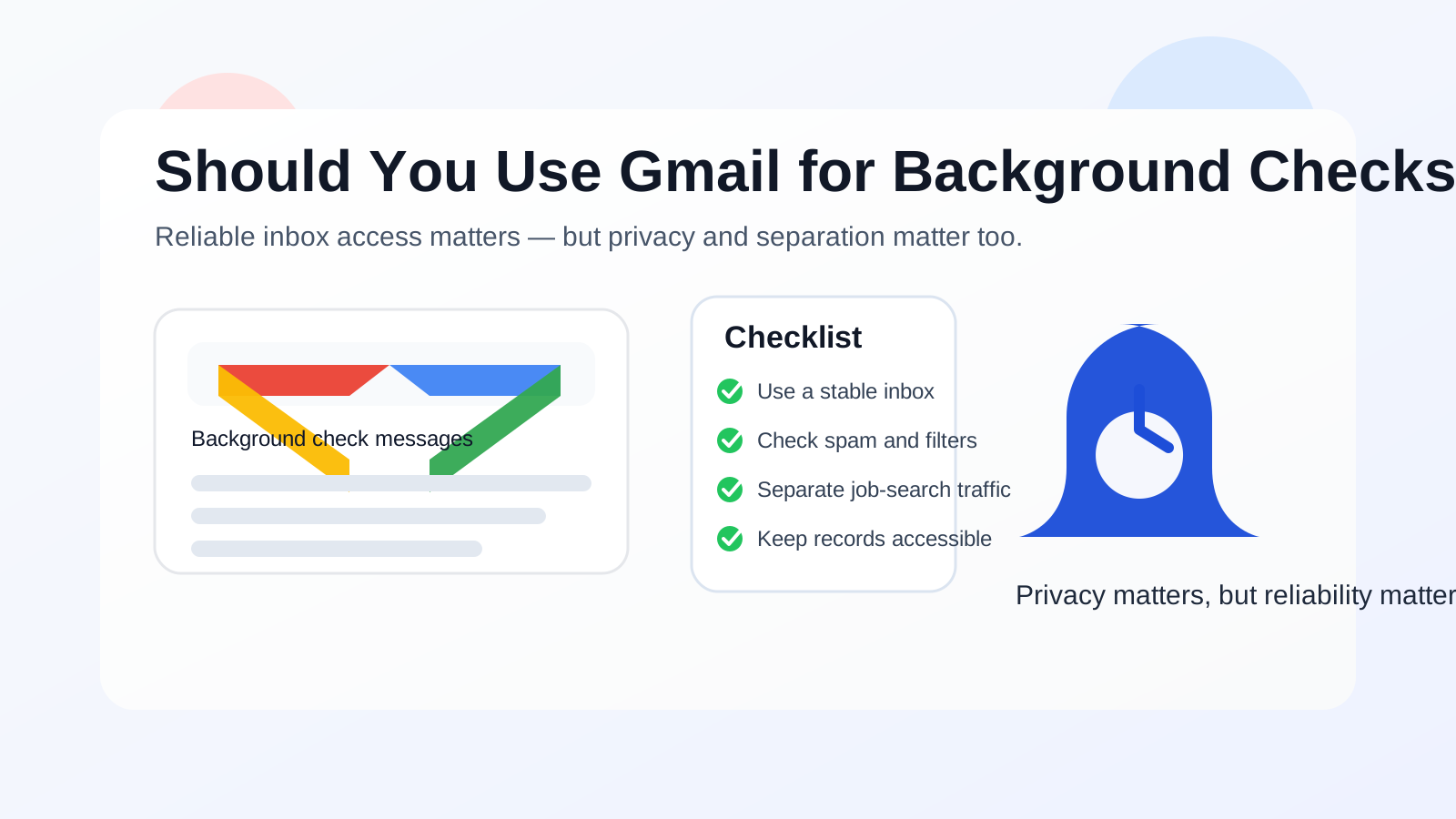
A quick decision checklist
Before you use Gmail for background checks, ask yourself:
- Is this a legitimate employer or screening vendor?
- Am I using a Gmail address that looks professional?
- Would a separate Gmail be better than my oldest personal inbox?
- Will I reliably monitor this account for the next few weeks?
- Do I need a stable record of messages and attachments?
If your answer to those questions is mostly yes, Gmail is usually a sensible choice.
Final answer
Yes, Gmail is usually fine for background checks, and in many cases it is a better option than a temporary inbox because it is stable, familiar, and easy to monitor. The real question is not whether Gmail works at all — it does — but whether you should use your main personal Gmail or a separate one created for job-search communication.
For most people, the best practice is simple: use a clean, professional Gmail address dedicated to hiring-related communication, keep it secure, check it often, and avoid mixing formal screening emails with your oldest personal inbox when you do not have to. That gives you the reliability employers expect while still protecting your privacy and keeping your search organized.