Usually yes — Gmail can be a practical choice for data broker removal services if you use a dedicated or well-managed account instead of the same inbox tied to your whole online life.
It is reliable and easy to organize, but a privacy-focused alias or separate mailbox may still be better if you want stronger separation from your primary identity.
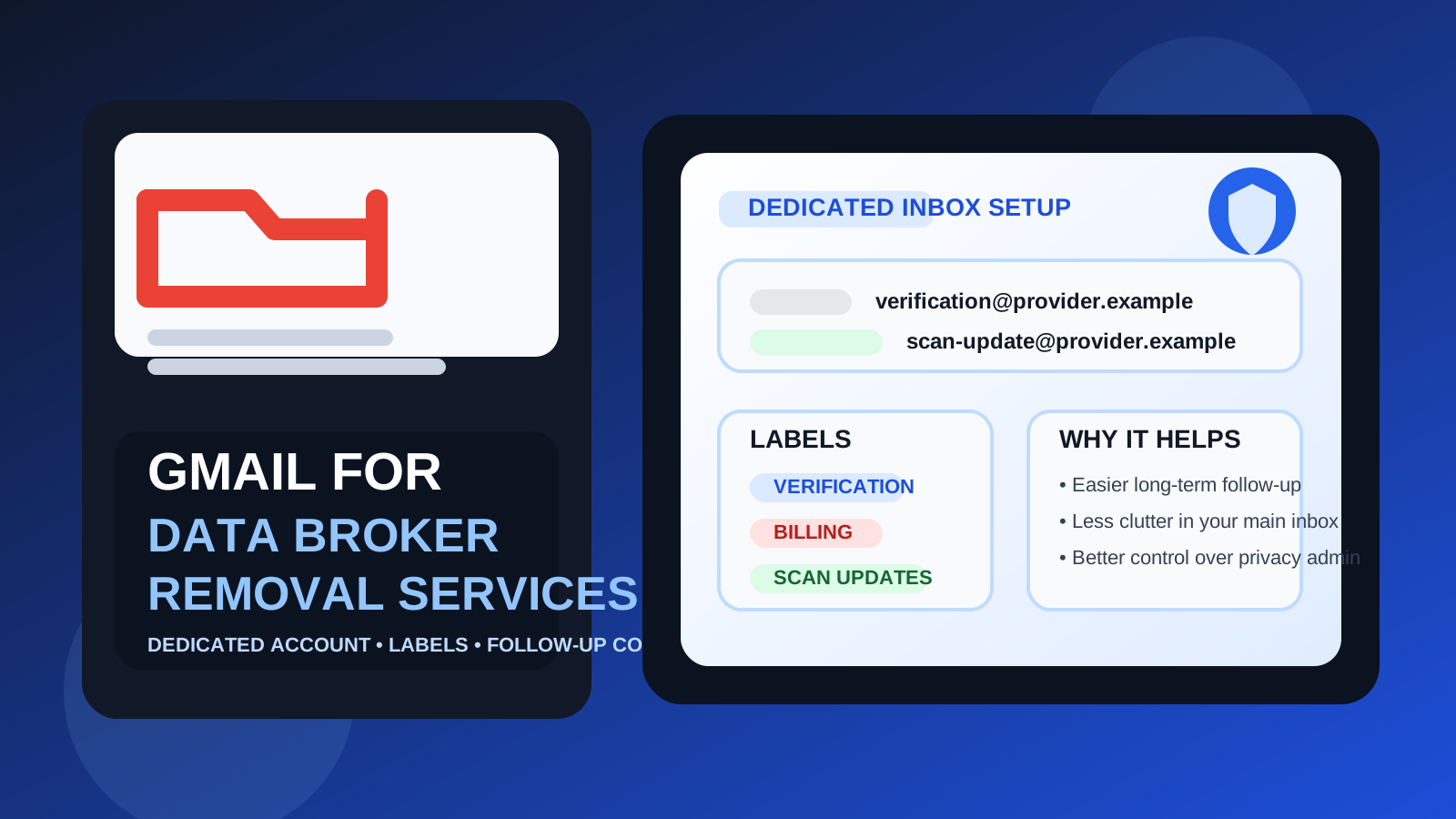
That is the real answer behind searches for gmail for data broker removal services. The email address you use matters more here than many people expect. Data broker removal services often start with a simple signup, but they can quickly become ongoing relationships that send verification links, progress reports, support replies, scan updates, billing notices, and reminders to check your account later.
If you use the wrong inbox, you can create two different problems at once. First, you may expose your main address to another service you would rather keep compartmentalized. Second, if you go too far in the throwaway direction, you may lose access to messages that matter later. Gmail sits in the middle: stable, familiar, easy to manage, and good enough for many people — but only if you use it intentionally.
Why the email choice matters for data broker removal services
People usually sign up for data broker removal services because they want less exposure, not more. That makes the signup address part of the privacy decision. If you hand over the same personal inbox you use for banking, shopping, friends, job search, account recovery, and years of subscriptions, you are extending the reach of an identifier that may already be spread too widely.
At the same time, this is not a one-click situation. Some removal services require ongoing monitoring, resend verification requests, or send rescans after a set period. If you stop checking the inbox or cannot get back into it, the account becomes less useful. So the goal is not simply “hide your address at all costs.” The goal is to choose an inbox that gives you enough privacy while still staying practical.
What Gmail does well for this use case
1. Gmail is reliable for follow-up
One reason people consider Gmail is simple reliability. You are unlikely to lose access because a temporary inbox expires, and you probably already know how to search it, whitelist senders, and spot account messages quickly. For data broker removal services, that matters because follow-up can stretch well beyond the first day.
If a provider sends a support response, renewal notice, or monitoring update weeks later, a normal Gmail inbox is far more dependable than a throwaway address you stopped watching.
2. Labels and filters make privacy admin less messy
Data broker removal services generate a specific kind of email clutter: verification links, progress notices, support replies, billing messages, and occasional promotional follow-up. Gmail handles this kind of workflow well because you can create labels, filters, stars, and separate archive rules in minutes.
That may sound boring, but it solves a real problem. Privacy work gets annoying when it disappears into the same inbox as receipts, newsletters, family threads, and random account alerts. A dedicated label or filter can keep the whole category visible.
3. A separate Gmail account is easy to create and maintain
For many people, the best version of this setup is not “use your existing main Gmail.” It is “use a separate Gmail account only for privacy-management tasks.” Gmail makes that relatively easy. You can create a dedicated inbox, log in when needed, and keep data-broker traffic away from the inbox you use for everything else.
This is where Gmail becomes much stronger. The platform itself is not the problem; the real risk is reusing your primary identity hub when you do not have to.
4. It is familiar enough that you will actually keep using it
The best privacy setup is often the one you will maintain. Gmail is not the most exotic option, but it is familiar, stable, and low-friction. That matters because forgotten privacy systems are not very private or very useful. If you already understand the interface and will actually monitor the account, Gmail may be more realistic than a more complicated setup you abandon later.
Where Gmail can be the wrong choice
Using your primary Gmail can expose too much
If your main Gmail address is tied to years of personal activity, it is probably one of the last addresses you should share casually. Even if the removal service itself is legitimate, you may still prefer not to extend your oldest and most important inbox into another relationship.
That is the biggest mistake people make: they think the question is “Is Gmail okay?” when the better question is “Which Gmail account should I use?”
Gmail is stable, but it is not a privacy boundary by itself
Gmail can help with organization, but it does not automatically create separation. If you use the same account everywhere, you are not compartmentalizing much. You are just using a convenient inbox. For some people that is good enough. For others — especially those who are intentionally trying to reduce linkability between different parts of their digital life — it is not enough.
A separate alias or privacy mailbox can offer cleaner compartmentalization
If you want a stronger layer between your long-term identity and the providers you are testing, an alias service or a dedicated privacy-focused mailbox may be a better fit. Those options can reduce how often your core address is shared, and they can make it easier to shut down a relationship later without touching your main email identity.
That does not mean Gmail is bad. It just means it is often the “practical middle” choice rather than the maximum-separation choice.
The best way to use Gmail for data broker removal services
Use a dedicated Gmail account, not your oldest everyday inbox
If you decide Gmail is the right fit, the cleanest setup is usually a dedicated account for privacy-related services. That gives you a stable inbox without mixing opt-out emails, dashboard notices, and support messages into the account you use for everything else.
This one decision solves most of the risk people are actually worried about. You still get the reliability and organization benefits of Gmail, but you do not have to reuse your primary address as the default contact point.
Keep one label just for removal-service messages
Create a label for this category and filter messages into it early. That makes it much easier to review account activity, see which providers are still active, and find a specific message later if you need proof of signup, billing details, or a support response.
Track one provider per alias or plus-address when possible
If your workflow supports it, use a slightly different address pattern per provider rather than handing every service the exact same inbox string. That can help with organization and make it easier to spot which relationship generated a later message. The point is not to build a puzzle; it is to keep the system readable.
Store the important messages
Keep verification emails, receipts, cancellation notices, and support threads in an obvious folder or starred list. These services can become long-tail accounts that matter months later, especially if you want to review what was promised or check which providers are still billing you.
When Gmail is a good choice
- you want a stable inbox you are unlikely to abandon
- you need reliable access to verification, support, and billing emails
- you are willing to create a separate Gmail account for privacy workflows
- you value labels, filters, and search more than maximum compartmentalization
- you want something more durable than a temporary inbox
In those situations, Gmail is often a solid and practical answer.
When Gmail is not the best choice
- you only have one very old personal Gmail account and do not want to reuse it
- you want stronger separation between your core identity and privacy-service signups
- you expect to test multiple providers and retire some of them quickly
- you prefer one alias per service or a dedicated privacy mailbox structure
- you are trying to minimize the spread of your long-term main address as aggressively as possible
In those cases, a separate mailbox or alias-first approach may be better than using Gmail directly.
Gmail vs temporary email for this specific job
This is where people often choose the wrong tool. A temporary inbox can be useful when you are comparing providers, checking whether a service gates access behind email verification, or seeing whether the signup flow immediately turns into marketing follow-up. It is good for early testing.
But a disposable inbox becomes risky once the account matters. Data broker removal services can send messages weeks or months later, and those messages may matter if you need a dashboard link, a billing reminder, or proof of what a provider said. That is why Gmail usually beats a temporary inbox for long-term use.
If you are still in evaluation mode, Anonibox can fit naturally into the first stage: use a temporary inbox to compare sign-up behavior or test whether a provider starts spamming immediately. Once you decide a service is worth keeping, move to a durable inbox strategy such as a dedicated Gmail account or a stable alias workflow.
Gmail vs alias services and privacy-first alternatives
Gmail wins on familiarity, reliability, and ease of management. Alias services and privacy-focused providers often win on separation. There is no universal answer because the right choice depends on whether your top priority is convenience or compartmentalization.
If you want the simplest stable option you will actually maintain, Gmail is hard to dismiss. If you want each provider isolated behind a distinct forwarding or alias layer, Gmail may be more useful as the destination inbox behind that system than as the address you share publicly.
Common mistakes to avoid
- Using your main personal Gmail by default: convenient, but often more exposure than you need.
- Using a temporary inbox for a long-term account: fine for testing, weak for continuity.
- Skipping filters and labels: that turns a manageable workflow into hidden clutter.
- Forgetting billing and renewal emails matter too: privacy-service accounts are still accounts.
- Overengineering the setup: a system you will not maintain is not an improvement.
A quick checklist before you decide
- Am I comfortable exposing my main Gmail address to another service?
- Would a dedicated Gmail account solve the problem cleanly?
- Will I need access to support, billing, and monitoring emails later?
- Do I want convenience first, or stronger separation first?
- Am I still testing providers, or starting a relationship I may keep?
If you want a reliable inbox that stays easy to manage over time, Gmail can absolutely work — just use it in a way that matches the privacy goal that brought you here in the first place.
Final answer
Yes — Gmail can be a good choice for data broker removal services, especially if you use a dedicated account rather than your everyday personal inbox. It is stable, easy to organize, and better suited to long-term follow-up than a throwaway address.
But it is not automatically the most private option. If stronger compartmentalization matters more than convenience, use a separate alias or privacy-focused mailbox instead. For most people, though, a dedicated Gmail account is a practical middle ground that balances reliability, inbox control, and privacy better than either extreme.