Yes — Gmail is usually a perfectly good choice for job referrals if the address looks professional, you monitor it closely, and you keep referral threads organized.
The bigger decision is not Gmail versus non-Gmail. It is whether you should use your personal Gmail, a separate job-search Gmail, or a temporary address for different parts of the referral process.
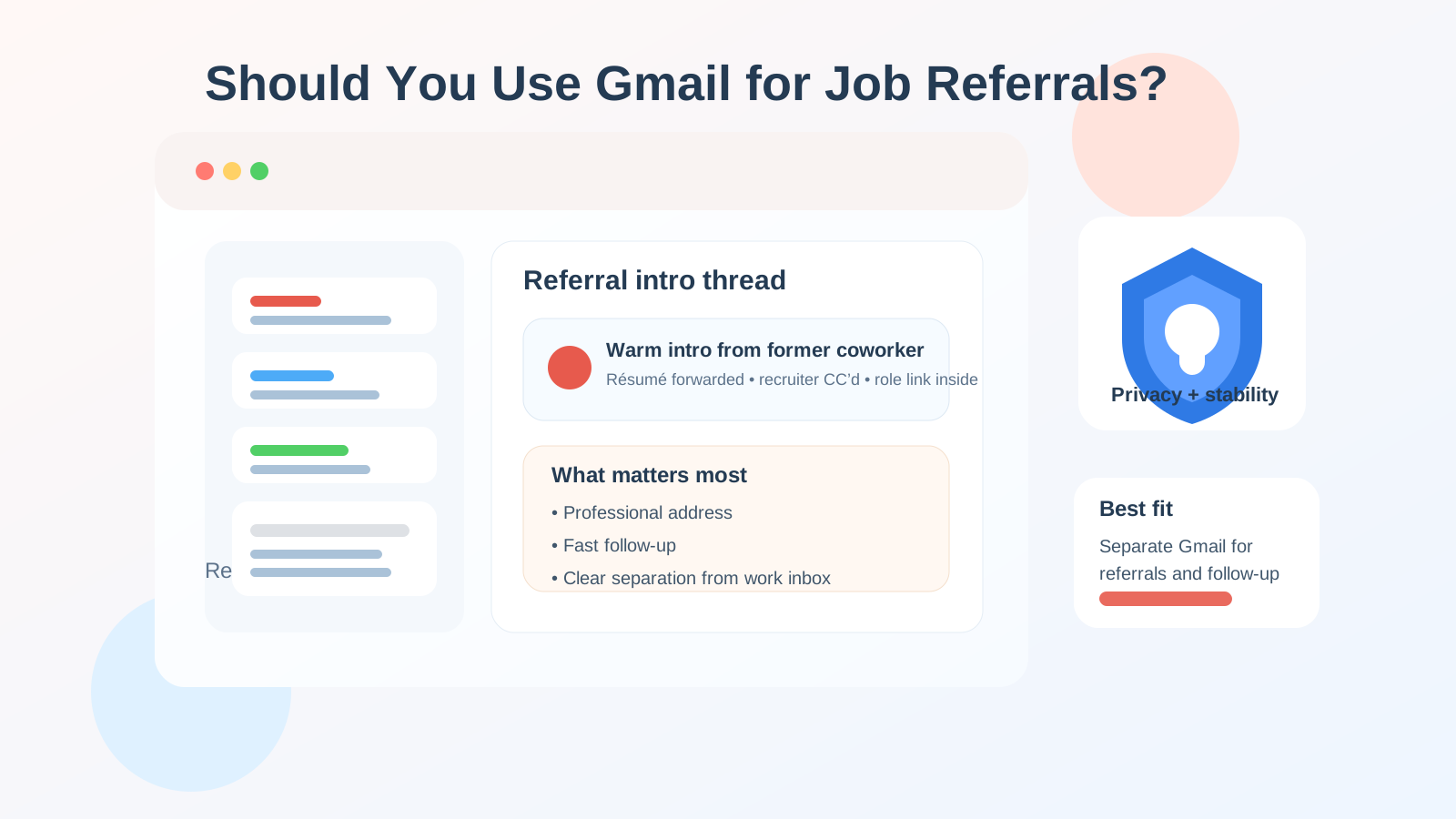
That distinction matters because referrals behave differently from cold job applications. A referral can start with one quick introduction and then turn into a longer chain with résumé sharing, recruiter follow-ups, calendar invites, interview scheduling, take-home instructions, and status updates. You do not just need an email address that works on day one. You need one that still feels organized and reliable two weeks later.
For most people, Gmail meets that standard. Recruiters know it, referral contacts recognize it, and it works well with attachments, calendar invites, and long message threads. The real risk is not that Gmail looks unprofessional. The real risk is using the wrong kind of Gmail account for the situation, or mixing referral traffic into an inbox that is already too messy to manage.
Why job referrals are different from ordinary applications
A cold application is often one-way at first. You submit a form and wait. A referral is usually more conversational. Someone introduces you, forwards your résumé, copies a recruiter, or asks you to reply with availability. That creates a few different pressures:
- Speed matters: referral openings can move quickly, especially if an internal employee is trying to help you before a role gets flooded.
- Context matters: you may need to preserve who introduced whom, what role was discussed, and what the next step is.
- Thread quality matters: messy forwarding chains and buried messages can make you look slower than you really are.
- Reliability matters: unlike one-off signups, referrals often lead directly into interviews and scheduling.
That is why a temporary inbox can be useful for low-trust forms or early research, but not always ideal for the actual referral relationship. Once a real person is advocating for you, stability becomes more valuable than pure disposability.
Why Gmail is usually acceptable for job referrals
In practical terms, Gmail is normal. Most hiring teams are not judging candidates for using @gmail.com. They care more about whether the address looks sensible, whether replies arrive promptly, and whether you can handle a professional conversation without confusion.
Gmail also has a few real advantages for referral workflows:
- Familiarity: nearly everyone knows how to use it, and messages rarely feel out of place in a referral thread.
- Strong threading: Gmail usually keeps introductions, recruiter replies, and scheduling notes together reasonably well.
- Search and labels: that makes it easier to manage multiple referrals at once without losing track.
- Calendar compatibility: many interview invitations and scheduling messages fit naturally into the Google ecosystem.
- Long-term stability: unlike disposable inboxes, a Gmail account can stay with you through the entire process.
If your Gmail address is clean and professional, there is usually no credibility problem. Something like firstname.lastname@gmail.com is common and safe. Something cluttered, overly jokey, or hard to parse is a different story, but that is an address-quality issue, not a Gmail issue.
The main risks of using Gmail for referrals
Gmail is usually fine, but it is not automatically the best possible setup.
1. Your personal inbox may already be too crowded
If your main Gmail account is full of newsletters, receipts, family conversations, school alerts, and years of random subscriptions, referral messages can disappear into the noise. A referral is more valuable than a cold application, so losing track of it hurts more.
2. Your address may reveal more of your life than you want
A personal Gmail often becomes your identity hub for everything: shopping, banking notices, travel confirmations, social media, and personal contacts. Using the same address for job referrals is not necessarily dangerous, but it does reduce separation between your job search and the rest of your life.
3. A work-managed Gmail account is a bad idea
If your current employer uses Google Workspace, do not use that work Gmail for referrals unless you are comfortable with employer visibility, policy controls, and account access concerns. Referral threads can easily include résumé attachments, career goals, recruiter names, and interview logistics that do not belong in a company-owned inbox.
4. A temporary inbox can be too fragile for real referral threads
Disposable email helps with spam control, but referrals often need continuity. If someone reopens the thread later, sends an updated role link, or shares interview availability after the inbox expires, you can create unnecessary friction for yourself.
What is usually the best Gmail setup?
For many job seekers, the best answer is simple: use a separate Gmail account dedicated to your job search and referrals.
That gives you the benefits of Gmail without the chaos of your main inbox. It also helps you keep introductions, recruiter emails, attachments, and follow-ups in one place without blending them into everyday life.
A dedicated Gmail account is often the strongest middle ground because it gives you:
- a stable inbox you fully control
- a professional-looking address
- clear separation from your personal life
- better tracking for multiple referrals at once
- an inbox you can keep active through applications, interviews, and offers
If you already have a clean personal Gmail and only a few referral conversations, that can still be good enough. But if you are actively networking, talking to recruiters, or expecting several intros in parallel, a separate Gmail usually feels better within days.
When your personal Gmail is good enough
Your personal Gmail is usually fine if all of the following are true:
- the address looks professional
- you check it frequently
- you do not mind job-search traffic mixing with personal mail
- you only have a small number of referral conversations
- you are confident you will not miss recruiter replies or forwarded threads
That is a common setup, and it is often completely workable. You do not need to over-engineer everything if your current inbox is already tidy and reliable.
When a separate Gmail is clearly better
A dedicated referral Gmail becomes the smarter option when:
- you are applying broadly and expect several warm introductions
- you want stronger privacy boundaries while job searching from your current job
- you want cleaner labeling and search for each referral source
- you are sharing materials like tailored résumés, portfolios, or scheduling links
- you do not want personal subscriptions and family messages mixed with career conversations
It also helps when a referral might evolve into a longer process. The person making the introduction may not be the recruiter, and the recruiter may not be the interviewer, so thread continuity matters.
Should you use a temporary email instead?
Usually not for the actual referral thread. A temporary inbox is more appropriate for low-trust networking forms, gated content, or early-stage signups where you want to protect your real inbox until you decide whether the opportunity is worth deeper engagement.
For example, if a conference site, networking community, or referral platform looks noisy and you mainly want to see whether it is useful, a temporary address can be a reasonable filter. That is where a service like Anonibox can help: you can protect your main inbox during the exploratory stage and avoid committing your long-term address too early.
But once a real human referral is in motion, Gmail usually beats a disposable inbox because it is more dependable for ongoing replies, attachments, scheduling, and later follow-up. In other words: temporary email can be useful before trust is established; Gmail is usually better once the relationship is real.
Best practices if you use Gmail for job referrals
Use a professional-looking address
If you can, stick to a simple format with your real name. Avoid old usernames that look unserious, overly personal, or hard to read quickly.
Create labels or filters
Even one label such as Referrals or Job Search makes a difference. If different people are introducing you to different companies, add company-specific labels or stars so you can triage quickly.
Reply promptly
Referrals are often a favor from someone spending social capital on your behalf. Fast, clear replies signal professionalism and make it easier for the referrer to keep helping you.
Keep your résumé and links ready
If someone says, “Happy to refer you — send me your latest résumé,” you should be able to respond without scrambling across multiple accounts. A dedicated Gmail helps because the documents and past threads stay close together.
Check spam and promotions tabs
Sometimes recruiter follow-ups, scheduling platforms, or forwarded messages land in the wrong place. During an active search, checking those tabs is worth the extra few seconds.
Do not use your work Gmail
This is worth repeating. If the account belongs to your employer, the privacy trade-off is usually bad. Use a personal or dedicated account you control instead.
Red flags to watch for in referral-related email
Not every message labeled as a referral is legitimate. Gmail is fine, but your judgment still matters. Be cautious if:
- someone claims to have a referral opportunity but refuses to identify the company clearly
- the message quickly pushes you onto WhatsApp, Telegram, or another channel without context
- you are asked for sensitive identity or financial information too early
- the sender’s story does not line up with the company website or real employees
- the opportunity sounds unusually urgent, vague, or too good to be true
A referral should increase trust, not eliminate verification. If anything feels off, slow down and confirm who is actually involved.
So, should you use Gmail for job referrals?
Yes — for most people, Gmail is a strong and practical choice for job referrals. It is familiar, stable, and recruiter-friendly, and it handles longer follow-up threads better than a disposable inbox.
The best version of that strategy is often a separate Gmail account just for job search activity. It gives you the reliability of Gmail without blending referral conversations into your entire personal life. If your personal Gmail is already clean and professional, that can still work. What you generally want to avoid is a work-managed Gmail for private job searching, or a temporary inbox for a referral thread that may need to stay alive.
Use the inbox that gives you the best mix of trust, control, and responsiveness. In the referral stage, that balance usually matters more than the email brand itself.