Yes, you can use Gmail for reference checks, and for many job seekers it is a practical choice because former managers, coworkers, recruiters, and HR teams are unlikely to have trouble reaching you there.
But the smarter move is usually to use a clean, dedicated Gmail address for your job search instead of your oldest personal inbox, so you stay reachable without mixing reference-check messages into years of everyday mail, shopping receipts, and random subscriptions.
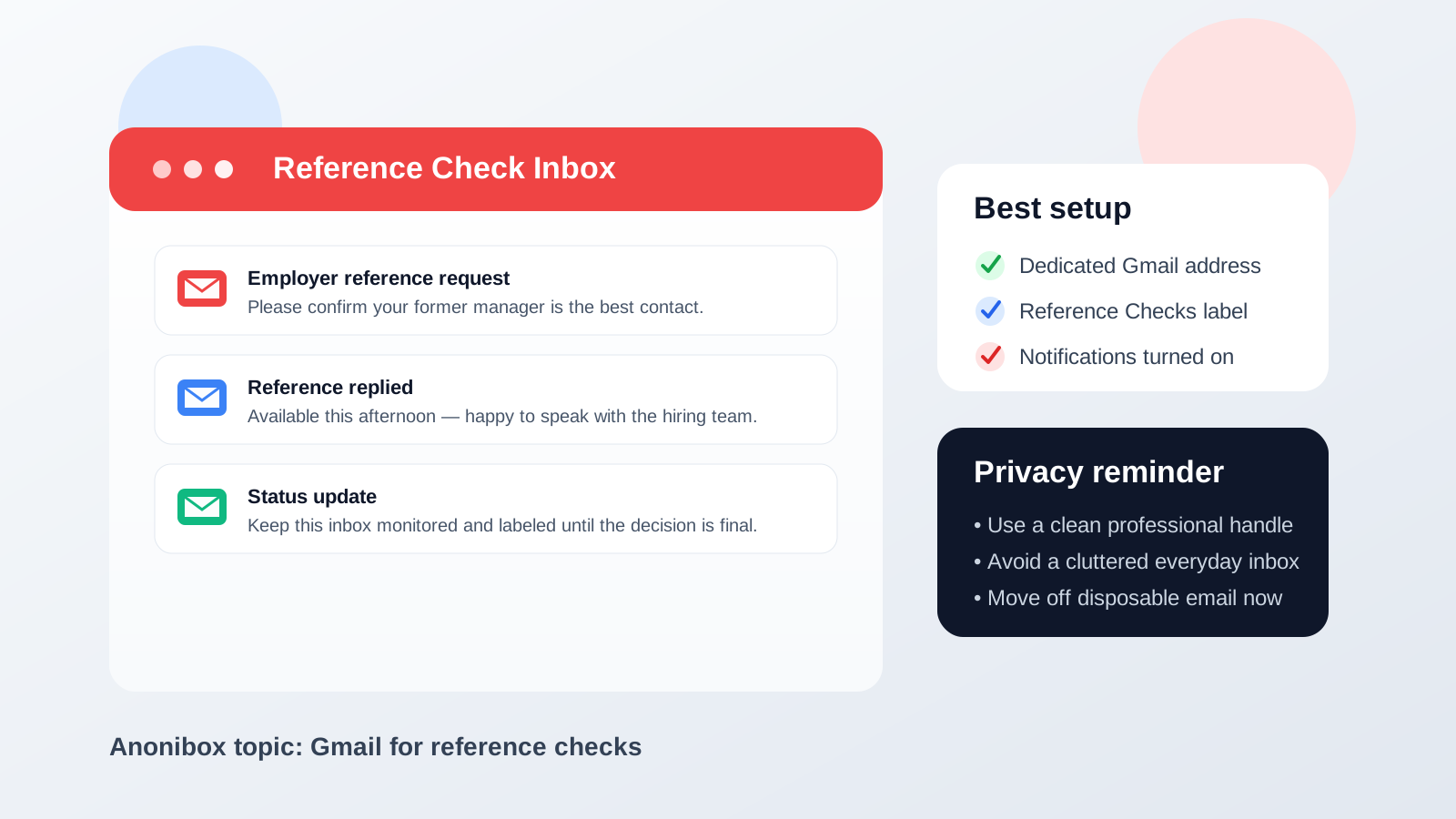
Why Gmail is usually a reasonable choice for reference checks
Reference checks are a late-stage hiring step, which changes the tradeoff. Earlier in a job search, it often makes sense to be more protective of your inbox because you may be dealing with job boards, unknown recruiters, and forms that generate a lot of spam. Reference checks are different. By this stage, you are usually speaking with a real employer, a recruiting team, or a third-party partner that is trying to confirm your work history and talk to the people you listed.
That means reliability matters more than short-term anonymity. Gmail works well on that front because it is stable, familiar, easy to search, and widely accepted. If an employer sends a scheduling note, a clarification request, or a status update, you are unlikely to miss it just because the mailbox is unusual or hard to access.
It is familiar to everyone involved
Your references may be busy former managers, coworkers, or HR contacts who are replying between meetings. Gmail is common enough that nobody has to wonder whether your address is real, whether messages will bounce, or whether they should treat it as suspicious. A normal-looking Gmail address feels routine, which helps keep the process friction-free.
It is easy to monitor across devices
Reference checks do not always happen on a predictable schedule. Sometimes an employer reaches out after you think the interview process is quiet. Sometimes they need a fast clarification because a reference responded with an outdated title, an old company name, or a different date range than what you wrote. Gmail is easy to check on your phone and laptop, which helps you catch those follow-ups quickly.
Search and threading are actually useful here
Reference-check conversations can spread across several threads. You may have one email from the employer asking whether a reference is still available, another from a recruiter confirming next steps, and a separate message from your former manager saying they missed the original request. Gmail’s search and conversation view make it easier to pull the whole story back together when you need it.
Why reference checks are not the same as early-stage applications
One mistake job seekers make is using the same privacy strategy for every stage of a search. A disposable inbox can be helpful when you are testing a low-trust job board, comparing alert services, or protecting your main address from long-term marketing noise. But reference checks are a different category of communication.
At this stage, the employer may need to reach you again if a reference misses an email, responds late, or asks for another contact route. A short-lived or rarely monitored inbox can create unnecessary problems. The goal is not maximum distance. The goal is controlled professionalism: reachable enough to keep the process moving, private enough that you do not drag your entire digital life into it.
That is why Gmail can make sense here even for privacy-conscious job seekers. It is more durable than a throwaway inbox, but it still gives you plenty of control if you use it thoughtfully.
The real risk is usually not Gmail itself
For most people, the issue is not that Gmail is a bad provider. The issue is that their oldest Gmail account is tied to too much personal history.
Inbox clutter
If your main Gmail account gets newsletters, order receipts, family mail, app notifications, and promotional clutter every day, a time-sensitive reference-check message can get buried. Even a good spam filter cannot organize your life for you if the inbox is already chaotic.
Too much identity overlap
Your personal Gmail may be tied to calendars, Google Drive, YouTube, old forum accounts, travel confirmations, and years of other activity. None of that means an employer can see everything, but using one heavily connected inbox for every part of your job search can still feel messier than it needs to be. A dedicated address creates cleaner boundaries.
An old or unprofessional handle
Gmail itself is fine. A sloppy address is the real problem. If your account name is something you made years ago that now feels immature, too casual, or hard to spell out over the phone, reference checks are a good reminder to stop using it professionally.
Missed follow-up from unfamiliar senders
Reference-check emails do not always come from obvious addresses. They might come from a recruiting platform, a third-party screening company, or a corporate domain you do not recognize yet. In a noisy personal inbox, those messages are easier to overlook or mistake for routine automation.
The best setup: a separate Gmail account just for your job search
If you want the convenience of Gmail without the downside of exposing your oldest inbox, the best middle ground is usually a separate Gmail account for job-search communication.
This does not need to be fancy. In most cases, a simple address based on your real name is enough. The goal is to keep applications, interviews, reference checks, and offers in one monitored place without mixing them into your everyday personal traffic.
What a dedicated Gmail account helps you do
- Stay organized: all hiring-related messages live in one mailbox.
- Reduce mistakes: you are less likely to miss a reference-check request under unrelated mail.
- Protect your routine inbox: if a search generates spam later, it does not spread into your main personal account.
- Look more polished: a clean name-based address is easier for employers and references to trust.
This is usually a better move than using your oldest personal Gmail account everywhere or trying to force a disposable-email workflow into a stage that needs continuity.
How to set Gmail up for reference checks without overcomplicating it
1. Use a clear address
Pick an address based on your real name if possible. It does not have to be perfect, but it should be easy to read, easy to repeat aloud, and obviously professional.
2. Turn on notifications during active hiring
If you are waiting on a final hiring decision, do not rely on checking once a day. Turn on mobile notifications or at least make a habit of checking the inbox several times a day until the process settles.
3. Create a label for reference checks
Gmail labels are simple but useful. A dedicated label like Reference Checks keeps those messages easy to find, especially if the same employer is also emailing you about scheduling, paperwork, or offer details.
4. Check spam and promotions
Most of the time Gmail gets it right, but not always. If you are expecting outreach from an unfamiliar recruiting platform or screening vendor, glance at spam and promotions too. A real message in the wrong tab can cost you time.
5. Keep your signature simple
You do not need a big corporate-style email signature for reference checks. Your name and maybe your phone number are enough. The goal is clarity, not decoration.
6. Tell your references what to expect
If you know reference checks are coming, give your references a heads-up. Tell them which employer may contact them, roughly when to expect it, and whether the message might come from a third-party platform. That reduces the chance they ignore it or mistake it for spam.
When Gmail is a smart choice for reference checks
- You want a stable inbox that employers and references will recognize immediately.
- You need something easy to check on both desktop and mobile.
- You want to keep the process organized with labels, search, and filters.
- You are using a clean, dedicated Gmail account rather than a cluttered personal mailbox.
- You want a practical, low-friction option instead of a niche provider that may create extra confusion.
For many people, that covers the whole situation. Gmail is not glamorous, but reference checks are not the stage where you need glamour. You need reliability and speed.
When you should be more careful
Gmail is usually fine, but there are a few cases where you should pause and rethink the setup.
- Your Gmail handle looks unprofessional: create a cleaner address before sharing it.
- Your inbox is unmanaged: if you already miss important mail there, do not use it for final-stage hiring.
- You rely on a shared account or shared device: reference-check communication may be more private than you want it to be in a shared environment.
- You want stronger compartmentalization: a custom domain or another long-term provider can also work, as long as it is reliable and monitored.
The key is not blind loyalty to Gmail. The key is choosing an inbox that fits the seriousness of the moment.
Where Anonibox fits naturally
If you use Anonibox or another privacy-first email strategy earlier in your search, that can still make sense. Temporary or isolated inboxes are useful when you are exploring low-trust postings, trying new job boards, or limiting long-term spam exposure. They help you control who gets your main contact details too early.
But reference checks are usually the point where you should move to a more stable address. If an employer is contacting your references, you do not want the process riding on a mailbox you may stop checking or a temporary inbox that was designed for short-lived use. A durable Gmail account is often the better handoff point between early-stage privacy tactics and late-stage hiring logistics.
A quick checklist before you share your Gmail address
- Is this a clean, professional-looking Gmail address?
- Will you actually monitor it every day during the hiring process?
- Do you have labels or filters set up so important mail does not disappear into clutter?
- Have you warned your references that outreach may be coming?
- Are you using a dedicated account instead of your oldest, noisiest personal inbox?
If the answer to most of those is yes, Gmail is probably a solid choice.
Final answer: should you use Gmail for reference checks?
Yes, Gmail is usually a good option for reference checks because it is familiar, dependable, and easy to monitor. For most job seekers, a normal Gmail address will not raise credibility problems and will make it easy for employers, recruiters, and references to stay in touch.
The smarter version of that choice, though, is a clean dedicated Gmail account for your job search rather than your oldest all-purpose inbox. That gives you Gmail’s reliability without dragging unnecessary clutter and identity overlap into a late-stage hiring step that benefits from clear, organized communication.
In short: Gmail works, but a dedicated Gmail works best.