Yes — GMX Mail can work for career fairs if the address looks professional, you monitor it closely, and you use it as a stable inbox instead of a throwaway one.
For most job seekers, the smartest setup is a clean GMX account used only for recruiting, because it keeps follow-up organized without exposing your oldest personal inbox to every booth, QR form, and talent community.
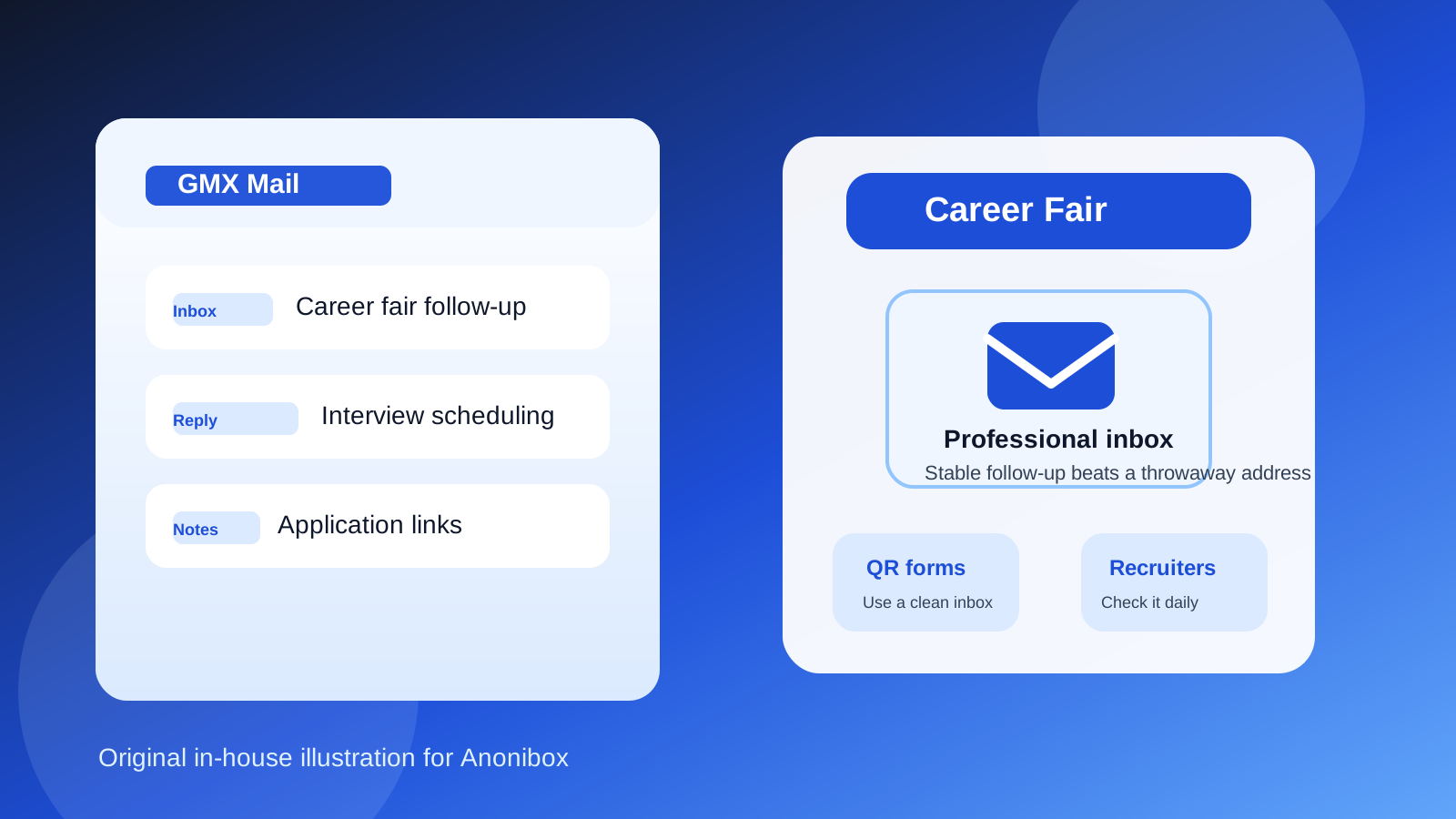
That answer matters because career fairs create a weird mix of opportunity and inbox chaos. You might talk to eight employers in one afternoon, scan half a dozen codes, hand over a resume, join a talent community, and get told to “apply online tonight” by three different recruiters before you even leave the building. A normal, reliable email address helps you look reachable and serious. At the same time, career fairs can generate broad mailing-list signups, newsletter follow-up, and the occasional scam or low-quality outreach, so the exact inbox you use is worth thinking about.
GMX Mail is not as universally common as Gmail or Outlook, but that does not make it a bad choice. Recruiters care much more about whether your address looks sensible, whether messages reach you, and whether you reply promptly than whether you picked the most mainstream provider on earth. If your GMX address is clean, checked often, and reserved for job-search communication, it can do the job perfectly well.
Why email choice matters more at career fairs than people expect
At a career fair, you are often giving your contact details to more people, and in more formats, than you would during a normal one-off job application. A recruiter may type your email into a tablet, copy it from your resume, add it to a lead form after a quick conversation, or send you an application link right after the event ends. That means your inbox is not just a passive mailbox. It becomes part of how smoothly the next step happens.
- Fast follow-up matters: interview requests, employer portals, and thank-you replies can arrive quickly.
- You may be juggling many conversations at once: a dedicated inbox makes it easier to keep companies straight.
- Some follow-up is low value: event blasts and generic recruiting campaigns can pile up fast.
- Some follow-up is high stakes: the one message that matters may be buried if you use a messy personal inbox.
That is why the real question is not “Is GMX weird?” The real question is whether your GMX account helps you stay reachable and organized after the fair.
When GMX Mail is a good choice for career fairs
GMX Mail is a solid option when it behaves like a professional contact channel rather than an old miscellaneous inbox.
It is usually a good fit if:
- the address is a clean version of your name rather than something jokey or outdated
- you already check it reliably on your phone and laptop
- you want a separate inbox for recruiting instead of mixing recruiter messages with your daily life
- you can respond quickly after the event if an employer sends next steps
- you want to reduce spam exposure on your main personal address
In those situations, GMX can be useful because it gives you a stable inbox that is not your oldest personal account and not a disposable address either. That middle ground is often exactly what career-fair follow-up needs.
What recruiters are likely to think about a GMX address
Most recruiters will not care much about GMX itself. They are usually evaluating your resume, your conversation, your timing, and whether you seem reachable. A normal-looking address such as firstname.lastname at a real mailbox provider is rarely a problem on its own.
What can create friction is not the provider name but the presentation of the address. If the account looks old, cluttered, or unserious, that can work against you whether it is GMX, Gmail, Yahoo, or anything else. Likewise, if you miss replies because you forgot to check the inbox, the provider did not fail you — your workflow did.
So if you plan to use GMX Mail at a career fair, treat it like a recruiting tool. Make the address look intentional, keep the inbox tidy, and watch it carefully for the week or two after the event.
When GMX Mail is probably not the best choice
GMX is not the wrong choice by default, but there are cases where it is not your best one.
- The address looks dated or casual: if the account name feels like an old throwaway, create a cleaner one.
- You rarely check the inbox: a less common provider is fine, but an ignored inbox is not.
- The inbox is already flooded with junk: career-fair follow-up should not compete with years of old signups.
- You only want temporary access: real recruiter follow-up needs a durable inbox, not a short-lived one.
- You expect very high response volume: if another inbox is already your established job-search command center, switching just for the fair may create confusion.
If any of those apply, the better move may be to open a fresh recruiting inbox or use the job-search email setup you already trust. The goal is not loyalty to GMX. The goal is clarity, speed, and control.
GMX Mail vs a temporary email for career fairs
This is where many privacy-conscious job seekers get tripped up. A temporary email can be useful around the edges of a career fair, but it is usually the wrong primary contact address for real recruiter follow-up.
A disposable inbox can make sense for low-trust signups, generic resource downloads, or random forms that look more like marketing capture than meaningful recruiting. If you want to shield your long-term inbox from noise, a tool like Anonibox can help with those situations. That is especially useful when a booth wants an email just to unlock a brochure, giveaway, or newsletter you are not sure you even want.
But if you had an actual conversation with a recruiter, handed over a resume, or expect interview scheduling later, a temporary inbox is usually a bad bet. You need something stable enough to receive replies next week, not just in the next twenty minutes. GMX Mail works far better than a disposable address when the message could lead to an application, screening call, or internship interview.
GMX Mail vs your main personal email
For many people, this is the most important comparison. Your main personal inbox may already contain shopping receipts, newsletters, travel confirmations, family messages, and years of signups. Mixing all of that with recruiter communication is messy.
A dedicated GMX career-fair inbox can be smarter because it gives you:
- cleaner organization: career-fair contacts stay separate from everyday life
- better privacy: you are not handing your oldest core inbox to every employer interaction
- easier tracking: you can quickly spot who followed up and who did not
- lower long-term annoyance: if the inbox attracts spam later, it does not contaminate your main address
That is often the sweet spot: not a disposable inbox, not your entire personal identity, but a real account dedicated to job-search activity.
How to set up GMX Mail before the event
If you decide to use GMX Mail for a career fair, spend a few minutes making it feel professional and easy to manage.
1. Use a straightforward address
Stick to a clean version of your name if possible. Avoid slang, random numbers, inside jokes, or anything that looks like an account you made in middle school and never outgrew.
2. Check it on mobile before you arrive
Career-fair follow-up often starts fast. Make sure you can sign in easily on your phone, receive new messages, and reply without hunting for passwords.
3. Create a simple folder or label system
You do not need an elaborate setup. Even basic organization such as folders for “Career Fair,” “Applied,” and “Interview” can save you from losing important threads.
4. Write a professional signature
A short signature with your full name, phone number if you are comfortable sharing it, LinkedIn URL, and portfolio link can make recruiter follow-up smoother.
5. Test deliverability before the event
Send yourself a message, send one from another account, and reply to it. Make sure nothing weird is happening with sign-in, spam filtering, or missing notifications.
Privacy and scam risks after career fairs
Even at legitimate events, not every follow-up deserves immediate trust. Career fairs can expose your contact details to a mix of real employers, third-party talent pipelines, event partners, and occasionally bad actors. Using a separate GMX inbox helps, but it does not replace basic caution.
Watch for these red flags:
- messages that push you to move to WhatsApp or Telegram immediately
- generic job offers that do not reference your fair conversation at all
- requests for sensitive documents before any normal screening process
- links to strange domains that do not match the employer you spoke with
- urgent payment, equipment, or training demands
If something feels off, slow down. A separate inbox is useful because it gives you room to evaluate those messages without exposing your main personal address further.
A practical rule of thumb
If the contact is tied to a real recruiter conversation, a real employer booth, or a real application you intend to pursue, use a stable inbox like a clean GMX account. If the signup feels generic, promotional, or low-trust, that is when temporary-email tactics make more sense.
In other words:
- Real recruiting conversation: use GMX if it is a stable, monitored account.
- Random booth giveaway or unclear form: consider stronger privacy measures.
- Old cluttered personal inbox: probably worse than a fresh dedicated GMX account.
- Disposable inbox for serious follow-up: usually too risky.
Final answer: should you use GMX Mail for career fairs?
Yes — GMX Mail is usually fine for career fairs if the address looks professional, you check it consistently, and you treat it as a serious recruiting inbox rather than a temporary workaround.
For most people, the best version of that strategy is a separate GMX account dedicated to job search. It gives you a stable place for recruiter follow-up, keeps your main inbox cleaner, and offers more privacy than handing your oldest personal address to every event form you see. If you want extra protection, use temporary email only for low-trust side signups and keep your real recruiter conversations in the monitored GMX inbox you control.