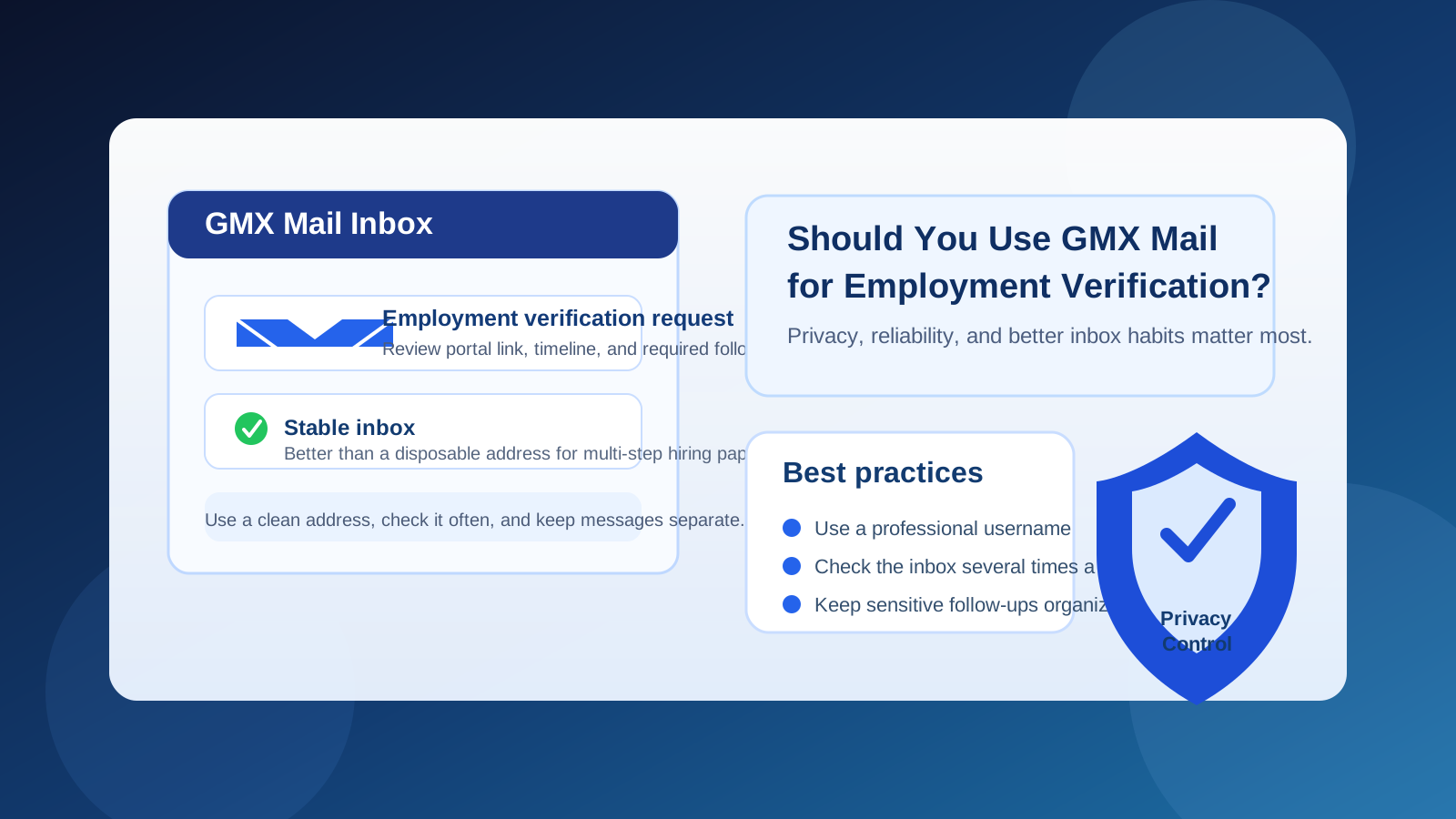
GMX Mail can work for employment verification if it is a stable, professional inbox you monitor closely.
For most job seekers, it is better as a separate verification inbox than as a throwaway address or an overloaded personal account.
Employment verification usually happens later in the hiring process, when the conversation moves beyond casual recruiter outreach and into sensitive paperwork, third-party screening portals, deadline-driven forms, and follow-up questions that can affect your start date. At that point, the real issue is not whether your email address looks trendy. It is whether the inbox is reliable, organized, and easy for you to manage under pressure.
That is where GMX Mail can be a reasonable option. It is a real long-term mailbox, not a one-hour disposable inbox, so it can handle multi-step communication better than a temporary address. But that does not mean GMX Mail is always the best choice. The best inbox for employment verification is usually the one that helps you stay reachable, keeps important messages separate from clutter, and reduces the chance of missed documents or suspicious links slipping through.
Why your email matters during employment verification
Employment verification often includes more than one message. Depending on the employer and the screening workflow, you may receive:
- requests to confirm prior employers or job titles,
- portal invitations from third-party verification vendors,
- document checklists,
- deadline reminders,
- clarification requests about dates or contacts, and
- completion notices or next-step instructions.
That makes inbox reliability more important than it was during the first application stage. A messy or rarely checked inbox creates friction. A temporary inbox creates even more risk, because employment verification may stretch across several days or weeks. If a follow-up arrives after the temporary address is gone, you can easily miss a critical step.
What GMX Mail does well for employment verification
It is a persistent mailbox
Employment verification is not a one-click event. Even when things move smoothly, employers and screening vendors may send reminders, corrections, or requests for one more detail. GMX Mail is built for ongoing use, which already makes it a much safer fit than a disposable inbox for this stage of the hiring process.
It can keep hiring communication separate
If you use GMX Mail as a dedicated job-search or hiring inbox, it can help you separate verification messages from your everyday personal email. That matters because verification emails tend to be more administrative than exciting. They can be easy to miss if they land in the same place as newsletters, receipts, social notifications, and random signups.
A separate inbox also makes it easier to search for messages from recruiters, HR staff, and outside screening vendors without digging through unrelated clutter.
It is more professional than a throwaway inbox
By the time an employer is verifying work history, you usually want to look consistent and dependable. GMX Mail is an established provider, so it signals a normal long-term email address rather than a short-lived temporary inbox. That is useful when the process involves identity confirmation, employment dates, or portal credentials you may need to revisit later.
Where GMX Mail can create friction
It may be less familiar in some markets
GMX Mail is established, but it is not as universally common as Gmail or Outlook in every region. Most legitimate employers will not care much if your address is professional and you respond on time. Still, a rushed recruiter or screening coordinator may be more used to mainstream domains and may pause for a second when they see a less familiar provider. Usually that is minor, but it is one reason to keep the username clean and professional.
It does not fix bad inbox habits
If your GMX account is old, neglected, or full of unrelated spam, the provider itself is not the problem; the workflow is. Employment verification emails can be time-sensitive. A good provider will not help if you check the inbox once every few days or let important messages drown in noise.
It is not a privacy shield by itself
Using GMX Mail does not make employment verification anonymous. Employers and verification vendors will still connect the address to your identity, application, and records. The value is separation and organization, not invisibility. If you want lower exposure earlier in the funnel, tools like Anonibox make more sense for low-stakes signups, one-off downloads, or research-heavy workflows before you reach a formal verification stage.
When GMX Mail is a good choice
GMX Mail is often a solid option if:
- you want a separate inbox for hiring-related communication,
- the account has a straightforward, professional-looking address,
- you check it consistently,
- you want verification emails kept away from your main personal inbox, and
- you need an address that will still be available if the process drags on.
For example, if you are juggling multiple late-stage opportunities and want one mailbox dedicated to interviews, references, offers, and verification paperwork, GMX Mail can be a practical middle ground. It gives you more control than dumping everything into your main personal inbox, while still being durable enough for follow-up messages that might arrive days later.
When another setup is smarter
Use your established professional inbox if continuity matters most
If you applied, interviewed, and negotiated with the same address from the start, there is an argument for keeping employment verification on that same inbox. Continuity can reduce confusion, especially when HR, recruiters, and third-party vendors are all involved.
Use a cleaner inbox if your GMX account is cluttered
A cluttered GMX inbox is worse than a clean Gmail, Outlook, or other long-term mailbox. If the account already has years of old subscriptions and spam, do not force an important verification workflow into it just because the provider itself is acceptable.
Do not use a temporary inbox at this stage
Employment verification is usually too important for a disposable address. Temporary inboxes can be handy earlier, especially when you are testing job boards or reducing spam from lower-trust signups, but once real verification paperwork begins, persistence matters more than short-term privacy convenience.
Best practices if you use GMX Mail for employment verification
1. Use a professional username
A variation of your real name is best. Avoid joke names, random character strings, or anything that looks like an abandoned teenager-era account. The smoother you make the process for HR and verification vendors, the better.
2. Check the inbox multiple times a day
Some verification requests are time-sensitive, especially if an employer is trying to finalize paperwork before a start date. If you choose GMX Mail for this stage, treat it like an active workstream, not a backup address you open whenever you remember.
3. Search for third-party vendor names
The message may not come directly from the employer. It might come from a background screening or verification platform with a different sender name. Watch for subject lines about employment verification, authorization, payroll onboarding, missing information, or previous employer confirmation.
4. Organize the thread immediately
Use folders, stars, or labels if available. Save reference numbers, deadlines, and instructions in one place. Employment verification can feel simple until one missed follow-up adds unnecessary delay.
5. Protect the account itself
Use a strong password and enable extra account security if the service offers it. Verification emails may lead to portals that contain sensitive personal information, so basic account hygiene matters here.
6. Verify suspicious links before clicking
Job seekers are common phishing targets, and verification language can be easy to imitate. If an email looks rushed, vague, or inconsistent with the company’s timeline, verify it through a known recruiter or HR contact before entering data or uploading documents.
Red flags that matter more than the email provider
Most real employers care more about responsiveness than whether you use GMX, Gmail, or Outlook. The bigger risk is fake verification outreach. Be cautious if:
- you are asked to pay for employment verification yourself,
- the sender cannot clearly identify the employer or verification company,
- the message pressures you to act immediately without context,
- the link destination does not match the employer or vendor involved, or
- the message asks for unusually sensitive information before you can verify the workflow.
Those issues matter far more than the fact that the address happens to be hosted by GMX Mail.
A quick decision checklist
Before using GMX Mail for employment verification, ask yourself:
- Is this a clean inbox that I actually monitor?
- Does the address look professional?
- Do I want verification messages separated from my everyday email?
- Can I keep using this inbox for at least several weeks if needed?
- Would staying on the same email used earlier in the hiring process reduce confusion?
If your answers point toward consistency, separation, and reliable follow-up, GMX Mail is a sensible choice. If the account is cluttered or neglected, use a cleaner long-term inbox instead.
Final answer
GMX Mail is generally fine for employment verification if it is stable, professional, and checked regularly. Its biggest advantage is that it can serve as a dedicated hiring inbox without the fragility of a disposable address.
The real question is not whether GMX Mail is allowed. It is whether the inbox helps you stay organized, reachable, and careful during a process that may involve sensitive documents and strict timelines. If it does, GMX Mail can work well. If not, switch to a cleaner long-term inbox and save temporary-email tools for earlier, lower-stakes parts of the job-search process.