Yes, sometimes—but usually only when the networking event already runs on Google Workspace or a real contact asks you to move there.
For first contact and long-term follow-up, email or LinkedIn is usually safer because Google Chat can expose work or school identity details, blur boundaries, and scatter useful follow-up across chat threads.
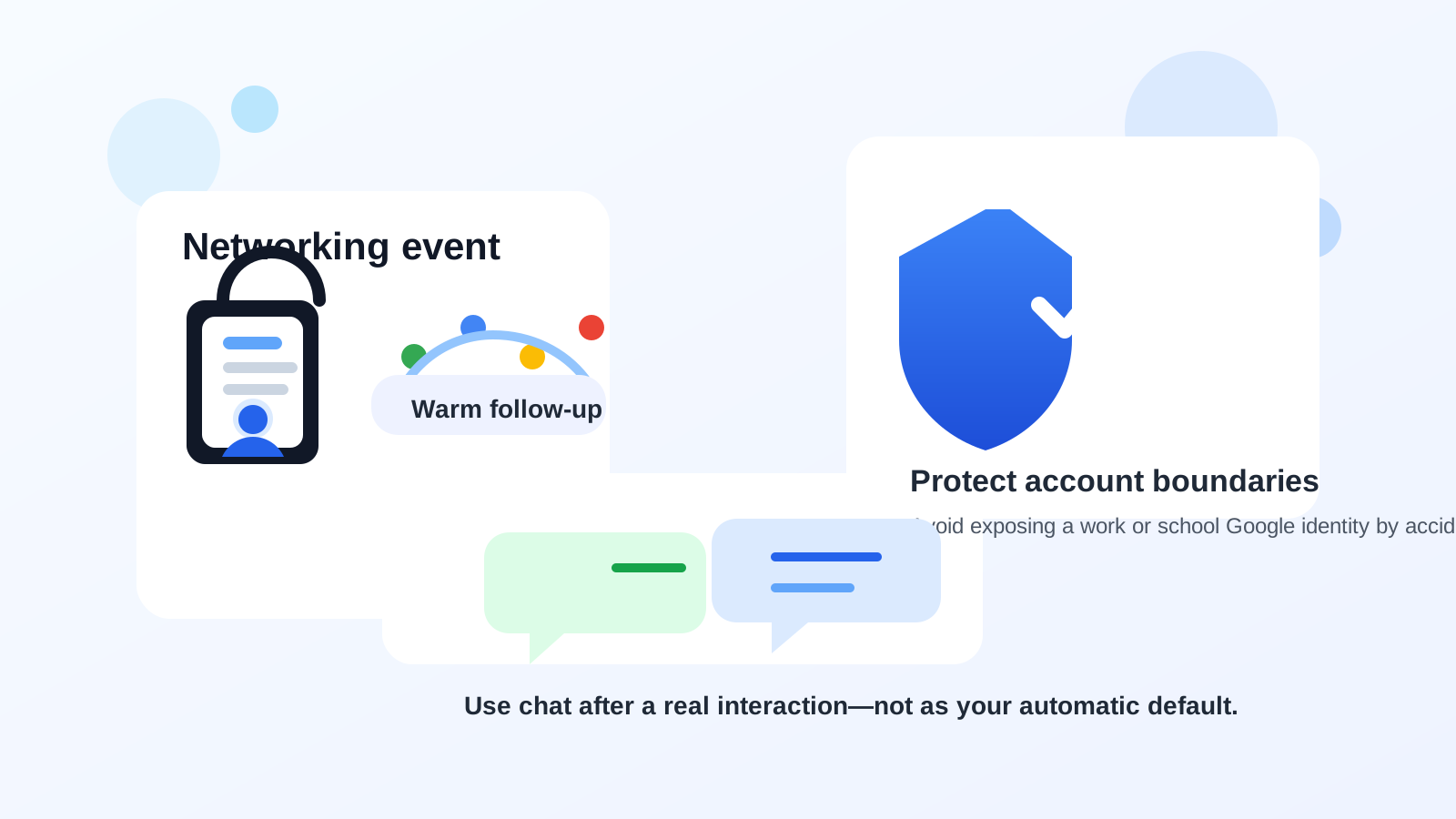
Why Google Chat comes up at networking events
Networking events live in a weird middle zone. They are not as formal as a job interview, but they are not fully casual either. You might meet someone at a conference, alumni mixer, startup meetup, recruiting session, volunteer event, founder roundtable, or industry happy hour and want an easy way to keep the conversation moving while the interaction is still fresh.
That is where Google Chat starts to look appealing. Lots of people already have Google accounts. Some event communities run on Google Workspace. Some professionals answer chat faster than email. And compared with a cold LinkedIn request, a quick chat message can feel lighter and more human.
The problem is that convenience is only one part of the equation. The better question is whether Google Chat helps you stay reachable without creating extra identity exposure, awkward expectations, or a messy follow-up trail. In many cases, it helps only after the relationship already has context.
The short answer
Google Chat is usually a decent warm follow-up tool for networking events and a weaker default first-contact tool. If the event itself already uses Google Workspace, or the other person explicitly says “send me a chat,” using Google Chat can be fine. If you are trying to make a polished first impression, keep your personal and work identities separate, or preserve a clean record of next steps, email or LinkedIn is usually the safer starting point.
That distinction matters because networking success rarely depends on sending the fastest message. It depends on using the channel that creates trust, keeps context intact, and makes the next step easy.
When Google Chat is a reasonable choice
The event already runs inside Google Workspace
If the organizer, alumni group, incubator, or professional community already uses Google Workspace, Google Chat may be a normal part of the event infrastructure rather than a random detour. In that situation, using chat for event logistics, speaker follow-up, or group discussion is not strange. You are participating in the system people already chose.
You already had a real conversation
Google Chat works best when the contact is warm. Maybe you met after a panel, had a good hallway conversation, got introduced by a mutual connection, or joined a breakout session together. A short follow-up message like “Great meeting you—thanks again for the advice on product roles” can feel timely and natural.
You need same-day coordination
Chat is useful for quick logistics. If someone says they can introduce you after the keynote, send over a slide deck, or point you toward a sponsor booth or community group, Google Chat can reduce friction. It is faster than email for short, time-sensitive exchanges.
The other person clearly prefers chat
Some people genuinely live in chat all day and are more responsive there than anywhere else. If they invite the channel, that is a strong sign. The key point is that they are choosing it, not you forcing it as the default because it feels convenient.
Where Google Chat creates problems
1. It can expose the wrong account identity
This is the biggest issue. Google Chat is often connected to a broader Google account context. Depending on how you use it, the other person may see your name, profile photo, organization, or the fact that the account is tied to a work or school environment. If you are networking quietly, exploring a job change, or simply trying to keep identities separate, that is a real downside.
Using a current employer’s Google Workspace account for networking events is especially risky. Even when nothing dramatic happens, it can make your outreach feel tied to the wrong professional context.
2. It can feel too informal too early
Networking events create a sense of momentum, but momentum is not permission. A direct chat ping from someone you barely met can feel more intrusive than a short LinkedIn note or thoughtful email. That matters most with senior professionals, recruiters, founders, or anyone getting many event follow-ups at once.
3. Chat threads are weak long-term records
Networking conversations often turn into real next steps: portfolio links, introductions, referrals, book recommendations, informational calls, calendar invites, and promises to reconnect later. Those details are usually easier to manage in email or notes than inside scattered chat threads. Google Chat is fine for motion; it is not always great for memory.
4. It can create “always-on” reply pressure
Even when nobody says it out loud, chat tools imply speed. You may feel pressure to reply faster, and the other person may assume the same. That is not ideal for every professional relationship. Networking is usually better with calm, deliberate follow-up than with instant-message energy.
5. Multiple Google accounts create easy mistakes
If you switch between a personal Gmail account, a school account, and a work-managed Google Workspace account, Google Chat increases the chance of sending from the wrong identity. Small account mix-ups can reveal more context than you intended or make you look less organized than you are.
A better default workflow for most people
- Use the event channel for event activity. If the organizer uses Google Chat, use it for announcements, logistics, and brief conversation while the event is active.
- Move first real follow-up to LinkedIn or email. That gives both sides a cleaner, more durable channel for meaningful conversation.
- Use Google Chat only when context already exists. Once the relationship is warm, chat can be useful for a quick nudge, scheduling confirmation, or short update.
- Pull important details into a searchable system. Save introductions, next steps, and promised follow-ups somewhere you can find them later.
This approach gives you the speed of chat without making chat responsible for the whole relationship.
It also helps with inbox hygiene. Event registrations, sponsor downloads, community invites, and gated resources can create a lot of low-value email noise before you even know which contacts or groups matter. That is one place a temporary address from Anonibox can be useful: not as a magic anonymity shield, but as a practical way to keep your main inbox cleaner until a conversation becomes worth moving into your long-term professional channels.
How to use Google Chat more safely if you choose it
- Check which Google account is active before you send anything. Do not assume the right one is open.
- Avoid work-managed or school-managed accounts when privacy matters. A personal or dedicated networking account is usually safer.
- Review your visible profile details. Your photo, display name, and organization can shape first impressions fast.
- Use a separate browser profile if you juggle multiple identities. This is one of the easiest ways to avoid account mix-ups.
- Keep first chat messages short and specific. Do not send a wall of text to someone who only vaguely remembers you.
- Move substantive conversation to email when needed. If the exchange becomes important, give it a better home.
Practical examples
Good use: You meet someone at a product meetup, the organizer already has a Google Workspace community, and the person says, “Send me a quick Google Chat message so I remember to share that hiring manager intro.” In that case, Google Chat is supporting a real, warm interaction.
Also good: You attend an alumni networking event hosted through Google Workspace, join the official chat, and send short thank-you notes or scheduling confirmations to people who already agreed to stay in touch.
Bad use: You collect a few names from a crowded event attendee list and start cold-messaging strangers in Google Chat from your work account because it feels faster than writing email. That is exactly where chat can feel intrusive, expose the wrong identity, and lower response rates.
So, should you use Google Chat for networking events?
Usually, yes for warm follow-up, no as your automatic default. Google Chat is strongest when there is already context, the exchange is light, and the other person is comfortable there. It is weaker when you need strong boundaries, a clean professional record, or a polished first impression.
The safest rule is simple: use Google Chat to continue momentum from a real interaction, not to replace thoughtful first contact. If you keep that boundary clear, the tool can be helpful instead of messy.