Usually no. Hide My Email is better for low-trust signups than for the main email printed on a cover letter, because recruiter follow-up usually needs a stable inbox you control directly.
If privacy matters, use Hide My Email for job boards, resume tools, and other early-stage signups you do not fully trust yet — not usually as the core contact address on the document itself.
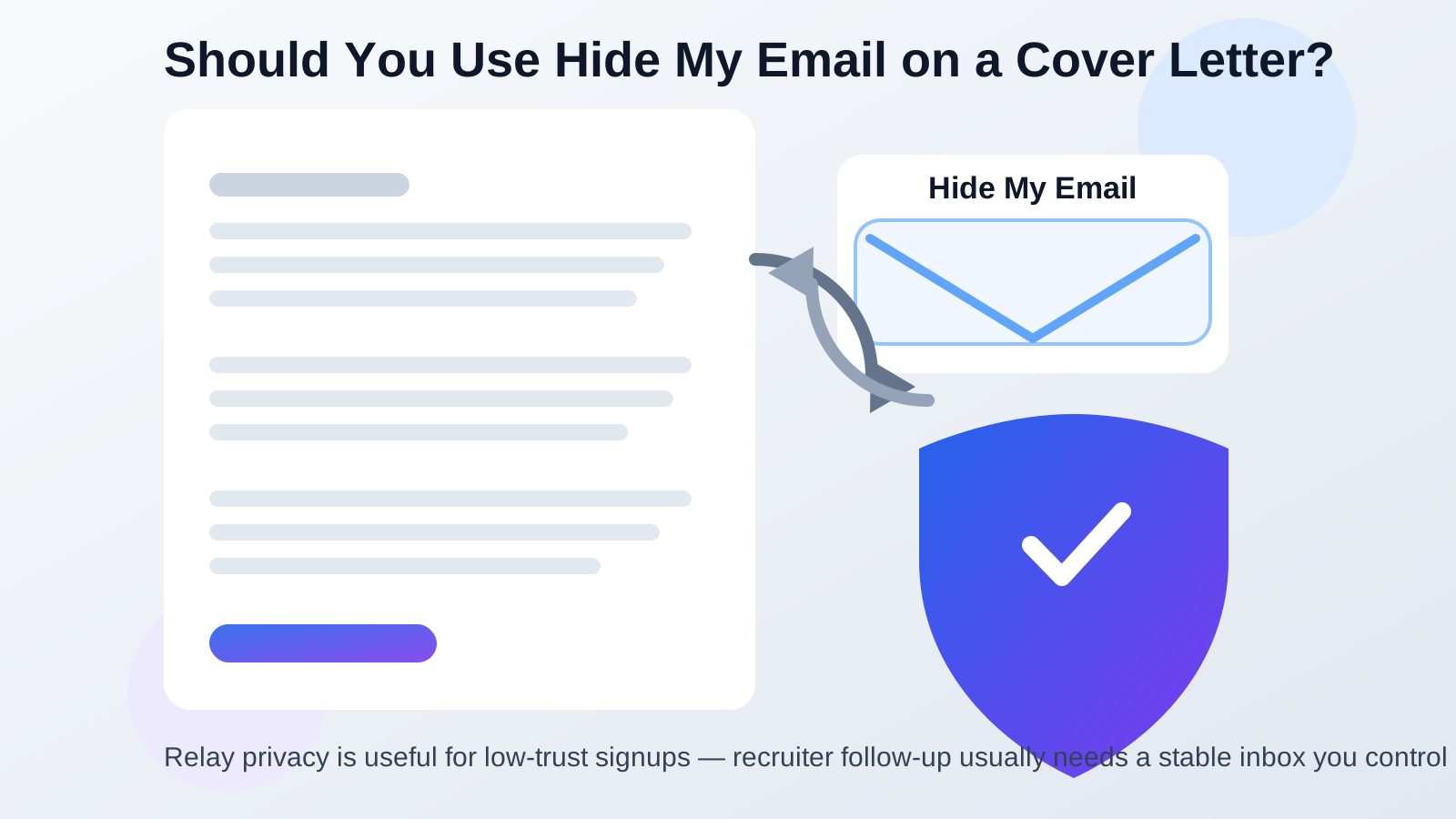
What Hide My Email does well
Hide My Email is useful because it lets you create relay addresses that forward messages to your real inbox. That can be great when you want to reduce spam, limit exposure, or keep random signups from learning your main email address. For shopping sites, trial tools, mailing lists, or early job-search research, that kind of separation can be genuinely helpful.
The problem is that a cover letter is not just another signup form. It is a formal contact document. If a hiring manager likes your application, the email on that page becomes part of an ongoing conversation that may stretch across screening calls, interview scheduling, assignments, references, and offer details. That is a very different use case from protecting yourself against marketing spam.
Why cover letters need boringly reliable contact details
A good cover letter is not only about persuasion. It is also about reducing friction. Employers should be able to glance at your document, understand how to reach you, and trust that the contact route will still work next week and next month.
That is why the safest cover-letter email is usually a normal long-term inbox you check often. It can be Gmail, Outlook, iCloud Mail, Proton Mail, Fastmail, or another stable provider. The important part is not the brand name by itself. The important part is that the account is direct, professional-looking, easy to monitor, and unlikely to break because of forwarding changes or relay management mistakes.
Hide My Email adds an extra layer between the recruiter and your real inbox. Sometimes that extra layer is fine. On a cover letter, though, it usually creates more risk than benefit.
The main risks of using Hide My Email on a cover letter
1. You add avoidable delivery complexity
Forwarding tools are useful, but every extra layer creates one more place where something can go wrong. A relay can be turned off, forgotten, mis-labeled, or mixed up with another alias. If you are applying to several jobs at once, you may not remember which relay address belongs to which employer.
2. The address may not match the rest of your application
Consistency matters during hiring. If your resume shows one email, your application form shows another, and your cover letter shows a Hide My Email relay, you introduce unnecessary confusion. Some employers will not care. Others may wonder which address is the real one, which one you actually monitor, or whether they are replying to the wrong contact.
3. It can look less stable than a direct inbox
A cover letter is usually not the place to test a clever privacy setup. A direct personal inbox feels straightforward. A relay address can feel temporary, indirect, or less memorable, even if it technically works.
4. Hiring timelines are longer than people expect
Job searches often drag on. A company may reply fast, or it may come back three weeks later. If you change settings, stop using a relay, lose track of which forwarding address you listed, or de-prioritize that Apple account, you can miss a real opportunity for a reason that has nothing to do with your qualifications.
5. You may be solving the wrong privacy problem
Most people who reach for Hide My Email are trying to prevent spam and limit exposure. That is sensible. But the strongest place to use that protection is usually earlier in the funnel: account creation, gated downloads, resume builders, career newsletters, salary tools, or sketchier job-board experiments. Once you are putting an email on the actual cover letter, the priority usually shifts from obscurity to dependable follow-up.
When Hide My Email might still be acceptable
It is not automatically unusable. If you already run a very organized Apple-based setup and you treat the relay as a deliberate long-term address for that hiring process, it can work.
It is more defensible when all of these are true:
- You have tested the forwarding and know replies arrive consistently.
- You plan to keep the relay active for the full hiring timeline.
- You use the same address consistently across the relevant application materials.
- You check the destination inbox often and have notifications working.
- The relay is easy for you to identify later, not just a random privacy alias you will forget.
Even then, it is usually a second-best option rather than the strongest one. The question is not whether Hide My Email can work. It is whether it is the clearest, safest, lowest-friction option for this specific document. Most of the time, it is not.
Better alternatives if you want privacy on a job search
Use a separate long-term job-search inbox
This is usually the best balance. A dedicated inbox gives you separation from your personal email without making the employer talk through a relay. It also helps you keep recruiter replies, interview invitations, and follow-up threads organized in one place.
Use a direct provider you actually monitor
A clean direct address on Gmail, Outlook, iCloud Mail, Proton Mail, Fastmail, or another stable provider is normally easier to manage than a relay. Pick the one you already trust and can keep checking for the entire process.
Use privacy tools earlier, not on the printed contact line
If you want to protect your main inbox from spam, use privacy tools at earlier touchpoints: newsletter signups, resource downloads, resume-checker tools, or low-trust job-search experiments. That is where an Anonibox-style separation strategy makes more sense. It lets you control exposure without turning the actual cover-letter contact path into a relay puzzle.
Consider a custom domain only if you maintain it well
Some applicants prefer a personal domain because it looks polished and stays under their control. That can work if the inbox is stable and professionally managed. It is still better to use a normal direct mailbox behind that domain than to stack too many forwarding layers on top of it.
Best practices if you decide to use Hide My Email anyway
If you still want to use it on a cover letter, keep the setup disciplined:
- Use the exact same email on the cover letter, resume, and application whenever possible.
- Label the relay clearly so you know which employer it belongs to.
- Test both inbound delivery and replies before sending applications.
- Keep the relay active until the process is fully over.
- Monitor the destination inbox daily.
- Do not combine it with a temporary inbox that may disappear mid-process.
That last point matters. Hide My Email is already one layer removed from a normal inbox. Pairing it with a short-lived or poorly monitored destination address creates even more failure points.
A quick decision checklist
Before you print or upload the cover letter, ask yourself:
- Will this address still work if the employer replies in three weeks?
- Do I check the underlying inbox every day?
- Does this email match the rest of my application materials?
- Am I using the relay for real organization, or just out of habit?
- Would a clean separate inbox solve the same privacy problem with less risk?
If the last question makes you pause, that is probably your answer.
Final verdict
Hide My Email is a useful privacy tool, but it is usually not the best email to place on a cover letter. Cover letters work best when the contact details are simple, stable, and easy for both you and the employer to trust over time.
If you want more privacy during a job search, use Hide My Email earlier in the process for low-trust signups and research. For the actual cover letter, a direct long-term inbox you control and monitor closely is usually the better choice.
That way you still protect your privacy where it matters, without making recruiter follow-up harder than it needs to be.