Yes, you can use iCloud Mail for background checks, but a clean dedicated iCloud inbox is usually better than your oldest personal address. The best option is a stable inbox you control, check often, and plan to keep active until the screening process is fully finished.
That matters because background checks are not like one-off signups. They can involve consent forms, vendor portal links, reminders, and follow-up questions over several days, so reliability matters more than the short-term privacy benefits of a throwaway inbox.
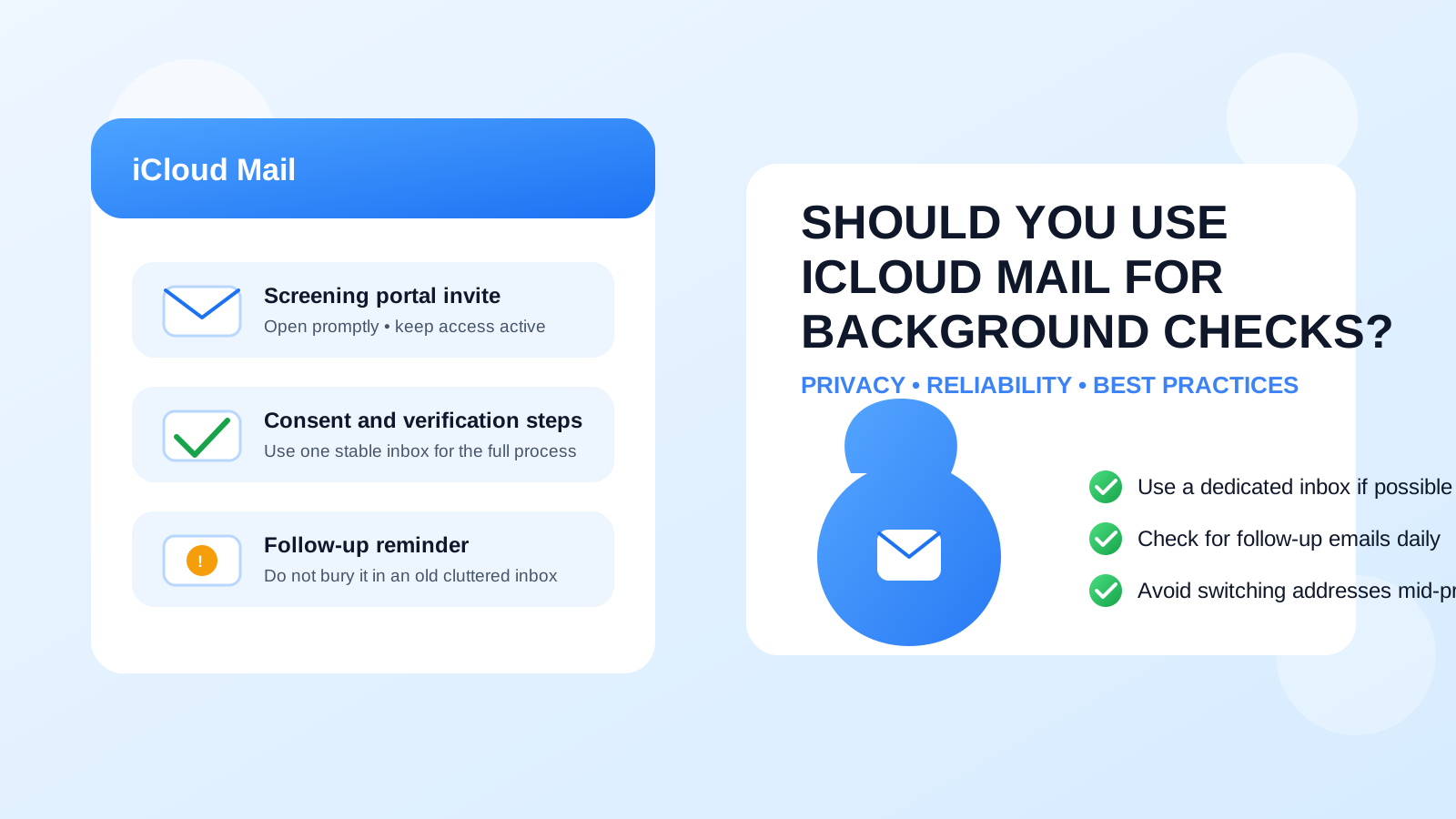
Why people consider iCloud Mail for background checks
It is an understandable question. Many job seekers want to protect their main inbox while still looking professional, and iCloud Mail feels more stable and polished than a temporary email address. If you already use Apple devices, you may also trust its notifications, search, and built-in mail tools more than a random secondary service you barely open.
That makes iCloud Mail a realistic option for hiring workflows, but the real issue is not the brand name alone. The better question is whether the specific inbox you plan to use is organized, monitored, and separate enough from the rest of your personal life to handle a sensitive hiring step cleanly.
Short answer: iCloud Mail can work, but use the right kind of iCloud inbox
If you have a stable iCloud Mail address that you actually check, it can work fine for background checks. Employers and screening vendors mainly need an address that reliably receives messages and stays available for the full process.
Where people get into trouble is using an old neglected iCloud account, an inbox buried under years of personal mail, or a setup they plan to abandon too quickly. Background checks can start with one message and then continue with reminders, clarification requests, or final status updates. You do not want those messages disappearing into an inbox you only remember when your phone happens to buzz.
What background-check email usually includes
Background-check communication is often more involved than people expect. Depending on the employer and vendor, the inbox attached to the process may receive:
- the original invitation from the employer or screening company
- consent forms or disclosure notices
- a link to a screening portal
- requests to confirm names, addresses, or past employment details
- deadline reminders if you have not completed the form
- support replies if something in the workflow needs correction
That is why a stable inbox matters so much. Even if the first message arrives without a problem, the real risk is missing the second or third message when timing starts to matter.
When iCloud Mail is a good choice
iCloud Mail is usually a good fit for background checks when you are using it like a professional communication channel rather than a forgotten personal archive.
You already monitor it every day
If iCloud Mail is already part of your normal routine, that is a real advantage. A familiar inbox reduces the chance that you will miss a screening invite or forget to look for follow-up questions.
You use a dedicated iCloud address for your job search
This is often the best setup. A separate iCloud address for applications, interviews, references, and screening lets you stay organized without exposing your oldest personal inbox everywhere. It also makes it easier to search for hiring-related messages when you need them later.
You want a mainstream provider instead of a throwaway inbox
For a real background check, a normal long-term email address is usually safer than a temporary one. If you like Apple’s ecosystem and you plan to keep the address active, iCloud Mail can meet that need well.
When iCloud Mail is a weaker choice
iCloud Mail is not automatically the best answer just because it is familiar. There are a few situations where it is less ideal.
Your current iCloud inbox is messy and overloaded
If the account is packed with newsletters, receipts, family messages, old mailing lists, and years of account alerts, important screening emails can be easy to miss. A background check is not the stage where you want to gamble on inbox clutter.
You rarely sign in anywhere except one device
If you only ever glance at the inbox on a single phone and never check it on the web or in a full mail client, your process can become fragile. If device settings change, notifications fail, or you need to search older messages fast, a lightly used setup can slow you down.
You are mixing up iCloud Mail with Hide My Email
This matters. A regular iCloud Mail address is one thing. An Apple Hide My Email alias is another. If you are actually asking about a forwarded alias rather than your core iCloud inbox, you need to think about forwarding reliability, alias management, and whether you will keep that alias active for the full screening window. A background check is a bad time to lose track of which address is doing the forwarding.
You plan to switch addresses mid-process
Changing inboxes after the employer or screening vendor has already started can create confusion. It is usually much cleaner to choose the right inbox before the invitation is sent than to change course halfway through.
Privacy risks to think about
Using iCloud Mail for background checks is usually less risky than using a temporary inbox, but it still has privacy trade-offs.
- Your personal inbox may reveal too much history: if this is the same address attached to years of personal accounts, you may prefer more separation.
- Notifications can surface on shared or visible devices: even if no one can access your email, previews on a lock screen can expose screening activity at the wrong moment.
- Long-term reuse makes the address harder to retire: if the inbox later attracts spam or unwanted outreach, you may not want to abandon an address tied to other parts of your life.
None of that means iCloud Mail is unsafe. It just means a dedicated address is usually smarter than your oldest general-purpose one.
Best practices if you use iCloud Mail for background checks
1. Prefer a clean dedicated iCloud inbox
If possible, use an iCloud address that is meant for your job search rather than the one tied to years of shopping, subscriptions, and personal correspondence. Cleaner context means fewer missed messages and less privacy spillover.
2. Turn on notifications, but manage previews carefully
You want to know when a vendor sends a portal link or reminder. At the same time, you may not want full message previews visible on your lock screen. The right balance is prompt notification with sensible privacy settings.
3. Save the employer and screening vendor names
As soon as you know who is running the check, star or flag the messages and add the sender names to your contacts if that helps your workflow. That makes later search much easier.
4. Keep the inbox active until everything is complete
Do not assume the process is over the moment you submit the form. Some checks need clarifications, corrected details, or final confirmations. Keep watching the inbox until the employer confirms the hiring step is done.
5. Watch for scams even during a real hiring process
Background-check stages can make people less skeptical because the job feels more real by then. Still verify who is contacting you, avoid unexpected attachments, and do not share information outside legitimate portals or official company channels just because the message looks urgent.
iCloud Mail vs a temporary email for background checks
This is where the difference really matters. A temporary inbox can be useful early in a job search for low-trust signups, gated downloads, or situations where you are trying to avoid spam before you decide whether an opportunity is real. A real background check is different. At that point, you need continuity more than disposability.
That is why tools like Anonibox make the most sense earlier in the funnel, not as the final inbox for sensitive screening steps. If you used a temporary address to test the waters with recruiters or job boards, background checks are usually the moment to move into a stable long-term inbox such as a dedicated iCloud Mail address.
Should you create a separate iCloud Mail address just for hiring?
For many people, yes. A separate iCloud Mail address can be one of the cleanest ways to balance professionalism, privacy, and reliability. It is familiar, mainstream, and easier to maintain than a throwaway inbox, but it still gives you separation from your oldest personal address.
That separation helps with more than privacy. It also makes your hiring workflow easier to manage because applications, interviews, references, offers, and background-check messages can all live in one place. If you later want to reduce exposure, you can retire or repurpose that address without tearing apart your primary personal inbox.
A quick decision checklist
Before using iCloud Mail for a background check, ask yourself:
- Do I check this inbox consistently on more than one device or access method?
- Is this a clean enough inbox that important screening emails will stand out?
- Am I using a stable address I can keep active for the whole process?
- Do I understand whether I am using a real iCloud inbox or a Hide My Email alias?
- Would a dedicated job-search iCloud address serve me better than my oldest personal one?
If the answers are mostly yes, iCloud Mail is probably a solid choice. If the inbox is messy, neglected, or mixed too deeply into your personal life, create a cleaner alternative before the screening starts.
Final answer
iCloud Mail can work well for background checks, but the smartest version of that choice is usually a dedicated, well-monitored iCloud inbox rather than a cluttered long-time personal address. What employers and screening vendors really need is consistency: one address, reliable access, and fast follow-up if anything needs clarification.
If privacy matters to you, keep temporary email for early low-trust job-search activity and switch to a stable inbox before a real screening begins. That way, you get the organizational and privacy benefits of separation without taking unnecessary risks during a high-stakes hiring step.