Yes — you can use iCloud Mail for informational interviews, and for many people it is a perfectly reasonable choice because it is stable, familiar, and easy to check regularly.
It is not always the best choice, though: if you want stricter separation between career networking and your personal life, a dedicated inbox or privacy-first alias can be smarter than using your main iCloud address everywhere.
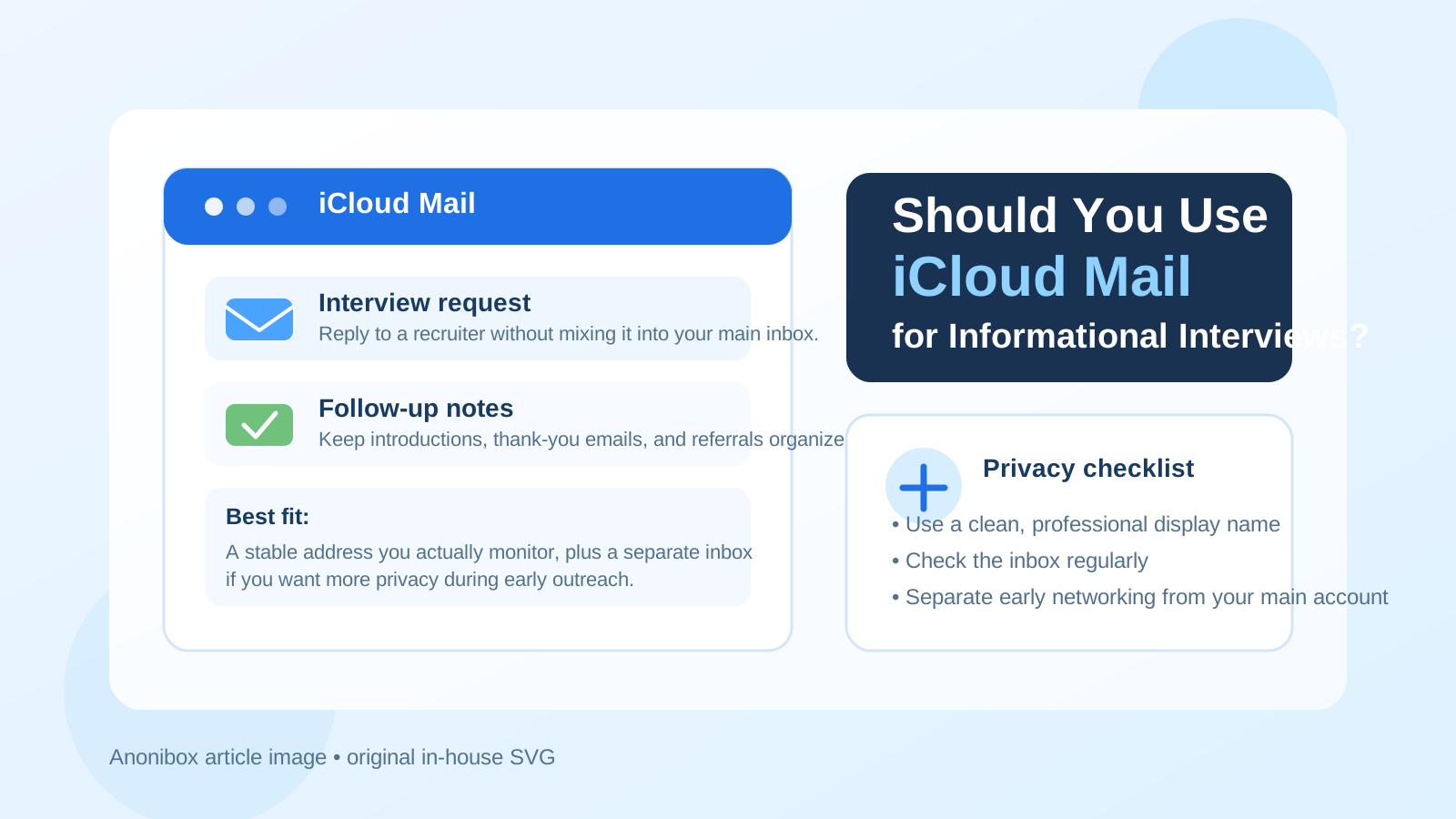
Informational interviews sit in an interesting middle ground. They are more personal than cold job applications, but they are still part of your broader job-search or career-exploration footprint. You may be reaching out to alumni, former colleagues, hiring managers, industry contacts, or professionals you admire. That means your email address needs to do two things at once: feel professional enough to support a real conversation, and protect your privacy well enough that early outreach does not spill into your main inbox forever.
For some people, iCloud Mail handles that balance well. For others, it creates too much overlap with their everyday personal account. The right answer depends less on the brand name and more on how you use it.
Why people consider iCloud Mail for informational interviews
iCloud Mail is a mainstream personal email service, and that matters. It does not look suspicious or unusual, and most recipients will treat it like a normal email address. If you already use Apple devices every day, chances are you check that inbox often and can reply quickly. For informational interviews, responsiveness matters more than having the “perfect” email provider.
People often choose iCloud Mail because:
- they already monitor it consistently,
- it looks cleaner and more personal than a work address,
- it avoids using an employer-controlled inbox for career outreach, and
- it feels more stable than a temporary or highly disposable address.
Those are real advantages. An informational interview request that goes unanswered because you forgot to check a secondary inbox is worse than using a mainstream address that keeps you organized.
When iCloud Mail is a good choice
iCloud Mail is usually a good fit for informational interviews when the conversation is genuine, relationship-driven, and likely to continue over time.
You want a normal, credible personal address
Informational interviews are often about trust. You are asking someone for their time, perspective, and advice. A standard personal email address usually feels more natural than something overly disposable. If your iCloud address looks professional and includes your real name or a clean variation of it, that can work well.
You plan to build on the relationship
Some informational interviews turn into follow-up calls, referrals, introductions, or future opportunities months later. A stable inbox is helpful in those cases. You do not want an important reply buried in an address you used once and forgot about.
You already use iCloud Mail as a primary personal inbox
Convenience matters. If iCloud Mail is already part of your daily routine, you are less likely to miss a reply, overlook a calendar follow-up, or forget to send a thank-you note after the conversation.
When iCloud Mail is not the best option
Even if iCloud Mail is functional, it is not automatically the right privacy choice for every situation.
Your main iCloud inbox is already crowded
If your personal inbox is full of family messages, receipts, newsletters, and account alerts, adding career networking can make it harder to stay organized. Informational interview follow-ups are easy to lose when they are mixed into everything else.
You want a clean boundary between networking and personal life
Many people prefer a separate inbox for job-search activity so that networking outreach, referrals, recruiter emails, and follow-up notes do not live next to their private everyday communication. If that separation matters to you, using your default iCloud address may feel too exposed.
Your current iCloud address looks informal
If your address uses an old nickname, random numbers, or anything that reads more personal than professional, informational interviews are a good reason to reconsider it. You do not need a custom domain to sound credible, but you do want an address that looks intentional.
Privacy questions to think about before using iCloud Mail
The biggest issue is not whether iCloud Mail “works.” It does. The real question is how much of your personal identity you want tied to early-stage career outreach.
Using your main personal address means:
- your networking activity may stay mixed with your personal records,
- future follow-up from contacts may continue long after the original conversation,
- conference signups, contact forms, and mailing lists can collect the same address, and
- you may end up giving the same inbox to people you know well and people you barely know.
That is not necessarily dangerous, but it is a trade-off. If you are doing a lot of exploratory outreach, privacy often improves when you create some distance between your long-term personal inbox and your career-networking inbox.
iCloud Mail vs a separate email for informational interviews
This is where the decision usually becomes clearer. The better comparison is not “iCloud Mail versus no email.” It is iCloud Mail versus a separate address built specifically for networking.
A separate inbox can help you:
- track who you contacted and when,
- keep thank-you notes, scheduling replies, and introductions together,
- reduce the amount of long-term networking traffic landing in your personal inbox, and
- retire or scale back that address later if your search changes.
If you like Apple’s ecosystem, you might still prefer to keep iCloud Mail as your personal inbox and use another address only for outreach. That gives you the best of both worlds: a stable personal account for your life and a cleaner workflow for career conversations.
What about temporary inboxes or aliases?
Temporary inboxes are usually not the best long-term identity for an informational interview itself. These conversations depend on trust and sometimes continue for weeks or months. A truly disposable address can look too short-term if the contact wants to reconnect later.
But temporary or semi-separate inbox tools can still be useful earlier in the process. For example, you might use a separate inbox strategy for event signups, mailing lists, resource downloads, or first-pass outreach experiments, then move promising conversations into a more stable address. That is where a tool like Anonibox can fit naturally: not as a gimmick, but as a way to reduce inbox sprawl while you decide which contacts deserve a more permanent communication channel.
The important thing is continuity. If someone says yes to an informational interview, the address you use should be one you can monitor reliably and reply from without confusion.
Best practices if you use iCloud Mail
1. Make sure the address looks professional
If your current iCloud address is messy, create a cleaner one for professional use instead of sending outreach from something casual or outdated. Your email address does not need to be fancy. It just should not distract from your message.
2. Use a clear display name
Your full name is usually best. Informational interview outreach already asks the recipient to invest attention in a stranger. Do not add friction by making them guess who you are.
3. Keep your outreach organized
Create a folder or label system for outreach, replies, scheduled calls, and thank-you notes. Even a simple structure makes iCloud Mail much more workable for this use case.
4. Respond quickly
Informational interview opportunities can go cold fast. If you use iCloud Mail, check it often enough that a reply does not sit untouched for days.
5. Be selective about where you share it
There is a difference between emailing one professional directly and dropping the same address into every networking form, online group, and mailing list you see. The more broadly you share it, the less private it becomes.
Red flags that mean a different address may be smarter
Sometimes the issue is not iCloud Mail itself but the context around the conversation. Consider using a separate inbox if:
- you are reaching out to a large number of strangers in a short period,
- you are signing up for multiple networking events or communities at once,
- you expect heavy follow-up marketing from career services or event hosts,
- you are unsure how long you want this outreach campaign to continue, or
- you simply do not want your main personal inbox tied to professional exploration.
In those cases, the question is less “Can I use iCloud Mail?” and more “Why use my main personal inbox when a cleaner option exists?”
So, should you use iCloud Mail for informational interviews?
Usually, yes — if your iCloud address is professional-looking, you monitor it consistently, and you are comfortable blending some career networking into a personal account.
If you want tighter privacy, better organization, or a clearer boundary between your personal life and your career outreach, a separate inbox is often the better move. Informational interviews are about relationships, so the address should feel stable and trustworthy. It does not have to be your oldest personal inbox to do that.
The strongest setup for many people is simple: keep one reliable personal inbox you trust, use a separate address when you want more control, and choose whichever option helps you stay reachable without giving away more of your long-term inbox than you need to.