Yes, you can use iCloud Mail for job interviews, and for many candidates it is a perfectly acceptable choice.
It works best when the address looks professional, you monitor it closely, and you understand where Apple ecosystem convenience can still create privacy tradeoffs around Apple ID exposure, forwarding, and long-term inbox stability.
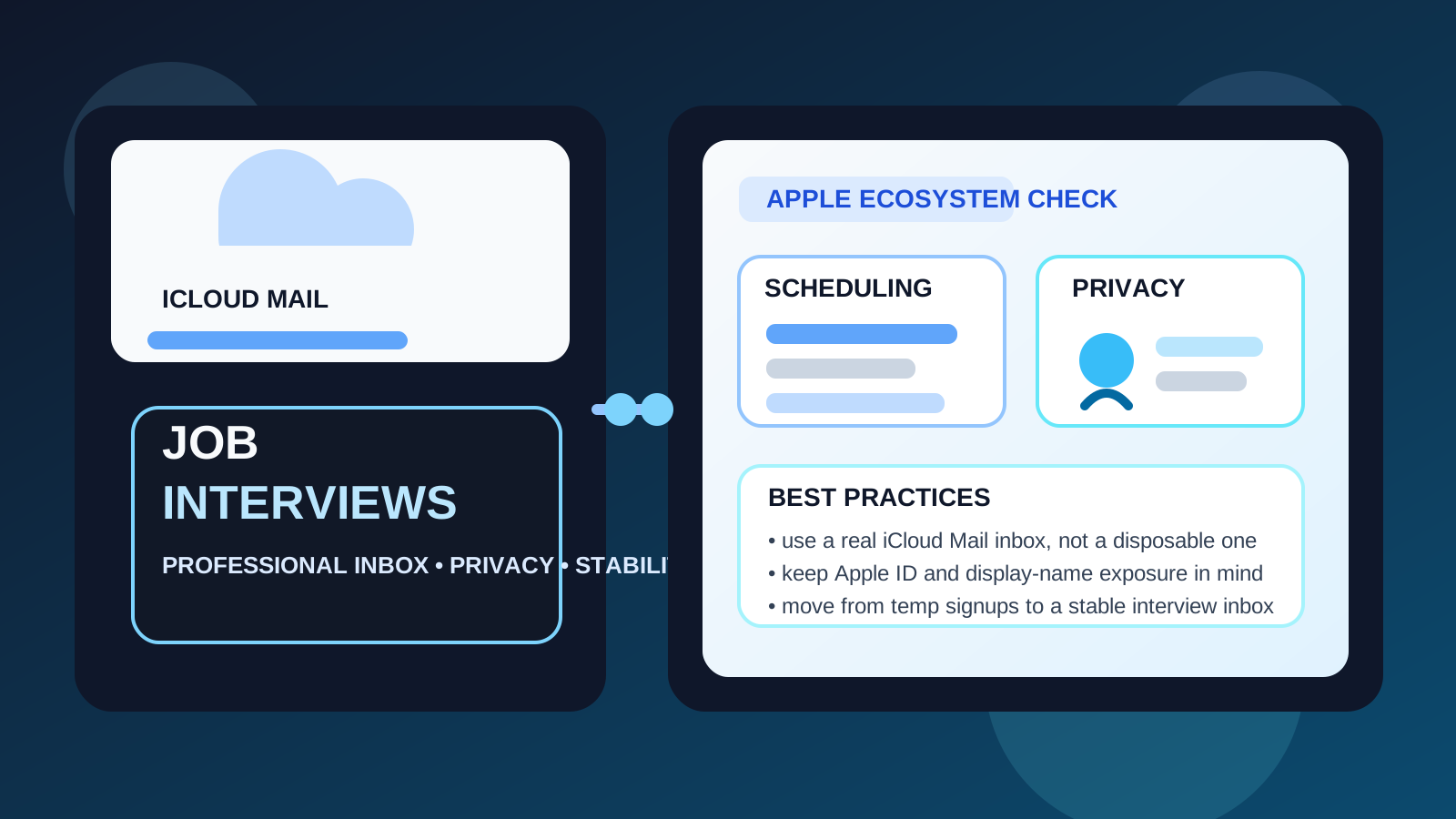
That is the real answer behind searches for should you use icloud mail for job interviews. By the time you reach interviews, your email address is no longer just a contact field on a form. It becomes part of an active workflow that may include calendar invites, interview links, reschedules, take-home tasks, reference coordination, and eventually offer-stage communication. Because of that, the best interview email is not the flashiest or most private-looking one. It is the one that is reliable, professional, and easy for you to control.
iCloud Mail can absolutely do that. It is a mainstream provider, it is familiar enough not to raise eyebrows, and it works well for candidates already living inside Apple devices. Still, interview-stage communication brings a few Apple-specific questions that are worth thinking through: should you use your main iCloud inbox, should you rely on Hide My Email, are you revealing more of your Apple identity than you intend, and is an iCloud address better than a temporary inbox once interviews are real?
Why iCloud Mail is usually acceptable for job interviews
Most recruiters are not deciding whether to interview you based on Gmail versus Outlook versus iCloud Mail. They care about simpler things:
- Does the address look professional?
- Do you reply quickly?
- Will important scheduling messages reach you?
- Can the inbox stay active for the full hiring process?
iCloud Mail usually clears those tests without trouble. It is stable, widely recognized, and attached to an ecosystem that many job seekers use every day. If your address is some clean version of your real name and you already check it regularly on your iPhone, Mac, or iPad, it can be a very practical interview inbox.
What changes once you move from applications to interviews
At the application stage, some people are comfortable being more experimental. They may use a separate inbox, a temporary email tool, or even a forwarding layer to reduce spam from job boards and low-trust signups. That can be sensible. A service like Anonibox fits that early stage well when the goal is to protect your real inbox while testing where opportunities are actually coming from.
Interviews are different. Once a company starts talking to you directly, continuity matters more than pure separation. You may need to keep messages for several weeks, pull up older replies quickly, open attachments, or match an interview invite to the right recruiter. At that point, a stable inbox like iCloud Mail is usually much better than a disposable one.
Where iCloud Mail works especially well
Your address already looks professional
If your iCloud address is simple and name-based, you are already most of the way there. A clean address creates a better impression than almost any provider choice. Recruiters mainly want something ordinary, readable, and dependable.
You already live inside Apple devices
If you naturally check Mail notifications on your phone or Mac, iCloud Mail may be easier for you to monitor than a second service you rarely open. That matters during interviews because response speed often affects scheduling convenience.
You want a stable personal inbox that is not tied to your employer
One big advantage of iCloud Mail is that it is personal but still mainstream. If you are currently employed, that is valuable. A personal iCloud inbox avoids the obvious risk of routing interview traffic through a work-managed address or company device profile.
You prefer a low-friction workflow
Interview logistics can get messy fast. If iCloud Mail is already where you receive calendar notices, attachments, and day-to-day messages, staying with a familiar setup may reduce mistakes.
The real privacy question: iCloud Mail vs your broader Apple identity
The main issue with iCloud Mail is not that employers distrust it. The main issue is that Apple accounts often sit at the center of a much larger personal ecosystem. Your email may connect to your Apple ID, device sync, contacts, calendars, cloud files, and notification habits. None of that makes iCloud Mail unsafe, but it does mean interview activity can blend into a very personal environment.
That is not automatically a problem. Many people are comfortable with it. But if you want strong separation between job-search communications and the rest of your digital life, a dedicated interview inbox may feel cleaner than your long-term everyday iCloud account.
What about Hide My Email?
This is where a lot of people get tripped up. Hide My Email is useful, but it is not exactly the same thing as using iCloud Mail directly.
Hide My Email creates forwarding aliases that send mail to your real inbox. That can be great for low-trust forms, early-stage applications, newsletters, or situations where you want easy cut-off control later. But for interviews, a forwarding-only layer is not always the cleanest setup.
Why? Because once interviews become serious, you want maximum clarity and minimum fragility. If you reply from an alias, switch devices, change forwarding behavior later, or forget which alias was tied to which company, you can add unnecessary confusion. A real iCloud Mail inbox is usually better for ongoing interview coordination than a chain of disposable-looking forwards.
That does not mean Hide My Email is useless. It means it is often better at the front edge of the funnel than in the middle of a live interview process.
iCloud Mail vs temporary email for job interviews
Temporary email and iCloud Mail solve different problems. Temporary inboxes help control exposure. Stable mailboxes help you run a process. If you are signing up for a new job board, testing a gated resume tool, or checking a recruiter marketplace you do not fully trust yet, a temporary inbox can be smart.
But once a legitimate employer is sending interview details, iCloud Mail usually wins. You want a mailbox you can search next week, next month, or the day an offer arrives. You want predictable notifications. You want a real place to store attachments and keep a clean conversation record. Temporary email is useful for filtering noise; it is rarely the ideal home for serious interviews.
When a separate email account may be better than your main iCloud Mail
Even if iCloud Mail itself is fine, your main iCloud Mail account may not always be the best one. A separate interview inbox can be better when:
- your everyday inbox is cluttered with personal receipts, family messages, and years of subscriptions
- you want interview traffic separate from your main Apple identity
- you are interviewing with several companies at once and want cleaner organization
- you do not want recruiters lingering in the inbox you use for everything else
- you are trying to reduce accidental exposure through shared devices or visible notifications
If your current iCloud inbox is already tidy and you trust your own habits, you may not need a separate address. But if things feel mixed together, separation is often worth the effort.
Best practices if you use iCloud Mail for job interviews
Use a professional address and display name
The provider is not the issue. Presentation is. Make sure both your address and the display name attached to it look calm and professional.
Check your junk folder during active interview periods
Scheduling tools, assessment links, and automated follow-ups do not always land where you expect. A quick daily check can save you from missing something important.
Decide whether you are using a direct inbox or a forwarding alias
For real interviews, a direct inbox is often simpler. If you do use a Hide My Email alias, keep track of which company has which alias so replies do not become confusing later.
Review device notifications and lock-screen previews
If you share devices, mirror notifications across screens, or leave previews visible on your lock screen, interview privacy can leak in very ordinary ways. The risk is usually not the mail provider itself. It is how exposed your notifications are.
Keep calendar and email coordination tidy
If interview invites are flowing into Apple Calendar, make sure that helps you rather than creating clutter. Simple naming, reminders, and color-coding can keep parallel interview loops easier to manage.
Do not use a work-managed Apple environment if you can avoid it
Most people think about work Gmail or work Outlook exposure, but the same logic applies more broadly. If interview traffic is showing up on employer-controlled hardware, managed browser sessions, or devices tied to workplace oversight, that is avoidable risk.
When iCloud Mail is probably not the best default
iCloud Mail may not be the best choice if your address looks unprofessional, your main inbox is chaotic, you rely too heavily on forwarding aliases, or you want a very strong wall between your job search and your personal Apple account. In those cases, the better answer is usually not “avoid iCloud forever.” It is “use a cleaner interview setup.”
That could mean a dedicated job-search inbox, a better-named account, or a workflow where temporary email tools protect the top of the funnel and a stable inbox takes over once the process becomes real.
A simple decision framework
- Use iCloud Mail confidently if the address is professional, stable, and already easy for you to monitor.
- Use a separate interview inbox if you want stronger privacy boundaries or a cleaner workflow.
- Use Hide My Email selectively for early-stage shielding, not as your only strategy for a serious interview process.
- Use temporary email earlier in the funnel for low-trust signups, then move to a real inbox once employers are actually scheduling calls.
Final answer
Yes, iCloud Mail is usually a good choice for job interviews. It is mainstream, stable, and unlikely to create recruiter concern if the address looks professional and you stay responsive.
The more important question is whether you should use your everyday iCloud inbox, a cleaner separate account, or a temporary shield earlier in the process. For most people, temporary email works best at the signup stage, while a stable iCloud Mail inbox works better once interviews become real. If you keep that distinction clear, you get both privacy and reliability without turning serious interview communication into something disposable.